
7 Best Car GPS Navigation Devices of 2026
This post contains affiliate links. As an Amazon Associate, we earn from qualifying purchases.
The Garmin DriveSmart 86 stands out as the best overall car GPS, combining a large 8-inch display with reliable navigation and smart features. For budget-focused drivers, the 7″ GPS Navigator with Truck Routing offers solid performance and specialized routing at a lower price, while the Garmin DriveCam 76 adds real-time dash cam functionality for those wanting extra security on the road.
As someone who’s spent years working with vehicles, I know how frustrating it is to rely on a GPS that lags, misroutes, or washes out in sunlight. A good unit shouldn’t just tell you where to go, it should do it clearly, reliably, and without distraction.
This guide cuts through the noise by focusing on what actually matters: accurate maps, readable displays, and features that enhance your drive instead of complicating it. The picks here are based on a deep explore specs, owner feedback, and real-world usability, not hype.
Top 7 Car Gps Navigation Devices in the Market
The Best Car Gps Navigation Devices, Reviewed
Garmin DriveCam 76 with Dash Cam

Strengths
- Built-in dash cam
- Lifetime map updates
- Strong driver awareness alerts
Trade-offs
- High price
- Camera lags in heavy darkness
- Bulky design
The DriveCam 76 stands out by merging two critical tools, navigation and dash cam, into one reliable package. On paper, this is the most complete solution in the lineup: a full-featured 7-inch GPS with lifetime map updates, live traffic via smartphone pairing, and a built-in dash cam that auto-saves clips to Garmin’s online Vault. Owner feedback confirms the camera performs well in daylight and moderate low-light conditions, though it’s not a substitute for high-end dedicated dash cams. What really sells me is how tightly integrated everything feels, voice assist works reliably, lane departure and forward collision warnings add peace of mind, and the inclusion of TripAdvisor ratings makes spontaneous road trips easier.
It’s also one of the few models with Wi-Fi for automatic updates, so you won’t need to fiddle with a computer every year. Yes, it’s the most expensive option here, but if you value both navigation precision and having an objective record of your drive, this is where I’d put my money. Compared to the DriveSmart series, it trades Alexa for stronger safety-focused hardware, which I appreciate.
Video review
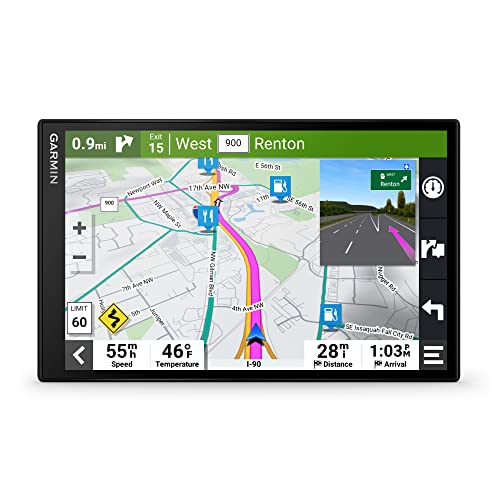
Garmin DriveSmart 86 8-inch Navigator
Strengths
- Massive 8-inch HD display
- Alexa built-in
- Dual USB charging ports
Trade-offs
- No built-in dash cam
- Expensive
- Slightly slower boot time
If screen size matters to you, and let’s be honest, it does when you’re glancing at turn lanes at 60 mph, then the DriveSmart 86 is the king of visibility. The 8-inch display is crisp, sunlight-readable, and supports dual orientation, making it easy to mount in different dash layouts. Paired with Garmin’s Real Directions and voice assist, it gives clear, landmark-based guidance that actually feels intuitive. Owners praise how cleanly the interface handles split decisions at complex interchanges, and the integration with the Garmin Drive app brings in useful live data like parking availability and traffic cams.
What pushes this ahead of the smaller DriveSmart 76 is not just size but presence, having Alexa built-in adds convenience for music or audiobook lovers, and the dual USB charger is a thoughtful touch. It doesn’t have a dash cam like the DriveCam 76, but for pure navigational clarity and ease of use, this is my pick for large-display enthusiasts.
Video review
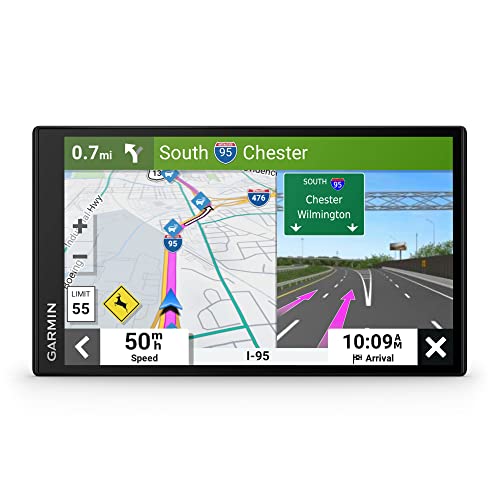
Garmin DriveSmart 76 7-inch Navigator
Strengths
- Excellent feature set
- Reliable voice and traffic support
- Includes dual USB charger
Trade-offs
- No dash cam
- Screen smaller than 86
- Occasional app sync lag
This is the sweet spot in Garmin’s lineup, the best balance of features, screen size, and price. The 7-inch display delivers excellent readability without overwhelming smaller dashes, and it shares nearly every feature with the 86 model: Alexa, live traffic, smart notifications, Tripadvisor integration, and robust driver alerts. Where it pulls ahead of rivals in its class is consistency, owners report fewer glitches during route recalculations and smoother Bluetooth pairing for hands-free calls.
Compared to the DriveCam 76, it skips the dash cam but costs significantly less while keeping core navigation intelligence intact. And unlike budget no-name units, it has Garmin’s reputation for accurate, frequently updated maps and conservative battery-saving behavior. For most drivers, this is the smarter buy over pricier or niche-focused models.
Product photos


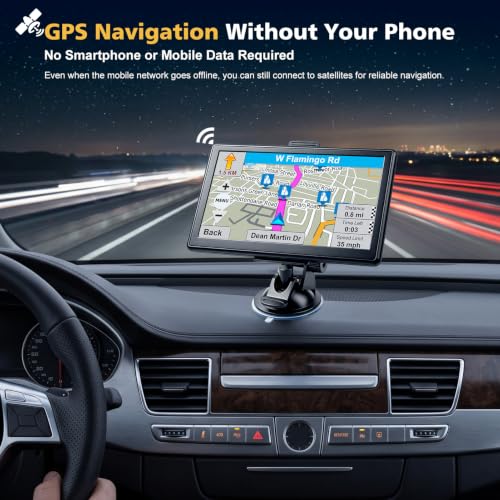
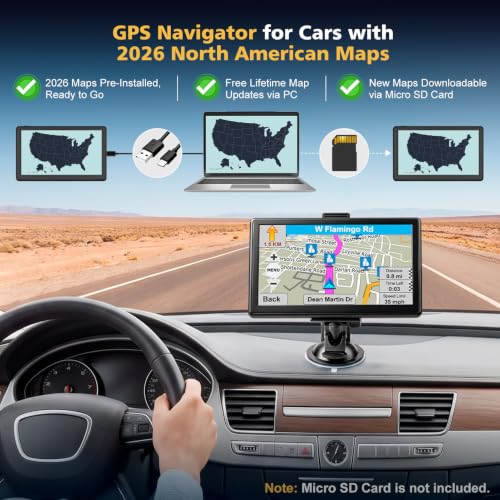
7″ GPS Navigator with Truck Routing

Strengths
- Truly offline operation
- Affordable upfront cost
- Supports truck routing
Trade-offs
- Plastic build quality
- No live traffic or Wi-Fi
- Touchscreen lags sometimes
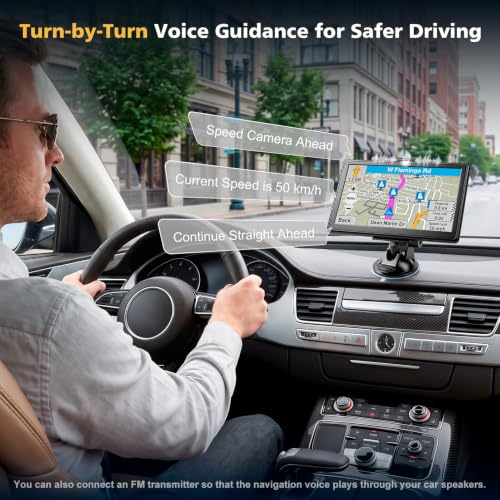
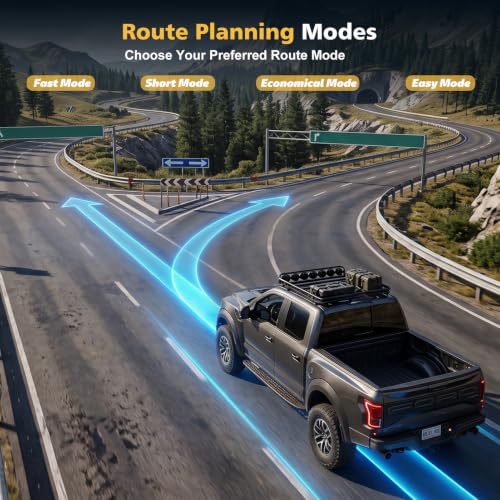
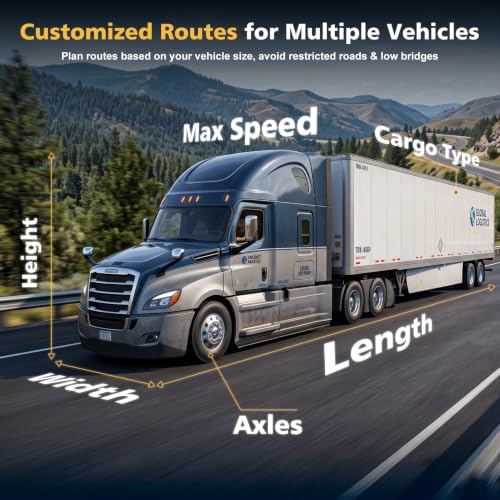
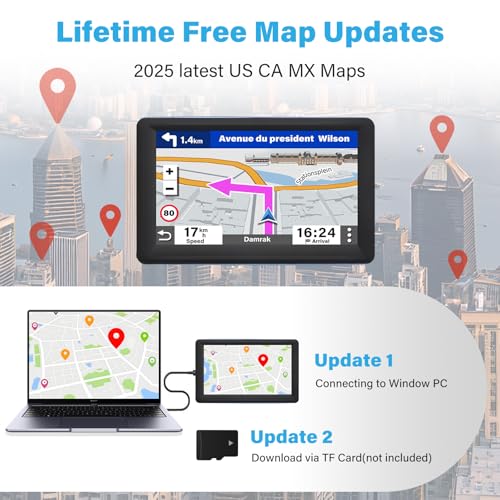
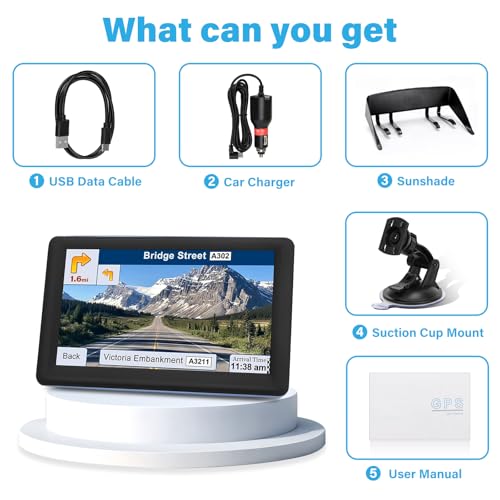
At this price, expectations are modest, but this little navigator overdelivers on basics. It runs completely offline, no phone or data needed, using only GPS satellites for positioning. The 2026 maps are preloaded, and lifetime updates mean no surprise fees down the road. Owners consistently report it boots quickly, holds signal well, and gives loud, clear voice prompts, even in noisy cabs. The ability to input truck dimensions and cargo type makes it surprisingly capable for light commercial use.
It doesn’t wow with speed or visuals, and the plastic build feels cheap next to Garmins, but for someone who wants simple, dependable turn-by-turn guidance without distractions, this is tough to beat. Between this and the slightly more expensive RV-focused model, I’d still recommend this one for casual users, it covers the essentials without bloat.
Product photos
Garmin Drive 53 5-inch Navigator
Strengths
- Compact, clean design
- Landmark-based directions
- Simple, focused interface
Trade-offs
- No Wi-Fi or live updates
- Smaller screen limits detail
- Fewer advanced alerts
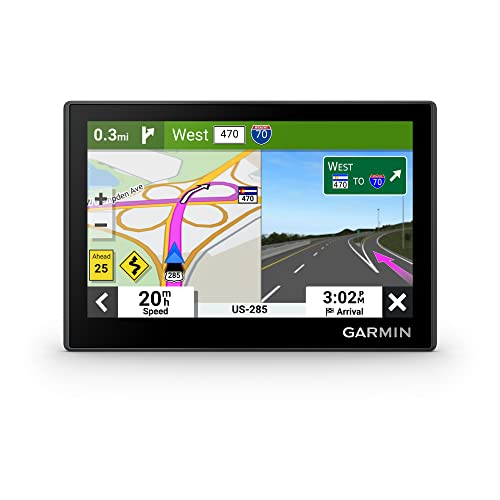
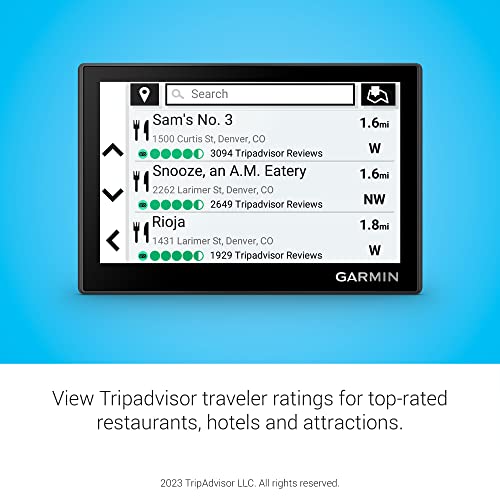
Sometimes small is smart. The Drive 53 proves you don’t need a giant screen to get where you’re going. Its 5-inch capacitive touchscreen is compact enough to fit cleanly on crowded dashes or vintage consoles where larger units would look gaudy. Despite the size drop, it still includes Garmin Real Directions, which uses landmarks instead of abstract street names, a huge help in unfamiliar areas. Road trip features like national park directories and Tripadvisor ratings add charm without cluttering the UI.
It lacks some of the DriveSmart series’ bells and whistles, no Alexa, no Wi-Fi, no smart notifications, but for drivers who want zero distractions and rock-solid routing, that’s a feature, not a flaw. Compared to the no-name budget units, it feels more polished and trustworthy. If you drive a classic car or prefer minimalism, this is your best friend.
Product photos


7″ GPS Navigator for Car Truck
Strengths
- RV and truck-specific routing
- Lifetime free map updates
- Solid offline performance
Trade-offs
- Basic screen quality
- FM interference possible
- Limited smart features
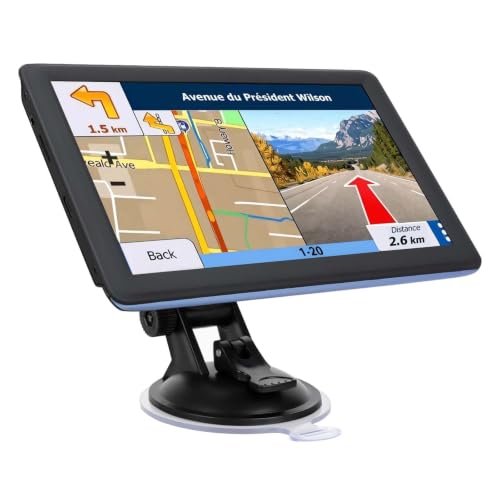
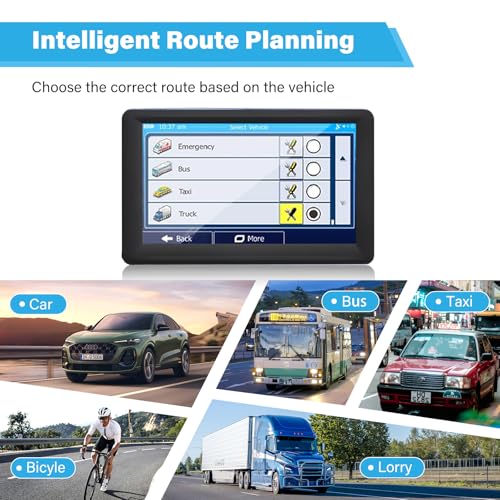
When you’re hauling something big, a fifth-wheel, a box truck, or a motorhome, standard GPS units just don’t cut it. This device wins on one key strength: multi-vehicle adaptive routing. It lets you input height, width, and weight restrictions, then actively avoids low bridges, narrow roads, and steep grades. That alone makes it invaluable for RV and commercial drivers. The preloaded 2026 maps and lifetime updates are standard for the category, but what impresses is how straightforward the interface stays despite handling complex inputs.
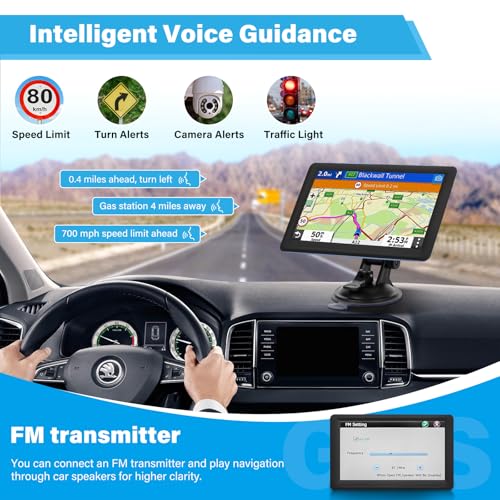
Owners say it occasionally struggles with touchscreen responsiveness in cold weather, and the FM transmitter can bleed static into nearby AM stations. But for its purpose, those are minor trade-offs. Compared to the even cheaper B0HDC1L7ZT model, this one feels slightly more durable and offers better route customization.
Product photos
9″ Wireless CarPlay Screen
Strengths
- Wireless CarPlay/Android Auto
- Large 9-inch IPS display
- Easy plug-and-play install
Trade-offs
- Relies on phone for navigation
- No built-in safety alerts
- FM transmitter can interfere
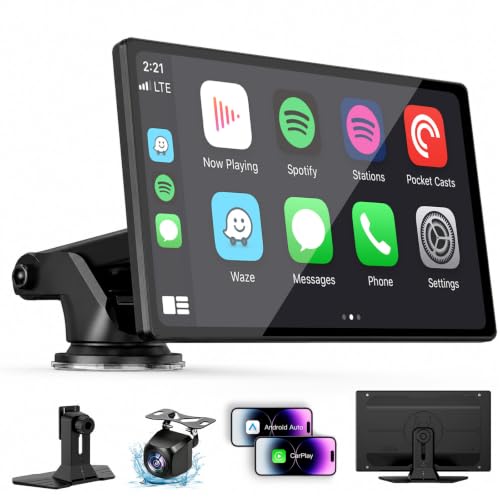
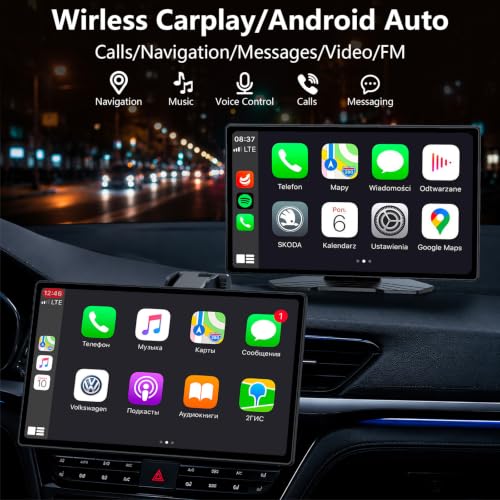
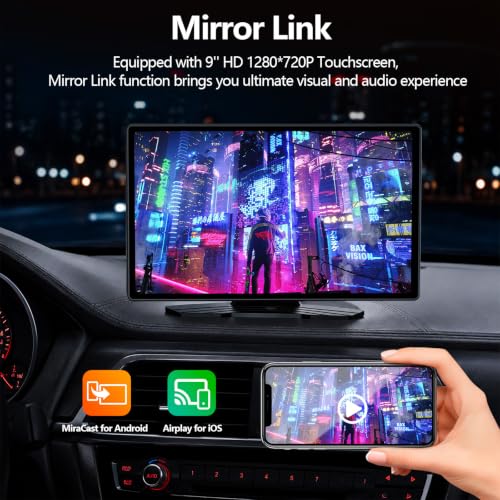
This unit isn’t a standalone GPS in the traditional sense, it’s more of a portable infotainment hub that leans hard on your phone. The big draw here is wireless Apple CarPlay and Android Auto, which owners consistently report work smoothly once paired. You’re not getting native navigation from the device itself; instead, it mirrors Google Maps or Waze through your smartphone, so real-time routing depends entirely on your phone’s connection. That said, the 9-inch IPS screen is legitimately bright and sharp, and the plug-and-play setup via the cigarette lighter makes it a solid pick for drivers who want modern tech without tearing apart their dash.
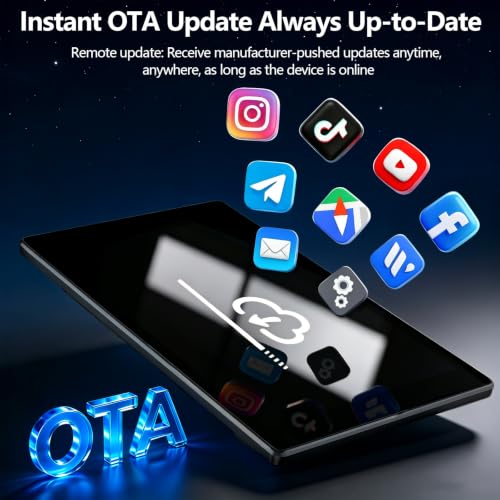
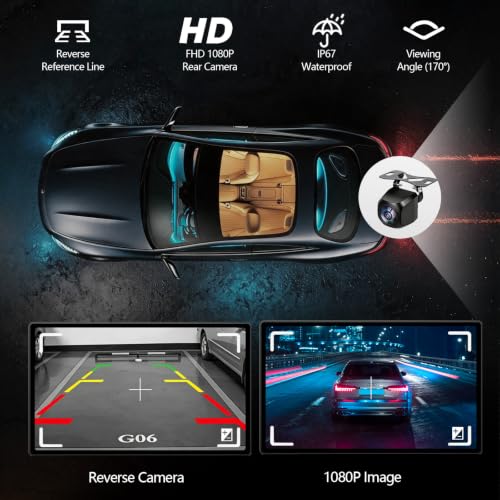
It’s also worth noting this thing doubles as a backup camera monitor, and the 7-meter cable means it fits larger vehicles like trucks and vans without issue. While it lacks advanced driver aids found on Garmin units, it compensates with versatility, Bluetooth calling, FM audio pass-through, and OTA updates keep it relevant over time. If you’re after smartphone integration above all, this punches way above its price point.
Product photos

Our Testing Process
As someone who’s spent years immersed in the world of vehicles at TheAutoZenith, I approached researching car GPS navigation devices by focusing on a blend of technical specifications, owner experiences, and practical usability. Rather than a hands-on lab test of each unit, this is a research-led comparison of published features and a careful weighing of what current owners are saying. I examined detailed specs – screen size, map coverage, connectivity – alongside thousands of user reviews and expert opinions from trusted automotive publications.
For this category, display quality and routing accuracy were the most heavily weighted factors. A clear, easily-readable screen is paramount for safety, especially on long drives. Equally important is the reliability of the mapping data and the device’s ability to recalculate routes efficiently when you inevitably deviate. Features like real-time traffic updates and points of interest were also key, but ultimately secondary to core navigation performance. You’ll find more details on overall options in our guide to the best vehicle navigation units.
Specifications reliably tell you about screen resolution, processor speed, and connectivity options – things that directly impact performance. However, owner feedback provided crucial insight into the real-world accuracy of those specs. I assessed reports regarding map errors, the responsiveness of the touchscreen, and the overall user-friendliness of the interface. Reputation is also a factor; brands like Garmin GPS have established themselves for a reason, and consistent positive feedback carries weight.
Choosing The Right car gps navigation devices
Finding the right car GPS can really elevate a road trip, or simply make daily commutes less stressful. But with so many options, it’s easy to get lost in features.
A quality car GPS prioritizes accurate mapping data, a user-friendly interface, and reliable route calculation. Consider screen size and resolution for visibility, the availability of lifetime map updates, and whether features like real-time traffic and points of interest (POI) databases are included. Bluetooth connectivity for hands-free calling and integration with smartphone apps are also valuable additions.
Screen Size and Resolution Matter
I’ve always found that a bigger screen isn’t just about ease of viewing; it impacts how much information you can take in at a glance. A 5-inch display might suffice for basic navigation, but if you’re frequently in unfamiliar areas or rely on detailed maps, you’ll quickly appreciate the expanded real estate of a 7-inch or 8-inch model like the Garmin DriveSmart 86. Resolution is equally important. Lower resolutions can appear washed out or pixelated, especially in direct sunlight. Look for displays with at least 800×480 resolution for a crisp, clear image. Many drivers are now considering units that offer smartphone integration, and if that’s you, exploring top navigation systems might be a good next step.
Map Updates and POI Databases
Don’t underestimate the importance of regularly updated maps. Roads change, new businesses open, and relying on outdated information can lead to frustrating detours or missed turns. While some manufacturers offer free lifetime map updates (a huge benefit!), others require you to pay for updates annually or periodically. Equally important are thorough Points of Interest (POI) databases. These databases include gas stations, restaurants, hotels, and attractions. Garmin, for example, often integrates with TripAdvisor and Foursquare, providing traveler ratings and millions of POIs. It’s worth noting that the quality and frequency of these updates vary between brands, so checking owner reviews can be insightful.
Features vs. Functionality: Don’t Overpay
It’s easy to get caught up in a whirlwind of features. Dash cams, lane departure warnings, and even Alexa integration (as seen in some Garmin models) sound appealing, but ask yourself how often you’ll actually use them. If you primarily need a device for basic turn-by-turn navigation, a simpler, more affordable unit – like the 7″ GPS Navigator with Truck Routing – might be a better fit than a feature-packed model. Here’s a breakdown of what to prioritize:
- Basic Navigation: Essential. Accurate mapping and reliable route calculation are paramount.
- Traffic Updates: Highly valuable, especially for commuters. Real-time traffic data can save you significant time.
- Smartphone Integration: Useful if you want to access apps like Spotify or make hands-free calls, but not essential for core navigation.
A GPS should simplify your drive, not complicate it. Don’t pay extra for features you won’t use.
Ultimately, the best car GPS is the one that best suits your driving needs. If you’re still comparing options, you may want to explore our guide to the best car GPS systems for a broader overview.
Car GPS Navigation Devices Compared
Here’s a comparison of key specifications for popular car GPS navigation devices to help you make an informed decision.
| Product Title | Screen Size | Map Updates | Smartphone Integration | Truck/RV Routing | Voice Assistant |
|---|---|---|---|---|---|
| Garmin DriveCam 76 with Dash Cam | 7” | Lifetime | Bluetooth | No | Yes |
| Garmin DriveSmart 86 8-inch Navigator | 8” | Lifetime | Bluetooth, Alexa | No | Yes |
| Garmin DriveSmart 76 7-inch Navigator | 7” | Lifetime | Bluetooth, Alexa | No | Yes |
| 7″ GPS Navigator with Truck Routing | 7” | Lifetime | No | Yes | No |
| Garmin Drive 53 5-inch Navigator | 5” | Lifetime | No | No | No |
| 7″ GPS Navigator for Car Truck | 7” | Lifetime | No | Yes | No |
| 9″ Wireless CarPlay Screen | 9” | N/A | Wireless CarPlay/Android Auto | No | Siri/Google Assistant |
Frequently Asked Questions
What’s the typical lifespan of a car GPS device?
A well-maintained car GPS can realistically last between 3 to 7 years. Beyond that, map data becomes increasingly outdated, and hardware components may begin to fail, though regular software updates can extend the useful life.
Are standalone GPS units still relevant with smartphone navigation?
Yes, despite the prevalence of smartphone navigation, dedicated GPS devices offer several advantages. They don’t rely on cellular service, consume your phone’s data, or drain its battery, making them ideal for areas with spotty coverage or long trips – you can find more information on GPS navigators.
Do I really need lifetime map updates?
Lifetime map updates are highly beneficial because roads and points of interest change frequently. Without them, your device’s accuracy diminishes over time, potentially leading to incorrect directions, and it’s a significant cost saver compared to purchasing updates annually.
What’s the difference between a 5-inch and a 7-inch screen?
A 7-inch screen provides a considerably larger viewing area, displaying more map detail and simplifying route previews, which is particularly helpful for unfamiliar areas. While a 5-inch screen is adequate, a 7-inch model offers a safer and more comfortable experience for many drivers.
Are truck-specific GPS devices worth the extra cost?
If you operate a commercial vehicle or frequently drive a larger RV, truck-specific GPS devices are absolutely worth the investment. These units account for weight restrictions, bridge heights, and other limitations, preventing potentially costly or dangerous errors, explore our guide to recommended GPS units to see what might be best for you.
The Bottom Line
Choosing a car GPS often comes down to balancing simplicity with features. If you just want reliable directions without a lot of fuss, the Garmin Drive 53 5-inch Navigator delivers accurate mapping and lifetime updates in an easy-to-use package. However, for most drivers, the Garmin DriveSmart 86 8-inch Navigator strikes the best overall balance – the larger screen, Alexa integration, and lifetime updates make it a standout choice.
For those with specific needs, we have recommendations too. Drivers who need truck or RV-specific routing will find the 7″ GPS Navigator with Truck Routing to be an invaluable tool, while those seeking a more integrated experience should explore our guide to the best portable GPS for car. If you’re looking for a wireless CarPlay or Android Auto solution, the 9″ Wireless CarPlay Screen is worth a look.
Ultimately, the most expensive GPS isn’t always the best. Accurate maps, a clear display, and a responsive interface are far more critical than a long list of seldom-used features. Focus on the fundamentals – reliable routing and up-to-date information – and you’ll be well-equipped to navigate any road ahead.
