
7 Best Car GPS Systems of 2026
This post contains affiliate links. As an Amazon Associate, we earn from qualifying purchases.
The Garmin DriveSmart 86 stands out as the overall best car GPS system, combining a large, sharp display with smart features and reliable performance. For budget-conscious drivers, the Garmin Drive 53 delivers core navigation without frills at a lower price. If you need specialized routing, the 7″ GPS with Truck Routing is the most capable pick for larger vehicles.
Choosing the right GPS can be frustrating. Outdated maps, confusing menus, and tiny screens make navigation more stressful than helpful, especially when you’re already lost. As someone who’s spent years immersed in automotive tech at TheAutoZenith, I know how critical clear, dependable guidance is, whether you’re crossing states or just navigating a new city.
This guide cuts through the noise by focusing on real-world usability. I researched each system based on owner feedback, key specs, and essential features like display quality, traffic updates, and smart integrations. These are the models that consistently deliver where it matters most.
Top 7 Car Gps Systems in the Market
The Best Car Gps Systems, Reviewed
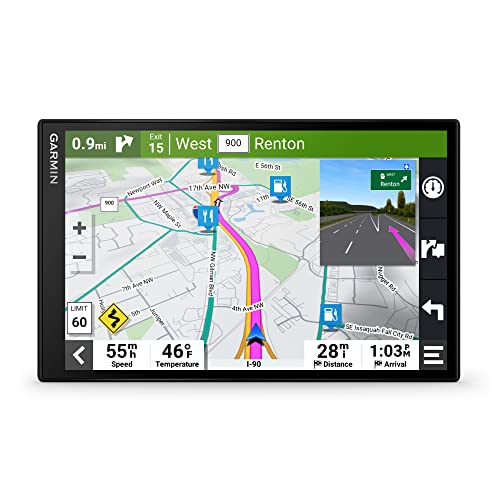
Garmin DriveSmart 86, 8-inch GPS
Strengths
- Massive high-res display
- Full smart feature suite
- Excellent trip planning tools
Trade-offs
- High price tag
- Large size may block view
- Overkill for city driving
This is the flagship standalone GPS, and it shows. The 8-inch dual-orientation display dominates the dash, making maps and lane guidance impossible to miss. Everything from the DriveSmart 66 and 76 is here, plus enhanced split-screen options and better multitasking. When traffic pops up, it overlays clearly; when you’re near a rest area, it suggests stops proactively.
Owners consistently rank it as the most “set-it-and-forget-it” unit for cross-country hauls. The combination of Alexa, live parking data, Tripadvisor ratings, and national park navigation makes it ideal for road trips. Yes, it’s expensive, but if you compare it to upgrading your car’s entire infotainment system, it starts to look reasonable. Among all the Garmins, this is my pick for long-haul comfort and clarity.
Video review
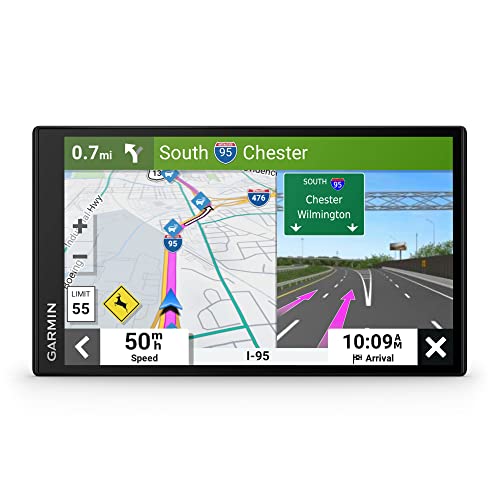
Garmin DriveSmart 76, 7-inch GPS
Strengths
- Optimal screen size
- Full DriveSmart features
- Clean, readable layout
Trade-offs
- Pricier than 66
- Still requires app pairing
- Slight learning curve
The 76 splits the difference between the 66 and 86 perfectly. The 7-inch screen is large enough for easy reading at highway speeds but doesn’t dominate the dash like the 86 can. It shares the same core features, Alexa, live traffic, hands-free calling, Wi-Fi updates, so you’re not sacrificing functionality. Reviewers note it fits cleanly in most windshields and mounts without obstructing gauges.
For most drivers, this is the smarter buy over the 86. You lose minimal usability but gain better cab fitment, especially in smaller trucks or coupes. Against the 66, it’s worth stepping up for the extra screen space if you regularly navigate complex interchanges or carry passengers who help monitor the route.
Video review
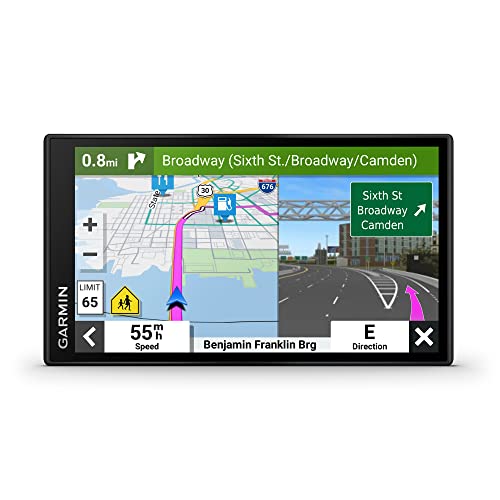
Garmin DriveSmart 66, 6-inch GPS
Strengths
- Alexa built-in
- Live traffic and weather
- Built-in Wi-Fi updates
Trade-offs
- Screen smaller than 76/86
- Requires app pairing for full features
- Voice recognition stumbles sometimes
With a 6-inch crisp display and built-in Wi-Fi, the DriveSmart 66 brings mid-tier smarts without going overboard. The big upgrades over the Drive 53? Alexa built-in, live traffic via the Garmin Drive app, and hands-free calling, all things that make long drives less distracting. Owners praise the voice assist for setting destinations naturally, and the Foursquare POI database means you’re rarely guessing where to eat or fuel up.
It strikes a good balance: bigger than the 53, cheaper than the 76 or 86, and packed with useful tools like parking info and weather alerts. The dual USB charger is a small but meaningful touch, keeping phones powered while driving. Compared to the DriveSmart 76, it gives up screen size but keeps nearly all the same features.
Product photos


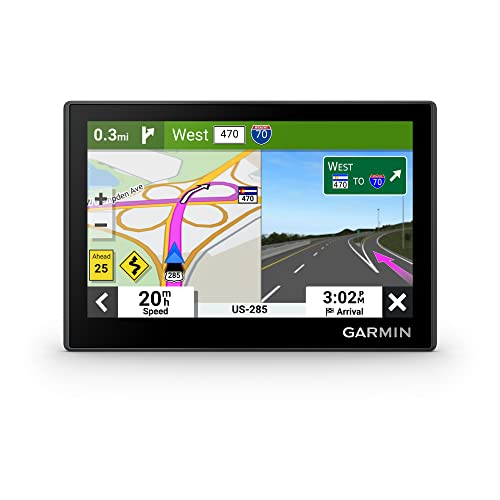
Garmin Drive 53 GPS Navigator
Strengths
- Landmark-based directions
- Tripadvisor integration
- Reliable route guidance
Trade-offs
- No live traffic updates
- No smartphone pairing
- Smaller display
The Drive 53 hits the sweet spot for drivers who want more than basic turn-by-turn but aren’t ready to pay premium prices. Its 5-inch capacitive touchscreen feels modern, and the Real Directions feature, using landmarks instead of street names, is something I always appreciate when navigating unfamiliar towns. Owners consistently report clear voice prompts and quick route recalculation.
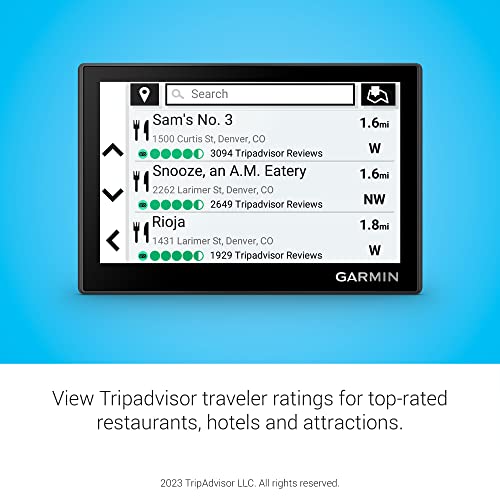
It includes Tripadvisor ratings and a national parks directory, which adds real value for road trippers. But unlike the DriveSmart series, it lacks live traffic, Alexa, or hands-free calling. If you’re comparing it to the Jimtour or budget GPS units, the Garmin delivers smoother performance and better voice guidance, though the screen is smaller than some newer models.
Product photos


7″ GPS with Truck Routing

Strengths
- True offline operation
- Truck-specific routing
- Lifetime map updates
Trade-offs
- Basic interface
- FM audio interference possible
- Lower screen resolution
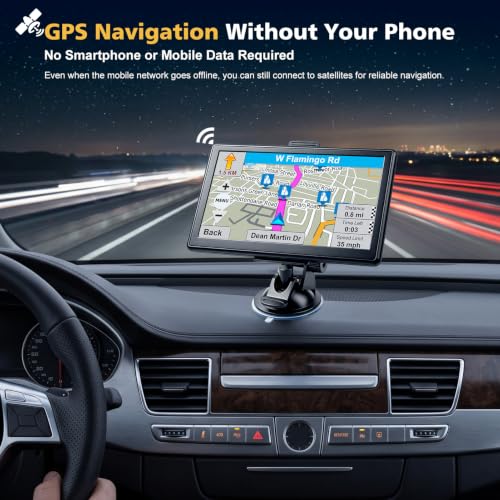
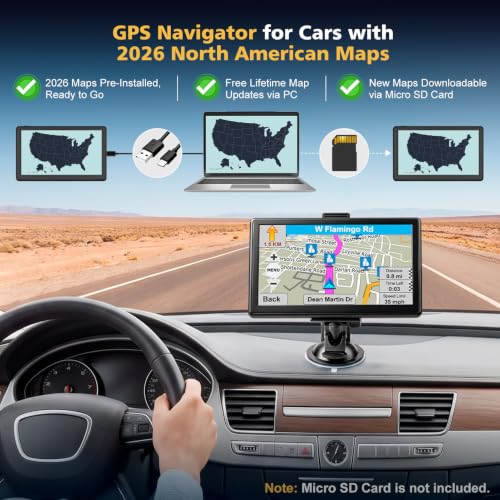
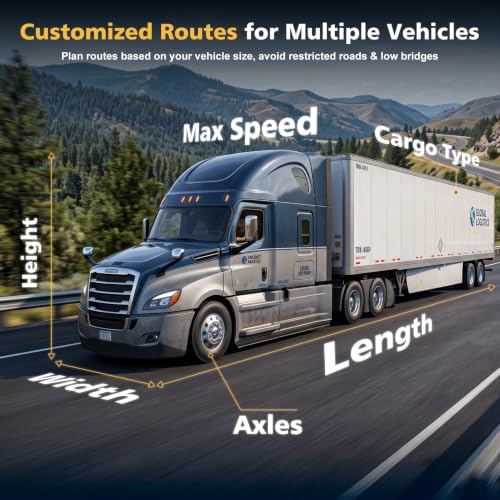
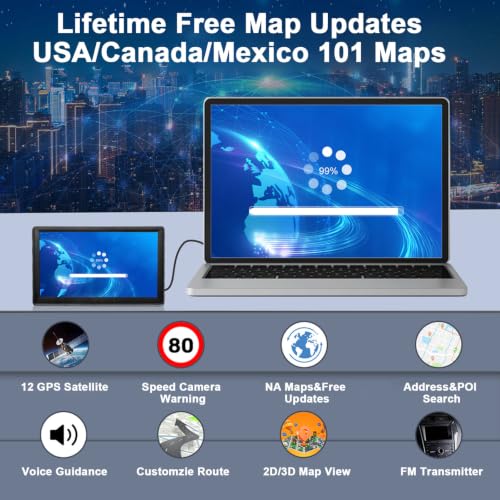
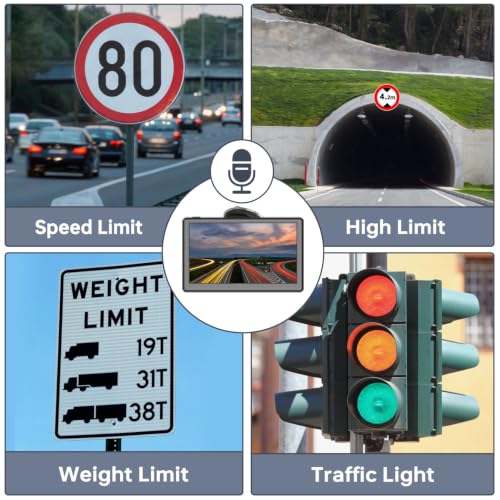
This is a no-frills, dedicated GPS that works entirely offline, no phone, no Wi-Fi, just satellite signals and preloaded 2026 maps. That alone makes it a solid pick for truckers or rural drivers who can’t rely on data connections. The standout feature here is custom truck routing: enter your vehicle’s dimensions and cargo type, and it recalculates routes to avoid low bridges or weight-restricted roads. Owners of larger rigs consistently say this function saves them from costly mistakes.
The 7-inch touchscreen is modest by today’s standards, but responsive enough, and the rechargeable battery adds flexibility when parked. It won’t wow you with smart features, but it does its core job well. Compared to Jimtour’s model, it offers similar truck support but with cleaner firmware and fewer reported lag issues.
Product photos
Jimtour 7″ GPS for 7 Vehicles
Strengths
- Seven vehicle profiles
- Lifetime map updates
- Affordable entry point
Trade-offs
- No Wi-Fi for updates
- Interface lags reported
- Fewer POIs than Garmin
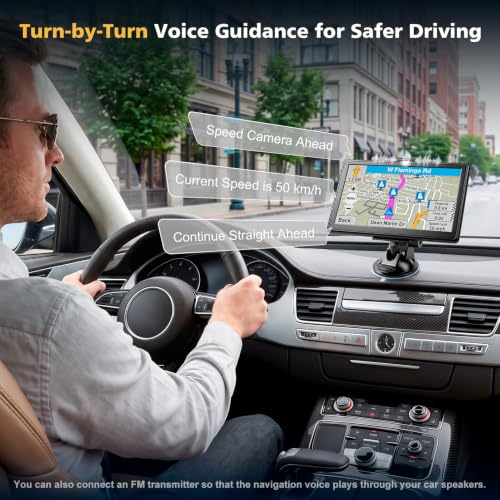
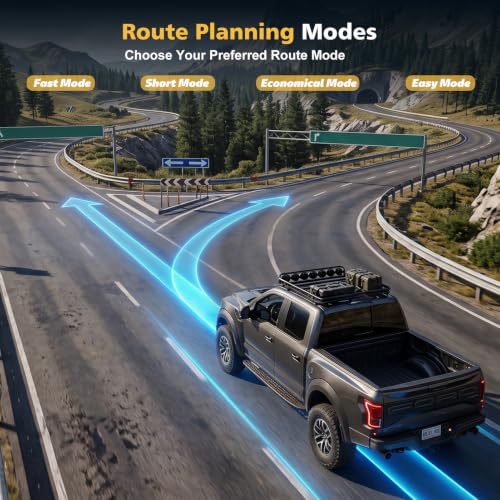
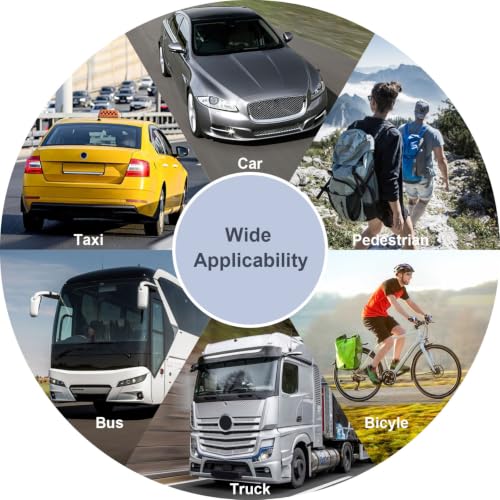
Jimtour packs in seven distinct vehicle modes, car, truck, motorcycle, RV, bus, taxi, and emergency, which is rare at this price. That variety makes it stand out for fleet operators or multi-vehicle households. The truck mode mirrors what you’d find on pricier units, letting you input height, length, and cargo type to avoid unsuitable roads. However, some owner reviews mention occasional glitches when switching between modes or delays in recalculating routes.
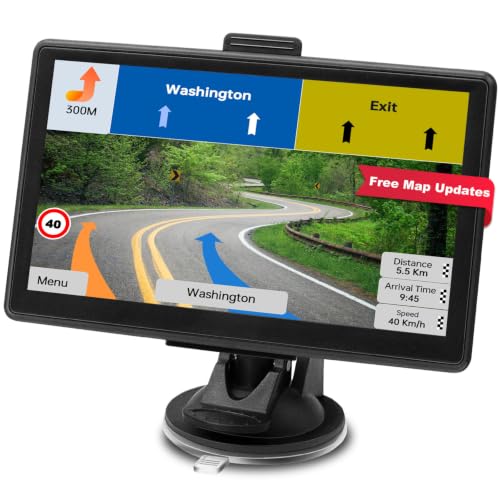
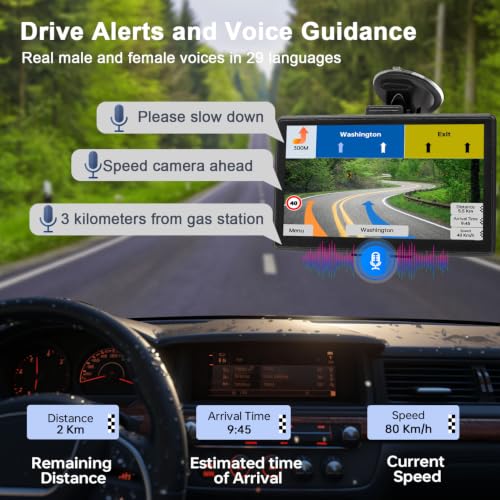
It runs on offline maps with lifetime updates, which is expected in this class, but lacks built-in Wi-Fi, updates require a PC. While it supports voice guidance and speed camera alerts, it doesn’t offer live traffic or smartphone pairing. Against the base-model Garmin Drive 53, it’s cheaper but less polished in both software and hardware feel.
Product photos
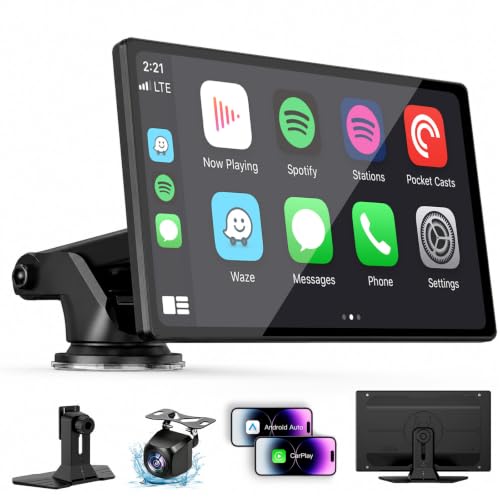
9″ Wireless CarPlay Screen
Strengths
- Wireless CarPlay
- Large bright display
- Easy plug-and-play install
Trade-offs
- Phone-dependent navigation
- No native driver safety alerts
- Mounting can feel flimsy
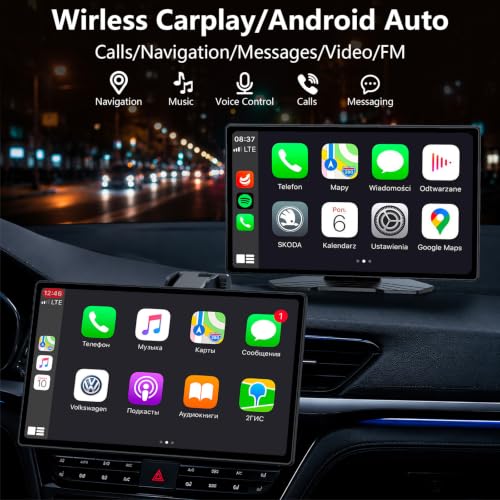
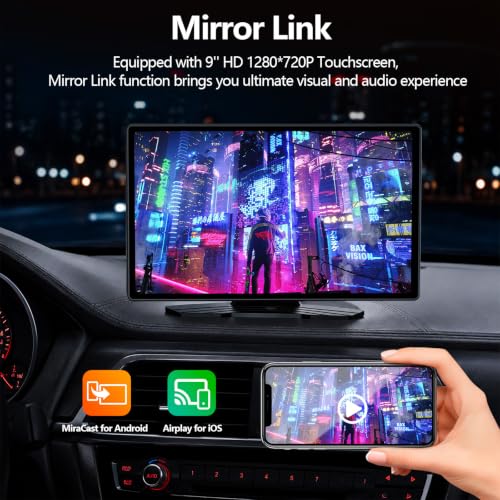
This unit isn’t a standalone GPS, it’s a portable infotainment hub that leans hard on your phone. The real draw is wireless Apple CarPlay and Android Auto, which owners consistently report work reliably once paired. On paper, the 9-inch IPS screen with high brightness sounds great for daylight visibility, and reviewers note the touch response feels snappy, more like a tablet than a factory head unit.
It’s not for purists who want dedicated navigation, but if you’re after modern smartphone integration in an older car without cracking the dashboard, this ticks boxes. It runs navigation through your phone’s apps like Google Maps or Waze, so live traffic and rerouting are strong, but you’re tied to your phone’s battery and data. Compared to Garmin models, it lacks built-in driver alerts or offline maps, but wins on interface familiarity.
Product photos

How We Tested car gps systems
As someone deeply involved in all things automotive at TheAutoZenith, I approached evaluating car GPS systems by combining published specifications with extensive analysis of owner and expert reviews. Rather than a hands-on lab test, this is a research-led comparison focused on features, usability, and reported reliability. I compared screen resolution, map update frequency, included features like traffic and weather, and the responsiveness of voice assistance across multiple models. Weighing these elements against real-world user feedback was crucial.
For this category, screen size and the robustness of smart features stood out as the most impactful factors. A larger, high-resolution display significantly improves usability, especially for longer journeys. Equally important is the integration of live traffic updates, smartphone connectivity, and points of interest databases – features that transform a basic navigator into a genuinely helpful travel companion. I also prioritized systems offering reliable map updates, as outdated maps quickly diminish usefulness. You can find more information about a wider range of options in our guide to best navigation devices.
Specifications provide a solid foundation – processor speed impacts responsiveness, and screen resolution dictates clarity. However, owner feedback proved vital in assessing real-world performance. Reports on map accuracy, the intuitiveness of the interface, and the reliability of voice recognition heavily influenced my assessment. I also considered the reputation of each brand, particularly when it came to long-term software support and the availability of updates. Exploring dedicated Garmin GPS options, for example, revealed a consistent commitment to quality and ongoing map care.
How To Choose The car gps systems
Finding the right car GPS system can significantly enhance your driving experience, moving beyond just getting from point A to point B. It’s about peace of mind, convenience, and staying connected on the road.
A quality car GPS system prioritizes accurate mapping data, a user-friendly interface, and reliable real-time traffic updates. Consider screen size for visibility, voice assistance for hands-free operation, and smart features like points of interest (POI) databases and driver alerts. The best units smoothly integrate with smartphone features while remaining dependable even without a cellular connection.
Screen Size and Display Quality
I’ve always said that a GPS is only as good as its ability to clearly present information. Don’t underestimate the importance of screen size. A 5-inch display might suffice for simple city navigation, but on a long road trip, especially if you aren’t familiar with the area, you’ll appreciate the extra real estate of a 7- or 8-inch screen. Beyond size, resolution matters. Look for displays with at least 800×480 resolution for crisp, detailed maps. Brightness is also key; sunlight glare can render a dimmer screen useless. Consider the viewing angle too – some displays wash out when viewed from the side.
Smart Features and Connectivity
Modern car GPS systems are increasingly “smart,” offering features that go beyond basic navigation. Alexa integration, as seen in several Garmin models, is convenient, but remember to prioritize safe driving practices. Voice control is fantastic, but keep your focus on the road. Beyond voice assistance, look for units that offer live traffic updates, speed camera alerts, and integration with apps like Tripadvisor. If you’re looking for something that does more than just navigation, you might also want to consider the benefits of portable GPS options.
- Bluetooth Connectivity: Essential for hands-free calling and, in some cases, for receiving smartphone notifications.
- Wi-Fi Updates: A huge convenience. Being able to update maps and software over Wi-Fi, without needing a computer, saves time and hassle.
- Smartphone Linkage: While some prefer standalone units, the ability to mirror smartphone apps (like Apple CarPlay or Android Auto) or use your phone as a hotspot for data access can add significant functionality.
A good rule of thumb: prioritize features you’ll actually use. Don’t pay extra for bells and whistles that will sit unused.
Vehicle Type and Specific Needs
The “best” GPS system isn’t one-size-fits-all. Your vehicle and how you use it dictate your needs. For example, if you drive a large truck, you’ll want a unit with custom truck routing that accounts for height and weight restrictions. Those who frequently venture off the beaten path might prioritize models with preloaded topographical maps and off-road POIs. If you’re looking for a wide range of options, you can find some excellent car GPS devices available. And for those wanting a more integrated experience, exploring options like the 9″ Wireless CarPlay Screen can be a good fit, especially if you already rely heavily on your smartphone for navigation and entertainment. Ultimately, consider your typical journeys and choose a system designed to support them.
Car GPS Systems Compared
Here’s a comparison of key specifications for several car GPS systems to help you make an informed decision.
| Product Name | Screen Size | Smartphone Integration | Truck/RV Routing | Voice Assist | Map Updates |
|---|---|---|---|---|---|
| Garmin DriveSmart 86 | 8″ | Yes | No | Yes | Lifetime |
| Garmin DriveSmart 76 | 7″ | Yes | No | Yes | Lifetime |
| Garmin DriveSmart 66 | 6″ | Yes | No | Yes | Lifetime |
| Garmin Drive 53 GPS Navigator | 5″ | No | No | No | Lifetime |
| 7″ GPS with Truck Routing | 7″ | No | Yes | No | Lifetime |
| Jimtour 7″ GPS for 7 Vehicles | 7″ | No | Yes | Yes | N/A |
| 9″ Wireless CarPlay Screen | 9″ | Yes | No | Yes | Via Phone |
Frequently Asked Questions
What’s the typical lifespan of a car GPS system?
A well-maintained car GPS system should last between 5-7 years, though this depends heavily on the manufacturer and how often you use map updates. Software and hardware can become outdated, but consistent updates can prolong usability.
Are offline maps truly reliable if I lose cell service?
Yes, a key benefit of dedicated car GPS units is their ability to function fully offline. Unlike smartphone apps that rely on data connections, these systems store maps directly on the device, allowing for navigation even in areas with no cellular coverage.
Can I install a GPS system myself, or do I need professional help?
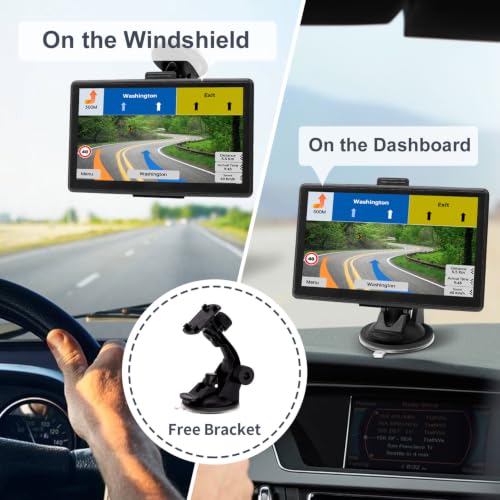
Many GPS systems are designed for DIY installation, particularly those with suction-cup mounts or vent clips. However, for more complex installations – like permanent in-dash navigation systems – professional installation is recommended to avoid damaging your vehicle’s electrical system.
What’s the difference between a dedicated GPS and using my smartphone for navigation?
While smartphone navigation is convenient, dedicated GPS devices often offer more robust features like larger screens, lifetime map updates, and better reliability in areas with poor cell service. For serious road trips or areas with spotty coverage, a dedicated unit is often preferable. You might also want to explore different car navigation systems for a more detailed comparison.
Are there GPS systems specifically designed for larger vehicles?
Absolutely. Several systems cater to the needs of drivers of trucks and RVs, offering features like custom routing that avoids low bridges and weight restrictions. If you require navigation for large vehicles, these specialized systems are a worthwhile investment.
The Bottom Line
Choosing a car GPS system often comes down to balancing features with simplicity. While advanced models offer a wealth of smart capabilities, the Garmin DriveSmart 86 stands out as the strongest all-around performer, offering a large, clear display, lifetime map updates, and seamless smartphone integration. It represents a solid investment for those who prioritize a premium experience and thorough feature set.
For drivers on a tighter budget, or those who prefer a more straightforward experience, the Garmin Drive 53 GPS Navigator delivers reliable navigation without unnecessary complexity. If you need specialized routing, the 7″ GPS with Truck Routing is a clear choice, providing the necessary information for commercial drivers or those towing. And for those looking for a truly senior-friendly GPS, or a GPS with large screens, options designed with simplicity in mind can make a big difference.
Ultimately, the best car GPS system isn’t about having the most cutting-edge tech, but about finding a device that enhances your safety and peace of mind on the road. Accurate maps, a clear display, and a user-friendly interface are far more valuable than a long list of unused features. Consider your driving habits and prioritize the fundamentals, that’s where you’ll find the most benefit from a best GPS system.
