
9 Best Car Navigation Systems of 2026
This post contains affiliate links. As an Amazon Associate, we earn from qualifying purchases.
The Garmin DriveSmart 86 Navigator stands out as the best overall car navigation system, combining a large 8-inch display with reliable performance and lifetime map updates. For budget-conscious drivers, the Jimtour 7″ GPS Navigator offers solid value with truck routing and a clear screen. If you’re already deep in the smartphone ecosystem, the 9″ Wireless CarPlay & Android Auto unit bridges your phone smoothly with your dashboard.
At TheAutoZenith, I know how frustrating it is to rely on a flimsy mount or spotty voice guidance while navigating unfamiliar roads. A dedicated navigation system should work when you need it, not force you to pull over and recalibrate.
This guide cuts through the clutter by focusing on real-world usability, based on specs, owner experiences, and what actually matters behind the wheel. I looked at display quality, map reliability, smart features, and how well each unit supports different driving needs, from daily commutes to cross-country hauls.
Top 8 Car Navigation Systems in the Market
The Best Car Navigation Systems, Reviewed
Garmin DriveSmart 86 Navigator
Strengths
- Large 8-inch display
- Thorough driver alerts
- Dual USB charging
Trade-offs
- Bulky for small dashboards
- Higher price point
- Same reliance on phone for live features
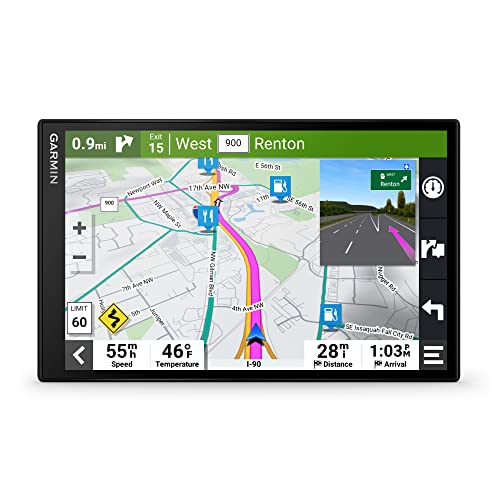
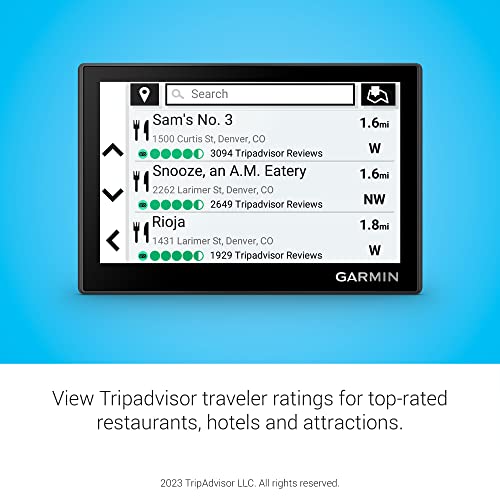
If you’re going to buy one standalone GPS, this should be it. The 8-inch dual-orientation display is a standout, wider view for maps, better visibility in sunlight, and crisp enough to read street names from a distance. Everything the DriveSmart 66 offers is here, but amplified: bigger screen, same smart notifications, live traffic, Tripadvisor ratings, and Alexa built-in. The dual USB charger is a thoughtful touch, letting you power the unit and charge a phone simultaneously.
Owners praise its reliability on long hauls, especially the predictive driver alerts and real-time parking data. While smartphones dominate navigation, this unit outshines them in focus and ease, no battery anxiety, no signal drops. I’d choose this over any phone-based system for serious road trippers.
Video review
Garmin DriveSmart 66 Navigator
Strengths
- Live traffic and weather
- Built-in Wi-Fi updates
- Alexa and voice assist
Trade-offs
- Requires smartphone pairing for full features
- No physical buttons for quick access
- Screen glare in direct sun
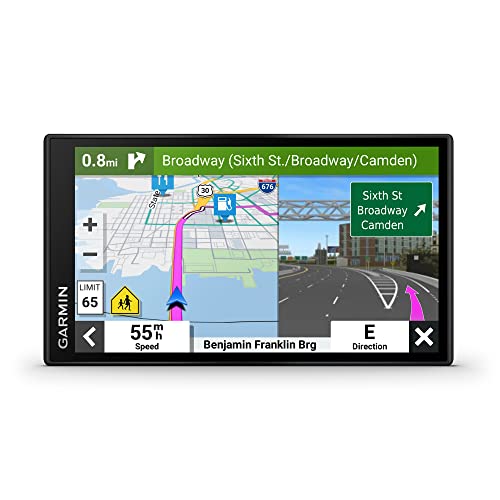
The DriveSmart 66 hits a sweet spot between features and price in the standalone GPS world. With a sharp 6-inch display, built-in Wi-Fi for updates, and access to live data like traffic, weather, and parking via the Garmin Drive app, it feels more connected than most dedicated navigators at this tier. The voice assist works well, and Alexa integration gives it an edge for hands-free control without touching your phone.
What really sets it apart from budget models is the depth of driver awareness tools, school zone alerts, curve warnings, and Tripadvisor POIs make road trips less taxing. It’s not as large as the 86 model, but for most drivers, the 6-inch size is easier to glance at without distraction. My pick over the 86 if you don’t need the bigger screen.
Video review
Garmin Drive 53 GPS Navigator
Strengths
- Compact and unobtrusive
- Crisp touchscreen
- Simple, focused interface
Trade-offs
- No Alexa or live smart features
- Smaller map view
- Fewer trip-planning extras
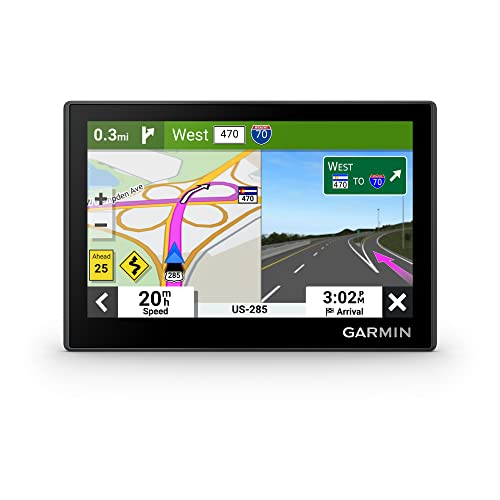
Sometimes smaller is smarter. The Drive 53 proves you don’t need a giant screen to get excellent navigation. Its 5-inch capacitive touchscreen is bright and responsive, and the interface remains clean and intuitive, exactly what Garmin does best. It lacks Alexa and some of the flashier live features of the DriveSmart line, but it nails the essentials: clear turn-by-turn directions, landmark-based guidance, and solid driver alerts for curves, school zones, and speed changes.
It’s also one of the most compact Garmins that still fits comfortably on a windshield without blocking vision. For older vehicles where aesthetics matter or for drivers who hate clutter, this is the minimalist’s choice. I’d take this over bulkier models in a classic car or compact sedan.
Product photos


Jimtour 7″ GPS Navigator
Strengths
- Affordable with truck mode
- Lifetime map updates
- Solid alert system
Trade-offs
- No live updates or Wi-Fi
- Interface lags occasionally
- Audio prompts can be abrupt
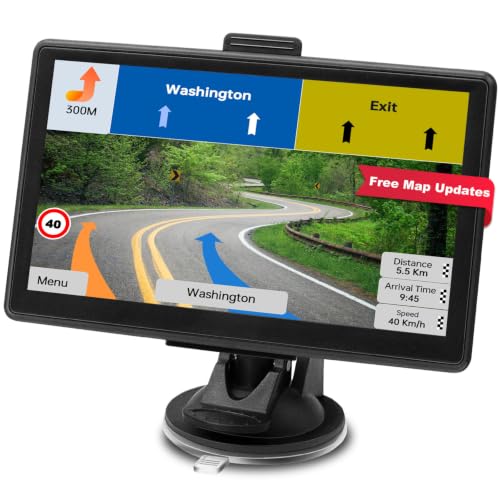
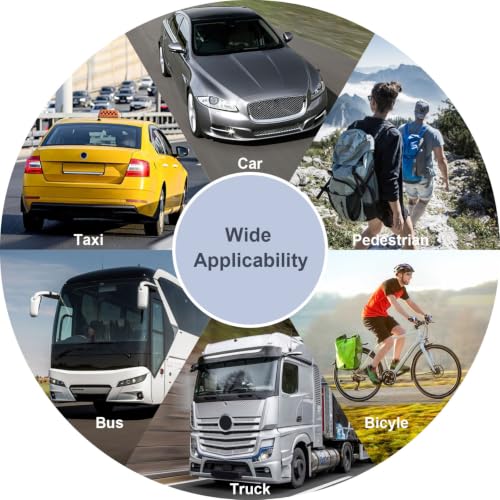
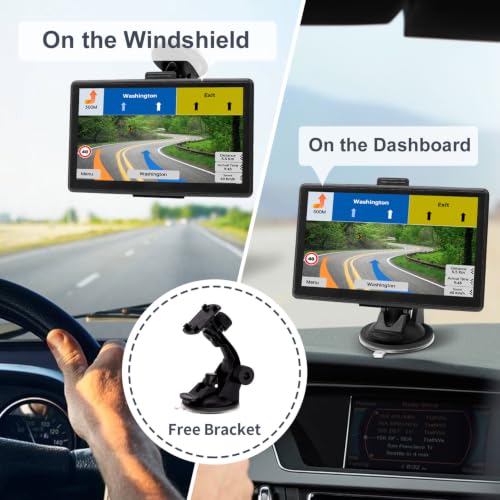
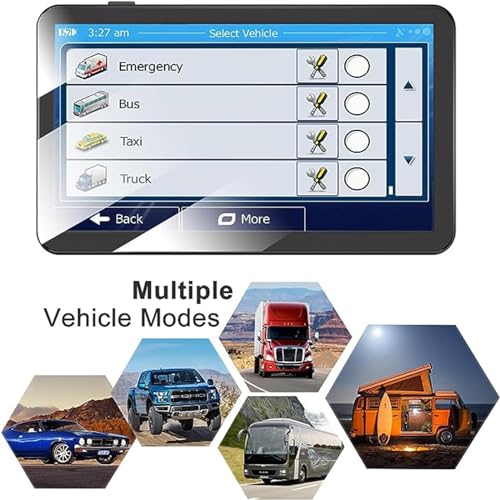
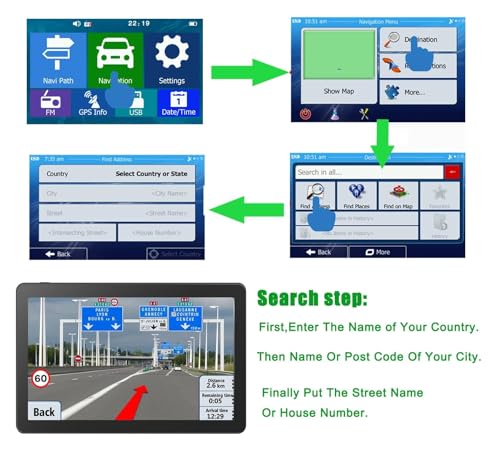
Jimtour isn’t a name you hear often, but this 7-inch unit punches above its weight for under $55. It covers the basics well: lifetime 2026 maps, voice-guided turns, speed and red-light camera alerts, and, importantly, truck mode with full dimension input. The seven vehicle profiles (including emergency and taxi) add niche utility, and owners report it handles route recalculations smoothly when detours happen.
It doesn’t have Wi-Fi or live traffic, and the screen isn’t as bright as Garmin’s, but for a no-name brand, the build and software feel stable. If you need truck routing on a budget and don’t care about bells and whistles, this is a smart alternative to spending triple.
Product photos
7″ HD Touchscreen GPS Navigator

Strengths
- Fully offline operation
- Custom truck/RV routing
- Long-term map updates
Trade-offs
- No live data or smart features
- Basic interface
- Battery life limited
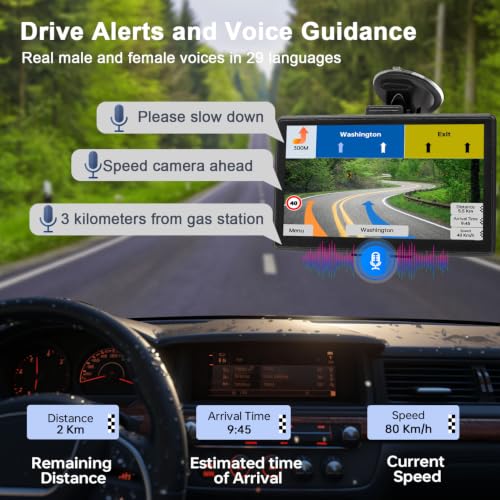
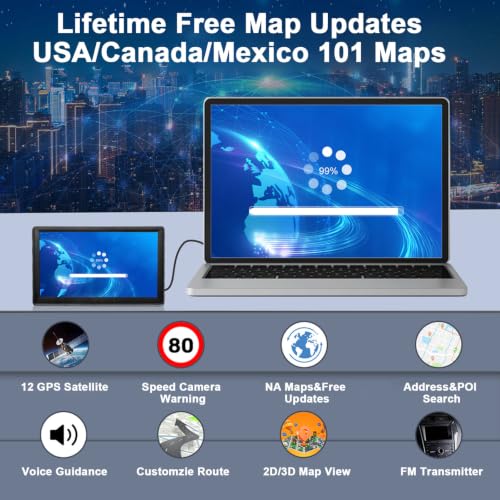
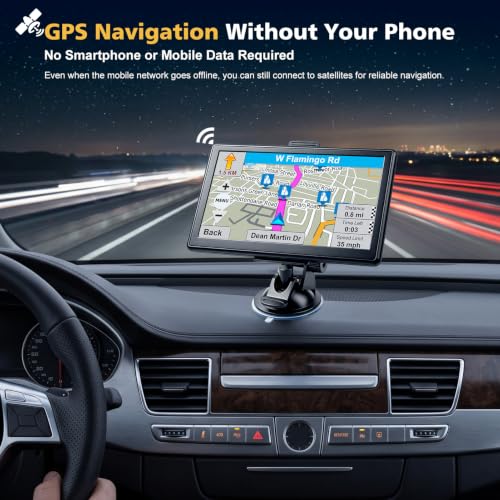
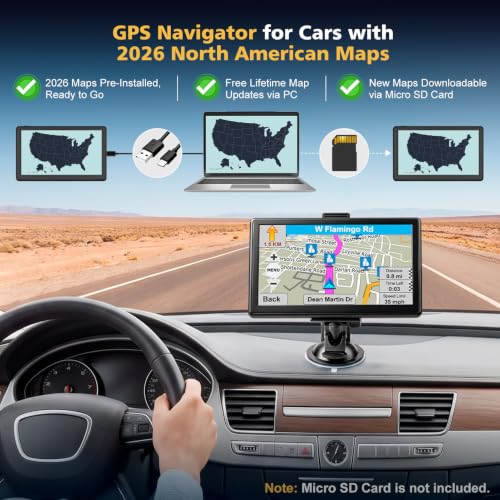
This navigator wins on one key strength: true offline independence. No phone, no Wi-Fi, no strings attached, just GPS satellite navigation that works in remote areas where cell service drops out. The preloaded 2026 maps are ready to go, and lifetime updates mean no surprise fees down the road. The 7-inch touchscreen is responsive, and the battery allows short use away from the car, which is handy during stops or route planning.
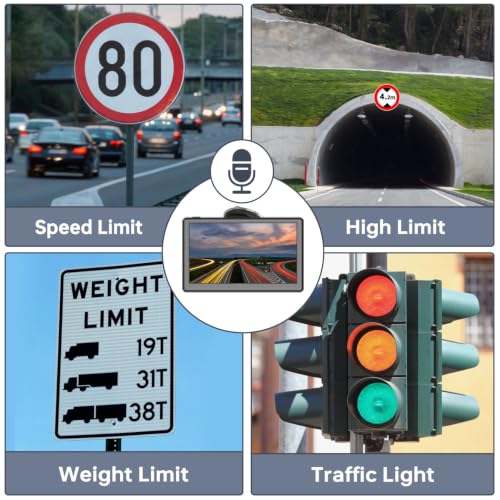
Truck and RV drivers will appreciate the detailed vehicle profile inputs, and the multilingual voice guidance is accurate. While it lacks live traffic or Alexa, that’s by design, this is for people who want reliability without digital noise. Among budget units, this is the most trustworthy for backcountry or cross-country runs.
Product photos
9″ GPS Navigator for Truck

Strengths
- Truck-specific routing
- Large 9-inch screen
- Lifetime free map updates
Trade-offs
- Clunky UI design
- Voice alerts can be delayed
- Mounting hardware less durable
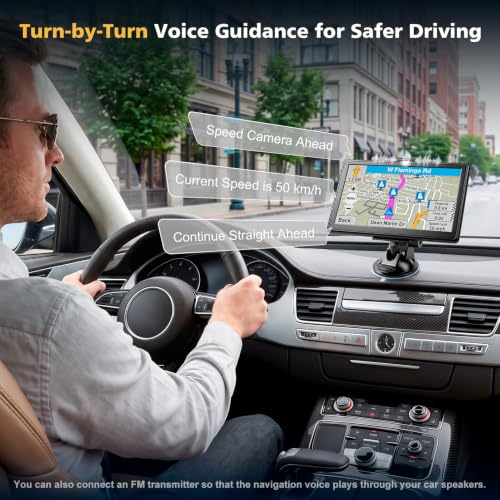
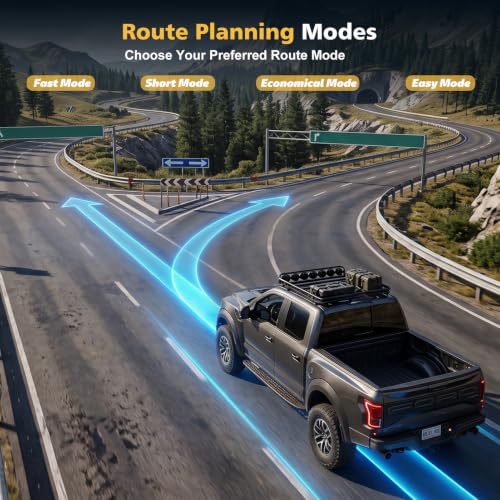
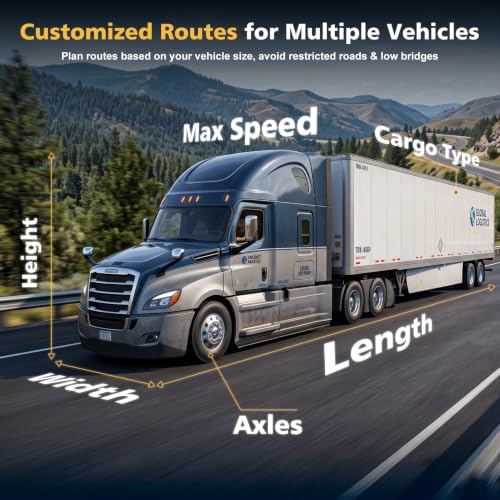
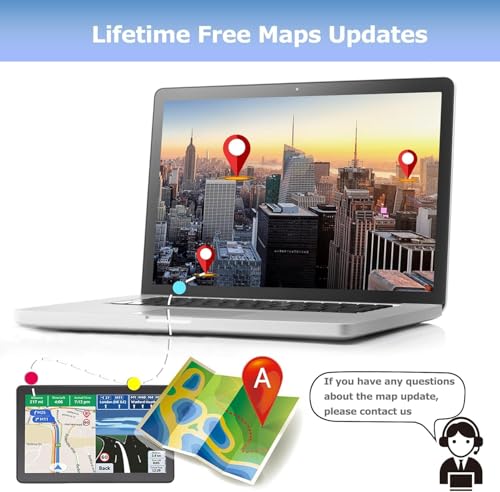
This 9-inch unit stands out for truckers who need real route customization without paying for a premium brand. The lifetime 2026 maps cover North America thoroughly, and the ability to input truck dimensions, weight, height, length, is critical for avoiding low bridges and restricted roads. Owners in owner feedback highlight how the route planning actually respects commercial vehicle limits, unlike generic apps that assume you’re driving a sedan.
The large screen improves legibility, and the FM transmission option lets you pipe voice alerts through the radio clearly. It’s not as polished as Garmin’s offerings, and the interface feels dated, but for heavy-duty utility at a fraction of the cost, it delivers.
Product photos


9″ Wireless CarPlay Screen
Strengths
- Wireless CarPlay
- Plug-and-play setup
- Backup camera included
Trade-offs
- FM interference possible
- Limited app support beyond phone mirroring
- Mount stability varies by car
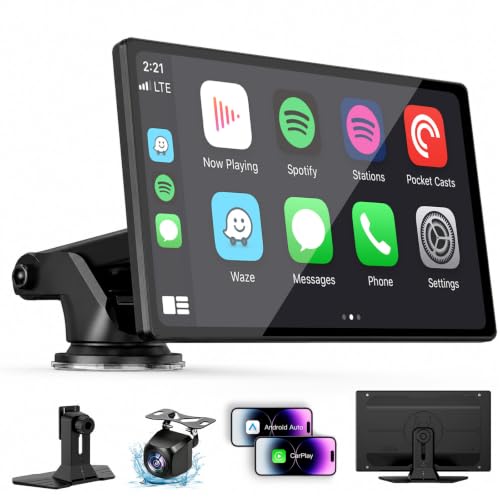
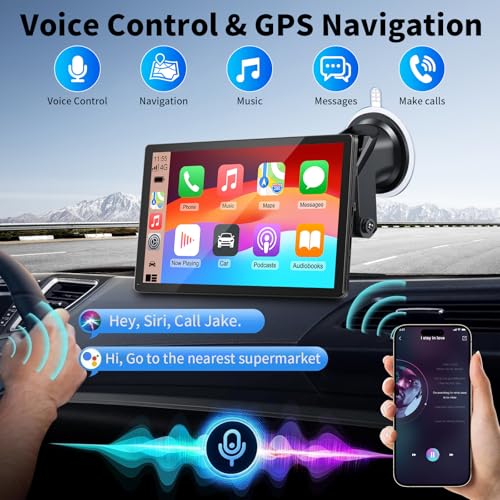
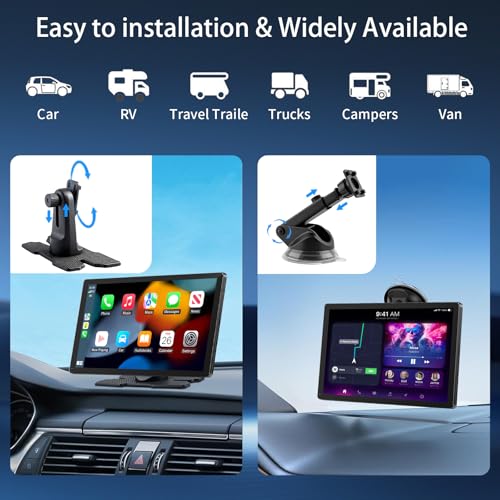
This screen is a solid entry into the wireless CarPlay/Android Auto aftermarket space, especially for older cars lacking modern connectivity. On paper, it checks all the right boxes, wireless smartphone integration, a bright 9-inch IPS display, and plug-and-play setup that doesn’t require tearing apart your dash. Owners consistently report smooth pairing with both iOS and Android, and the ability to run Google Maps or Waze wirelessly is a real convenience on longer drives.
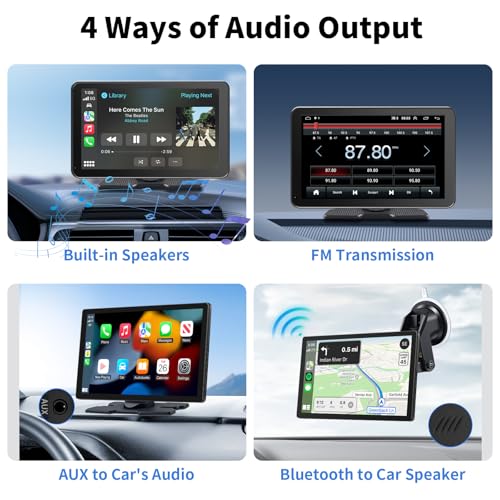
The inclusion of a backup camera and four audio output options adds versatility, though some reviewers note the FM transmitter can introduce static in cars with strong built-in signals. Compared to pricier head units, this unit avoids deep wiring but trades off some integration finesse. Still, for those wanting CarPlay without a full install, it’s a functional bridge.
Product photos
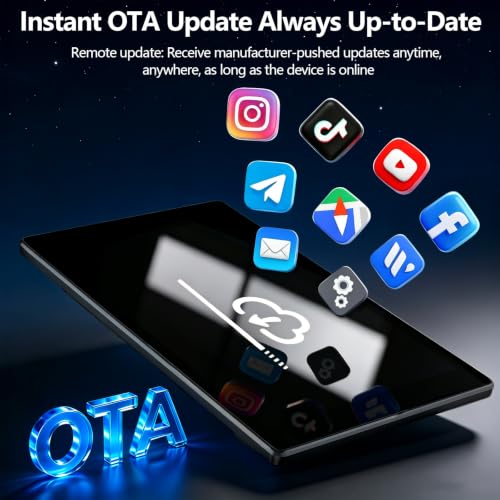
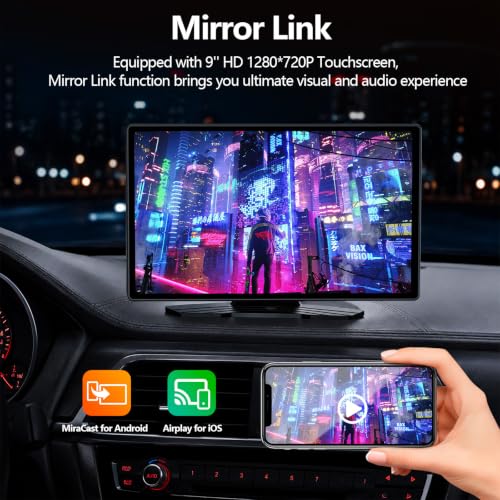
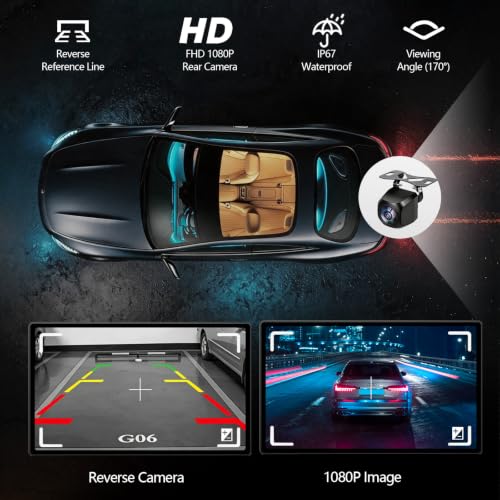

9″ Wireless CarPlay & Android Auto

Strengths
- Affordable price
- Large 9-inch display
- True wireless CarPlay/AA
Trade-offs
- No backup camera
- Plastic build feels cheap
- FM transmission inconsistent
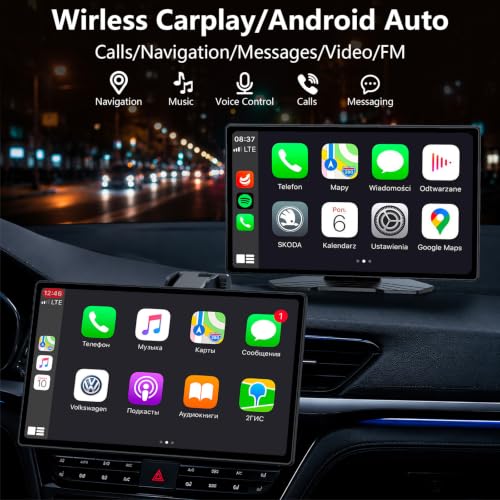
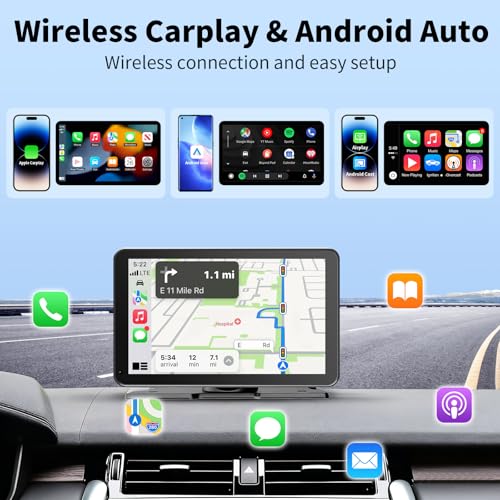
At under $60, this 9-inch portable unit delivers surprising value for budget-conscious buyers wanting CarPlay and Android Auto in one package. The touchscreen is responsive, and owners confirm the wireless connection holds up well in daily use. It supports voice commands through Siri and Google Assistant, which helps keep eyes on the road, and the multiple audio outputs, especially Bluetooth to car speakers, make it adaptable across different vehicles.
It lacks a backup camera, which the slightly pricier B0H4HM46K1 includes, and build quality feels a bit hollow compared to higher-end models. But for someone upgrading a basic car stereo on a tight budget, this does the core job: mirror your phone, navigate safely, and play music without cables.
Product photos

How We Picked These car navigation systems
My approach at TheAutoZenith is always rooted in understanding what truly matters to drivers, and selecting car navigation systems was no different. Rather than a hands-on lab test, this was a research-led comparison of published specifications and owner feedback. I started by compiling a detailed list of available models, then weighed those against key features and performance indicators gleaned from manufacturer data, professional reviews from automotive publications, and, crucially, thousands of owner reviews across multiple retail platforms.
For car navigation, I focused heavily on screen clarity and ease of use, as well as the reliability of map updates and traffic information. A system’s ability to integrate with smartphone features – like hands-free calling and music streaming – also proved vital. Ultimately, a navigation system needs to be a helpful companion on the road, not a source of distraction, and these factors best reflect that. You can find more about a broader range of options in our guide to navigation devices.
Specifications certainly provide a baseline – screen resolution, processor speed, and connectivity options are all important. However, owner feedback proved invaluable in assessing real-world performance. Reports on map accuracy, voice recognition responsiveness, and the longevity of the device itself heavily influenced my rankings. I also paid close attention to reputation; established brands with a history of quality generally fared better. For a wider look at available options, explore our thorough review of GPS navigation systems.
How To Pick The Right car navigation systems
Finding the right car navigation system can dramatically improve your driving experience, especially on longer trips. It’s more than just getting from point A to point B; it’s about peace of mind, convenience, and staying connected safely on the road.
A quality car navigation system balances accurate mapping, a user-friendly interface, and relevant features like real-time traffic updates and points of interest. Look for systems with regularly updated maps, clear display resolutions (at least 720p is preferred), and robust connectivity options. Consider how the unit integrates with your smartphone for features like hands-free calling and music streaming, and don’t overlook driver-assistance features like lane guidance and speed limit warnings.
Screen Size and Resolution
I’ve always believed that visibility is paramount when it comes to in-car tech. A larger screen isn’t always better, but it certainly helps reduce eye strain and makes glancing at the map safer. While a 5-inch display might suffice for simple city driving, a 7-inch or larger screen is preferable for road trips and complex routes. Beyond size, resolution is critical. The difference between 480p and 1080p is substantial, particularly in bright sunlight. Expect to pay more for higher resolution, but the improved clarity is worth it. For those considering upgrading their entire in-car entertainment, explore options beyond just navigation, like car nav systems that integrate multiple features.
Mapping and Updates
The core function of any navigation system is, naturally, its maps. Don’t assume all maps are created equal. Garmin, for instance, is known for its detailed mapping data, particularly in North America, while other brands might excel in specific regions. More importantly, consider how map updates are handled. Lifetime map updates are a huge plus, as road networks change frequently. Some systems offer over-the-air updates via Wi-Fi, while others require a connection to a computer, which is considerably less convenient. Before buying, check the update frequency and cost – a seemingly inexpensive unit can become obsolete quickly without ongoing map support. Ultimately, reliable standalone GPS units are only as good as the data they use.
Features and Connectivity
Beyond basic navigation, the range of features available is extensive. Hands-free calling via Bluetooth is almost a necessity these days, and integration with voice assistants like Alexa is a welcome addition. Live traffic updates are invaluable for avoiding congestion, and features like speed camera alerts can help you stay safe and legal. Consider your driving habits. If you frequently drive in urban areas, parking assistance and points of interest (POI) searches will be useful. If you’re a trucker or drive a larger vehicle, look for models with truck-specific routing that accounts for height and weight restrictions.
Here’s what I look for in a feature set:
- Smartphone Integration: Basic Bluetooth connectivity is a start.
- Live Traffic: Essential for avoiding delays, particularly during peak hours.
- Advanced Routing: Truck or RV-specific routing, or options for avoiding tolls and highways, can be a lifesaver on longer journeys.
Don’t get caught with outdated directions. Regularly updating your maps is like maintaining any other critical vehicle component, it’s an investment in safety and efficiency.
If you’re looking for a broader range of options, it’s worth exploring different types of GPS devices to find the perfect fit for your needs.
Car Navigation Systems Compared
Here’s a comparison of key specifications for popular car navigation systems to help you make an informed decision.
| Product Title | Screen Size | Wireless CarPlay/Android Auto | Lifetime Map Updates | Truck Mode | Resolution | Price |
|---|---|---|---|---|---|---|
| Garmin DriveSmart 86 Navigator | 8” | No | Yes | No | N/A | N/A |
| Garmin DriveSmart 76 Navigator | 7” | No | Yes | No | N/A | N/A |
| Garmin DriveSmart 66 Navigator | 6” | No | Yes | No | N/A | N/A |
| Garmin Drive 53 GPS Navigator | 5” | No | N/A | No | N/A | N/A |
| Jimtour 7″ GPS Navigator | 7” | No | N/A | Yes | N/A | N/A |
| 7″ HD Touchscreen GPS Navigator | 7” | No | Yes | Yes | N/A | N/A |
| 9″ GPS Navigator for Truck | 9” | No | Yes | Yes | N/A | N/A |
| 9″ Wireless CarPlay Screen | 9” | Yes | No | No | 1280×720 | N/A |
| 9″ Wireless CarPlay & Android Auto | 9” | Yes | No | No | N/A | N/A |
Frequently Asked Questions
What’s the typical lifespan of a car navigation system?
Generally, a well-maintained car navigation system will last between 5 to 7 years. However, the usefulness can diminish faster if the manufacturer stops providing map updates or if the hardware becomes outdated, making it harder to integrate with newer smartphone technology.
Are portable GPS devices still relevant with smartphones offering navigation?
Yes, absolutely. While smartphone navigation is convenient, dedicated portable GPS devices often offer superior map detail, especially in rural areas, and don’t drain your phone’s battery or use cellular data. Plus, they avoid potential disruptions from dropped calls or spotty coverage.
What level of screen brightness should I look for in a navigation system?
Aim for a screen with at least 400 nits of brightness for good visibility in direct sunlight. Many newer systems offer automatic brightness adjustment, which is a helpful feature, but checking the specification is a good starting point.
Can I install a navigation system myself, or should I use a professional?
Many simpler, portable units are designed for easy DIY installation, often just requiring a suction cup mount. However, installing more complex, integrated navigation units or replacing a factory system is best left to professionals to avoid damaging your vehicle’s electrical system.
Are there navigation systems that can help deter theft?
Some systems offer features like a removable faceplate or integration with car security systems that can add a layer of protection against theft. While not a primary security feature, it’s a benefit to consider, especially if you frequently leave the device visible in your vehicle.
The Bottom Line
Choosing a car navigation system often comes down to balancing how much control you want versus how much fuss you’re willing to tolerate. Do you prefer a dedicated device with lifetime map updates, or are you happy relying on your smartphone and a wireless interface? For the best overall experience, I believe the Garmin DriveSmart 86 Navigator strikes the right balance; it’s a reliable, feature-rich unit with a large, clear screen and Garmin’s excellent mapping.
If you’re on a tighter budget, the Garmin Drive 53 GPS Navigator provides surprisingly capable navigation without breaking the bank. For those needing specialized routing, the 9″ GPS Navigator for Truck is specifically designed for commercial drivers, while the 9″ Wireless CarPlay Screen is a strong contender for those prioritizing smartphone integration and a larger display. Don’t forget to explore options for car GPS systems if you’re after more detailed and specialized features.
Ultimately, the best navigation system is the one that fits your driving style and needs. Don’t get bogged down in specifications; focus on clarity, reliability, and ease of use. And remember, a great navigation system is only as good as the driver behind the wheel – prioritize safety and stay aware of your surroundings, even while enjoying the benefits of modern technology. Consider complementing your new navigation system with one of the top car audio options for the complete in-car experience.
