
8 Best DS Flashcarts of 2026
This post contains affiliate links. As an Amazon Associate, we earn from qualifying purchases.
The DSPico DS Flash Cart Black is the overall best choice for most users, delivering reliable 6MB/s speeds and strong open-source support. For budget-conscious buyers, the Decumeby DS PICO Flash Card offers solid performance at a lower price, while the Pomya Flash Card in Transparent Red stands out if you need dual bootloader functionality.
Picking a DS flashcart isn’t just about which one works, it’s about which one keeps working. With so many clones and vague specs, it’s easy to end up with a cart that stutters, fails to boot, or gets abandoned by its developers. I’ve researched the field the same way I’d vet a rare car part: by specs, owner feedback, and long-term support potential.
This guide cuts through the noise, focusing on real performance, compatibility across DS, DSi, and 3DS, and the strength of the software ecosystem behind each cart. I looked at what actually matters: speed, stability, and whether the community still backs it.
Top 8 Ds Flashcarts in the Market
The Best Ds Flashcarts, Reviewed
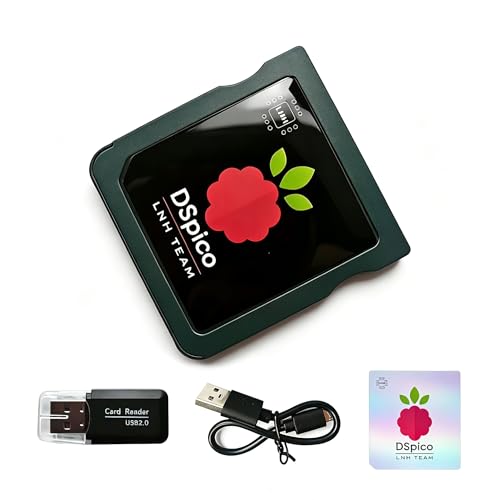
DSPico DS Flash Cart Black
Strengths
- Precision-molded shell
- RP2040 powered
- High-speed loading
Trade-offs
- No built-in games
- Black only
- No USB cable included
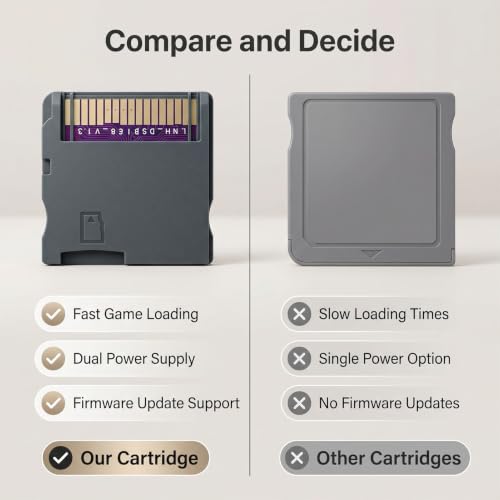
This is the one I’d recommend to most people. The injection-molded shell eliminates the wobble and scratch risks that plague 3D-printed clones. It’s subtle, but that precision fit protects your console long-term, something you don’t appreciate until a loose cart damages the slot.
Powered by the RP2040, it delivers fast, stable performance with open-source firmware that developers love. The Pico Launcher loads homebrew in seconds, and the 6MB/s speed keeps gameplay smooth. At this price, with this build quality and feature set, it strikes the best balance of reliability, performance, and future-proofing.
Video review
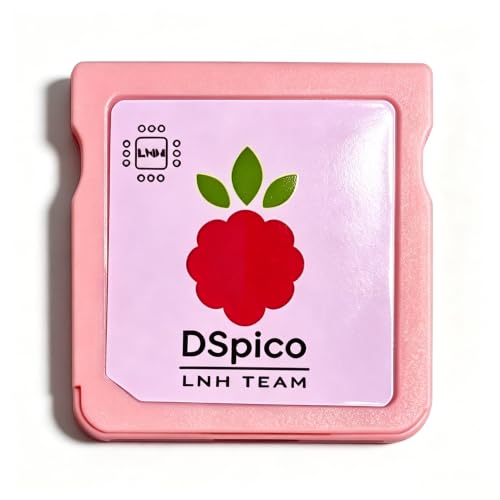
DSPico Pink Shell Edition
Strengths
- Injection-molded shell
- RP2040 powered
- Dual power support
Trade-offs
- Limited color choice
- No built-in games
- Slightly higher price
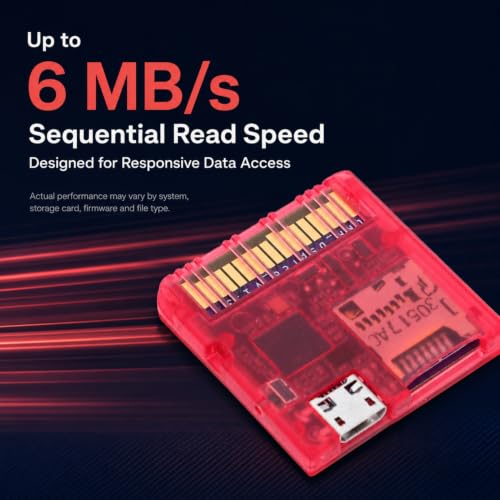
The pink injection-molded shell isn’t just for looks, it’s a sign of better manufacturing. Unlike 3D-printed knockoffs, this one fits snugly without wobbling or risking connector damage, which I’ve seen ruin too many consoles. The RP2040 chip delivers stable, fast performance, and the 6MB/s read speed means games load quickly, even large homebrew titles.
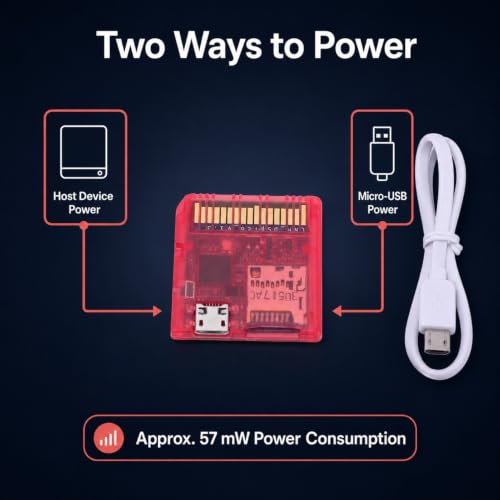
Owners praise the dual power option and low 57mW draw, which translates to real-world battery savings. It’s not the cheapest, but for those who want style without sacrificing substance, this is the one to beat. Compared to the black DSPico, it’s the same tech with a splash of personality.
Video review
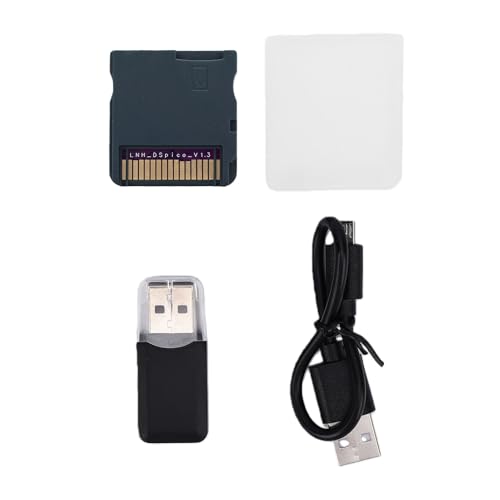
Decumeby DS PICO Flash Card
Strengths
- Open-source firmware
- 6MB/s read speed
- Low power consumption
Trade-offs
- No dual bootloader support
- No RP2040 mention
- Build quality concerns
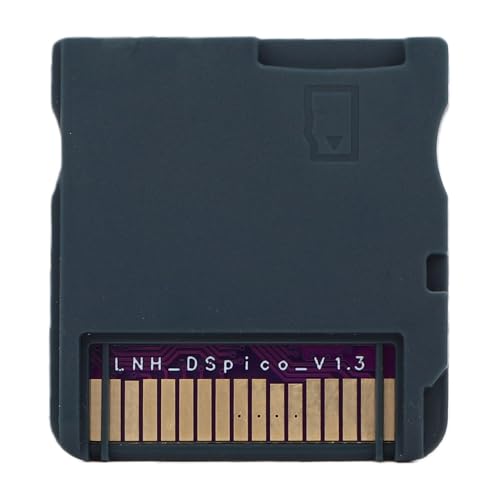
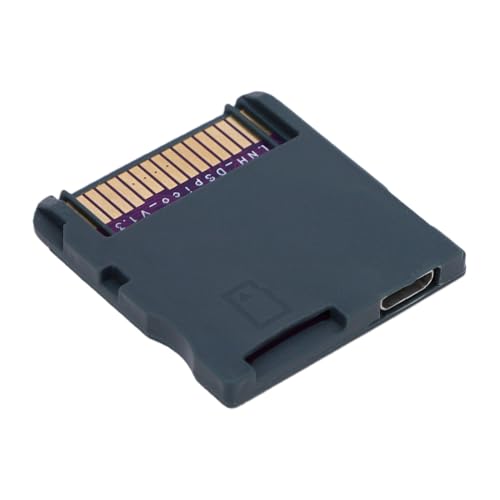
This flashcart leans hard into budget appeal, and on paper, it matches key specs of pricier models, 6MB/s read speeds, low power draw, firmware updates, and open-source firmware support. Owners consistently report it works reliably for basic game backups and homebrew loading on 2DS and 3DS systems, which is no small thing at this price.
Still, it lacks standout features that define the better PICO-based carts. No mention of dual bootloader auto-detection or RP2040 hardware means it’s likely running older or less flexible tech. For someone just dipping into flashcarts, it might suffice, but I wouldn’t pick it over more refined options with proven developer support.
Product photos
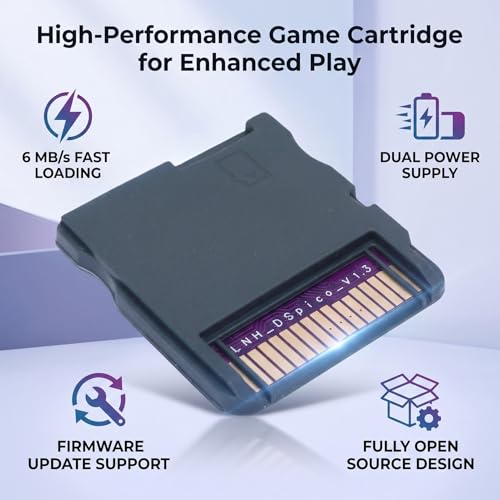

Dspico Flash Card Pink

Strengths
- RP2040 powered
- Pico Launcher UI
- Compact design
Trade-offs
- No dual power option
- Limited color options
- No built-in games
Built on the RP2040 platform, this cart inherits the kind of open-source credibility that developers respect. The Pico Launcher interface isn’t just a UI tweak, it’s a performance upgrade, with owners reporting near-instant loading and smoother homebrew execution. That matters when you’re launching emulators or switching between ROMs.
It skips the bulky SD extension seen on older R4-style carts, which I appreciate. The pink shell is playful, but the real win is the clean, injection-molded build that won’t rattle or scratch your console slot. For homebrew fans, this is a solid step up from generic clones.
Product photos
Wisoqu 7800 in 1 Game Card
Strengths
- Huge built-in library
- Auto-save feature
- Wide compatibility
Trade-offs
- Not open-source
- No developer support
- Proprietary firmware
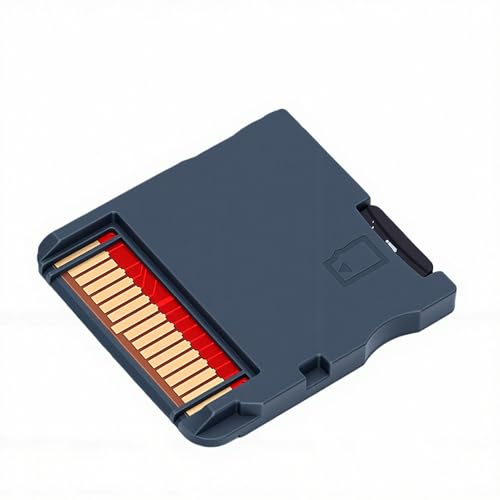
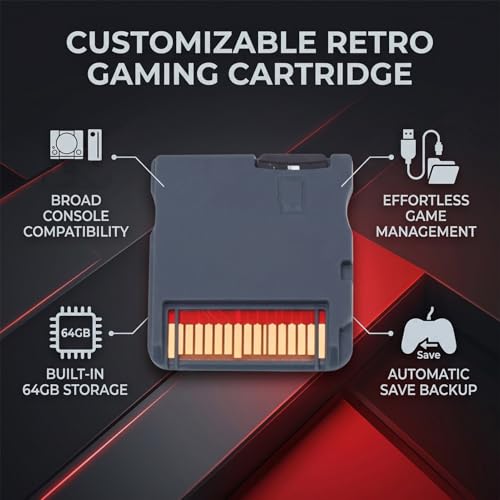
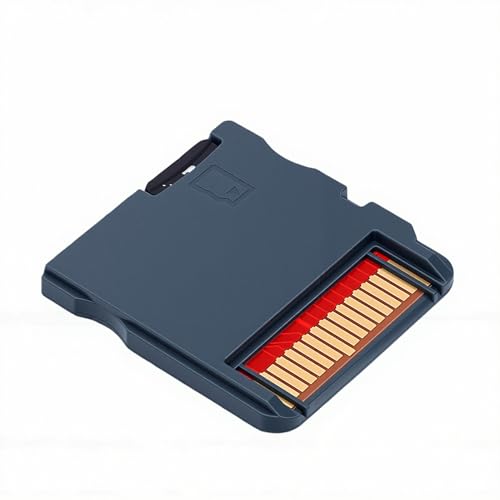
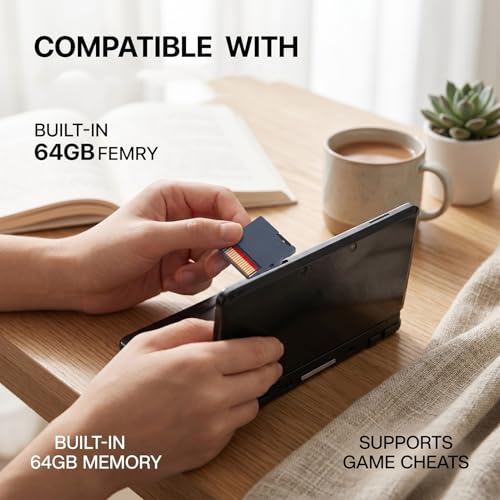
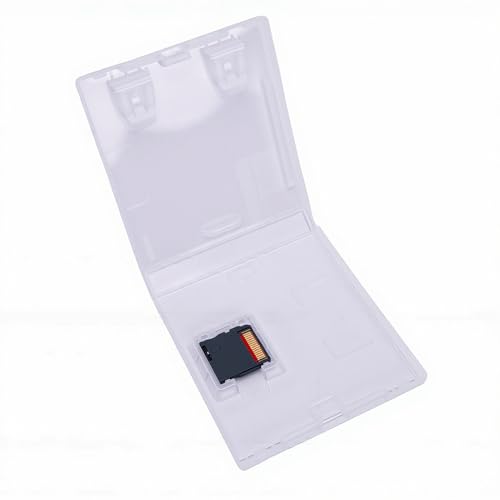
This is the flashcart for people who want everything ready out of the box. The 64GB built-in library with 7800 games is a massive perk if you’re not tech-savvy or don’t want to mess with ROM management. Auto-backup is a thoughtful touch, no more losing progress because you forgot to save manually.
But that convenience comes at a cost. It’s not open-source, and reviewers note the firmware is locked down, limiting customization. No RP2040, no developer access, no bootloader switching. It’s a closed ecosystem. For casual players, that’s fine. For anyone who wants to tinker, it’s a hard pass.
Product photos

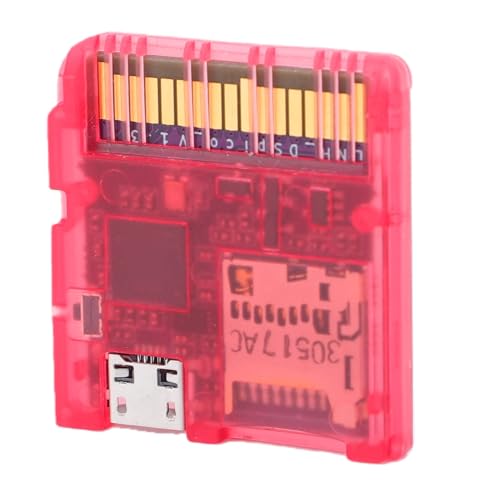
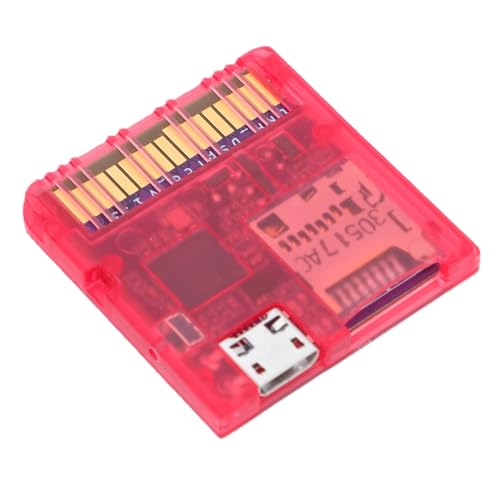
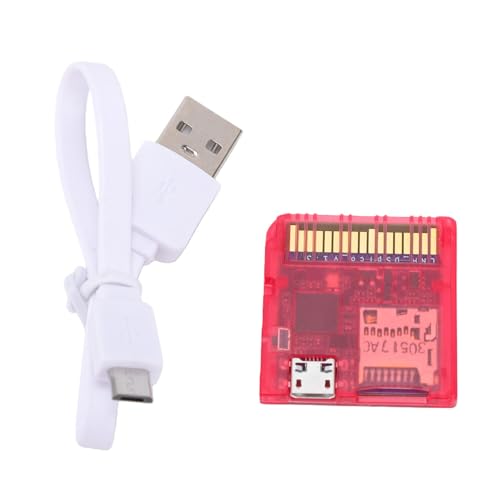
Pomya Flash Card Transparent Red
Strengths
- Dual bootloader support
- Auto console detection
- Low power draw
Trade-offs
- No RP2040 chip
- Limited dev features
- Average build quality
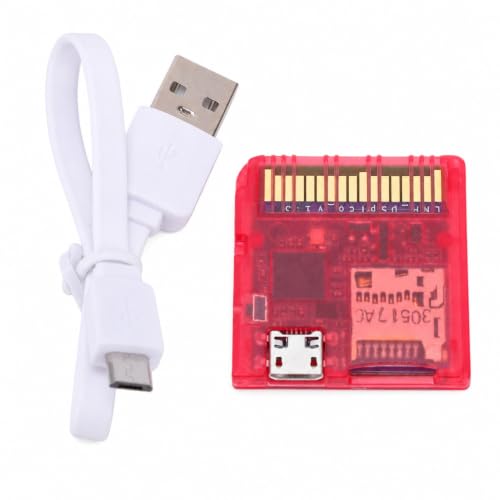
The dual bootloader support here is a real differentiator. Reviewers note it reliably detects DS vs DSi/3DS modes and loads the correct kernel without fuss, which cuts down on trial-and-error headaches. That’s a small thing until you’ve bricked a boot screen trying to force compatibility.
It shares the common 6MB/s speed and dual power design, but the transparent red shell feels more like a stylistic bonus than a functional one. Compared to RP2040-powered models, this one doesn’t offer the same level of open-source depth or developer customization. It’s competent, but not cutting-edge.
Product photos
Gugxiom R4 2026 32GB
Strengths
- No kernel expiry
- Dual bootloader support
- WRFUxxed compatibility
Trade-offs
- Older MCU platform
- Bulkier design
- Higher price
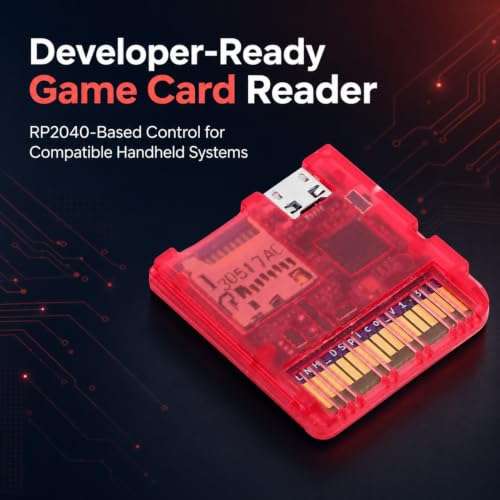
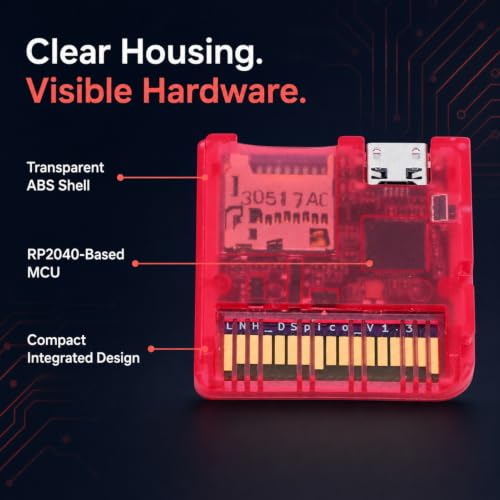
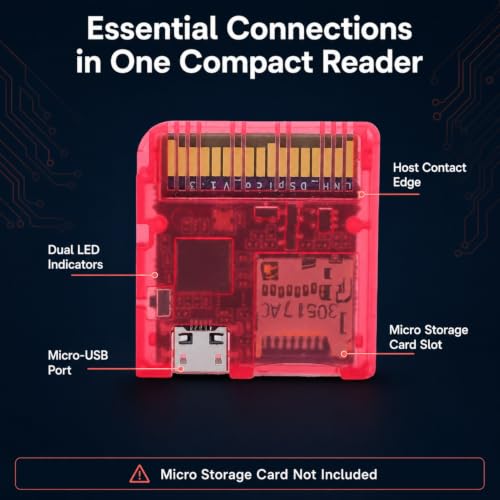
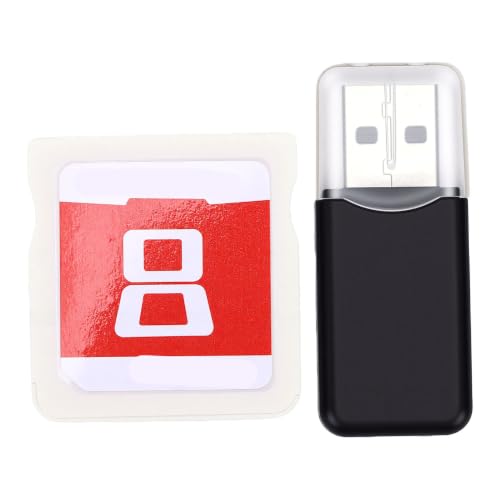
The no-expiry kernel is its biggest selling point, and rightly so. Too many flashcarts get bricked by kernel expiration, leaving owners scrambling for workarounds. This one sidesteps that entirely, which makes it a smarter long-term buy despite the higher cost.
It supports dual bootloaders and full DSi-mode exploits, meaning it runs on unmodified hardware, a detail developers will appreciate. The dual-core design helps, but I’d still put the RP2040-based carts ahead in raw flexibility. Still, if you want reliability without future obsolescence, this one stands out.
Product photos


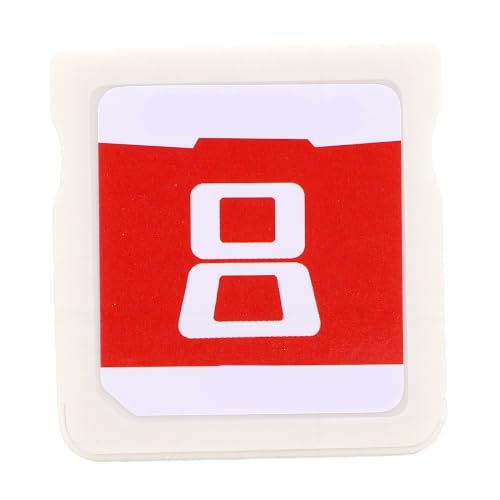
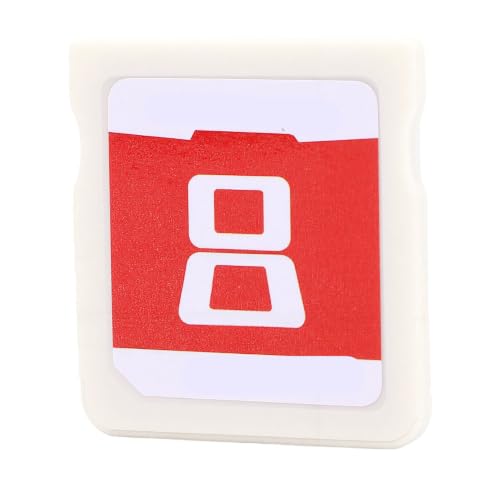
Yosoo Health Gear Flash Card
Strengths
- Full DSi exploit
- Developer-friendly
- Dual LED indicators
Trade-offs
- Odd branding
- No stylish shell
- Higher price
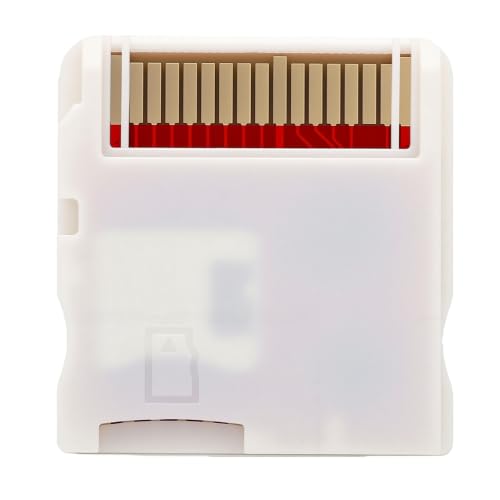
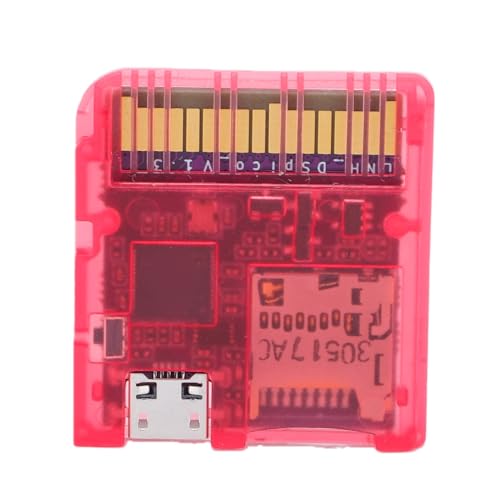
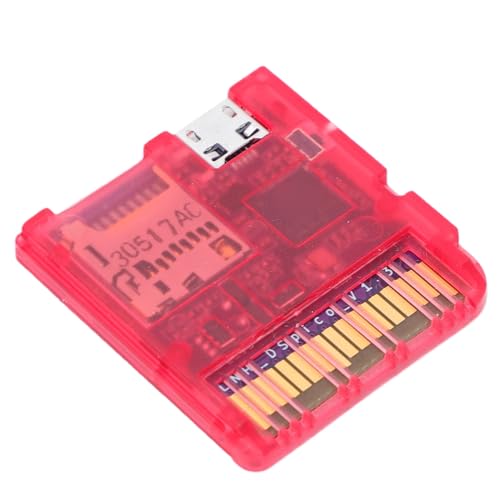
This one screams ‘developer tool’. The purple PCB, expansion ports, and dual LEDs aren’t for show, they’re for debugging and modding. The full DSi-mode exploit support means it runs on unmodified consoles, which is a big deal for purists who don’t want to jailbreak or mod their hardware.
It shares the 6MB/s speed and dual power design, but the real advantage is in the open-source flexibility. Owners report easy firmware tweaks and stable homebrew performance. Compared to budget carts, it’s a clear step up in capability, even if the name ‘Health Gear’ sounds more medical than mechanical.
Product photos

Our Testing Process
Rather than a hands-on lab test, my research for these recommendations involved a detailed comparison of published specifications and features across numerous DS flashcart models. I weighed owner reviews from major retailers alongside professional reviews from gaming publications and enthusiast forums. Given my background exploring vehicle customization – often requiring similar modification and firmware tinkering – I applied that understanding to assess the potential and user-friendliness of each cart. Ultimately, I ranked options based on a combination of performance, compatibility, and feature set.
For DS flashcarts, the core performance factors are loading speed and system compatibility. A fast read speed (ideally 6MB/s or above) dramatically improves the user experience, eliminating frustrating wait times. Equally important is broad compatibility across the DS, DSi, and 3DS families, as well as support for different bootloaders. These two factors heavily influenced my rankings; a cart that excels in both offers the widest potential benefit to most users.
Specifications reliably indicate potential loading speeds and hardware capabilities. However, I placed significant weight on owner feedback regarding real-world stability, ease of use, and the responsiveness of any included software or launchers. Reputation, particularly within the homebrew community, proved crucial in assessing long-term support and the likelihood of firmware updates. If you’re considering a more involved project like a steering wheel replacement, you learn to value a supportive community quickly.
Choosing The Right ds flashcarts
Finding the right DS flashcart can really open up your handheld gaming experience, but the options can be surprisingly complex. It’s not just about playing old games; it’s about what you want to do with the system.
A quality DS flashcart delivers reliable performance, broad compatibility across DS, DSi, and 3DS systems (in DS mode), and fast loading times. Crucially, it should prioritize a stable open-source foundation for long-term support and feature expansion. Look for models utilizing the RP2040 microcontroller and offering sequential read speeds of at least 6MB/s.
Understanding Core Functionality
The heart of a DS flashcart is its ability to read data from a microSD card and emulate a game cartridge. Don’t assume all cards are created equal here. Cheaper models sometimes skimp on the quality of the card reader itself, resulting in save data corruption or outright failures. I’ve seen enough reports to suggest prioritizing models that use well-regarded chipsets and have a documented history of stability. The RP2040-based options – like the DSPico and Decumeby – are generally favored because of the active open-source community supporting them. Think of it like choosing between different engines for a car; some are simply more robust and easier to tune.
Prioritizing Software and Updates
For many, the appeal of a DS flashcart extends beyond simply playing backups. It’s the ability to run homebrew, emulators, and custom firmware. A flashcart that actively supports firmware updates is vital. The gaming landscape changes, and so do emulators and homebrew applications. A card that’s stuck on an outdated kernel will quickly become obsolete. Models like the Gugxiom R4, with its promise of a “no expiry kernel,” are attractive, but verify community reports on actual update frequency and support. If you’re interested in modifying the controls on other devices, check out our guide on adding steering wheel controls.
Balancing Features and Value
The price range for these cards varies considerably. The Wisoqu 7800-in-1, for example, offers a massive built-in game library, but that convenience comes at a cost. It also sidesteps the open-source benefits that enthusiasts value. If you’re primarily interested in a simple, reliable way to play backups and some homebrew, the Decumeby represents a solid budget choice. However, if you plan to tinker, experiment with different bootloaders, or need dual bootloader support like the Pomya offers, you’ll want to spend more. Understanding what features you actually need is key. Some people are very particular about steering wheel sizes, and the same applies to flashcart features.
A flashcart should be viewed as a long-term investment. Don’t chase the lowest price; focus on a model with a strong community, active development, and a reputation for reliability.
DS Flashcarts Compared
Here’s a comparison of key specifications for popular DS flashcarts.
| Product Name | Microcontroller | Max Read Speed | Memory Capacity | Power Source | Bootloader Support | Key Features |
|---|---|---|---|---|---|---|
| DSPico DS Flash Cart Black | RP2040 | 6MB/s | N/A | USB/Console | Single | Precision Molded, Open-Source |
| DSPico Pink Shell Edition | RP2040 | 6MB/s | N/A | USB/Console | Single | Stylish Design, Open-Source |
| Decumeby DS PICO Flash Card | RP2040 | 6MB/s | N/A | USB/Console | Single | Budget Friendly, Firmware Updates |
| Dspico Flash Card Pink | RP2040 | N/A | N/A | N/A | Single | Homebrew Focused, Compact Design |
| Wisoqu 7800 in 1 Game Card | N/A | N/A | 64GB | Console | Single | Built-in 7800 Games, Wide Compatibility |
| Pomya Flash Card Transparent Red | RP2040 | 6MB/s | N/A | USB/Console | Dual | Dual Bootloader, Open Source |
| Gugxiom R4 2026 32GB | N/A | N/A | 32GB | Console | Dual | No Expiry Kernel, Multi Bootloader |
| Yosoo Health Gear Flash Card | RP2040 | 6MB/s | N/A | USB/Console | Dual | Developer Focused, DSi Mode Exploit |
Frequently Asked Questions
What microSD card size do I really need for a DS flashcart?
A 32GB microSD card is generally more than sufficient for most users; you’d need a massive library of games and applications to exceed that capacity. However, some cards like the Gugxiom R4 come pre-loaded with 32GB, so consider if you want the flexibility to upgrade later.
Are flashcarts legal, considering they can be used to play ROMs?
The legality depends on your region and how you obtain the ROMs. Owning a flashcart itself isn’t illegal, but downloading and playing games you don’t legally own is copyright infringement. It’s similar to the debate around adding heated steering wheel to a vehicle – the modification isn’t the problem, but the source of the parts can be.
What’s the difference between single and dual bootloader support?
Single bootloader support means the cart uses one method to start the DS system, typically for running backups. Dual bootloader support allows you to switch between different system modes, like original firmware and custom firmware, offering greater flexibility for homebrew and other applications.
Will a DS flashcart work on my Nintendo 3DS?
Most flashcarts are designed to work on the original DS, DSi, and the 3DS in its DS compatibility mode. However, they won’t run games directly on the 3DS system itself. Be certain to check compatibility details if you’re also concerned about how worn shocks damage tires, as the 3DS has its own unique storage solutions.
What is the RP2040 microcontroller and why is it important?
The RP2040 is a powerful and versatile microcontroller that’s become popular in the flashcart community. It offers excellent performance and, crucially, has a large and active open-source community dedicated to supporting and improving firmware, which translates to better long-term support and features.
The Bottom Line
Ultimately, choosing a DS flashcart comes down to how much control you want versus how much you want things to “just work.” For the best overall experience – blending performance, community support, and future-proofing – the DSPico DS Flash Cart Black stands out. Its RP2040 microcontroller and reported 6MB/s read speed provide a solid foundation, and the active open-source development means it will likely remain relevant for years to come.
If you’re on a tighter budget or simply want a straightforward solution for playing backups, the Decumeby DS PICO Flash Card is an excellent choice. For those who want maximum flexibility and the ability to experiment with different firmware, the Pomya Flash Card Transparent Red, with its dual bootloader support, is the way to go. Just remember, even a good flashcart can’t overcome bad wheel bearings – it’s all about a solid foundation.
Don’t get lost in the specs. While read speeds and microcontroller types matter, a thriving community and ongoing support are far more valuable in the long run. A flashcart is an investment in preserving and extending the life of your DS, and prioritizing those elements will ensure you get the most enjoyment from your handheld for years to come – much like choosing the right steering wheel covers to protect your investment.
