
7 Best CarPlay Screens of 2026
This post contains affiliate links. As an Amazon Associate, we earn from qualifying purchases.
The RQO 9″ Wireless CarPlay Screen is our top pick for its reliable wireless connection, solid audio options, and over-the-air updates. For budget-conscious buyers, the PASLDA 7″ Portable CarPlay Screen delivers strong value without sacrificing core functionality. If screen size is your priority, the 11.5″ Wireless CarPlay Screen offers an immersive display that’s hard to beat.
Choosing the right CarPlay screen isn’t just about bigger or brighter, it’s about finding one that integrates smoothly into your daily drive without glitches or compromises. Too many people end up frustrated by flaky connections, muddy sound, or a clunky mount that blocks their view.
That’s why this guide focuses on real-world usability. I looked at specs, owner feedback, and long-term reliability to spotlight the models that actually deliver a better experience behind the wheel.
Top 6 Carplay Screens in the Market
The Best Carplay Screens, Reviewed
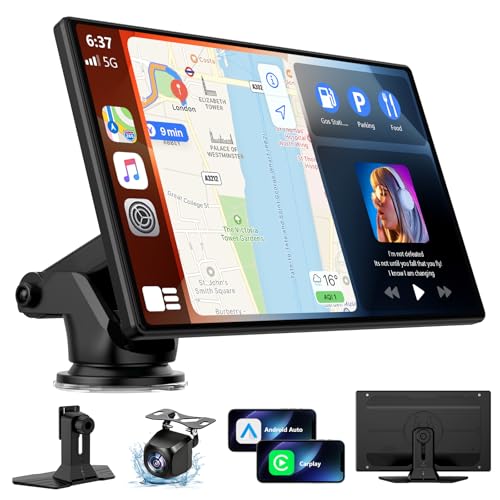
9″ Wireless CarPlay Screen RQO
Strengths
- Bluetooth 5.3
- 2-year warranty
- Better camera adjustability
Trade-offs
- No split-screen
- Occasional OTA glitches
- Mounting lever can loosen
At the same price point as the B0H4HM46K1, this RQO model offers a stronger warranty and newer Bluetooth 5.3, small but meaningful upgrades. The OTA update feature is more detailed here, with a browser-based process that avoids third-party apps. Owners say the screen is brighter and more phone-like in bezel design, which helps with readability.
It includes a longer camera cable and better tilt adjustment than most, making it easier to position. The dual-DIN speakers are a step up, though purists will still want Bluetooth audio routing. Between the two 9-inch screens, I’d lean toward this one for the longer support window and slightly better build.
Video review
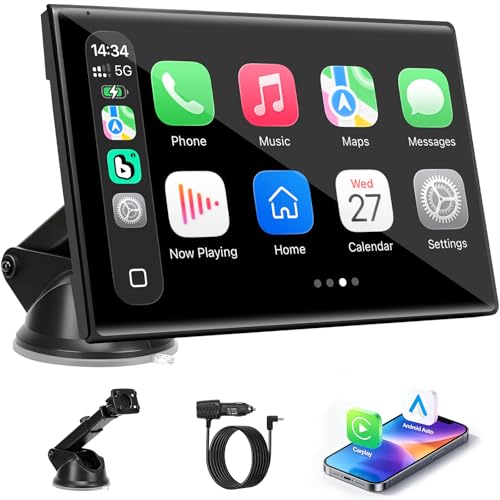
7″ Rotatable Wireless CarPlay Screen
Strengths
- Rotatable screen
- Compact design
- 360° adjustable mount
Trade-offs
- No backup camera
- No OTA updates
- Limited media features
If you’re tight on dash space or drive a compact car, this 7-inch model is the most discreet of the bunch. It doesn’t have a backup camera, but what it lacks in safety features it makes up for in flexibility. The rotatable screen is a standout, switching between portrait and landscape is smooth and actually useful for navigation or video apps.
Owners praise the 360-degree mount for staying put without obstructing gauges, and the Bluetooth pairing is consistently fast. It’s not the brightest screen in full sun, but for city driving or commutes, it’s more than sufficient. I’d pick this over bulkier models if portability and clean lines matter most.
Video review
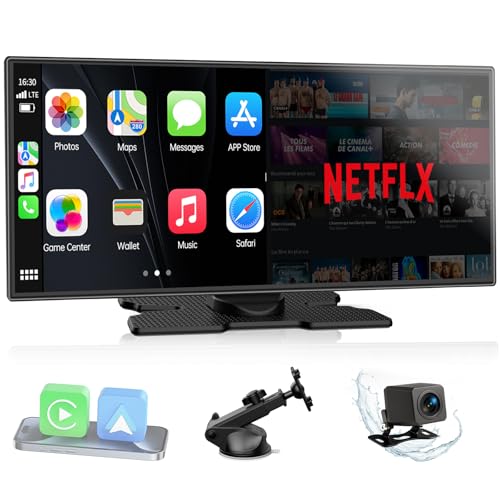
11″ LAMTTO Entertainment Screen
Strengths
- 11-inch HD screen
- Netflix and YouTube support
- Split-screen mode
Trade-offs
- Too large for small cars
- High power draw
- Complex setup
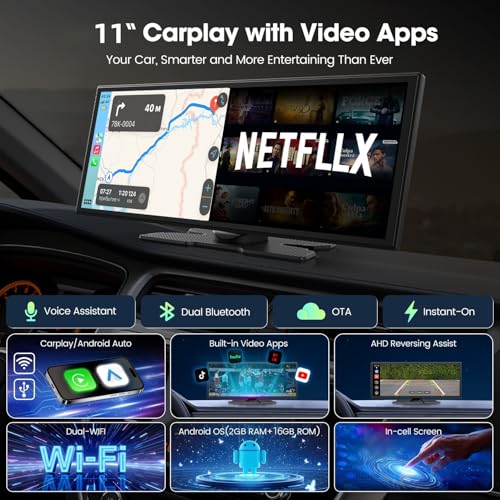
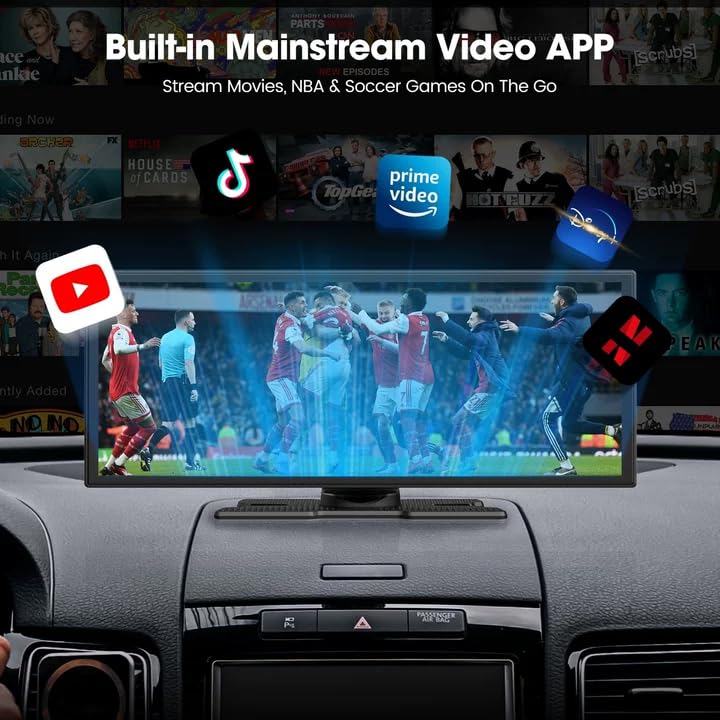
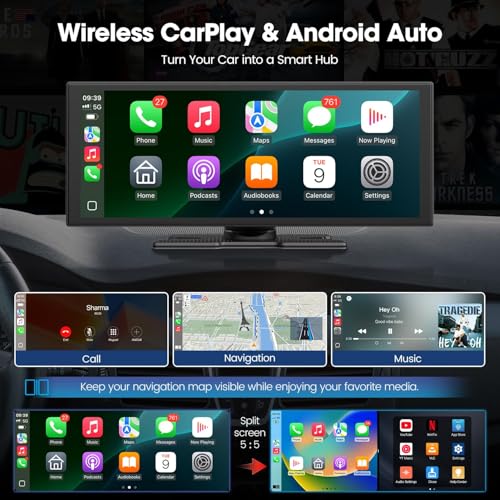
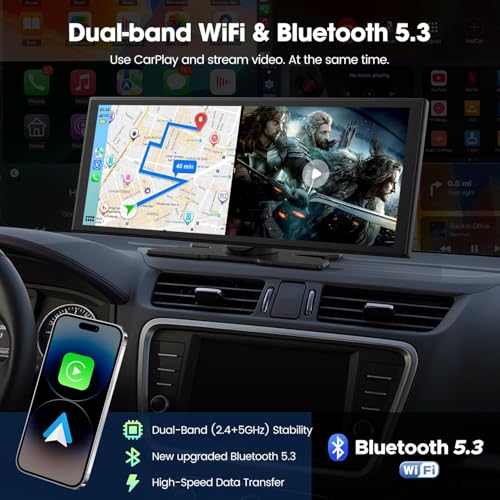
This 11-inch screen is built for entertainment first, utility second. The ability to stream Netflix and YouTube via hotspot is a real differentiator, and the split-screen mode lets the driver see navigation while a passenger watches content. Dual Bluetooth and dual-band WiFi ensure the connection stays stable, which owners confirm even in moving traffic.
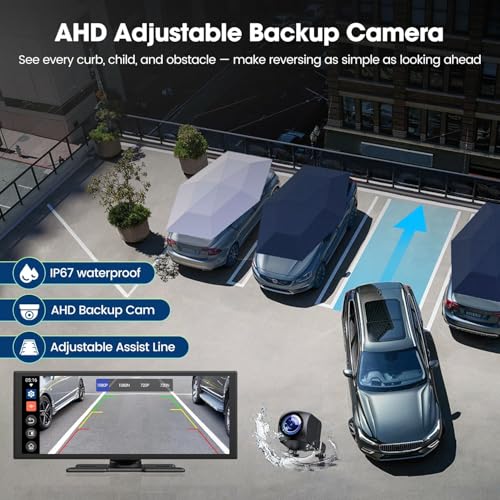
The screen is bright and vivid, with In-Cell touch tech that feels responsive. But the size is a double-edged sword, it’s great for media, but can block sightlines in smaller cars. The backup camera is solid, and the Instant-Wake feature means no lag at startup. For families or long-haul drivers, this is where media convenience wins.
Product photos
10.26″ 4K Dash Cam CarPlay

Strengths
- 4K front dash cam
- 360° rotation
- 1080p rear camera
Trade-offs
- Overloaded interface
- Heavier power draw
- Slower response times
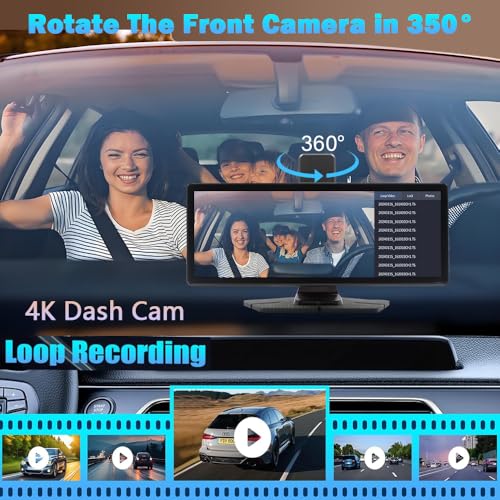
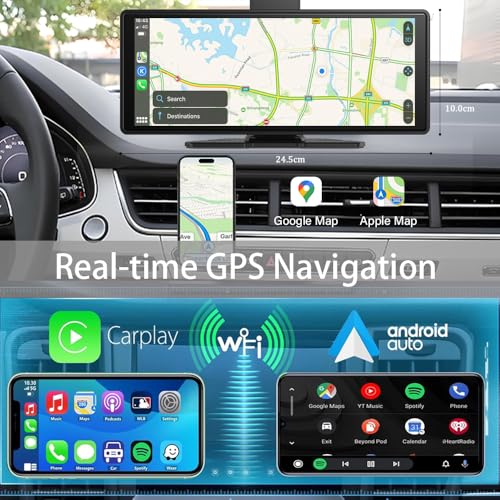
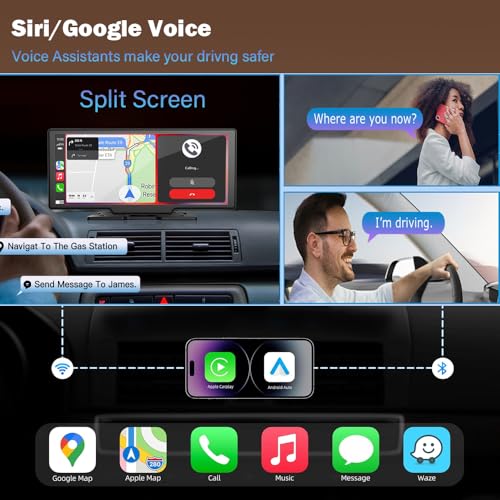
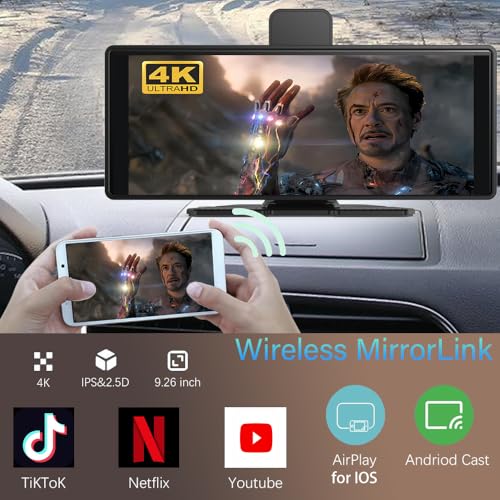
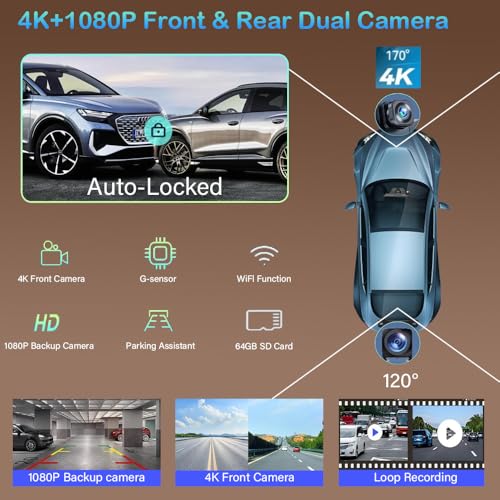
This unit is a multitasker, 4K dash cam, 10.26-inch screen, and CarPlay all in one. The rotating dash cam is a smart touch, letting you record inside the cabin or monitor blind spots. Owners appreciate the loop recording and automatic collision lock, which adds real value over basic screens.
The screen resolution is sharp, and the split-screen mode works well for navigation and media. But the system can feel cluttered, and some users report voice control lag. Compared to the LAMTTO, it’s less about entertainment and more about security and documentation. If you drive in high-risk areas or want a digital witness, this is the one.
Product photos
9″ Wireless CarPlay OTA Screen
Strengths
- OTA firmware updates
- IPS display
- Long camera cable
Trade-offs
- No split-screen mode
- Slightly slower boot
- Mounting options basic
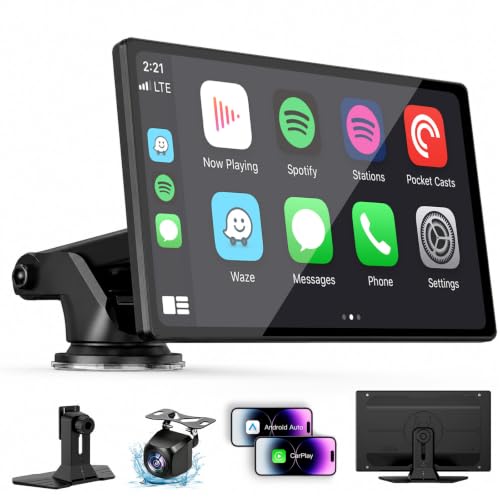
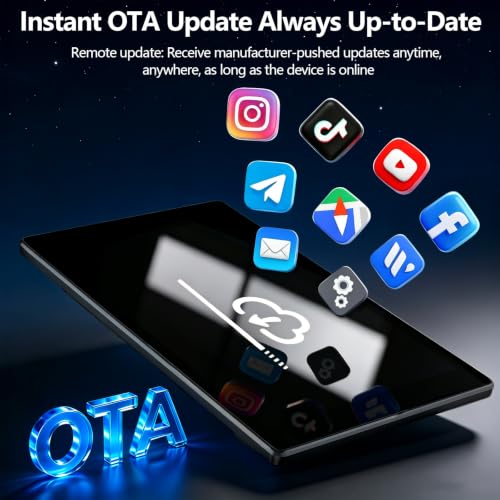
This 9-inch unit stands out not for raw power but for balance, solid screen quality, OTA updates, and a long camera cable that fits larger vehicles. The 720p IPS display is noticeably brighter than cheaper models, and the 550 cd/m² brightness helps in direct sunlight. OTA updates are a real advantage here, as they future-proof your connection to newer iOS and Android versions without needing a PC or app.
Compared to the PASLDA model, this one trades a slightly bulkier profile for better build and more reliable audio routing. Reviewers note the Bluetooth 5.0 works well with most car speakers, and the FM transmission is cleaner. It’s not the flashiest, but it’s dependable.
Product photos

7″ PASLDA Portable CarPlay Screen
Strengths
- Affordable
- Wireless CarPlay
- Includes backup camera
Trade-offs
- FM interference
- Suction mount less secure
- Basic sound quality
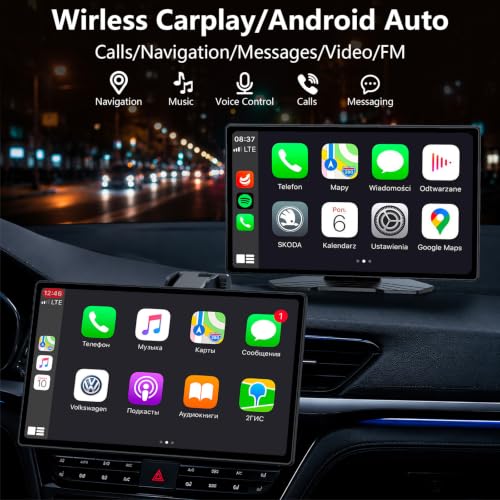
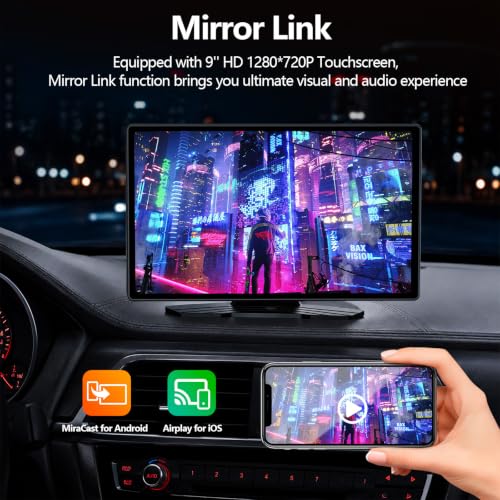
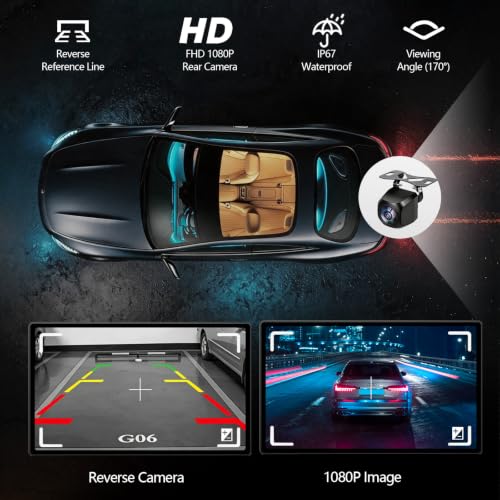
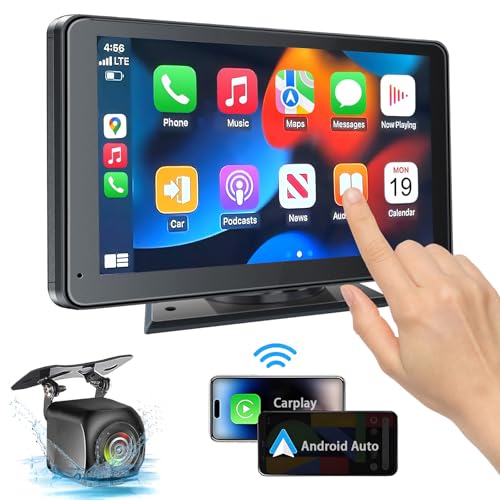
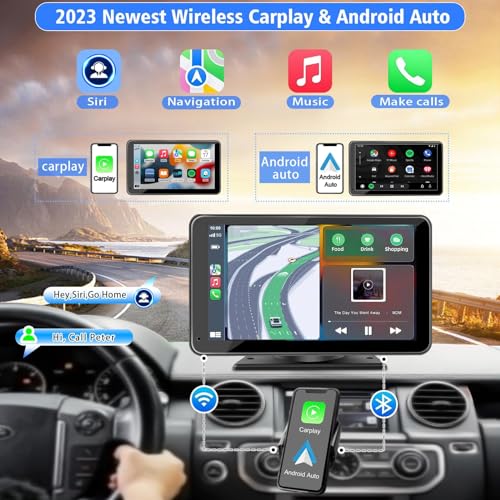
At under fifty bucks, this PASLDA unit delivers a surprising amount of functionality for drivers who just want CarPlay without rewiring their dashboard. It’s not the sleekest option, but the suction-mount design means it won’t damage your dash and can move between vehicles easily. Owners consistently report that the wireless pairing is stable once set up, and the addition of a backup camera is rare at this price.
The screen itself is 7 inches with a 1024×600 resolution, adequate, not stunning, and the built-in speaker is underpowered, though the Bluetooth 5.2 connection to your car’s audio system helps close that gap. Some reviewers note the FM transmitter can cause interference, but for those who prioritize plug-and-play simplicity over integration, this is a solid starting point.
Product photos


How We Evaluated carplay screens
As someone deeply involved in all things automotive at TheAutoZenith, I approached evaluating these CarPlay screens by focusing on a research-led comparison of specifications, owner feedback, and my understanding of what truly enhances the driving experience. Rather than a hands-on lab test, I examined published features, carefully weighed owner reviews from multiple sources, and considered the reputation of each brand within the car audio space. The goal was to identify screens offering the best balance of functionality, reliability, and value.
For this category, screen size and audio quality were heavily weighted. A larger, clearer display improves usability and safety, while robust audio options, beyond just the built-in speakers, are vital for a pleasant in-car experience. Seamless smartphone integration, particularly wireless connectivity, was also critical, given its convenience. Beyond these, considerations like ease of installation and the inclusion of useful features like backup cameras factored into the rankings.
Specifications reliably indicate screen resolution, Bluetooth version, and available ports. However, real-world performance, like the smoothness of the interface, the responsiveness of touch controls, and the stability of the wireless connection, are best gleaned from owner feedback. I prioritized screens with consistently positive reports regarding reliability and ease of use, and looked to expert reviews to corroborate claims about audio performance. You can find more options if you are looking for full-fledged units with our guide to the best CarPlay stereos. If you are looking for a more general overview, check out our full guide to Apple CarPlay screens.
How To Pick The Right carplay screens
Finding the right CarPlay screen can dramatically improve your driving experience, but there’s a surprising amount to consider beyond just screen size. It’s not simply about adding a bigger display; it’s about integrating a new system into your car safely and effectively.
A good CarPlay screen balances display clarity, reliable wireless connectivity, ease of installation, and crucially, audio integration. Prioritize models with high resolution (at least 720p, but 1080p is preferable), Bluetooth 5.0 or higher for stable connections, and multiple audio output options to avoid compromising your existing car stereo’s sound quality. Consider the mounting solution and whether it will obstruct your view or essential controls.
Prioritize Audio Output Options
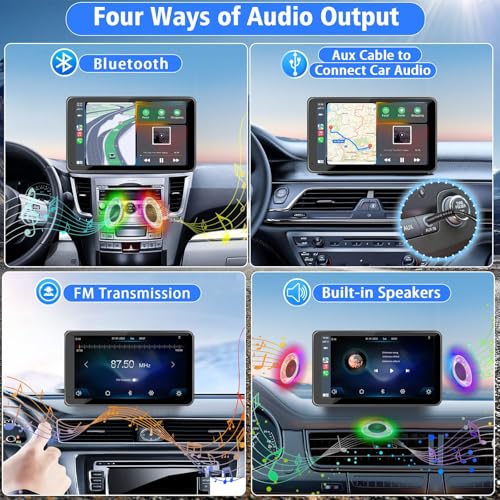
The biggest disappointment with many aftermarket CarPlay screens isn’t the screen itself, but the poor audio quality. Many rely solely on built-in speakers that simply can’t compete with a proper car stereo system. Look for a unit offering multiple output options: Bluetooth, AUX, and FM transmitter are the most common. Bluetooth is often the cleanest, connecting directly to your car’s system. However, some cars have Bluetooth limitations, making AUX a more reliable choice. FM transmission should be a last resort, as it’s prone to interference. I’ve seen too many owners struggle with crackling audio, and it often stems from a poorly implemented audio output.
Understand Update Cycles and Compatibility
Don’t underestimate the importance of software updates. Apple and Google are constantly refining CarPlay and Android Auto, and older units can quickly become obsolete. Some manufacturers, like RQO, are actively addressing this with over-the-air (OTA) updates, which is a huge benefit. A screen that can adapt to new phone operating systems is far more future-proof. Before you buy, check the manufacturer’s track record for updates and read reviews to see if owners have experienced compatibility issues with their phone models. If you’re looking for a more integrated solution, exploring dedicated CarPlay head units might be worthwhile.
Consider Your Mounting Needs and Screen Size
The size and mounting style of the screen are crucial. A large 11.5″ screen, as found on some models, can be immersive, but it needs a stable mount that doesn’t obstruct your view. Smaller, more compact 7″ screens are less intrusive and often easier to position. Here’s what I recommend keeping in mind:
- Suction Cup Mounts: Convenient for temporary use, but can fail in extreme temperatures.
- Adhesive Mounts: More secure, but can leave residue on your dashboard.
- Vent Mounts: Least obtrusive, but may not be suitable for larger screens or heavier units, and can block airflow.
Ultimately, the best size depends on your car’s interior and personal preference. If you spend a lot of time navigating, a larger screen might be preferable. But if you simply want basic audio and call control, a smaller, less noticeable unit might be a better fit. For a broader overview of the options, check out these CarPlay screens to find what fits your needs.
Don’t fall for the biggest screen; prioritize a secure mount and a clear view of the road. A slightly smaller, well-positioned screen is always safer than a large, wobbly one.
Carplay Screens Compared
Here’s a comparison of key specifications for various carplay screens to help you make an informed decision.
| Product Name | Screen Size | Resolution | Wireless Carplay | Android Auto | Audio Output Options | Dash Cam Included |
|---|---|---|---|---|---|---|
| 11.5″ Wireless CarPlay Screen | 11.5″ | N/A | Yes | Yes | Speaker, CarPlay/Auto, FM, AUX | No |
| 9″ Wireless CarPlay Screen RQO | 9″ | 1280×720 | Yes | Yes | Bluetooth, AUX, FM, Built-in | Yes |
| 7″ Rotatable Wireless CarPlay Screen | 7″ | N/A | Yes | Yes | Speaker, Bluetooth, AUX, FM | No |
| 11″ LAMTTO Entertainment Screen | 11″ | N/A | Yes | Yes | N/A | Yes |
| 10.26″ 4K Dash Cam CarPlay | 10.26″ | 4K | Yes | Yes | Bluetooth, AUX, FM, Built-in | Yes |
| 9″ Wireless CarPlay OTA Screen | 9″ | 1280×720 | Yes | Yes | Bluetooth, AUX, FM, Built-in | Yes |
| 7″ PASLDA Portable CarPlay Screen | 7″ | 1024×600 | Yes | Yes | Bluetooth, AUX, FM, Built-in | Yes |
Frequently Asked Questions
What’s the biggest benefit of choosing a wireless CarPlay screen?
A wireless connection eliminates the need to plug in your phone each time, offering convenience and a cleaner car interior. Many of the top wireless CarPlay displays now offer a very stable connection, reducing the frustration some earlier models presented.
Are these screens difficult to install myself?
While some basic technical aptitude is helpful, most of these screens are designed for relatively easy DIY installation. However, depending on your car model and chosen mounting location, you might need to run wires or disassemble parts of your dashboard, and if you’re uncomfortable with that, professional installation is recommended.
Can I use these screens with an Android phone?
Many newer screens support both Apple CarPlay and Android Auto, but always double-check compatibility before purchasing. It’s important to confirm the screen supports your specific Android phone model to avoid connection issues or limited functionality.
What should I do if my CarPlay screen keeps disconnecting?
Interference from other Bluetooth devices or a weak Wi-Fi signal can cause disconnections. Try disabling unnecessary Bluetooth connections in your car and phone, and ensure the screen’s firmware is up-to-date – some, like those offering OTA updates, resolve these issues quickly. If you’re still having trouble, exploring best wireless CarPlay screens with newer Bluetooth versions (5.0 or higher) could help.
Will a CarPlay screen work in my older car?
Yes, many CarPlay screens are specifically designed as retrofits for older vehicles that didn’t originally come with the technology. You can find excellent options for CarPlay for older cars, but be aware that installation may be more involved than in newer cars.
The Bottom Line
Choosing a CarPlay screen often comes down to balancing convenience with audio fidelity. While a larger display is tempting, the quality of the sound integration is paramount for a truly enjoyable experience. In my assessment, the 9″ Wireless CarPlay Screen RQO strikes the best overall balance – offering a good screen size, wireless connectivity, and multiple audio output options, plus the benefit of over-the-air updates.
For those on a tighter budget, the 7″ Rotatable Wireless CarPlay Screen delivers essential functionality without breaking the bank. If you prioritize portability and versatility, I’d point you toward options like the 7″ PASLDA Portable CarPlay Screen. And for drivers wanting an all-in-one solution, exploring best portable CarPlay units is a smart move. Alternatively, consider investing in one of the top CarPlay car radios for a more integrated experience.
Ultimately, the specs are less crucial than a clear, stable connection and satisfying sound. Don’t chase the highest resolution or largest screen size if it means sacrificing audio quality or a secure mounting solution. A well-integrated system that enhances your driving experience – rather than distracting from it – is the ultimate goal.
