
9 Best CarPlay Head Units of 2026
This post contains affiliate links. As an Amazon Associate, we earn from qualifying purchases.
The Dasaita Tundra Head Unit stands out as the overall best carplay head unit, combining premium build quality with seamless wireless CarPlay and Android Auto. For those watching their budget, the PLZ 10.1″ Single Din delivers strong performance and a large QLED screen without breaking the bank. If you’re after maximum versatility, especially for newer Toyotas and Hondas, the Car Stereo for Toyota Tacoma and the Car Radio for Honda CRV offer solid integration and real-world reliability.
Choosing the right carplay head unit isn’t just about flashy screens or endless features, it’s about finding one that works smoothly with your car and stays reliable over time. Too many units promise smartphone integration but deliver lag, glitches, or poor fitment.
This guide cuts through the noise by focusing on what actually matters: compatibility, processing power, display quality, and real user experiences. We looked at specs, owner feedback, and long-term performance trends to recommend units that deliver where it counts.
Top 8 Carplay Head Units in the Market
The Best Carplay Head Units, Reviewed
Dasaita Tundra Head Unit Android 13

Strengths
- Retains OEM features
- Android 13 with 256GB storage
- Triple GPS with inclinometer
Trade-offs
- Very high price
- Overkill for casual users
- Limited to Tundra models
The Dasaita G13 isn’t just the best overall, it’s in a different league. At nearly $700, it’s expensive, but it delivers a near-factory experience with none of the compromises. It retains OEM features like door alerts, AC info, and factory JBL amplification, which most aftermarket units lose. The Android 13 OS with Qualcomm 8-core processor and 256GB storage is overkill in the best way, apps load instantly, and you can run navigation, music, and rear-seat streaming simultaneously.
The 10.2″ QLED screen is stunning, and the triple GPS with inclinometer is a godsend for off-roaders. Built-in 4G LTE and 5G Wi-Fi mean you’re never offline. Owners praise the DTS audio and optical output for audiophile-grade sound. Yes, it’s pricey, but for Tundra owners who use their truck as a daily driver and weekend warrior, it’s worth every penny.
Video review
Pioneer DMH-1600NEX 6.8″ Touchscreen Stereo

Strengths
- Premium capacitive touchscreen
- Excellent EQ tuning
- Solid Pioneer reliability
Trade-offs
- Wired CarPlay only
- No Wi-Fi or storage
- Higher price for fewer features
Pioneer’s build quality still sets the bar, and the DMH-1600NEX proves it. The capacitive touchscreen feels like a modern tablet, responsive, smooth, and far more refined than the resistive screens on budget units. It’s not flashy, but it’s dependable. The 13-band EQ is a serious tool for audiophiles, letting you dial in sound precisely to your car’s acoustics, and the external mic ensures voice calls are clear even on highways.
But it’s wired CarPlay only, which feels like a step back in 2024. For a $300 unit, that’s a real drawback when others in this list offer wireless at half the price. It also lacks onboard storage or Wi-Fi, limiting standalone functionality. Still, if you value long-term reliability and hate touchscreen lag, this unit delivers. Owners consistently report it lasts years without glitches.
Video review
SJoyBring 7″ QLED Double Din Stereo

Strengths
- QLED display
- Dual subwoofer outputs
- Wireless CarPlay & Android Auto
Trade-offs
- No Wi-Fi hotspot
- Dash fit not universal
- SWC requires extra module
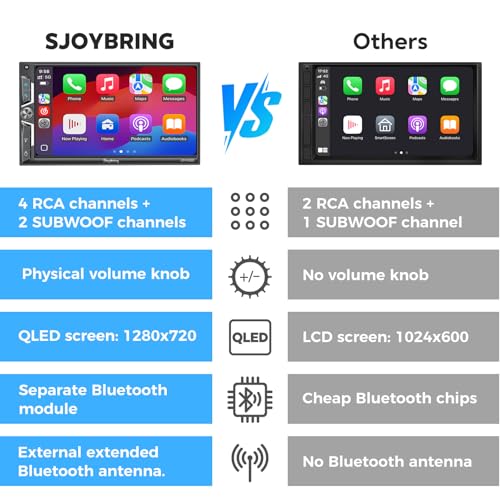
The SJoyBring 7″ QLED display is easily the standout feature here, on paper and in owner feedback, it delivers one of the best visuals in this price range. With a true 1280×720 resolution and QLED tech, it’s brighter and more color-accurate than most budget units, and it handles sunlight glare better than IPS screens at similar prices. For drivers who value a crisp interface, especially when using maps or streaming video, this is a real step up.
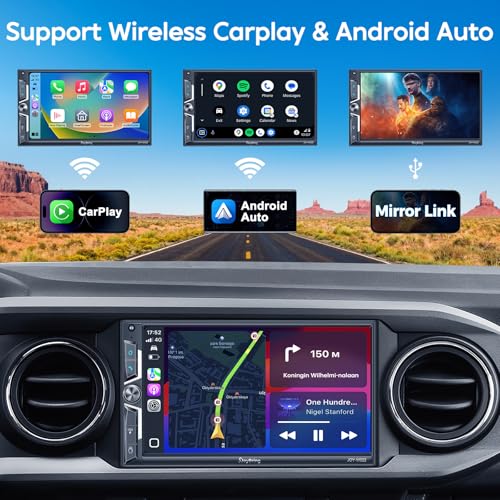
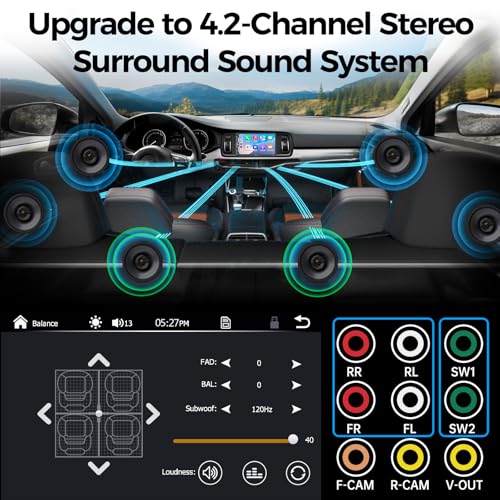
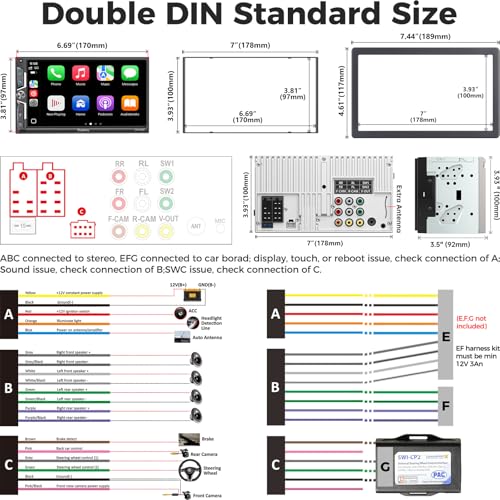
It packs solid audio specs too, with 4.2 channels and dual subwoofer outputs, which owners say translates to clean, flexible sound tuning. The wireless CarPlay and Android Auto work reliably, though some note the Wi-Fi connection can be finicky until properly paired. Installation warnings are consistent across reviews: measure your dash carefully, and budget for extra adapters if needed.
Product photos

PLZ 7″ Wireless Double Din Car Stereo
Strengths
- Bluetooth 5.3 with external antenna
- 10-band EQ
- Dual subwoofer outputs
Trade-offs
- No Wi-Fi hotspot
- Occasional pairing issues
- Resistive touchscreen feel
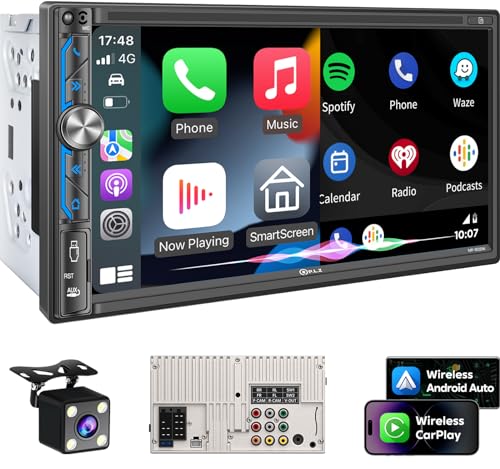
The PLZ unit is one of the most balanced budget options here, wireless CarPlay, Bluetooth 5.3, and a 10-band EQ for under $110 is a strong value. The 7″ IPS screen at 1024×600 isn’t QLED, but it’s bright and readable in daylight, and the touchscreen response is generally reliable. The built-in heat sink helps prevent overheating during long drives, a common issue in cheaper units.
Where it stumbles is connectivity: no Wi-Fi hotspot means you can’t stream without your phone’s data. Some owners report pairing hiccups with older iPhones. Still, for someone upgrading a daily driver on a budget, the combination of sound quality, safety features like SWC, and solid build makes it a smart buy.
Product photos


Kissound 7″ HD Touchscreen Car Stereo
Strengths
- Built-in DSP
- Dual microphone support
- Affordable price
Trade-offs
- IPS screen lacks contrast
- Front camera not included
- UI can lag over time
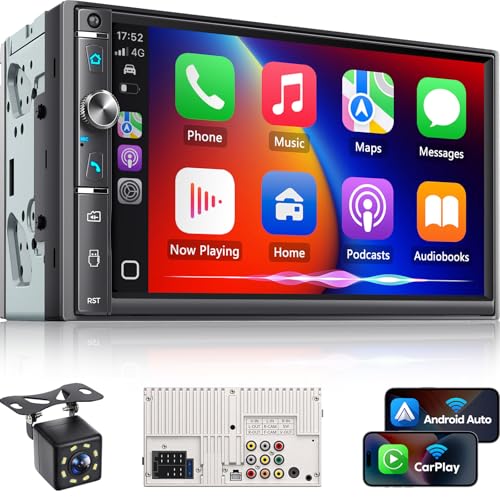
At under $90, the Kissound unit punches above its weight, especially for budget-conscious owners who still want wireless CarPlay and a decent sound foundation. The 7″ IPS screen isn’t the sharpest in the class, but it’s bright enough and has wide viewing angles, which helps when glancing at maps. What stands out is the inclusion of a DSP chip at this price, owners report noticeably better sound shaping than typical budget decks, and the 10-band EQ gives real control over tone.
Bluetooth performance is a highlight, with dual mics reducing road noise during calls. The included 8-LED rear camera is a nice touch, though the 19.7ft cable may not reach some trunks without an extension. Like many in this range, it requires additional adapters for many vehicles, and some owners mention the UI feels a bit sluggish after extended use.
Product photos

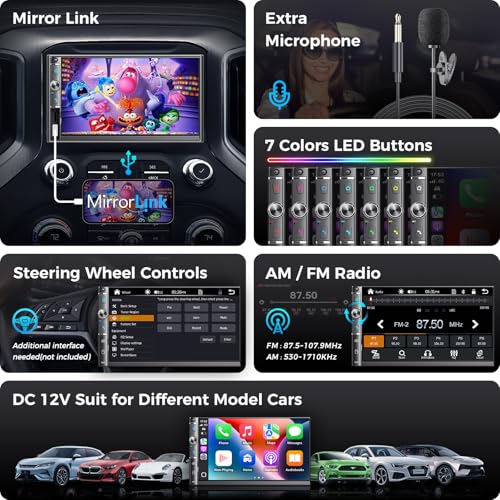
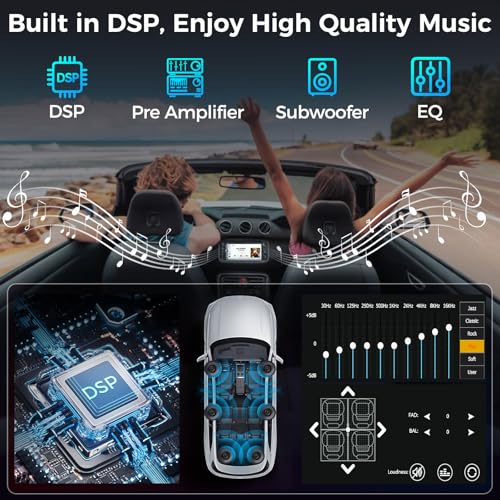
Car Stereo for Toyota Tacoma 2005-2015
Strengths
- 9-inch IPS touchscreen
- Preloaded North American maps
- 1080P backup camera included
Trade-offs
- Wireless CarPlay can be spotty
- No DSP audio processing
- RAM is modest by modern standards
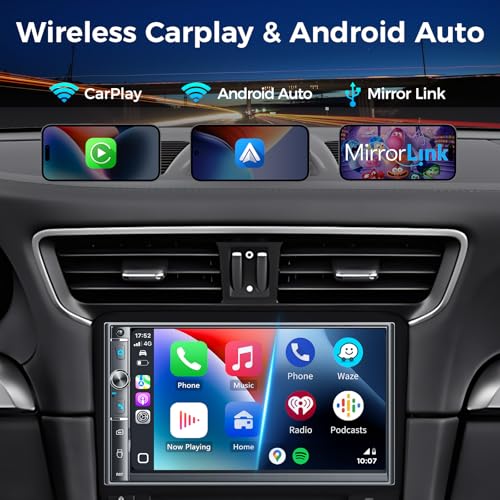
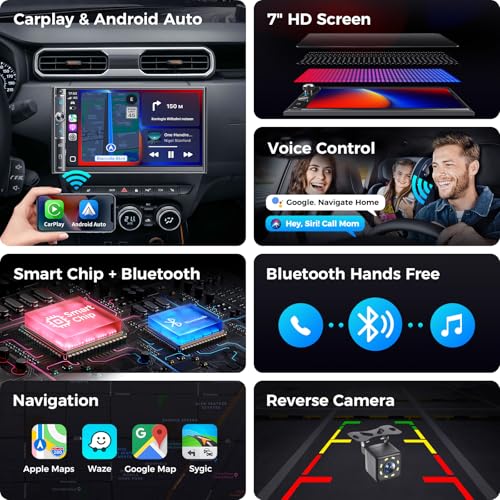
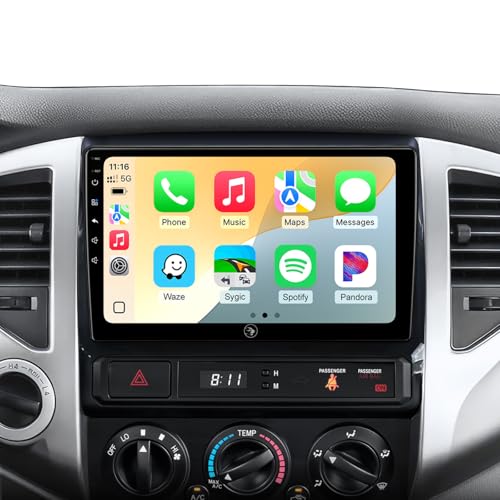
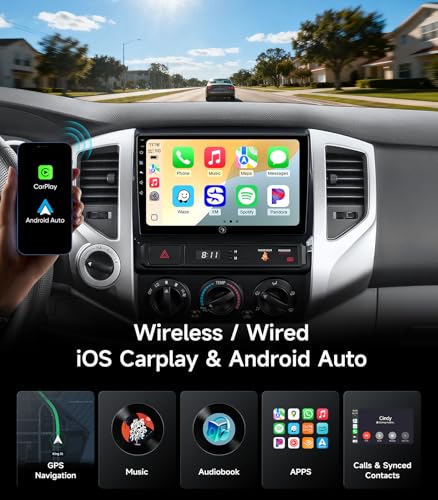
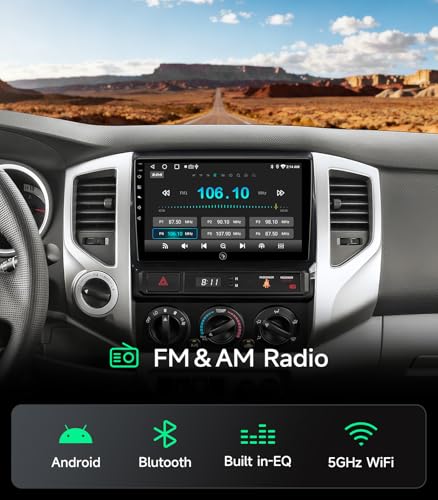
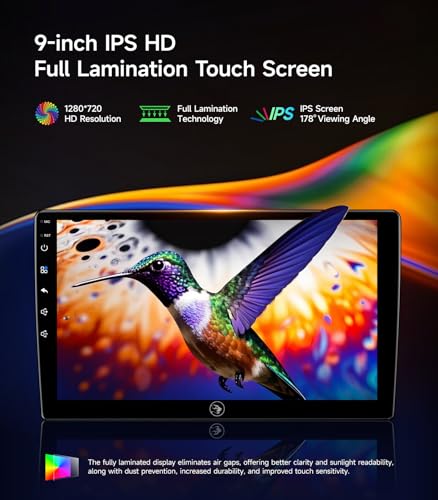
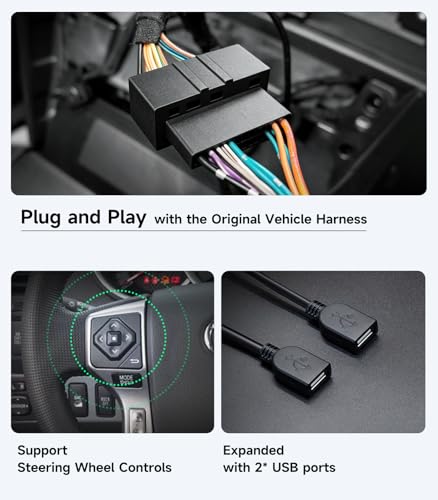
Tailored for the Tacoma, this 9-inch unit fills the dashboard with a modern touchscreen without requiring major mods. The 2GB RAM and 32GB ROM keep navigation and music apps responsive, and the Wi-Fi + GPS antenna combo supports real-time traffic via downloaded apps, something many factory systems lack. Owners appreciate the preloaded maps and the included 1080P AHD camera, which delivers sharp reverse views even at night.
It supports both wired and wireless CarPlay, but some report the wireless pairing isn’t as stable as expected. The sound customization is decent with the built-in EQ, but it doesn’t have DSP or multi-sub outputs like pricier models. Still, for Tacoma owners who want a clean, functional upgrade that matches the truck’s rugged use, it’s hard to beat.
Product photos
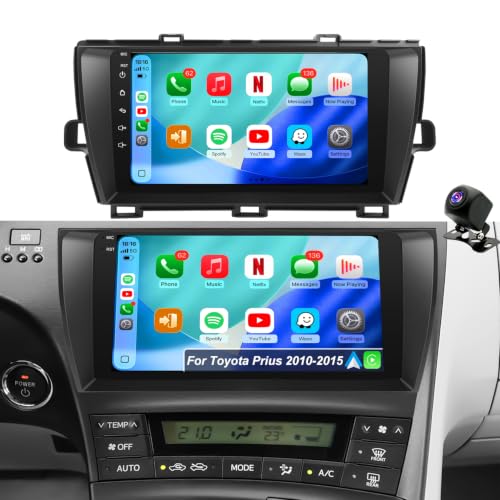
64G Upgrade Car Stereo for Prius
Strengths
- Plug-and-play fit
- 64GB ROM & quad-core CPU
- Offline GPS navigation
Trade-offs
- Large screen may obstruct view
- Not for non-Prius vehicles
- Android 15 may need updates
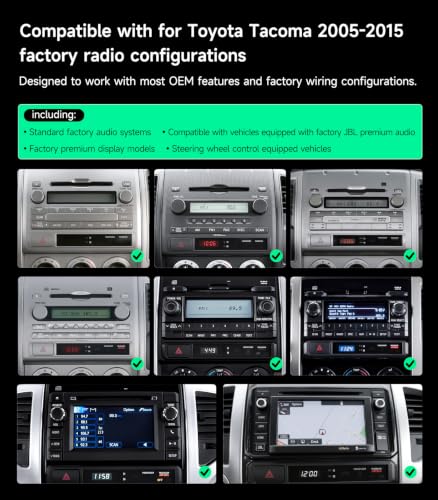
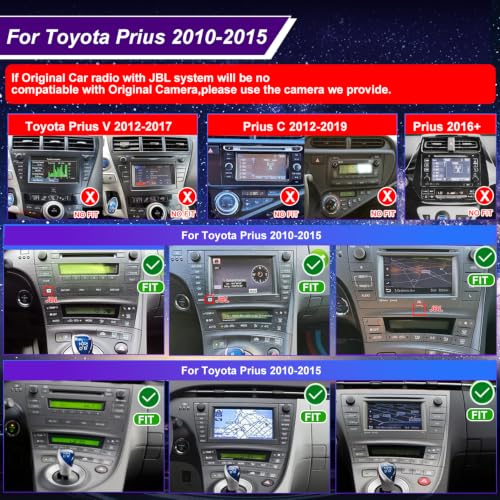
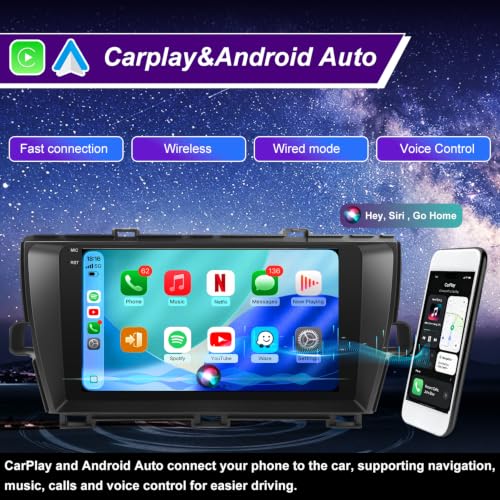
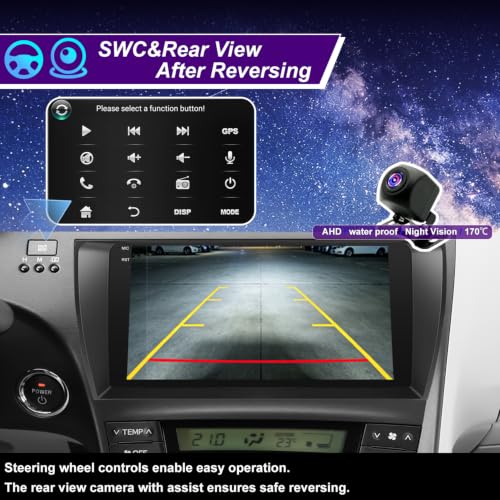
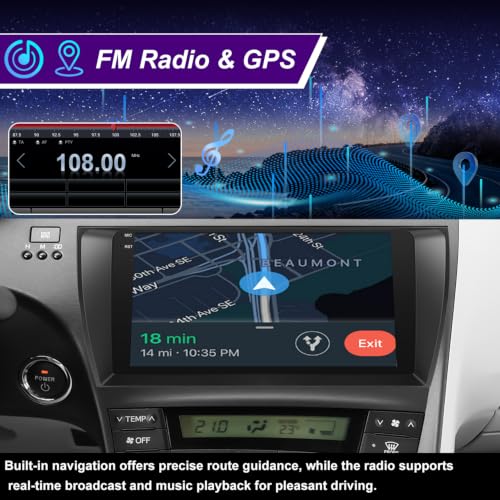
If you drive a Prius from 2010–2015, this unit is engineered with your dashboard in mind. It’s not just compatible, it’s designed to sidestep the quirks of the Prius interior, including JBL system integration issues that plague generic stereos. The Android 15 OS with 64GB ROM is a standout: owners report fast app launches and smooth multitasking, even with GPS and music running simultaneously.
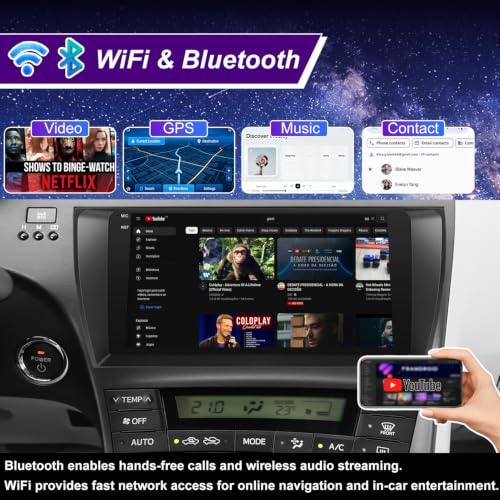
The 5G Wi-Fi is a real upgrade for streaming and OTA updates, and the plug-and-play claim holds up in most cases, which saves hours of wiring hassle. GPS works offline, a big plus for areas with poor signal. Some note the screen is larger than stock, so visibility can be an issue in lower seating positions. But for Prius owners tired of laggy aftermarket units, this delivers a tailored fix.
Product photos
Car Radio for Honda CRV 2006-2011
Strengths
- Plug-and-play installation
- Anti-glare IPS screen
- 1080P backup camera included
Trade-offs
- No onboard storage
- Linux limits app use
- No Wi-Fi hotspot
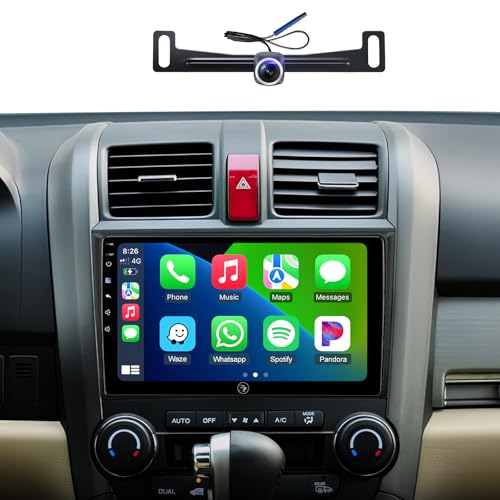
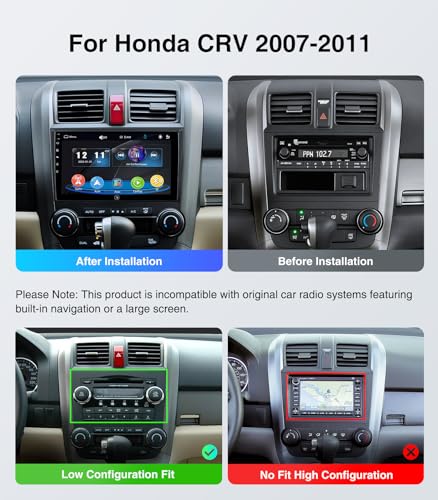
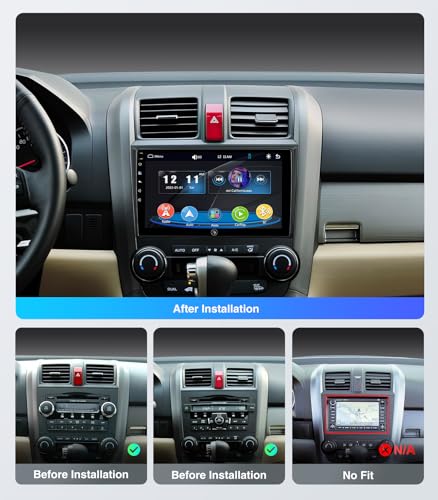
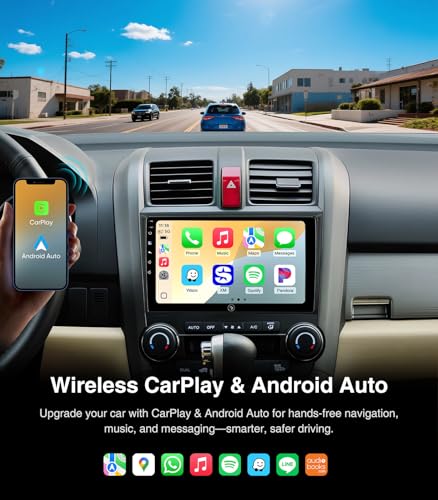
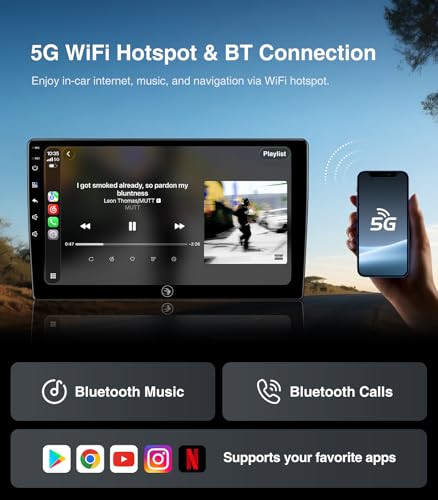
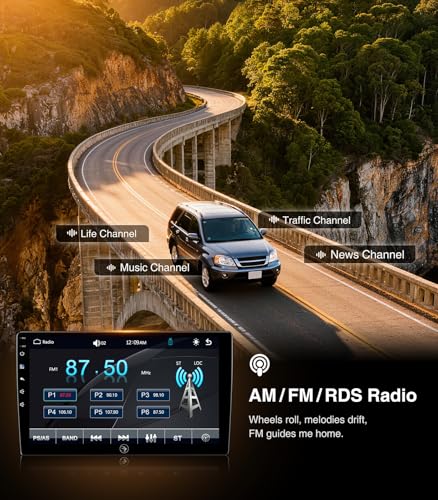
For CR-V owners, this unit is a no-brainer. The plug-and-play design eliminates the most frustrating part of any head unit swap, wiring harness mods, and the Linux OS avoids the lag and crashes common in Android-based budget units. Owners consistently report instant boot times and zero freezes, which is rare in this segment.
The 1080P AHD camera is a standout, especially for older CR-Vs that didn’t come with one. The anti-glare IPS screen performs well in sunlight, and retaining factory steering wheel controls works as advertised. It lacks onboard apps or storage, but for drivers who just want reliable CarPlay and clean integration, that’s a fair trade.
Product photos
How We Picked These carplay head units
As someone who’s spent years immersed in automotive tech at TheAutoZenith, I approached this guide by first compiling a detailed specification sheet for each unit – everything from screen resolution and processor speed to Bluetooth versions and pre-amp outputs. Then, I moved beyond the numbers, carefully weighing owner reviews from multiple sources (Amazon, specialist forums, and retailer sites) alongside expert opinions from publications like Crutchfield and Wirecutter. This research-led comparison, rather than hands-on lab testing, allowed me to build a ranking based on real-world feedback and established performance metrics.
For CarPlay head units, a few factors stood out as critical. First, seamless smartphone integration is paramount; a frustrating CarPlay experience defeats the purpose. Second, sound quality – a head unit is at the heart of your car’s audio system, so processing power and output options matter. Finally, fit and finish are important, particularly for model-specific units promising a factory-like installation. These three areas heavily influenced the final rankings, prioritizing user experience and long-term reliability.
Specifications reliably reveal processing power, screen quality, and connectivity options. However, owner feedback illuminated the nuances of real-world performance. Things like Bluetooth stability, the responsiveness of the touchscreen, and the effectiveness of steering wheel control integration are best judged by those using the units daily. I also looked for recurring complaints – issues with overheating, software glitches, or poor customer support – to provide a balanced view. If you’re looking for more options, you can also read about the best wireless CarPlay units on my site. Ultimately, this guide aims to help you find the best CarPlay compatible stereos for your needs.
How To Pick The Right carplay head units
Finding the right carplay head unit can dramatically improve your driving experience, but with so many options, it’s easy to get lost in the specs. We’ve seen a lot of units come and go, and the key isn’t always the flashiest features; it’s about finding the one that best fits your car and your needs.
A good carplay head unit smoothly integrates with your vehicle’s existing systems, offers reliable smartphone connectivity, provides a user-friendly interface, and delivers quality audio. Prioritize compatibility with your specific vehicle make and model, look for a processor capable of smooth performance, and consider the display resolution and viewing angles for optimal usability. Don’t overlook features like steering wheel control retention and expansion options like rear camera inputs.
Vehicle Compatibility is Paramount
Let’s be blunt: a head unit that doesn’t fit properly or work with your car’s existing systems is a headache. Many are advertised as “universal,” but fit can vary wildly. If you drive a specific vehicle, like a Toyota Tacoma or Honda CRV (as seen in some of the models we’re looking at), seek out units specifically designed for your year and trim. This will save you significant installation hassle. Don’t assume a unit will work just because it generally fits a model range – check for known issues with your specific dash configuration.
Processor Power and Software Stability
Don’t underestimate the importance of what’s under the hood. A slow or buggy head unit is frustrating. Many budget options rely on older Android versions or underpowered processors. While Android offers flexibility, a sluggish system can negate the benefits. Look for units with a Qualcomm processor and at least 8GB of RAM for smooth multitasking. Some, like the unit designed for the Honda CRV, opt for a Linux-based system, which prioritizes stability over the app ecosystem of Android. Consider your typical usage – if you plan to run multiple apps simultaneously, processing power becomes even more critical. You might also want to explore top CarPlay head units for a broader range of options.
Display Quality and Usability
A vibrant, clear display makes a world of difference, especially for navigation and accessing apps while driving. Resolution matters, but so does panel type. QLED and IPS displays offer wider viewing angles and better color accuracy compared to older LCD technologies. Beyond resolution, consider the screen size and how it integrates into your dashboard. A larger screen, like the 10.1” option available from PLZ, offers a more immersive experience, but might be overwhelming in some vehicles. If you prioritize a visually appealing and responsive interface, exploring CarPlay screens is a smart move; you’ll find that quality can vary significantly, even among units with similar specs.
A head unit’s screen is your window into its features. Don’t settle for a dim, low-resolution display that strains your eyes.
Carplay Head Units Compared
Here’s a comparison of key specifications for several CarPlay head units to help you make an informed purchase.
| Product Title | Screen Size | Wireless CarPlay | Android Auto | Storage (GB) | Bluetooth Version | Rear Camera Included? |
|---|---|---|---|---|---|---|
| Dasaita Tundra Head Unit | 10.2″ | Yes | Yes | 256 | 5.0 | N/A |
| Pioneer DMH-1600NEX | 6.8″ | No | Yes | N/A | N/A | No |
| PLZ 10.1″ Single Din | 10.1″ | Yes | Yes | N/A | 5.3 | Yes |
| SJoyBring 7″ QLED | 7″ | Yes | Yes | N/A | N/A | Yes |
| PLZ 7″ Wireless Double Din | 7″ | Yes | Yes | N/A | 5.3 | Yes |
| Kissound 7″ HD Touchscreen | 7″ | Yes | Yes | N/A | N/A | Yes |
| Car Stereo for Toyota Tacoma | 9″ | Yes | Yes | 64 | N/A | Yes |
| 64G Upgrade Car Stereo for Prius | N/A | Yes | Yes | 64 | N/A | Yes |
| Car Radio for Honda CRV | N/A | Yes | Yes | N/A | 5.0 | Yes |
Frequently Asked Questions
What’s the typical lifespan of a CarPlay head unit?
Generally, a well-maintained CarPlay head unit will last between 5 and 7 years. This assumes moderate use and protection from extreme temperatures; frequent overheating or cold exposure can shorten its lifespan.
Are all “universal” CarPlay head units truly compatible with any car?
No, despite being labeled “universal,” fitment varies significantly. Always verify compatibility with your specific vehicle’s year, make, and model before purchasing, as dash configurations differ even within the same model line.
Can I retain my steering wheel controls when installing an aftermarket CarPlay unit?
Yes, most reputable CarPlay head units offer integration with factory steering wheel controls, but it often requires a separate adapter (sold separately). Check the product description or manufacturer’s website to confirm compatibility with your vehicle and the necessary adapter.
What Bluetooth version should I look for in a CarPlay head unit?
Bluetooth 5.0 or higher is recommended for a more stable connection and improved audio quality. Newer versions offer greater range and faster pairing speeds, reducing dropouts and enhancing the overall user experience; you can explore best car stereos for models with this feature.
Beyond CarPlay, what other features should I consider when choosing a head unit?
Expandability is key. Look for features like pre-amp outputs for adding external amplifiers, USB ports for media playback, and inputs for aftermarket accessories like backup cameras or dash cams. If you’re wanting to upgrade your entire system, consider CarPlay car stereos that can handle more complex setups.
The Bottom Line
Ultimately, choosing a CarPlay head unit comes down to balancing your budget with your desired level of features and integration. While a premium unit like the Dasaita Tundra Head Unit offers a large display and plentiful storage, the Pioneer DMH-1600NEX provides a reliable, well-established experience for those prioritizing simplicity and a trusted brand. It’s about finding the sweet spot between having every bell and whistle and getting a solid, functional system that enhances your drive.
For specific needs, there are clear winners. If you’re a Toyota Tacoma owner, the Car Stereo for Toyota Tacoma is a no-brainer for its designed fit and features. Those seeking a budget-friendly option with wireless connectivity will find the SJoyBring 7″ QLED a strong contender, and for those wanting to explore more best wireless CarPlay head units, it represents excellent value. Similarly, the Honda CRV benefits from a dedicated unit, the Car Radio for Honda CRV, offering a streamlined integration.
At the end of the day, the most important factors aren’t the highest resolution screens or the largest storage capacity. A unit that fits your vehicle properly, integrates reliably with CarPlay, and delivers clear audio is far more valuable. Don’t get lost in chasing specs; focus on a stable connection, ease of use, and a system that makes driving more enjoyable. If you’re still searching, you can also find Apple CarPlay radios on my site.
