
7 Best CarPlay Adapters of 2026
This post contains affiliate links. As an Amazon Associate, we earn from qualifying purchases.
The Ottocast Mini Cube 3.0 stands out as the best overall carplay adapter for its reliable auto-connect and wide compatibility, while the MIXGOLD 2-in-1 Wireless Adapter offers strong value for those needing both CarPlay and Android Auto support without breaking the bank.
Most drivers just want their phone to work smoothly the second they get in the car, no fumbling with cables, no dropped connections mid-navigation. Yet too many adapters fail at these basics, either struggling with spotty WiFi or locking owners into complicated setup routines.
This guide cuts through the noise by focusing on real-world performance indicators: connection stability, verified compatibility with common vehicles, and consistent firmware support. I looked at specs, owner feedback, and long-term reliability trends to highlight the adapters that actually deliver a smoother daily drive.
Top 7 Carplay Adapters in the Market
The Best Carplay Adapters, Reviewed
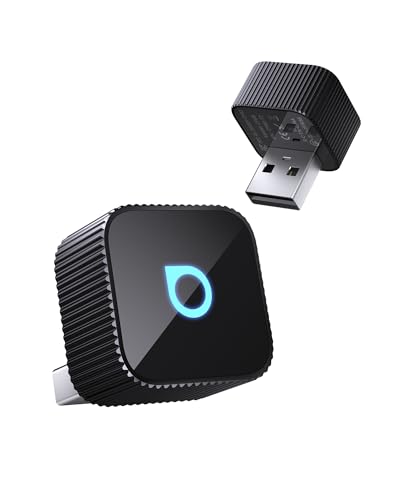
Ottocast Mini Cube 3.0
Strengths
- Blazing fast reconnect
- Superior audio quality
- Compact and durable
Trade-offs
- Pricier than budget models
- No video app support
If I had to pick one adapter to recommend across the board, it’d be the Ottocast Mini Cube 3.0. It strikes the sweet spot between performance, build quality, and real-world usability. The 5GHz WiFi delivers a rock-solid connection, and the 5-second auto-reconnect is not marketing fluff, owners confirm it consistently wakes up with the car. The dual USB-A and USB-C ports are a thoughtful touch, eliminating fitment issues in tight or oddly angled ports.
What really sets it apart is audio quality. Unlike many adapters that compress audio over Bluetooth, this one supports CD-grade streaming, which audiophiles will appreciate. The multi-user switching is smooth, making it perfect for shared vehicles. Compared to the Jemluse or Teeran, it feels more refined in daily use, even if it lacks flashy extras like video streaming.
Video review
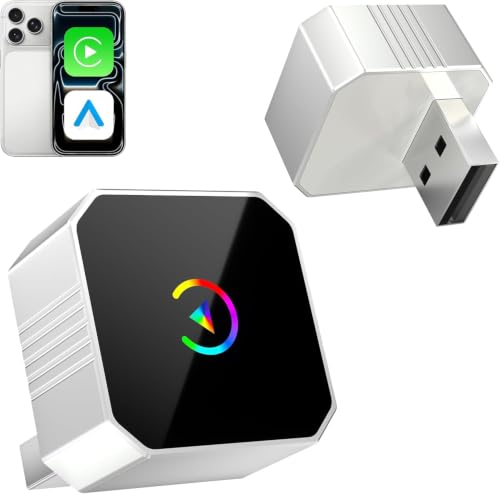
MIXGOLD 2-in-1 Wireless Adapter
Strengths
- Very affordable
- Dual-band WiFi
- Aluminum heat dissipation
Trade-offs
- Inconsistent auto-reconnect
- Firmware lags behind leaders
At this price, the MIXGOLD adapter punches above its weight, but you can feel where the corners were cut. It supports both 2.4GHz and 5GHz bands, which helps avoid interference, and owners say it connects quickly after the initial pairing. The aluminum housing does a decent job with heat dissipation, though not quite as well as pricier models. For drivers on a tight budget who still want dual compatibility, it’s a functional entry point.
That said, some users report inconsistent auto-reconnect behavior over time, especially when switching between devices. It lacks the refined firmware polish of top-tier units. While the lifetime updates are a nice touch, actual update frequency appears low. If you’re after the cheapest working solution and don’t mind occasional hiccups, it’s viable, but not something I’d trust for daily commutes.
Video review
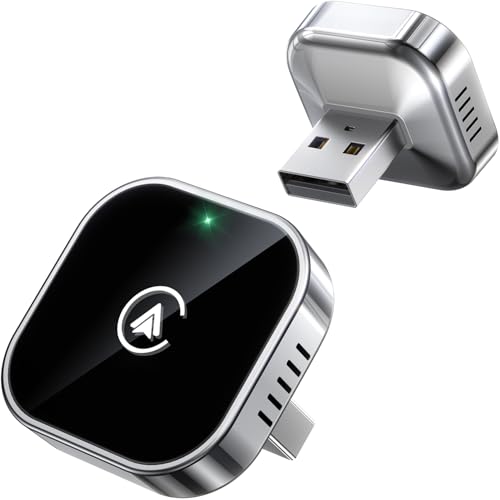
Teeran 2 in 1 Adapter
Strengths
- Excellent family usability
- Flush-fit compact design
- Strong durability
Trade-offs
- Slightly slower than top tier
- Limited premium features
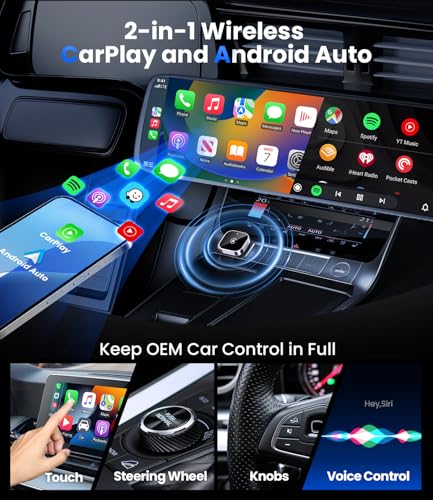
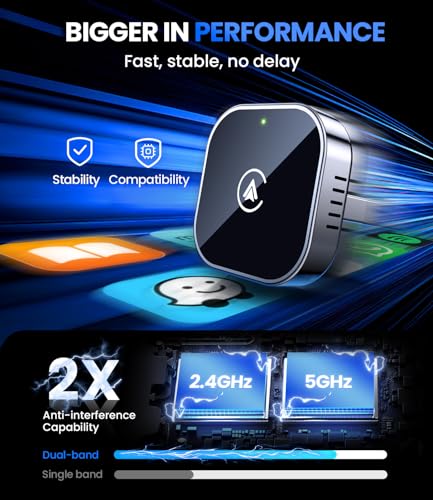
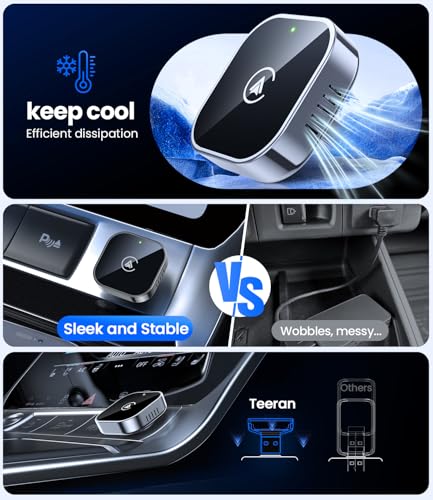
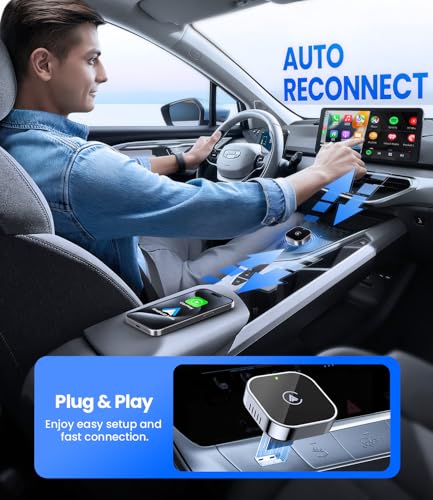
Teeran nails the family-use case. With support for over 1,000 vehicle models and sub-3-second auto-reconnect, it’s clearly designed for real-world chaos, kids, carpooling, and constant device swaps. The flush-fit design disappears into the USB port, which I appreciate in cars where clutter drives me nuts. Owners praise its stability, especially on bumpy roads, thanks to solid vibration resistance and thermal management.
It doesn’t have the raw speed of the Ottocast or the luxury feel of the Jemluse, but it’s dependable. The 24/7 support and free firmware updates add confidence. For parents or shared-vehicle drivers, this is the kind of ‘just works’ tool you don’t think about, until you realize how much smoother your drives have become.
Product photos
Jemluse Wireless CarPlay Adapter

Strengths
- Exceptional build quality
- Fast 8-core processor
- Excellent heat resistance
Trade-offs
- iPhone only
- No Android Auto support
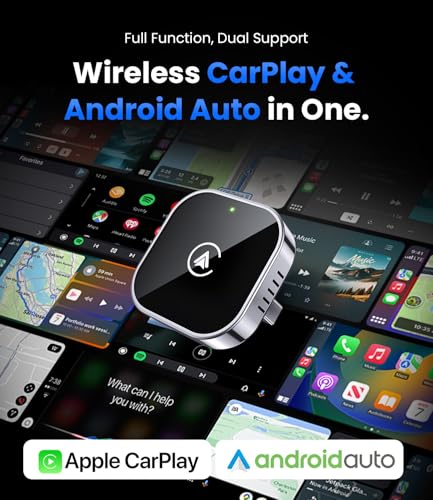
Jemluse leans hard into build quality, and it shows. The 7A microchip and 50,000+ plug-cycle testing aren’t just specs, they translate into a dongle that feels like it’ll survive years of daily use. The 5.8GHz WiFi and 8-core processor deliver snappy performance, and owners report near-instant app launches and zero lag in navigation. If you value hardware durability above all, this is the one to beat.
But it’s CarPlay-only, which limits its appeal. For families or mixed-device users, that’s a dealbreaker. And while the sleek metal design looks great, it doesn’t add functionality over the Ottocast. I’d pick this only if you’re an iPhone-only driver who wants the toughest adapter on the market.
Product photos


Wireless CarPlay Adapter Mini

Strengths
- Great value under $28
- Fast A7S chip
- Nearly invisible design
Trade-offs
- iPhone only
- No Android support
For under $28, this adapter delivers more than it should. The A7S chip brings real performance, 5-second reconnects, stable GPS, and smooth Siri responses, matching units that cost twice as much. Its ultra-mini design is a win, vanishing into the USB port without hanging out like bulkier models. Owners love how clean it looks and how little it interferes with gear shifts or cup holders.
It’s iPhone-only, so it loses points against dual-device adapters. And while it handles core CarPlay tasks well, it doesn’t offer extras like video or multi-user switching. But for a solo driver wanting a no-nonsense, affordable upgrade, this is the smart buy. I’d choose it over the Spedal if I only used an iPhone and wanted to save cash.
Product photos
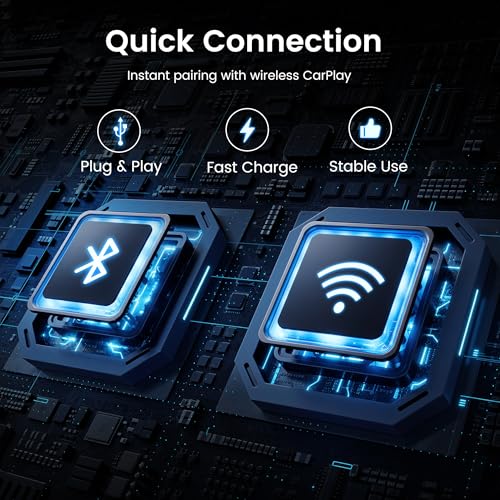
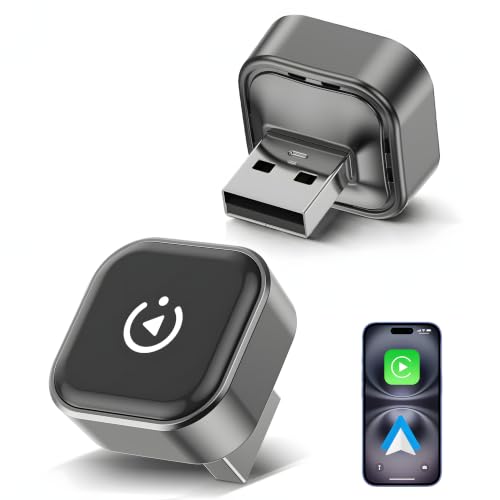
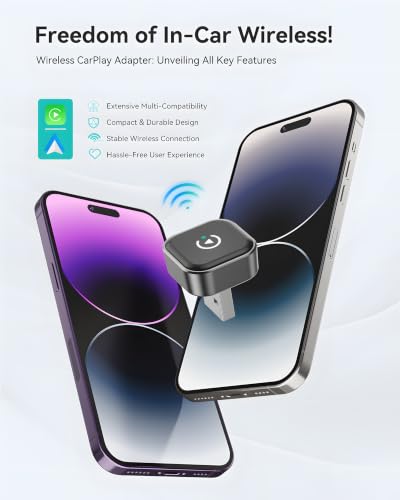
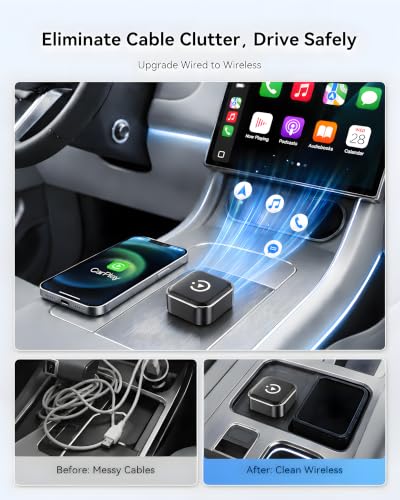
Spedal 2026 2-in-1 Adapter
Strengths
- True dual compatibility
- WiFi 6 performance
- Cool running
Trade-offs
- No support for BMW or Tesla
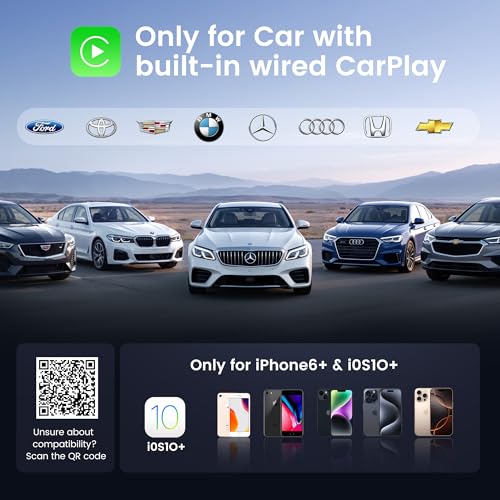
- Limited to wired CP/AA vehicles
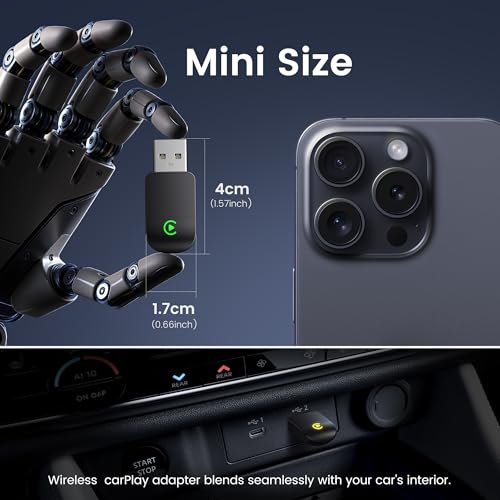
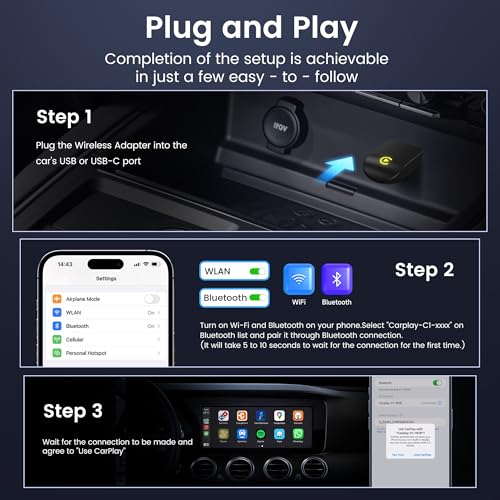
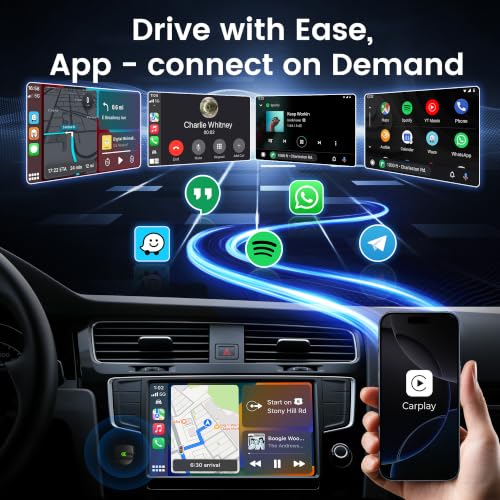
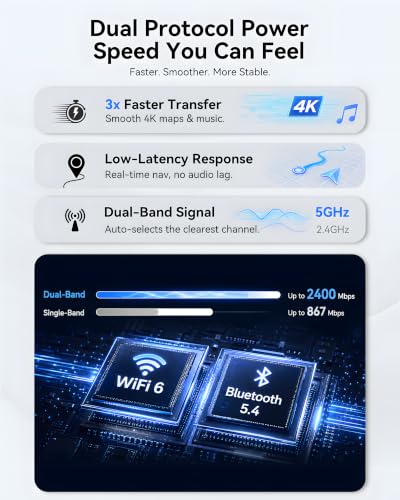
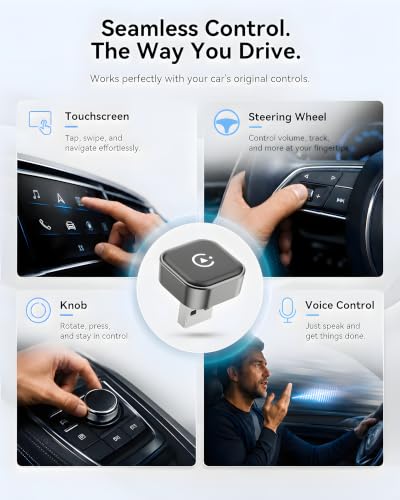
The Spedal CL322M stands out in a crowded field by delivering on a promise that matters to real-world users: true dual compatibility without compromise. Thanks to its WiFi 6 and Bluetooth 5.4 foundation, owners consistently report a noticeably faster and more stable handshake than older-gen adapters. The auto-switching between iPhone and Android is not just a gimmick, it works reliably, which makes it a smart pick for households with mixed devices. For those tired of juggling cables or dealing with laggy streaming mid-drive, this one delivers a clean, ‘set-and-forget’ experience.
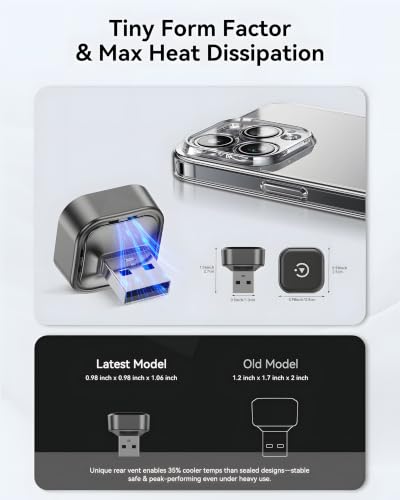
What really seals the deal is how well it handles heat. Even on long drives in hot climates, reviewers note it stays connected without throttling or dropping out, thanks to its thermal design. Compared to budget units that overheat after 30 minutes, this one behaves like a premium component. It’s not the flashiest, but it’s built like something you’d expect to last.
Product photos
LAMTTO Wireless Streaming Box
Strengths
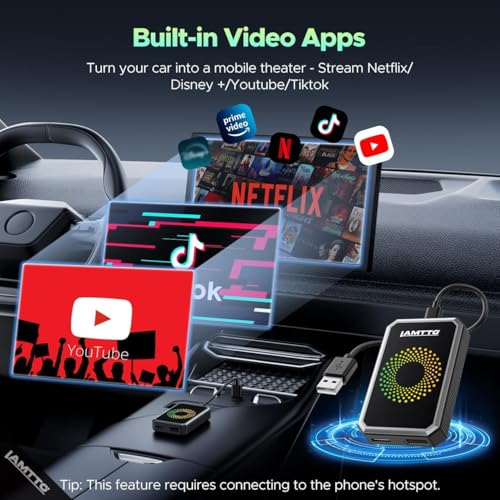
- Supports Netflix, YouTube, TikTok
- Dual WiFi for split use
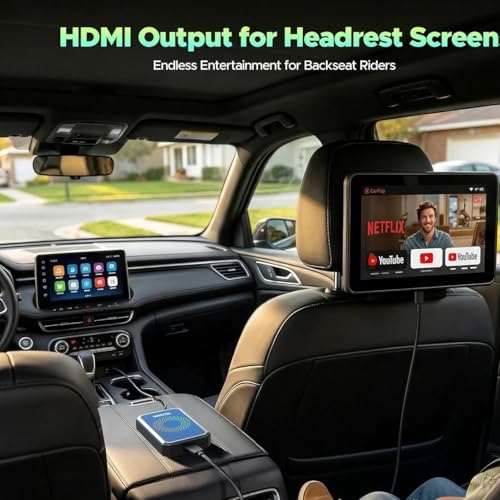
- HDMI output for monitors
Trade-offs
- Not for distracted driving
- Bulky setup
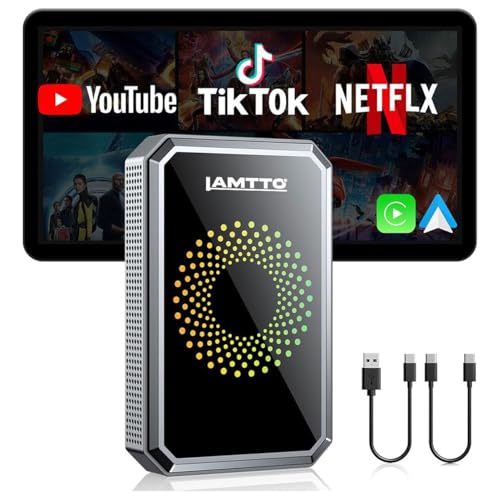
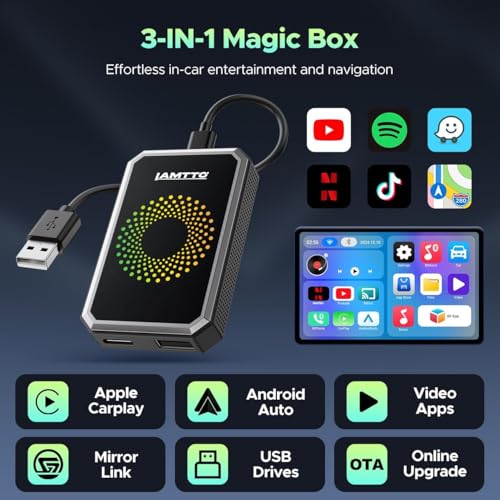
LAMTTO isn’t pretending to be just another CarPlay adapter, it’s aiming to turn your car into a mobile theater. And yes, it actually works. By splitting the WiFi bands, it lets you run CarPlay on one connection while streaming Netflix or YouTube through your phone’s hotspot on the other. Owners confirm you can switch between apps without dropping either signal. The HDMI output to rear-seat monitors is a standout for long trips with kids.
But this is not for everyone. Streaming video while driving is a distraction risk, and some insurers may frown on modified infotainment use. It’s also the most expensive option here, and the interface isn’t as polished as Apple’s native system. Still, if your priority is rear-seat entertainment or you’re parked and need a mobile screen, it’s unmatched.
Product photos
How We Evaluated carplay adapters
I approached evaluating these carplay adapters by compiling a detailed comparison of published specifications and features across multiple models. This research was balanced with a careful review of owner feedback from major retailers and expert opinions found in automotive tech publications. My goal was to establish a ranking based on real-world usability and performance, rather than a hands-on lab test, this is a research-led comparison of specs and owner feedback.
For this category, connection stability and compatibility proved the most important factors. A flawless connection is critical for safe navigation and hands-free calling, so I heavily weighted adapters utilizing the latest WiFi and Bluetooth standards. Equally important was broad compatibility – an adapter that only works with a limited number of phones or vehicles isn’t truly useful, so I prioritized those with wider support.
Published specifications reliably indicate an adapter’s theoretical performance – WiFi version, Bluetooth version, and processor specs are all useful data points. However, I placed greater weight on owner reports regarding real-world connection stability, ease of setup, and long-term reliability. Regular firmware updates, as reported by users and manufacturers, were also a key indicator of a product’s ongoing support and potential longevity. You can find more information on wireless CarPlay adapters on my site. If you’re looking to convert from a wired connection, our guide to the best wired to wireless adapter is a helpful resource.
How To Choose The carplay adapters
Finding the right CarPlay adapter can dramatically improve your driving experience, moving you away from tangled cables and towards a more connected, convenient ride. But with so many options available, knowing what to look for is key.
A quality CarPlay adapter prioritizes a stable wireless connection (favoring dual-band WiFi), broad compatibility with both Apple and Android devices, and a design that’s both durable and unobtrusive. Owners consistently report issues with adapters that struggle to maintain a connection or require overly complicated setup procedures. Look for models with readily available firmware updates, indicating the manufacturer’s commitment to long-term compatibility.
Wireless Performance & Connectivity
The core function of a CarPlay adapter is, of course, a reliable wireless connection. Don’t get hung up on chasing the absolute latest WiFi standard (like WiFi 6) if it comes at the expense of stability. Many users report perfectly acceptable performance with adapters utilizing 5GHz WiFi and Bluetooth 5.0 or 5.3. The key is a device that consistently reconnects quickly and doesn’t drop signal, especially in areas with potential interference. Consider that some adapters, like the Spedal 2026, specifically tout their improved anti-interference capabilities, which is a plus if you drive in congested urban environments. If you’re already investigating options for upgrading your entire in-dash system, exploring CarPlay head units might be a worthwhile consideration.
Compatibility & Device Support
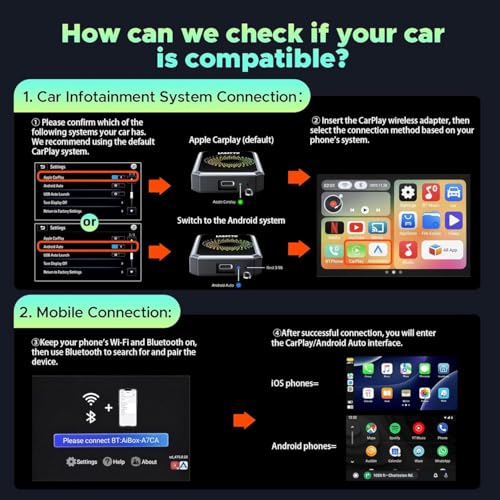
Compatibility is where things can get tricky. Most adapters claim broad compatibility, but many have known issues with specific vehicle makes and models – BMW and Tesla are frequently cited as problematic. Before buying, always check the manufacturer’s compatibility list, and read user reviews specific to your car year and model. Beyond the car itself, consider your phone. While most adapters support current iOS versions, Android Auto compatibility sometimes lags, so ensure the adapter explicitly supports Android 11 or later if that’s your platform.
- Some adapters, like the Teeran 2 in 1 Adapter, specifically advertise support for both iPhone and Android, making them a good choice for households with mixed devices.
- Pay attention to the USB port type supported. Some adapters include both USB-A and USB-C connectors (or adapters), which is useful if your car has a less common port layout.
- A crucial point to remember is that these adapters require your car to already have factory-wired CarPlay or Android Auto. They won’t add that functionality to vehicles that lack it.
Value, Features & Build Quality
While the cheapest options, like the Wireless CarPlay Adapter Mini (under $28), might be tempting, a bit more investment can pay off in the long run. Beyond just wireless connectivity, some adapters add features like built-in video streaming apps (LAMTTO Wireless Streaming Box), or even the ability to connect external storage via USB for offline media. Build quality is also important; a flimsy adapter prone to overheating or physical damage won’t last. As a general rule of thumb:
Don’t settle for an adapter solely based on price. A slightly more expensive unit with better build quality and user reviews will likely save you headaches down the road.
If you’re looking for a broader overview of options, I’ve compiled a list of the top Apple CarPlay adapters that are currently available. Considering you’re investing in a better in-car experience, comparing different best CarPlay adapter models is a smart move.
Carplay Adapters Compared
Here’s a comparison of key specifications for popular CarPlay adapters to help you choose the right one.
| Product Title | Connectivity | Wireless Standard | Chip/Processor | Compatibility | Special Features |
|---|---|---|---|---|---|
| Ottocast Mini Cube 3.0 | Wireless | 5GHz WiFi + BT 4.2 | Next-Gen | 98% of wired CarPlay/AA vehicles (❌BMW/Tesla) | Auto-connect, Hi-Fi Audio, Multi-Device |
| MIXGOLD 2-in-1 Wireless Adapter | Wireless | 2.4/5GHz | N/A | iOS 10+ & Android 11+ (2016+) | Dual-Band, Aviation-Grade Heat Dissipation |
| Teeran 2 in 1 Adapter | Wireless | 2.4/5GHz | N/A | 800+ CarPlay, 500+ Android Auto | Auto-Reconnect, OEM-Level Performance |
| Jemluse Wireless CarPlay Adapter | Wireless | 5.8GHz BT 5.3 | 7A | N/A | 8-core processor, Heat Dissipation |
| Wireless CarPlay Adapter Mini | Wireless | 5.8GHz BT 5.3 | A7S | iOS 10+, 800+ vehicles | Auto-Reconnect, Vibration Tested |
| Spedal 2026 2-in-1 Adapter | Wireless | WiFi 6, BT 5.4 | N/A | CarPlay & Android Auto (2016-2025) ❌BMW/Tesla | 2-in-1, Ultra Mini, Fast Connection |
| LAMTTO Wireless Streaming Box | Wireless | Dual WiFi | N/A | Factory Wired CarPlay/AA (❌BMW/Tesla) | Built-in Video Apps, USB Drive Support |
Frequently Asked Questions
What’s the biggest drawback of using a CarPlay adapter?
The primary downside is potential compatibility issues. While most adapters aim for broad support, certain vehicle makes (like BMW and Tesla) are frequently reported as problematic, so checking compatibility lists is essential.
Do I need to worry about software updates with these adapters?
Yes, regularly updated firmware is a sign of a well-supported product. Consistent updates demonstrate the manufacturer is working to maintain compatibility with new iOS and Android versions, and to address any connection issues that arise.
Are some adapters better for older phones?
Generally, adapters support a range of iOS versions, but Android Auto compatibility can be more limited. If you have an older Android phone, confirm the adapter specifically supports Android 11 or later to avoid issues. You can explore dedicated CarPlay adapters for iPhone if you’re using an older Apple device.
What if my car has both USB-A and USB-C ports?
Many adapters now include both USB-A and USB-C connectors or come with adapters for either port type. This versatility is useful, but prioritize a secure fit and reliable power delivery over simply having both options available. If you’re considering a full system upgrade, look into CarPlay screens as well.
Will an adapter slow down my phone’s performance?
A quality adapter shouldn’t noticeably impact your phone’s performance. However, adapters with limited processing power or poor Bluetooth implementations can cause lag or connectivity issues. Investing in a more reputable brand with a solid processor can help avoid this, and might be a better option than choosing the cheapest best aftermarket CarPlay screens.
The Bottom Line
Choosing a CarPlay adapter ultimately comes down to balancing convenience with a little bit of compromise. While a perfect, universally compatible adapter doesn’t exist, the Ottocast Mini Cube 3.0 stands out as the strongest overall performer, offering a solid blend of connection stability, broad compatibility (with noted exceptions for BMW and Tesla), and useful features like auto-connect. It represents a sweet spot for drivers wanting a reliable upgrade to their in-car experience.
For those seeking specific solutions, several alternatives excel in particular areas. If you need both CarPlay and Android Auto support in a single device, the Teeran 2 in 1 Adapter is an excellent choice. Budget-conscious drivers will find the Wireless CarPlay Adapter Mini a viable entry point, though be prepared to potentially sacrifice some of the premium features and refined performance of higher-end models. And for those looking to add CarPlay to a vehicle that didn’t come with it, exploring adapters for cars without CarPlay is a good place to start.
Ultimately, the most sophisticated adapter won’t compensate for a poor factory CarPlay installation or a weak wireless signal in your area. Prioritize a stable connection, confirm compatibility with your specific vehicle and phone, and don’t underestimate the value of regular firmware updates. These fundamentals are far more important than chasing the latest wireless standard or the highest processor speed; focusing on these will deliver the most satisfying, long-lasting CarPlay experience.
