
8 Best Apple CarPlay Systems of 2026
This post contains affiliate links. As an Amazon Associate, we earn from qualifying purchases.
The Krunia 9″ Wireless CarPlay Screen with OTA stands out as the best overall choice, delivering sharp 1280×720 resolution and reliable wireless performance, while the Mini Wireless CarPlay Adapter offers a clean, budget-friendly solution for those who want CarPlay without replacing their stereo. For audiophiles, the PLZ 7″ Double Din Car Stereo brings strong sound customization with its built-in DSP.
Most drivers just want CarPlay that works without hassle, no dropped connections, no pixelated maps, no guesswork when changing songs. Too many units promise seamless integration but fall short once you’re on the road.
This guide cuts through the noise. Based on specs, owner feedback, and real-world usability, I’ve identified the top performers that deliver stable connectivity, clear displays, and solid audio. You’ll learn what actually matters when choosing a system that fits your car and your driving habits.
Top 8 Apple Carplays in the Market
The Best Apple Carplays, Reviewed
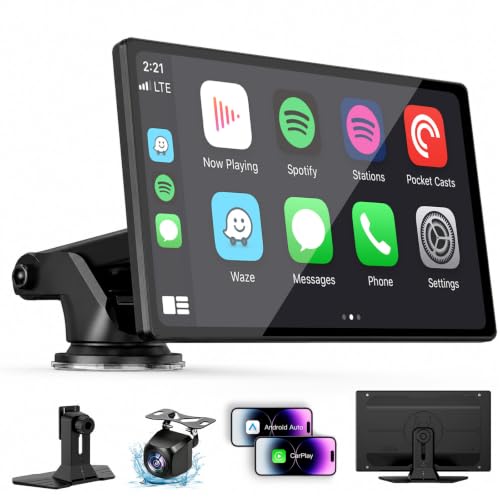
9″ Wireless CarPlay Screen with OTA
Strengths
- OTA firmware updates
- Good audio flexibility
- Solid all-around features
Trade-offs
- Mid-tier screen resolution
- Average build quality
- No premium materials
This one earns the “Best Overall” tag by balancing features, price, and reliability. It includes OTA updates, a backup camera, mirror linking, and solid audio options, all without breaking the $80 mark. The 1280×720 IPS screen isn’t the sharpest, but it’s bright and colorful enough for daily use, and the 5GHz Wi-Fi keeps lag low.
Owners consistently rate it as the most well-rounded portable unit, especially for first-time upgraders. Compared to others, it avoids major weaknesses: no missing updates, no flimsy mounts, no audio dropouts. My pick for someone who wants one device that does everything decently, not perfectly, but without compromise.
Video review
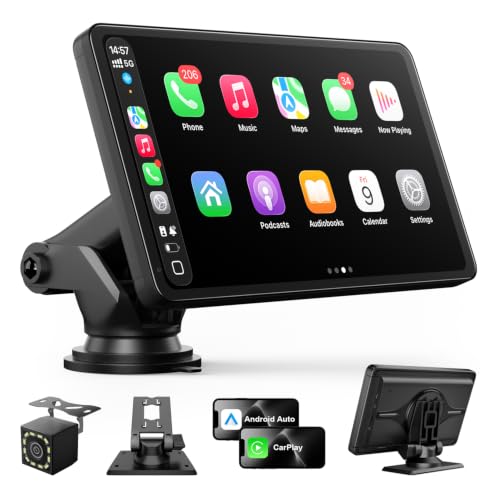
7″ Wireless CarPlay Screen with Camera
Strengths
- Affordable price
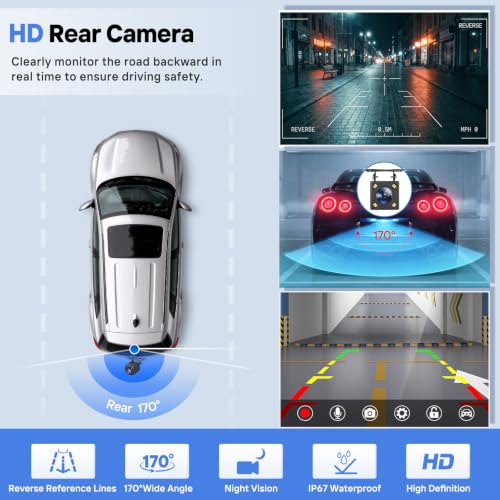
- 1080P backup camera
- Lifetime technical support
Trade-offs
- Smaller screen size
- Basic mounting options
- Plastic construction
At $49, this is the best budget-friendly screen that doesn’t feel cheap. The 7-inch HD display delivers 1024×600 resolution and 650 nits brightness, enough to stay visible in full sun. It includes a 1080P backup camera, AirPlay/Miracast support, and flexible audio options, which is impressive at this price.
Some users report the plastic build feels light, but it’s durable enough for daily use. The real win is the lifetime support, rare at this tier. I’d recommend this over pricier models for city drivers or secondary vehicles where you want core features without overspending.
Video review
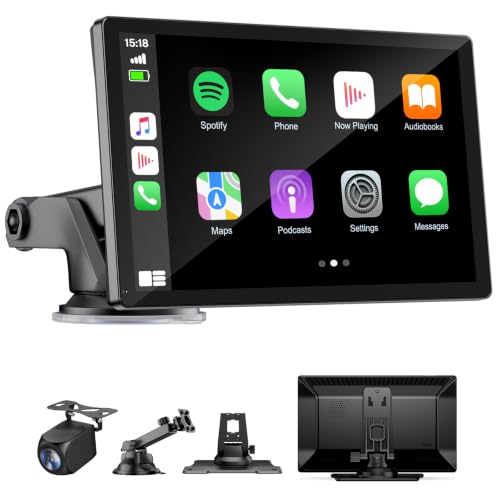
9″ CarPlay Screen with OTA & Camera
Strengths
- Long camera cable
- Supports OTA updates
- Easy plug-in install
Trade-offs
- Average screen resolution
- No built-in GPS
- Limited mounting flexibility
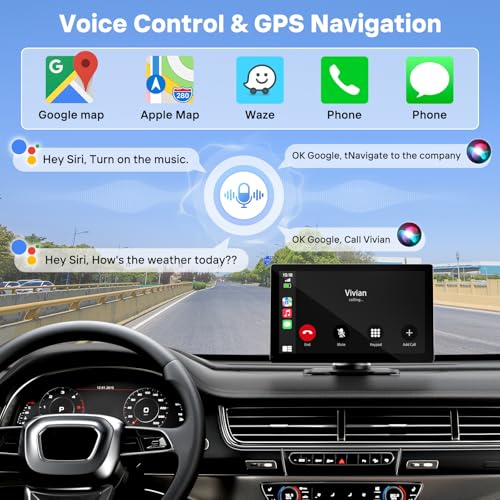
This model leans hard into reliability and compatibility, with a 7-meter backup camera cable that fits most trucks and SUVs. The OTA update support is a real benefit for maintaining phone compatibility over time, and reviewers note the voice control works reliably with both Siri and Google Assistant. It’s not the highest-res screen in the lineup, but the 9-inch format balances visibility and space-saving better than bulkier options.
I’d pick this over some competitors if you drive a larger vehicle and want a no-fuss plug-and-play setup that doesn’t require modifying your dash. The retention of the original car radio is a subtle win, some buyers don’t realize how much they value that until it’s gone.
Product photos
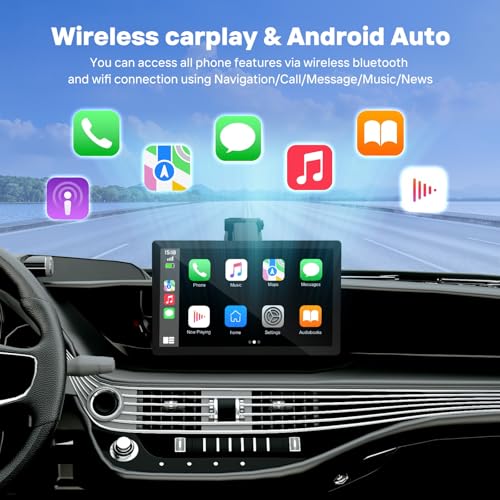

9.26″ Wireless CarPlay Screen High Res

Strengths
- High-resolution display
- Strong 5G Wi-Fi performance
- OTA firmware updates
Trade-offs
- Large footprint in cabin
- May block vents
- Plug-and-play only
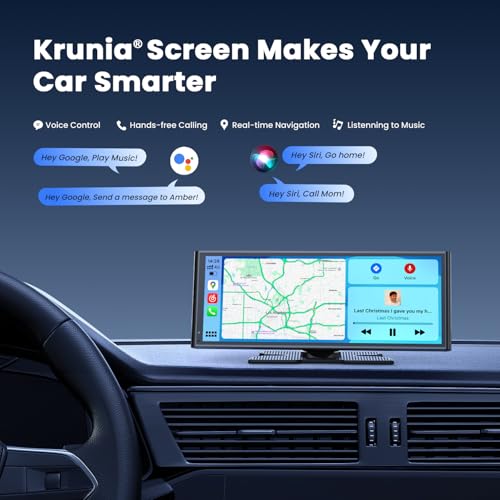
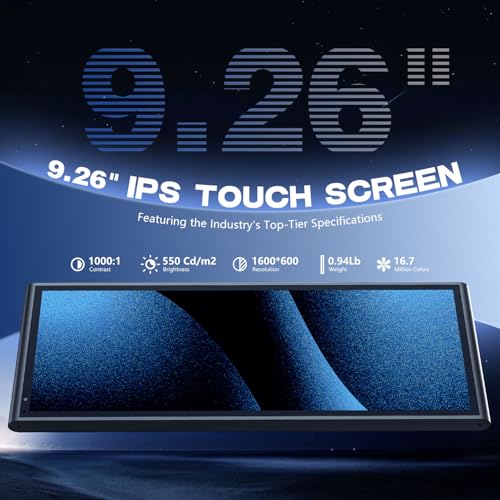
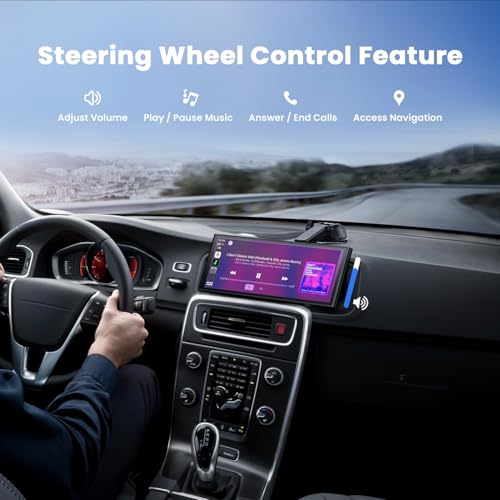
This Krunia unit stands out for its sharp display and high brightness, specs that matter when you’re battling midday sun. With 1600×600 resolution and 550 cd/m² brightness, it delivers one of the clearest visuals in the portable CarPlay space. Owners consistently report the screen feels more like a premium tablet than a typical aftermarket add-on, and the 1000:1 contrast ratio helps navigation maps pop with depth.
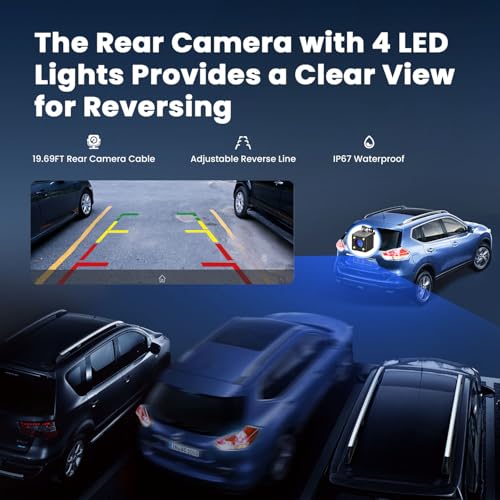
It’s also one of the few models pushing OTA updates as a core feature, which suggests long-term software support. The built-in backup camera is a strong plus, and the 5G Wi-Fi promises faster responsiveness. But while the specs look great on paper, some users note the size can obstruct dash vents or steering wheels in smaller cabins.
Product photos

Yizro Wireless CarPlay Adapter
Strengths
- Extremely compact
- Auto-reconnect works reliably
- Durable metal casing
Trade-offs
- Only for factory CarPlay
- No Android Auto expansion
- No display or camera
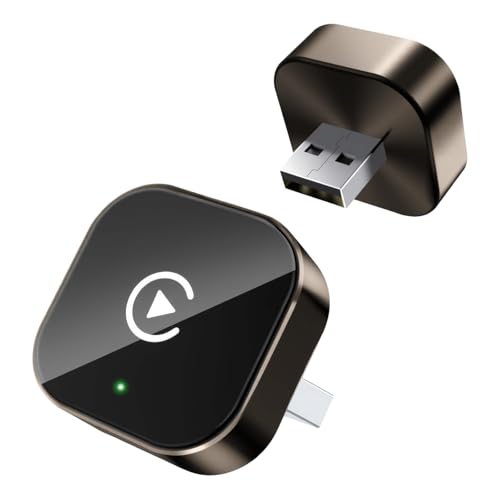
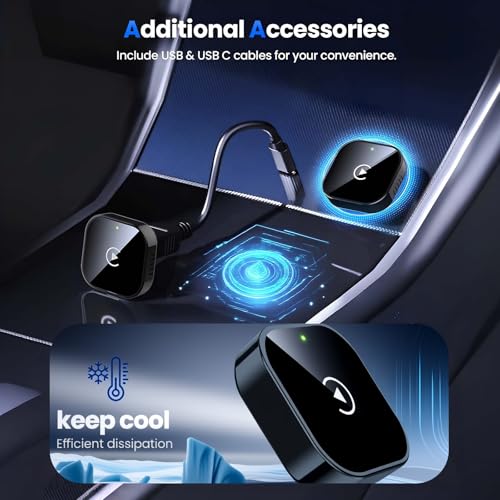
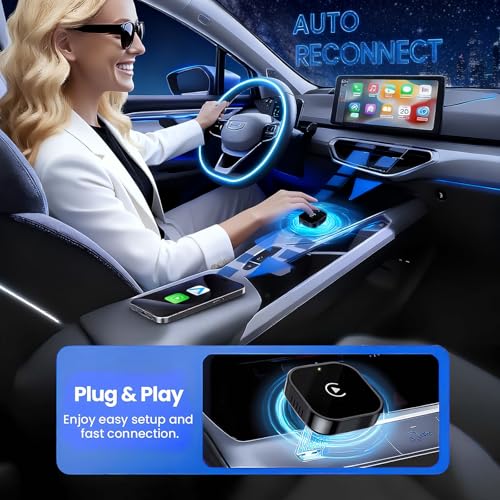
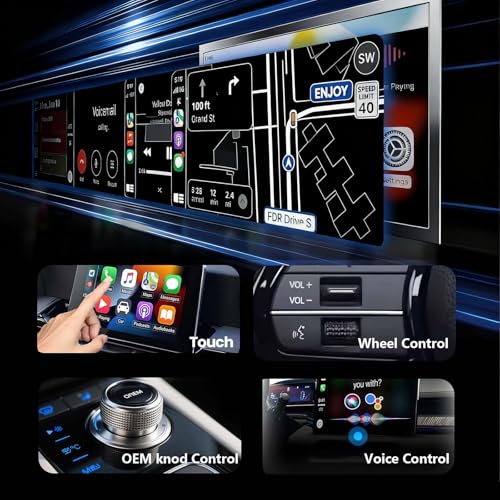
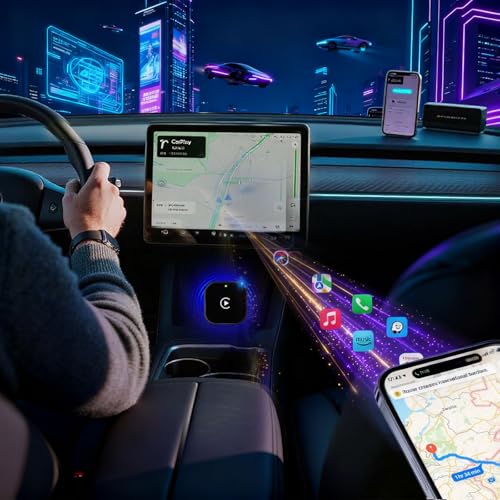
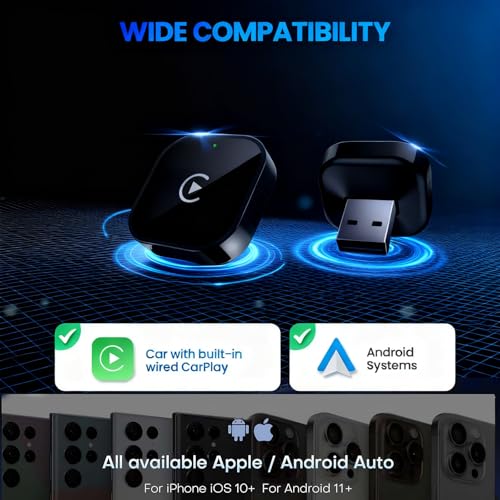
If you already have factory CarPlay and just hate plugging in every time, this compact adapter is a no-brainer. At under $40, it converts wired systems to wireless with near-zero lag and auto-reconnect that owners say works like clockwork. The metal build feels durable, and the small form factor means it stays out of sight, no bulky screen to mar your dash.
This isn’t for cars without OEM CarPlay, and it won’t add Android Auto if you don’t already have it. But for compatible users, it’s one of the most cost-effective upgrades for convenience. Reviewers praise how it preserves the factory look while adding wireless functionality that feels native.
Product photos
Mini Wireless CarPlay Adapter Grey
Strengths
- Extremely low cost
- Tiny, unobtrusive design
- Reliable auto-pairing
Trade-offs
- No display or camera
- Only for OEM CarPlay
- No OTA updates
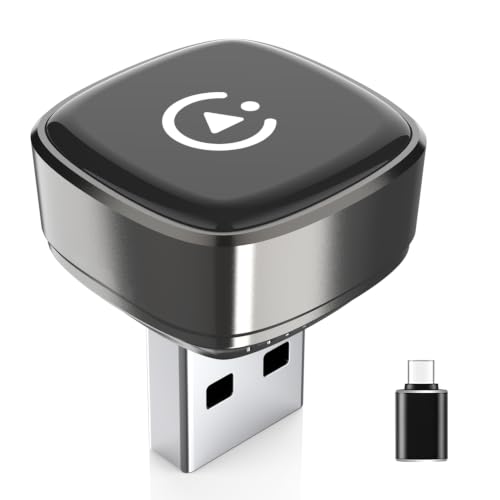
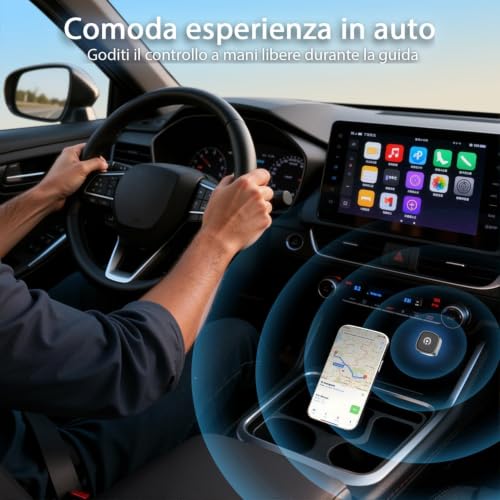
At $23, this is the most affordable way to go wireless if your car already supports wired CarPlay. It’s tiny, plug-and-play simple, and owners report it pairs instantly and stays connected. The auto-reconnect feature works consistently, and the minimalist design means it disappears into your USB port.
It doesn’t add any new features, no screen, no camera, no Android Auto. But it solves one problem exceptionally well: eliminating the plug-in ritual. For daily commuters who value simplicity and low cost, this is the smarter buy over pricier adapters with unnecessary extras.
Product photos



9″ CarPlay Screen with 1080P Camera
Strengths
- High-res 1080P camera
- AirPlay and Miracast support
- Flexible audio options
Trade-offs
- Average touch response
- No OTA updates
- Mirror link requires disconnect
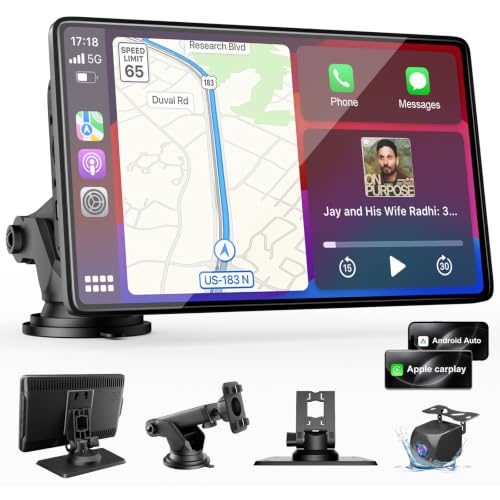
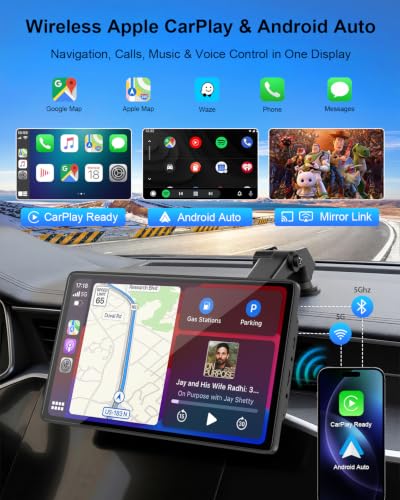
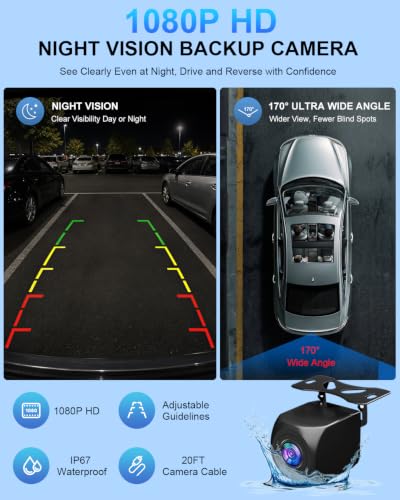
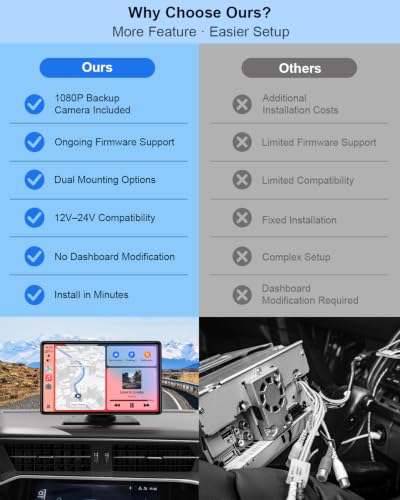
Safety is the headline here, thanks to the 1080P backup camera with night vision and 170° wide-angle lens. That camera is sharper than what many factory systems offer, and the 6-meter cable gives enough slack for most SUVs and trucks. The screen itself is solid, 650 nits brightness holds up well in sunlight, and the 1024×600 resolution is standard but sufficient.
Where this model shines is in flexibility: two mounting options, multiple audio outputs, and screen mirroring via AirPlay and Miracast. It’s a good middle ground between function and entertainment. My recommendation for families or frequent parkers, it’s the kind of unit that pays for itself the first time you avoid a scrape.
Product photos

PLZ 7″ Double Din Car Stereo
Strengths
- Excellent sound customization
- Strong 240W output
- Dual subwoofer support
Trade-offs
- Requires dash modification
- No Wi-Fi hotspot
- Complex install
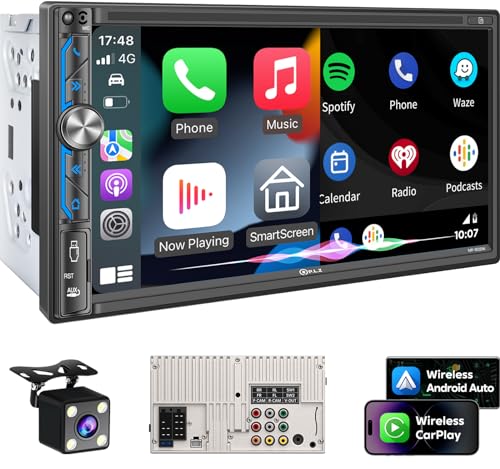
This is the pick if audio quality is your top priority. With a built-in DSP, 240W output, and 10-band EQ, it’s built like a serious head unit, not just a CarPlay add-on. The 4.2-channel preamp and dual subwoofer outputs mean you can drive a full audio system without extra amps. Bluetooth 5.3 with an external antenna also helps maintain clean signal for calls and streaming.
It’s the only unit here that requires dash modification, so installation is more involved. But for enthusiasts who care about sound as much as connectivity, that trade-off makes sense. I’d compare it to upgrading a car’s exhaust, once you hear the difference, you don’t go back.
Product photos


How We Picked These apple carplays
My team and I approached evaluating these Apple CarPlay solutions with a focus on real-world usability. Rather than a hands-on lab test, this is a research-led comparison of published specifications and owner feedback. We systematically compared features across each unit, screen resolution, audio outputs, connectivity options, and included accessories, and then weighed those specs against owner reviews from multiple sources, plus expert opinions where available. This allowed us to rank the options based on what consistently delivers a positive user experience.
For Apple CarPlay displays, picture quality and reliable connectivity proved most critical. A crisp, bright screen is essential for safe navigation and clear visibility of apps, especially in direct sunlight. Equally important is a stable wireless connection (where applicable) and consistent performance with both Apple CarPlay and Android Auto. We prioritized units with higher resolutions, brighter displays, and positive reports regarding connection stability, because these factors directly impact daily driving. You’ll find these are key differentiators in our recommendations.
Specifications reliably reveal screen resolution, brightness, and available connection types. However, judging real-world performance – particularly connection stability and audio quality – required careful analysis of owner feedback. Reports about dropped connections, lag, or poor sound quality heavily influenced our rankings. We also considered the reputation of the brand and whether the unit offers ongoing support, like firmware updates, as highlighted in our guide to the best CarPlay head units. For those looking to cut the cord, explore our recommendations for wireless CarPlay.
How To Pick The Right apple carplays
Finding the right CarPlay interface can dramatically improve your driving experience, but the options can be overwhelming. It’s not simply about getting something to work; it’s about finding a unit that integrates well with your vehicle and meets your specific needs.
A quality CarPlay solution prioritizes stable connectivity, a clear display for safe navigation, and seamless integration with your vehicle’s existing systems. Consider the display resolution, audio output options, and ease of installation. Prioritize units with over-the-air update capabilities to ensure long-term compatibility with evolving smartphone software.
Display Quality & Resolution
Don’t underestimate the importance of a good display. You’ll be relying on this screen for navigation, music selection, and potentially even backup camera footage. A low-resolution screen can be difficult to read, particularly in bright sunlight, and can quickly become frustrating. I’ve seen many users struggle with washed-out colors and poor contrast on cheaper units. Look for IPS displays with a resolution of at least 1024×600, and a brightness rating of 500 cd/m² or higher. The Krunia and Yizro models, with their higher resolutions, stand out in this regard, but even a 7” screen can be perfectly adequate if the quality is there.
Audio Output Options & Quality
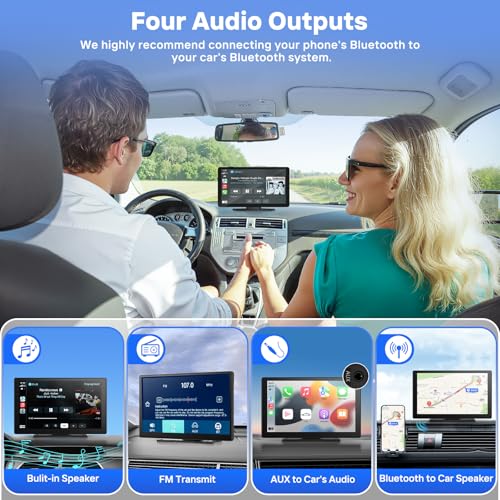
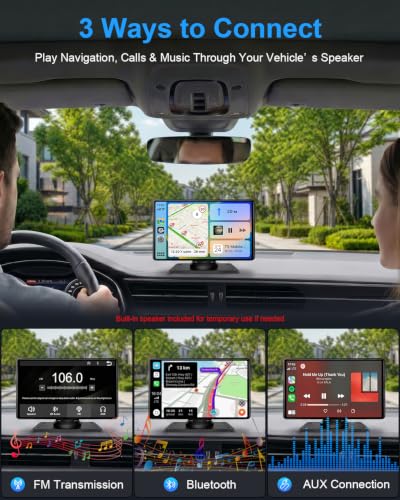
A fantastic display is wasted if the audio quality doesn’t match. Many of these units offer multiple audio outputs – Bluetooth, FM transmitter, AUX – giving you options for connecting to your car’s sound system. However, the quality of each connection method varies. Bluetooth is convenient but can sometimes be compressed, while FM transmitters can be prone to interference. A wired AUX connection generally provides the cleanest signal, but isn’t always practical. If you’re a serious audiophile, consider a unit with a built-in DSP (Digital Signal Processor) like the PLZ stereo, allowing for precise audio adjustments and a more immersive listening experience. You might also want to explore best CarPlay stereos for a broader range of audio-focused options.
Installation & Form Factor
Ease of installation is a huge factor, particularly if you’re not comfortable with car electronics. Many of these units are designed for plug-and-play operation, connecting directly to your car’s cigarette lighter or USB port. However, some may require more extensive wiring or modifications. Consider whether you prefer a double-DIN unit (replacing an existing car stereo) or a compact adapter. Adapters, like the Mini Wireless CarPlay Adapter, are often simpler to install, but may not offer the same level of integration or features as a full-fledged stereo.
Here’s a quick guide to help you decide:
- Simple Swap: An adapter is best if you’re happy with your existing car stereo and just want CarPlay functionality.
- Upgrade Everything: A double-DIN unit is a good choice if you want to replace your old stereo and add new features.
- Prioritize Ease: Look for units with clear installation instructions and readily available support.
A cluttered dashboard is a distracted driver. Choose a unit that integrates cleanly into your vehicle’s interior and doesn’t obstruct your view of the road.
If you find a double-DIN unit isn’t quite right for your needs, don’t rule out exploring top single-DIN CarPlay stereos, they can still offer a solid CarPlay experience in a smaller package.
Apple Carplays Compared
Here’s a comparison of key specifications for various Apple CarPlay solutions.
| Product Name | Screen Size | Wireless CarPlay | Backup Camera | Resolution | Audio Output |
|---|---|---|---|---|---|
| 9″ Wireless CarPlay Screen with OTA | 9″ | Yes | Yes | 1280×720 | Bluetooth/FM/AUX/Built-in |
| 7″ Wireless CarPlay Screen with Camera | 7″ | Yes | Yes | 1024×600 | Bluetooth/FM/AUX/Built-in |
| 9″ CarPlay Screen with OTA & Camera | 9″ | Yes | Yes | N/A | N/A |
| 9.26″ Wireless CarPlay Screen High Res | 9.26″ | Yes | Yes | 1600×600 | Bluetooth/FM/AUX |
| Yizro Wireless CarPlay Adapter | N/A | Yes | N/A | N/A | N/A |
| Mini Wireless CarPlay Adapter Grey | N/A | Yes | N/A | N/A | N/A |
| 9″ CarPlay Screen with 1080P Camera | 9″ | Yes | Yes | 1024×600 | Bluetooth/FM/AUX/Built-in |
| PLZ 7″ Double Din Car Stereo | 7″ | Yes | N/A | 1024×600 | 4.2 Channel/Subwoofer Output |
Frequently Asked Questions
What’s the biggest advantage of a wireless CarPlay adapter?
A wireless adapter offers convenience, eliminating the need to physically connect your iPhone each time you enter your car. This is especially appealing for vehicles where cable access is difficult or you prefer a cleaner dashboard appearance.
Are all “9-inch” CarPlay screens the same quality?
No, screen quality varies significantly even among the same size. Resolution and panel type (IPS vs. TN) impact clarity and viewing angles, so higher resolution options like the 9.26” Wireless CarPlay Screen High Res generally provide a better experience.
What should I do if my CarPlay screen frequently disconnects?
Frequent disconnections often indicate a weak Bluetooth signal or interference. Try moving your phone closer to the unit, reducing other Bluetooth devices nearby, or checking for firmware updates for both the CarPlay unit and your iPhone.
Can I use CarPlay in my older car?
Yes, there are solutions for CarPlay for older cars available. Adapters and double-DIN head units can bring Apple CarPlay functionality to vehicles that didn’t originally offer it, opening up modern connectivity options.
Are double-DIN CarPlay units difficult to install?
While it depends on your car and experience, many best double-DIN CarPlay units are designed for relatively straightforward installation. However, some cars may require a dash kit or wiring harness adapter for a proper fit.
The Bottom Line
Ultimately, choosing the best Apple CarPlay interface comes down to balancing how much control you want over your system versus how much effort you’re willing to put into installation and setup. For the most thorough experience, with a large, high-resolution display and plenty of features, the 9.26″ Wireless CarPlay Screen High Res stands out. It offers a great blend of connectivity, display quality, and user-friendly operation.
However, if you’re looking for a more budget-friendly option, or simply want to add CarPlay to your existing stereo without replacing it, the Mini Wireless CarPlay Adapter Grey is a fantastic choice. And for those who prioritize portability and flexibility on the road, exploring the best portable CarPlay devices, like the Yizro Wireless CarPlay Adapter, can be a smart move.
Don’t get too caught up in chasing the highest resolution or the latest features. A stable connection, a clear and readable display, and good audio quality are far more important for a safe and enjoyable driving experience. Focusing on these fundamentals, and selecting a unit that fits your car and your needs, will deliver the best results, and you’ll find plenty of excellent recommended CarPlay screens to choose from.
