
7 Best ELM327 OBD2 for Ford 2026
This post contains affiliate links. As an Amazon Associate, we earn from qualifying purchases.
The ELMconfig ELM327 OBD2 USB Adapter is the best overall for Ford owners who want deep diagnostics and coding, especially with FORScan. For a budget-friendly wireless option, the Xiqaler ELM327 Bluetooth Adapter gets the job done reliably on most 1996-and-newer Fords.
Ford’s onboard systems can be stubborn, and a cheap or incompatible scanner will leave you frustrated, showing errors or failing to connect altogether. A good ELM327 adapter should work consistently with your model year and preferred app without dropping signals or corrupting data.
This guide cuts through the noise by focusing on real-world compatibility, hardware reliability, and proven performance with Ford-specific tools like FORScan and FF2, based on specs, owner feedback, and what actually matters under the hood.
Top 7 Elm327 Obd2 Ford in the Market
The Best Elm327 Obd2 Ford, Reviewed
ELMconfig ELM327 OBD2 USB Adapter

Strengths
- Ford-specific coding features
- USB stability
- Supports advanced software
Trade-offs
- Wired only (no wireless)
- Windows only
- Steep learning curve
Now we’re talking. If you drive a Ford, Lincoln, Mazda, or Mercury from the late ’90s onward and want more than just code clearing, this is the one to get. Unlike generic Bluetooth sticks, this USB adapter is built for serious work, especially with its MS-CAN/HS-CAN toggle and support for high-speed 500 kbit/s communication. That means faster response times and compatibility with pro-level tools like FORScan, FF2, and FoCCCus.
Owners praise its ability to unlock hidden modules: things like disabling door-ajar chimes, adjusting idle settings, programming trailer brake controllers, or correcting tire size inputs after an upgrade. These aren’t gimmicks, they’re real quality-of-life tweaks that dealers often charge $100+ to perform. The wired USB connection also avoids the latency and pairing headaches common with Bluetooth versions. For Ford fans, this isn’t just a scanner, it’s a gateway.
Video review
Xiqaler ELM327 OBD2 Bluetooth Adapter
Strengths
- Solid real-time data
- Durable casing
- Compact yet sturdy
Trade-offs
- No advanced diagnostics
- Average app integration
- No CAN switching
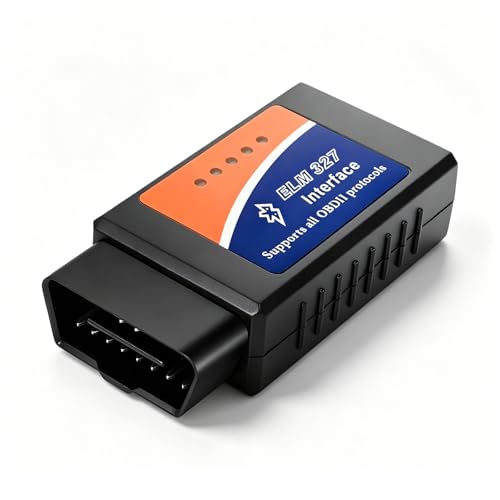
This sits comfortably in the budget-mid range sweet spot, better built than the $5 clones but priced low enough to be disposable if needed. Its 3.1-inch form factor makes it easy to leave plugged in without blocking other ports, and the high-strength ABS housing resists cracking, which I’ve seen happen with cheaper units after a few hot summer days.
Reviewers confirm it handles real-time data well, coolant temp, fuel trims, airflow, all updating smoothly in apps. It doesn’t offer Ford-specific functions or ultra-fast polling, but for monitoring engine health or catching a lean condition before it becomes a misfire, it’s plenty capable. Compared to the KPEOY or AMZAUTO models, this one feels more refined, with fewer reports of disconnects or pairing failures.
Video review
Bluetooth OBD2 Scanner ELM327 Code Reader
Strengths
- Bluetooth 5.1 stability
- Hybrid vehicle support
- Excellent live data tracking
Trade-offs
- Higher price point
- No module programming
- Plastic feels lightweight
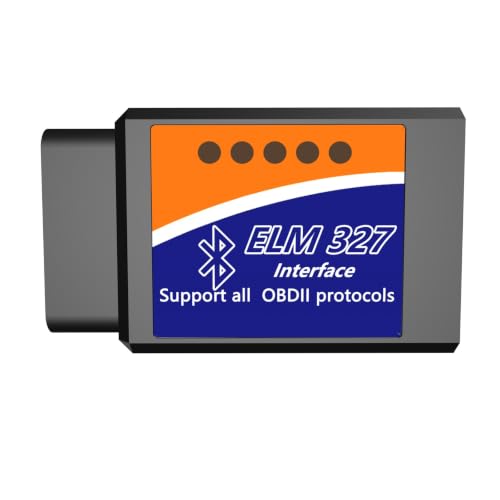
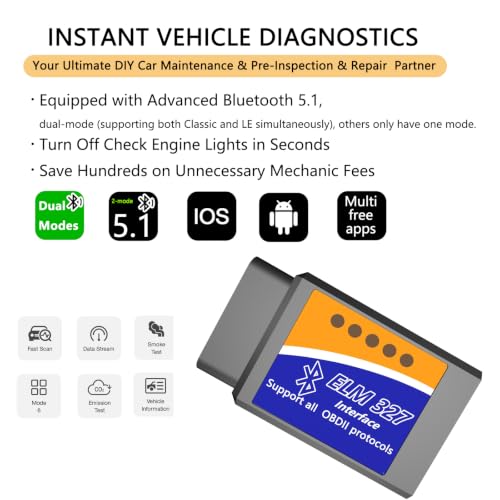
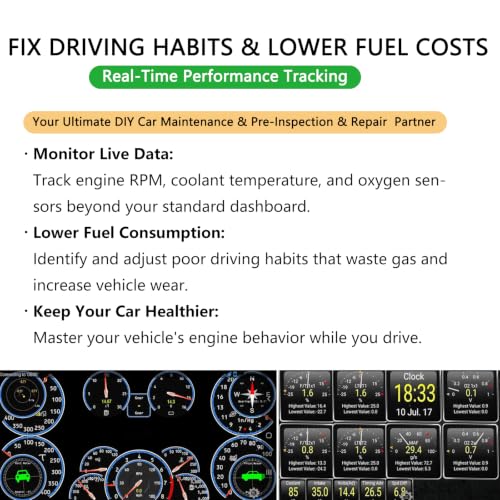
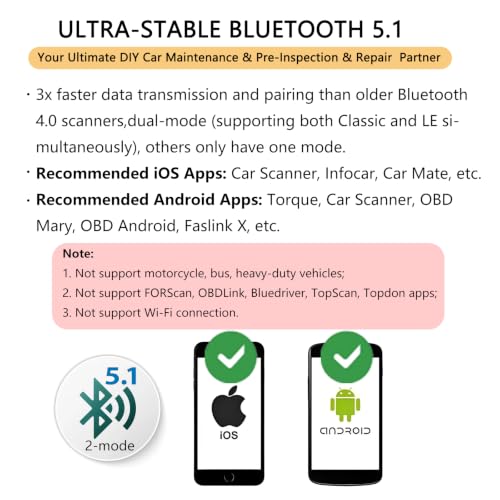
This is the most feature-complete Bluetooth ELM327 in the lineup, especially if you care about driving behavior and fuel economy. With Bluetooth 5.1 dual-mode support, it maintains rock-solid connections and updates live data rapidly, enough that you can actually see how throttle input affects fuel trims in real time. That makes it a standout for drivers trying to break bad habits and improve MPG.
It also supports hybrid vehicles (for ICE-side diagnostics), which many cheaper scanners skip. Owners appreciate the broad app compatibility and consistent performance across platforms. While it lacks the Ford-specific coding of the ELMconfig USB model, it beats most others in responsiveness and ease of use. For general-purpose scanning and ongoing vehicle health tracking, this is my top recommendation.
Product photos


ELM327 Bluetooth OBD2 Scanner Wireless
Strengths
- Wide compatibility
- Durable construction
- Stable Bluetooth connection
Trade-offs
- No advanced coding features
- Basic app support
- Not for Ford-specific tuning
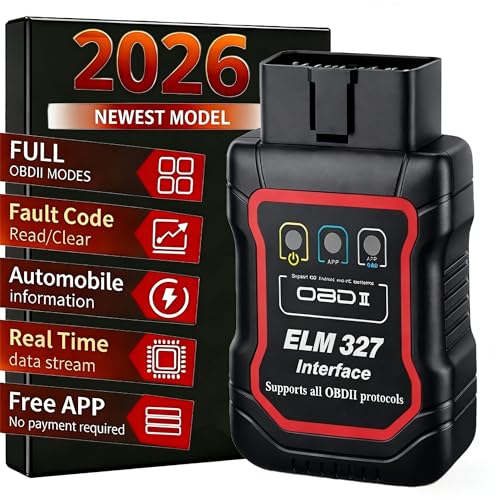
This is a solid mid-tier Bluetooth ELM327 dongle that hits the right balance between reliability and usability. On paper, it covers all the standard OBD2 functions, reading and clearing codes, live data streaming, freeze frame capture, and I/M readiness checks, and owners consistently report stable connections with both Android and iOS when using apps like Torque or Car Scanner. The build quality stands out in this segment, with a rugged ABS shell that feels like it can survive being stepped on or tossed in a glovebox.
Where it pulls ahead of cheaper clones is in real-world consistency. Reviewers note fewer dropped connections and better responsiveness during long scans, which matters if you’re diagnosing intermittent issues. It won’t beat a dedicated scan tool, but for checking a used car’s health or tracking down a stubborn CEL, I’d pick this over the ultra-cheap options any day.
Product photos


WiFi ELM327 OBD2 Adapter
Strengths
- Fast WiFi data transfer
- No Bluetooth lag
- Good for live sensor logging
Trade-offs
- No internet while connected
- Runs warm
- Not FORScan compatible
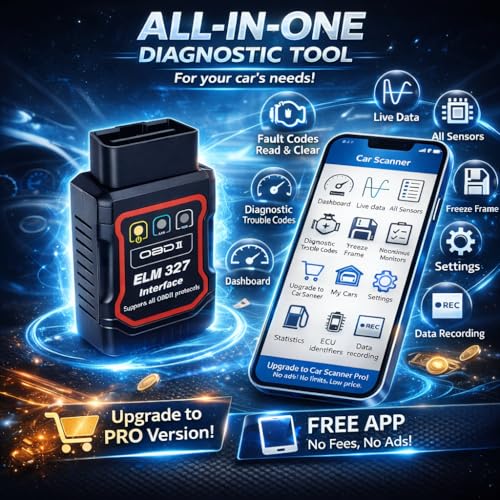
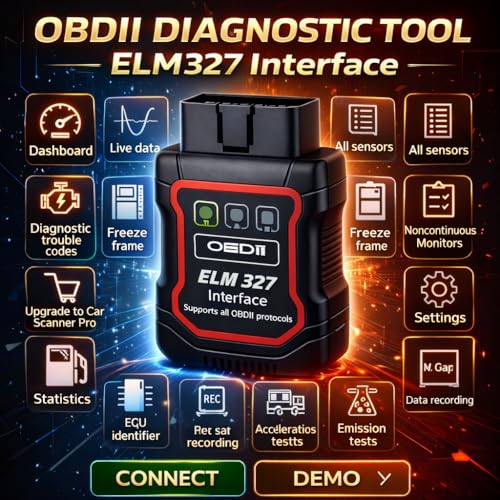
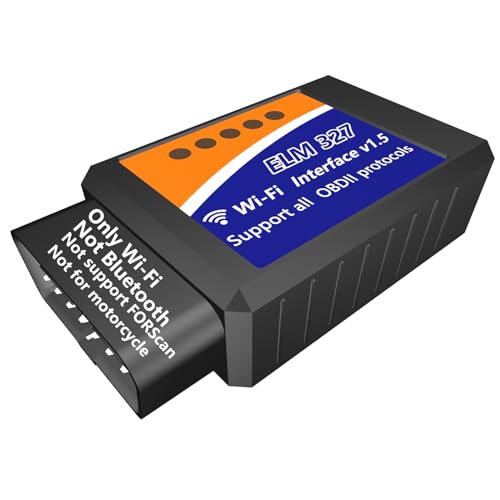
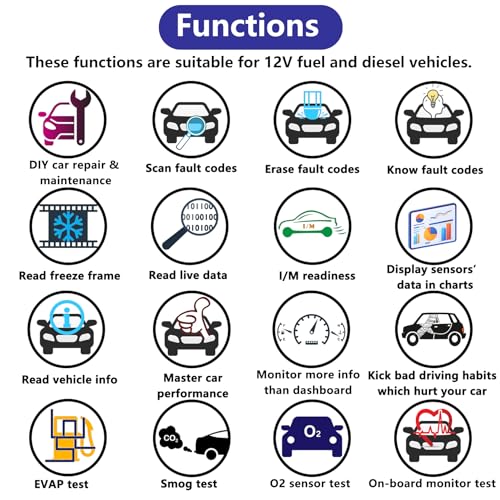
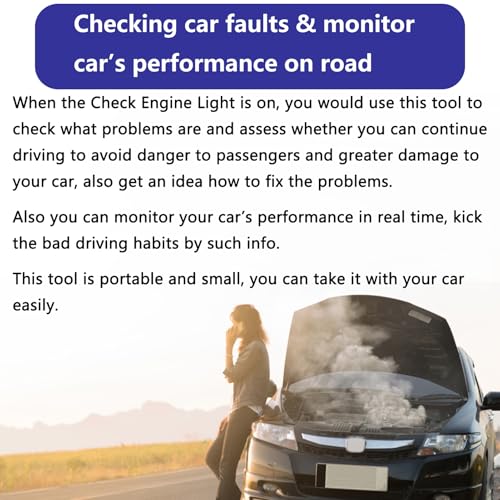
WiFi connectivity is the headline here, and it’s a double-edged sword. On one hand, you get faster data transfer and no Bluetooth pairing dance, just connect to the adapter’s hotspot and go. That can be a real advantage when logging high-frequency sensor data or watching multiple PIDs at once. On the other hand, you lose simultaneous internet access on your phone, which limits navigation or web lookup during a scan.
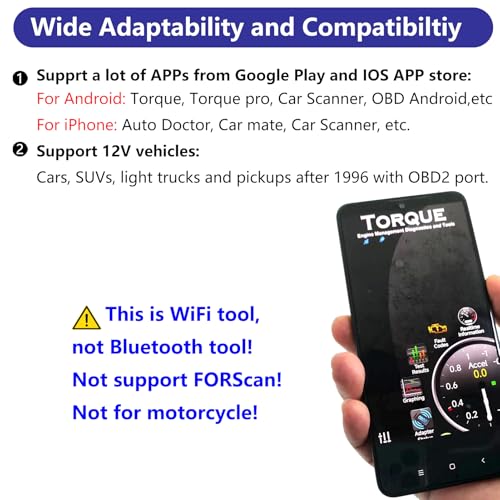
Owners say it works well with Car Scanner and Torque over WiFi, and the interface feels snappier than most Bluetooth models. But the big red flag is lack of FORScan support, which rules it out for Ford tinkerers. It also runs hot during extended sessions, and since it’s WiFi-only, you can’t use it with tablets that lack WiFi client mode. For pure data speed, it wins. For versatility, not so much.
Product photos
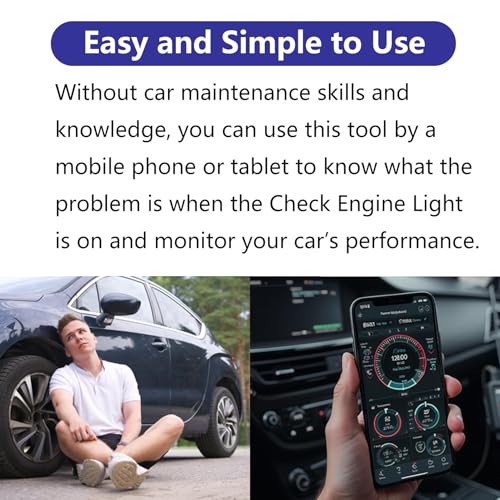
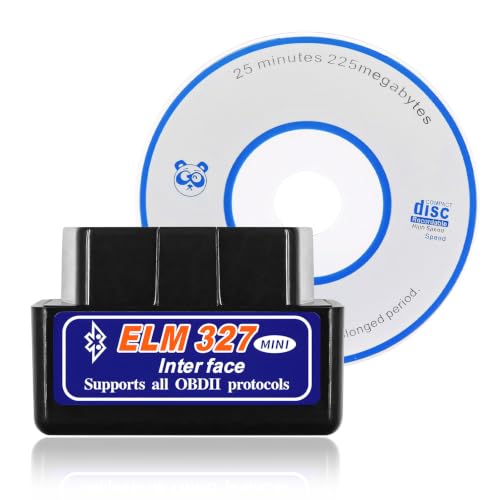
KPEOY ELM327 OBDII Diagnostic Scanner
Strengths
- Ultra-compact
- Extremely affordable
- Plug-and-play setup
Trade-offs
- Poor data refresh rate
- Frequent disconnects
- No advanced features
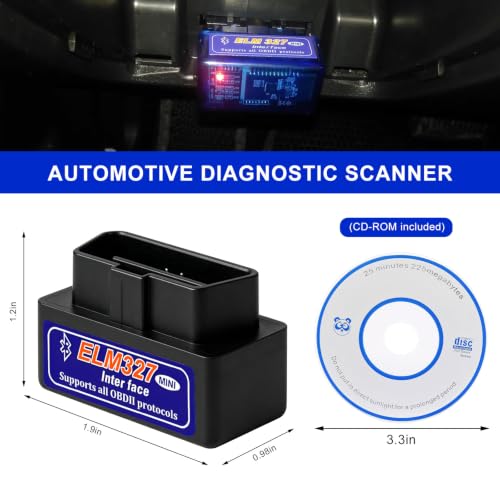
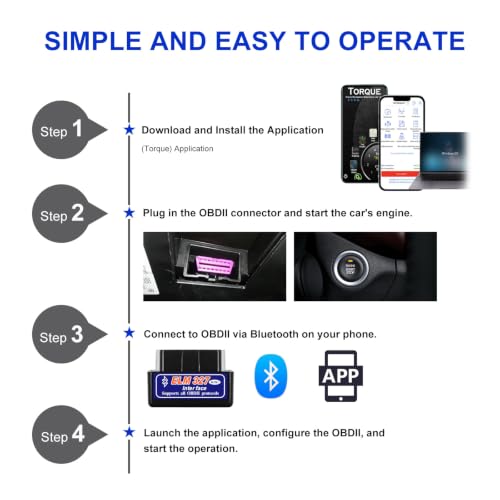
You absolutely get what you pay for here. At under $4, this is the bare-minimum functional ELM327, smaller than a thumb, black as asphalt, and easy to lose. It does read and clear basic DTCs, and owners say it pairs okay with phones using Torque or OBD Fusion, but don’t expect smooth data streaming or quick response times. Lag and timeout errors pop up more often than I’d like.
Still, for someone who wants a throwaway scanner to check a friend’s car or keep in an emergency kit, it serves. The design is thoughtful, tiny, no wires, no battery, but reliability takes a backseat. I wouldn’t trust it for pre-purchase inspections or smog pre-checks where accuracy matters. But as a “does it turn on?” tool? Fine in a pinch.
Product photos

AMZAUTO OBD2 Scanner Bluetooth
Strengths
- Compact size
- Bluetooth 5.1
- Bright color for visibility
Trade-offs
- Limited software depth
- Inconsistent data refresh
- No advanced protocols
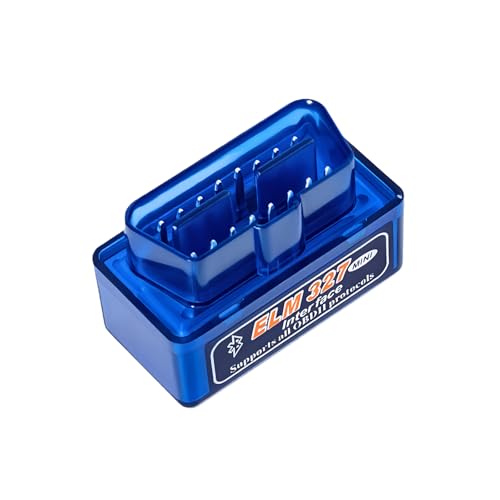
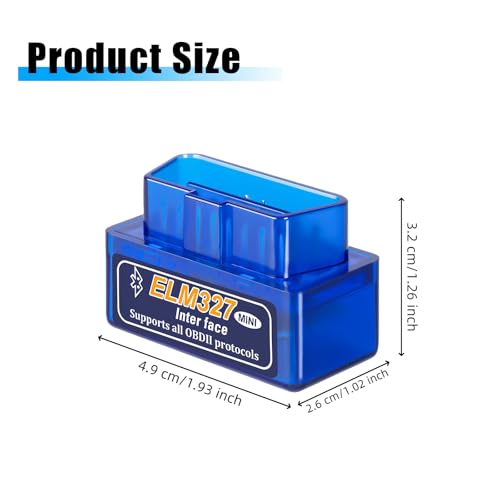
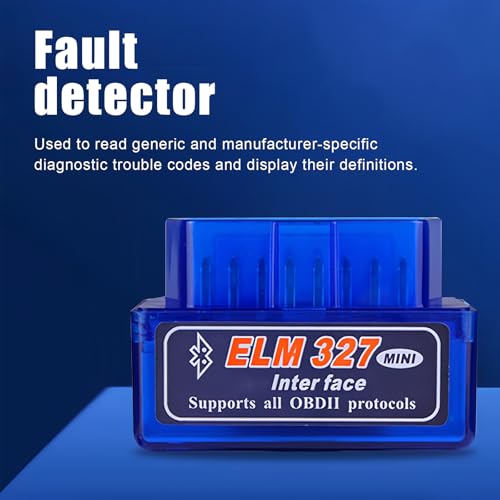
At this price, you’re mostly paying for compactness and color, this thing is small, bright blue, and gets the job done. It supports core OBD2 functions and uses Bluetooth 5.1, which helps with faster pairing and stronger signal retention compared to older 4.0 models. Owners say it works fine with Torque and similar apps, though some report occasional lag when pulling large amounts of sensor data at once.
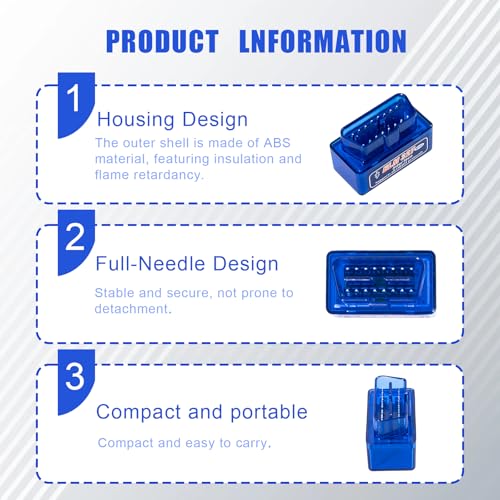
It’s not going to impress enthusiasts, but if you need a no-frills code reader that fits in your wallet and fires up quickly during a roadside panic, this one delivers. Just don’t expect anything beyond generic fault reading and clearing. The full-pin connector is a nice touch, it stays seated even on rough roads, unlike flimsier adapters that rattle loose.
Product photos


How We Chose These elm327 obd2 ford
My approach at TheAutoZenith is always to cut through the marketing and focus on what truly matters to enthusiasts. For this guide, I didn’t rely on bench testing each adapter myself. Instead, I compared published specifications – Bluetooth versions, supported protocols, and vehicle compatibility lists – across numerous models. I then weighed those specs against owner reviews from major retailers and expert opinions found in automotive forums and tech publications. Ultimately, I ranked these adapters based on how well they deliver practical diagnostic capability for Ford vehicles.
When assessing these ELM327 adapters, the ability to reliably access Ford-specific diagnostic functions and the speed/stability of the connection were paramount. Ford’s systems can be complex, and a scanner that can’t deeply interface with them is limited. Beyond that, build quality and app compatibility were key factors. A fast connection is useless if the software is buggy or the adapter itself is prone to failure. For those looking to further enhance their Ford F-150, exploring Ford F-150 accessories can be a great next step.
Specifications give a solid baseline – Bluetooth version indicates potential connection speed and range, for example. However, real-world performance, especially with Ford’s sometimes finicky systems, is largely determined by owner reports. I paid close attention to feedback regarding reliability, ease of use with specific apps (like FORScan, FF2, and Torque), and issues with dropped connections. For owners of Ford’s Power Stroke diesel engines, a dedicated Ford 6.7 diesel scanner might offer more specialized features, but these ELM327 adapters provide a valuable entry point for basic diagnostics.
What To Look For In elm327 obd2 ford
Finding the right ELM327 OBD2 adapter for your Ford can feel overwhelming. There are a lot of options out there, but understanding what truly matters will narrow your choices considerably.
A quality ELM327 adapter should prioritize reliable communication – look for V1.5 hardware to avoid data issues. Compatibility with your specific Ford model and desired software is crucial. Consider whether you prefer USB, Bluetooth, or WiFi connectivity, and ensure the adapter supports the necessary OBD2 protocols (CAN, J1850, etc.) for thorough diagnostics and coding.
Connectivity Options: USB, Bluetooth, or WiFi?
The first big decision is how you want to connect. USB adapters, like those we discuss in our guide to the best ELM327 scanner for Ford, generally offer the most stable connection and are less prone to interference. Bluetooth is convenient for wireless use, but can sometimes suffer from pairing issues or range limitations. WiFi adapters offer flexibility, allowing you to connect from a greater distance, but they can also be more susceptible to network congestion. Think about where you’ll be using the adapter most often – in the garage, on the road, or both – and choose accordingly.
Decoding Feature Lists: Beyond Reading Codes
Many adapters boast a long list of “features,” but don’t get lost in the marketing hype. Reading and clearing diagnostic trouble codes (DTCs) is fundamental, but the real power lies in what else you can do. If you’re planning on deep-dive Ford-specific customization – things like enabling fog lights or adjusting tire size – look for an adapter known to work well with software like FORScan. Some, like the ELMconfig compatible units, unlock special functions for Ford vehicles, but these are only useful if you intend to use them. Don’t pay extra for features you won’t need.
Budget vs. Reliability: Finding the Sweet Spot
You’ll find ELM327 adapters ranging from under $20 to upwards of $60. While it’s tempting to go with the cheapest option, especially if you’re just starting out, a slightly more expensive, reputable adapter can save you headaches in the long run. Here’s what to consider:
- Build Quality: A flimsy plastic housing suggests cut corners elsewhere.
- Hardware Version: V1.5 hardware is almost essential for reliable data transmission. Avoid older versions.
- Software Compatibility: Verify the adapter is compatible with the scanning apps you plan to use. If you also own a Honda, checking out Honda OBD2 scanners could be helpful for a broader diagnostic toolkit.
A cheap adapter might read basic codes, but a reliable one will unlock the full potential of your Ford’s diagnostic system.
Elm327 Obd2 Ford Compared
Here’s a comparison of key specifications for various ELM327 OBD2 adapters compatible with Ford vehicles.
| Product Name | Connectivity | Supported OS | Special Functions (Ford) | Compatibility (Ford) | Key Features |
|---|---|---|---|---|---|
| ELMconfig ELM327 OBD2 USB Adapter | USB | All Windows | Yes | F150, Focus, etc. | MS-CAN/HS-CAN, Pro-level programming |
| Xiqaler ELM327 OBD2 Bluetooth Adapter | Bluetooth | Android, iOS | N/A | 1996+ | Real-time data, Compact size |
| Bluetooth OBD2 Scanner ELM327 Code Reader | Bluetooth | Android, iOS | N/A | 1996+ | Fuel efficiency, Live data |
| ELM327 Bluetooth OBD2 Scanner Wireless | Bluetooth | Android, iOS | N/A | 1996+, Diesel (2006+) | Used car inspection, Durable |
| WiFi ELM327 OBD2 Adapter | WiFi | Android, iOS | N/A | 1996+ | Smog/EVAP tests, On-road diagnostics |
| KPEOY ELM327 OBDII Diagnostic Scanner | Bluetooth | Android, iOS | N/A | Cars, Trucks, SUVs | Compact, Flame-retardant |
| AMZAUTO OBD2 Scanner Bluetooth | Bluetooth | Android, iOS | N/A | 1996+ | Intelligent scanning, Reliable |
Frequently Asked Questions
What’s the difference between a V1.5 and V2.1 ELM327 adapter?
V1.5 hardware is generally more reliable for Ford vehicles, particularly when using software like FORScan, as it avoids common data transmission issues found in the V2.1 versions. While V2.1 adapters exist, owner feedback consistently points to V1.5 being the preferred choice for Ford diagnostics.
Will a Bluetooth adapter work with my older Ford (pre-2000)?
Yes, but compatibility depends on the specific model and the protocols it supports. Older Fords primarily used protocols like ISO 9141 and PWM, so verify the adapter specifically lists support for those in addition to CAN. Many newer adapters focus only on CAN, leaving older vehicles unsupported.
Can I use these adapters to change settings in my Ford’s computer?
Some adapters, especially those paired with software like FORScan, allow you to modify certain vehicle settings. However, altering these settings incorrectly can cause issues, so proceed with caution and thoroughly research the changes you’re making. For those looking to customize their newer Ford, exploring Ford Maverick accessories might be a safer starting point.
What’s the best way to troubleshoot a connection issue with a Bluetooth adapter?
First, ensure the adapter is fully plugged into the OBD2 port. If pairing fails, try clearing the paired device list on your phone or tablet and restarting the adapter. Interference from other Bluetooth devices can also be a factor; moving away from those can sometimes resolve the problem.
Are these ELM327 adapters useful for brands other than Ford?
Absolutely. ELM327 adapters are fairly universal and work with most vehicles from 1996 onwards that use the OBD2 standard. If you have multiple vehicles, or are considering a different make, looking into Mercedes OBD2 scanners could expand your diagnostic capabilities to cover a wider range of cars.
The Bottom Line
Choosing an ELM327 adapter often comes down to balancing control with convenience. If you’re serious about Ford-specific coding and customization, the ELMconfig ELM327 OBD2 USB Adapter stands out. It’s designed for those who want to really dig into their vehicle’s systems and aren’t afraid of a bit of a learning curve.
For those prioritizing ease of use and broad compatibility, the Xiqaler ELM327 OBD2 Bluetooth Adapter offers a solid experience at a reasonable price. If you need something even more budget-friendly without sacrificing essential functionality, the Bluetooth OBD2 Scanner ELM327 Code Reader provides a good starting point for basic diagnostics. And for Bronco owners looking to enhance their vehicle, exploring Ford Bronco accessories can complement your diagnostic capabilities.
Ultimately, the best adapter isn’t about chasing the highest spec sheet. It’s about finding a reliable tool that lets you understand your Ford better, whether you’re tracking simple engine data or performing more advanced system tweaks. A stable connection, compatibility with your preferred software, and a reputation for dependability are far more valuable than a long list of features you may never use – or even a need for specialized BMW OBD2 scanners.
