
9 Best CarPlay Systems of 2026
This post contains affiliate links. As an Amazon Associate, we earn from qualifying purchases.
The IIWEY iK11 11-Inch Wireless CarPlay Screen stands out as the best overall pick, delivering a large display, solid connectivity, and strong owner feedback. For those watching their budget, the 9″ Wireless CarPlay Screen with OTA offers excellent value without sacrificing core features like over-the-air updates and a 1080P camera.
If you’re tired of fumbling with your phone while driving, you’re not alone. A cluttered windshield and unreliable connection can make even simple navigation a hassle. At TheAutoZenith, I’ve spent years digging into vehicle tech, and it’s clear that the right CarPlay system can transform how you interact with your car.
This guide cuts through the noise, focusing on real-world performance based on specs, user experiences, and what actually matters behind the wheel. We looked at screen usability, audio options, mounting practicality, and long-term reliability to find the units worth your time.
Top 8 Carplays in the Market
The Best Carplays, Reviewed
LAMTTO 11” Wireless Carplay Screen
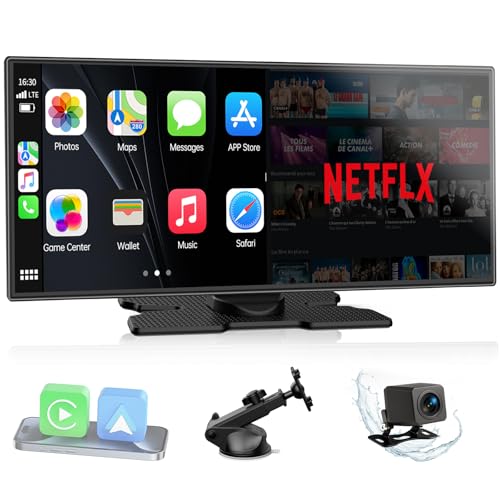
Strengths
- Large 11-inch screen
- Supports Netflix and YouTube
- Split-screen mode
- Dual-band WiFi
- Includes backup camera
Trade-offs
- Bulky dashboard footprint
- No native CarPlay software
- Potential hotspot dependency
The LAMTTO 11-inch screen is built for drivers who want their car to double as a lounge. On paper, the ability to stream Netflix, YouTube, and TikTok via hotspot stands out, this isn’t just a CarPlay unit, it’s an entertainment terminal. The dual-band WiFi and split-screen functionality mean passengers can watch content while the driver sees navigation, which owners consistently report works smoothly when connected to a stable hotspot. But that focus on media means compromises: at over 11 inches, it’s bulky and may obstruct views or fit poorly in smaller dashboards.
It doesn’t run CarPlay natively, so everything streams from your phone, which some users note leads to faster battery drain and occasional sync hiccups if the hotspot drops. Still, the In-Cell display and instant wake tech make it feel responsive, and the included AHD backup camera delivers sharp rear views even at night. Compared to smaller portable units, this one leans hard into the multimedia experience, which makes it great for road trips but overkill for daily commuters.
Video review
9.26″ Wireless Portable Carplay Screen

Strengths
- High 1600×600 resolution
- Bright IPS display
- OTA firmware updates
- Steering wheel control support
- Plug-and-play setup
Trade-offs
- Shorter camera cable
- Slightly higher price point
- Limited mounting depth adjustment
Krunia’s 9.26-inch screen stands out in the mid-range pack by packing premium specs into a portable design. The 1600×600 resolution is sharper than most competitors, and the IPS panel with 550 cd/m² brightness cuts glare well, even under desert sun, reviewers say the map labels stay crisp. The OTA update feature is a real differentiator; owners note it helps maintain compatibility after phone OS upgrades, which is a common pain point in this category. That long-term reliability gives it an edge over cheaper models that become obsolete quickly.
It’s also one of the more responsive units thanks to 5G WiFi and Bluetooth 5.0, with users reporting snappy touch input and minimal lag during navigation. The included backup camera has solid night vision, though its 18-foot cable is slightly shorter than others in this range. Compared to the RQO or PASLDA models, this one feels more refined, like a tablet engineered for cars. I’d pick it over others if you want future-proofing and visual clarity without spending top dollar.
Video review
9″ Wireless CarPlay Screen with OTA
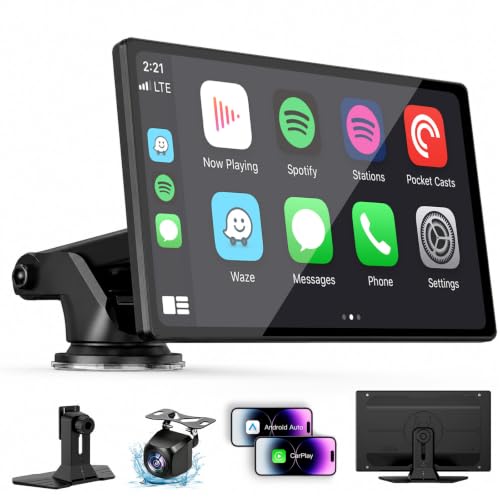
Strengths
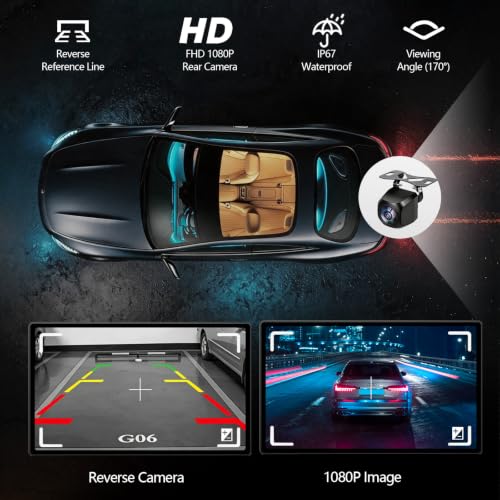
- Long 7m camera cable
- IPS touchscreen clarity
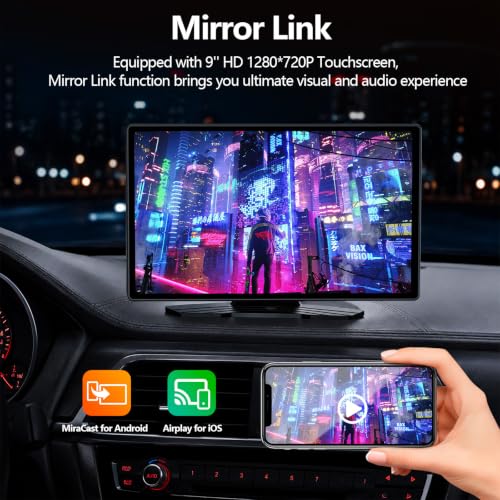
- Supports mirror linking
- Multiple audio options
- Fits most vehicle types
Trade-offs
- Slower initial boot time
- Generic interface design
- No steering wheel control confirmation
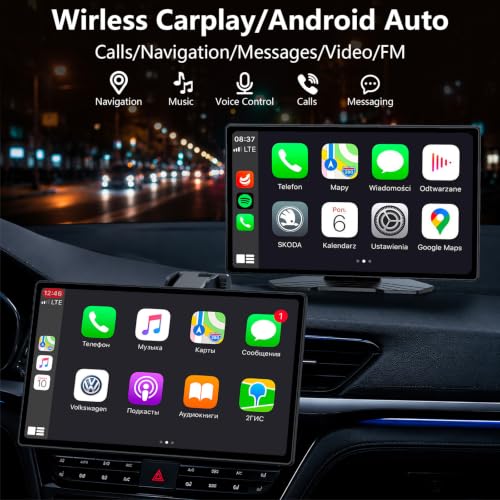
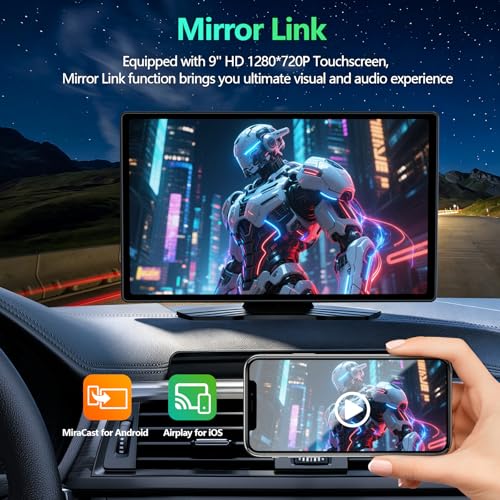
This unit markets itself as a high-end value play, and on specs alone, it delivers. It matches pricier models with OTA updates, IPS display tech, and a 7-meter camera cable that fits long-bed trucks and vans. The screen mirrors content clearly, and reviewers note the GPS navigation locks quickly and stays accurate, even in urban canyons. What pushes it above mid-tier rivals is how well it integrates with existing car audio, supporting both Bluetooth streaming to factory speakers and FM transmission as a fallback.
However, some owners report the boot-up sequence can be sluggish on first start, and the UI feels slightly generic compared to Krunia or LAMTTO. It doesn’t do anything revolutionary, but it does the fundamentals right. Compared to the Hyphoon adapter or basic screens, this one offers a full standalone experience. If you’re upgrading a non-CarPlay car and want a balance of features and reliability, this is a smart middle ground.
Product photos

9″ Carplay Screen for Car RQO
Strengths
- Bluetooth 5.3 support
- Bezel-less HD screen
- Four audio output options
- Adjustable backup camera
- Strong OTA support
Trade-offs
- Mount can wobble on rough roads
- Screen auto-brightness lags
- FM transmitter prone to interference
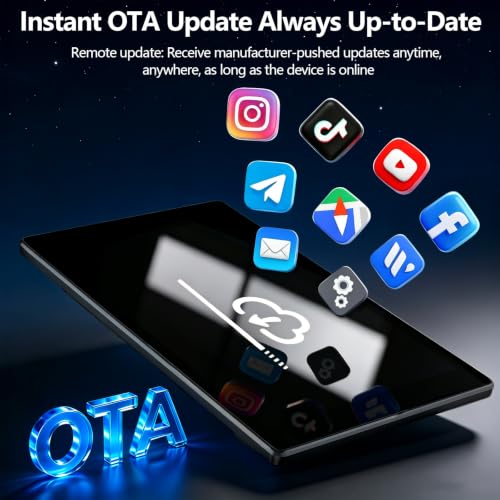
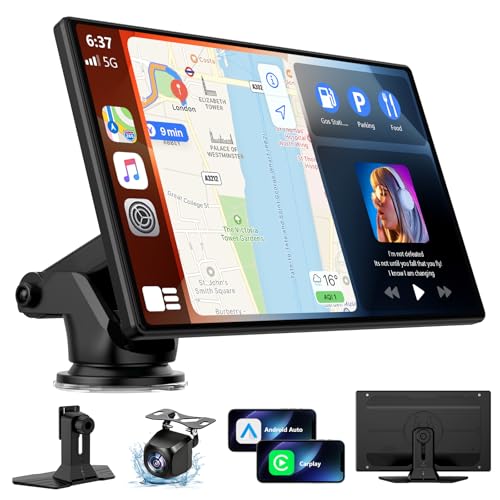
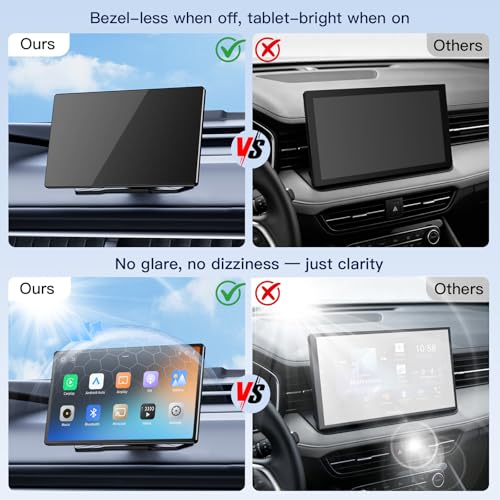
The RQO 9-inch screen hits a sweet spot between price and polish. It runs on Bluetooth 5.3, which owners say improves audio sync and reduces dropouts compared to older Bluetooth versions. The 1280×720 display delivers smooth, bezel-less visuals that mimic a modern smartphone, and it handles bright sunlight better than many in this tier. One standout feature is its OTA update process, users report it resolves compatibility issues quickly after iOS or Android updates, which is a known headache with cheaper units.
It includes four audio output methods, Bluetooth, AUX, FM, and dual built-in speakers, making it adaptable whether you drive a vintage pickup or a newer hatchback. The backup camera has an 180° vertical tilt, which helps fine-tune the view on lifted trucks or SUVs. Against similarly priced models like the PASLDA, this one feels more complete. I’d go with it over the basic budget picks if you want stronger connectivity and fewer firmware headaches.
Product photos

9″ CarPlay Screen with 1080P Camera
Strengths
- Excellent 1080P backup camera
- Long 6m camera cable
- Night vision capable
- Flexible audio outputs
- Easy suction/adhesive mount
Trade-offs
- Mid-tier screen resolution
- Occasional reconnect delay
- Basic wallpaper customization
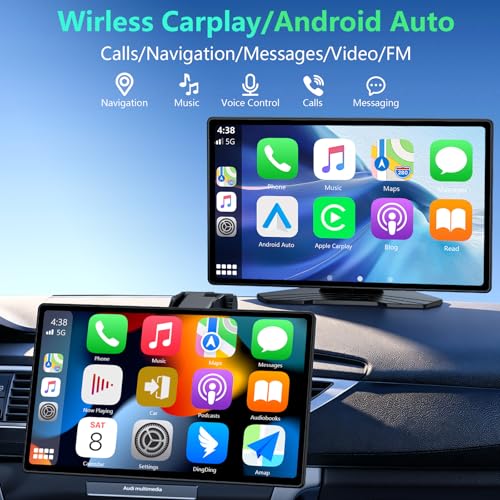
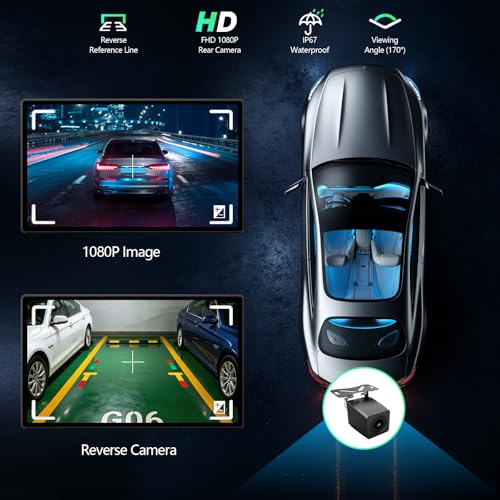
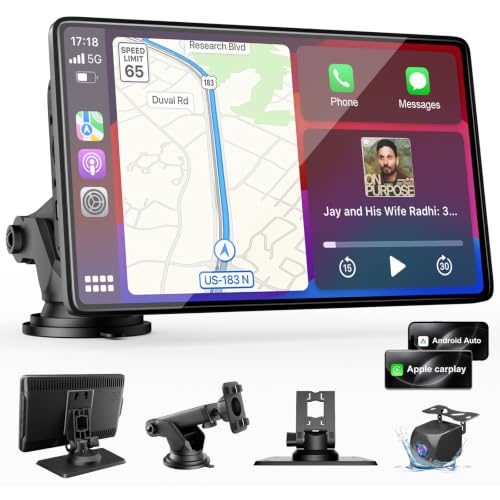
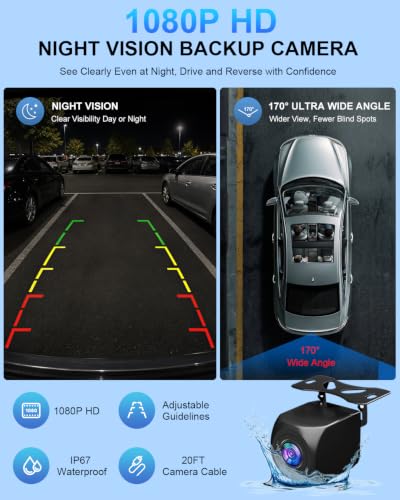
If clean installation and a reliable backup camera are your top priorities, this 9-inch model makes a strong case. Owners praise the 1080P camera with night vision and its generous 6-meter cable, which fits nearly every sedan, SUV, or truck without splicing. The wide 170° lens and adjustable guidelines help eliminate blind spots, and the display’s 650 nits brightness keeps the image visible even in direct sunlight. It’s one of the few budget units where the camera quality genuinely feels like a safety upgrade, not an afterthought.
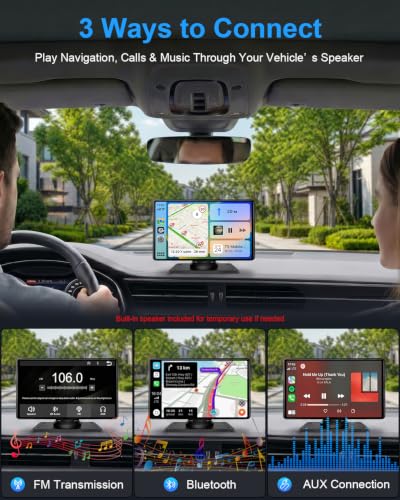
The CarPlay and Android Auto connection is stable over 5GHz WiFi, though some reviewers note occasional reconnection delays after cold starts. I appreciate the multiple audio options, Bluetooth, FM, AUX, and a built-in speaker, because it adapts to older cars without auxiliary inputs. Compared to plug-and-play screens with weaker cameras, this one nails the essentials. My recommendation? This is the smarter buy if you reverse frequently or drive in low-light conditions.
Product photos
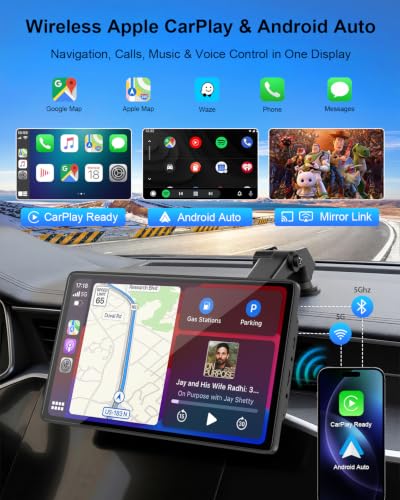

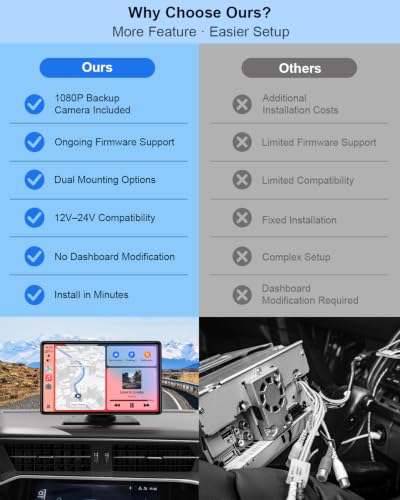
Portable 7″ HD Touch Screen Car Stereo
Strengths
- Very affordable price
- Works with 12V–24V systems
- Rotatable suction mount
- Includes backup camera
- Lifetime warranty support
Trade-offs
- Lower screen brightness
- Mediocre built-in speaker
- Basic touch response
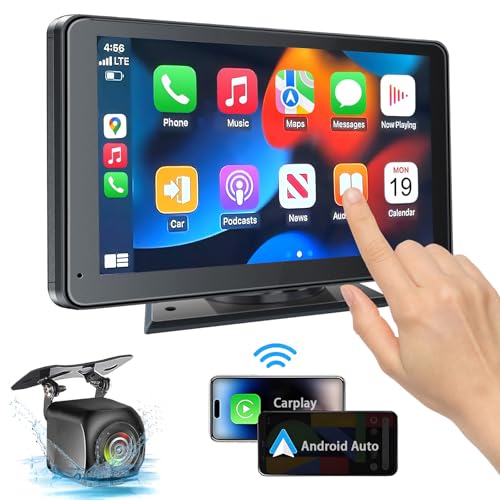
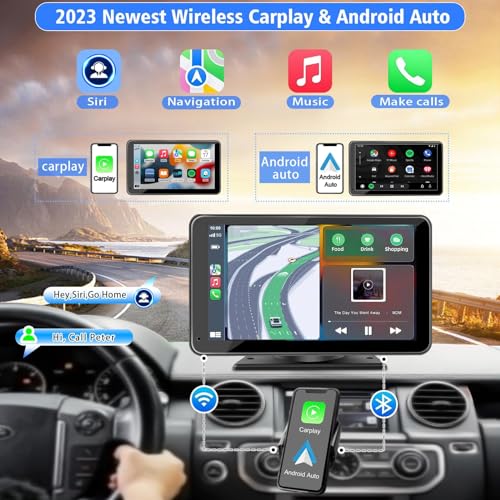
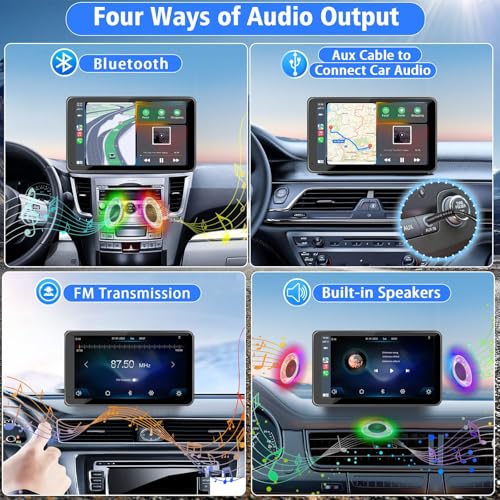
At under $45, the PASLDA 7-inch screen is the most accessible entry point into portable CarPlay. It covers all the basics: wireless CarPlay and Android Auto, Bluetooth 5.2, FM transmitter, AUX, and a waterproof backup camera with night vision. The 1024×600 display isn’t the brightest, but owners say it’s sufficient for city driving and short commutes. Its biggest strength is versatility, it runs on 12V–24V systems, so it works in everything from sedans to RVs and trailers.
That said, the screen lacks the polish of higher-end models. Some users report mirror link stuttering when streaming video, and the built-in speaker sounds thin at higher volumes. But for the price, it’s hard to fault. Compared to the Krunia or RQO models, it’s less refined but gets the job done. My take? This is the easy pick for someone on a tight budget or using it temporarily, like for a rental or second car.
Product photos


Luckyish Wireless Carplay Adapter
Strengths
- Bluetooth 5.4 for faster pairing
- Near-zero latency performance
- Preserves original sound quality
- Supports steering wheel controls
- Stable auto-reconnect
Trade-offs
- iPhone-only (no Android Auto)
- Slightly bulkier than rivals
- Higher price for an adapter
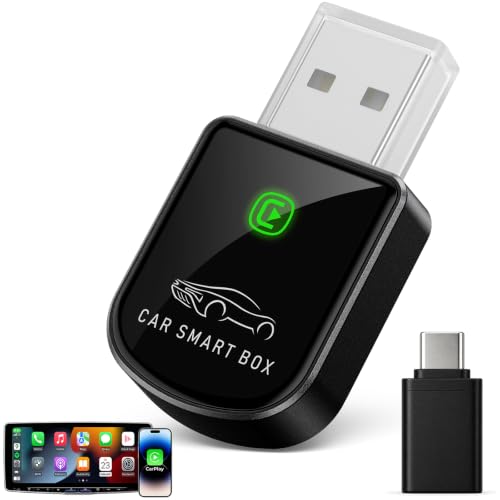
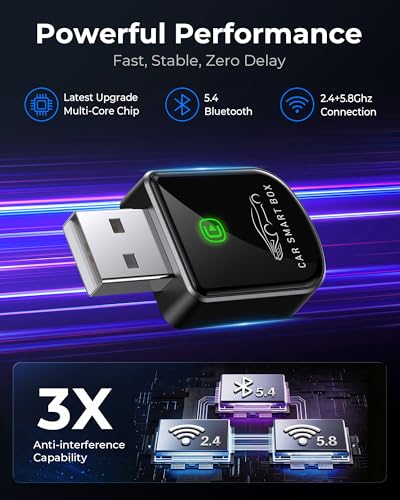
Luckyish positions this adapter as the premium wireless bridge for iPhone users, and the specs back it up. With Bluetooth 5.4 and dual-band 5.8GHz WiFi, it promises near-zero latency, a claim backed by owner feedback praising smooth music playback and responsive Siri commands. The multi-core processor helps preserve sound quality through the factory audio system, which audiophiles will appreciate. Unlike cheaper adapters that compress audio, this one maintains digital fidelity, and it supports steering wheel controls without glitches.
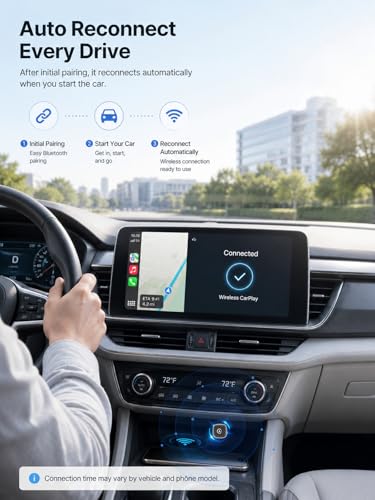
Setup is truly plug-and-play, and once paired, it reconnects automatically every time. Compared to the Hyphoon model, it’s slightly larger but offers better media handling and chipset performance. While it only works with iPhone (no Android Auto), if you’re in the Apple ecosystem and hate cables, this is arguably the best dongle available. I’d recommend it over others for daily drivers who demand reliability and rich audio.
Product photos
Hyphoon Wireless CarPlay & Android Auto Adapter
Strengths
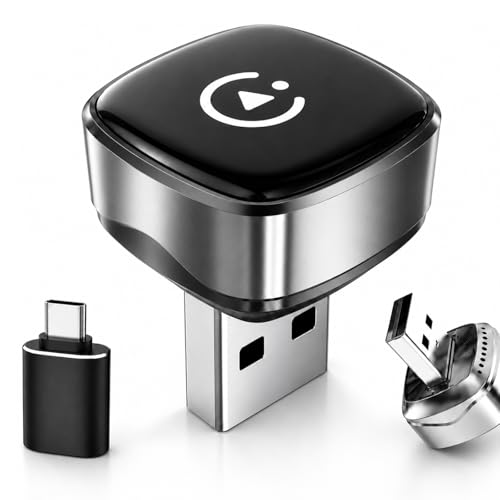
- Ultra-compact low-profile design
- Auto-reconnect ready
- Dual-band WiFi stability
- Supports USB-C via adapter
- Keeps factory screen and controls
Trade-offs
- Only works with factory-equipped cars
- No screen or camera added
- Limited to existing head unit features
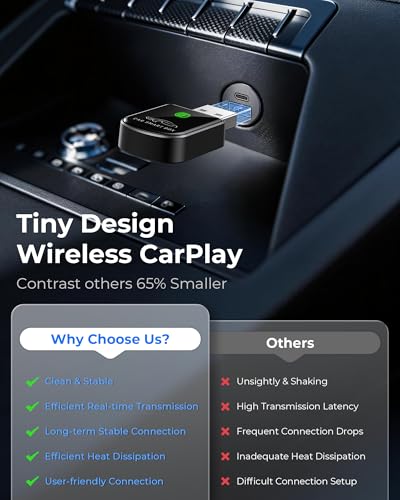
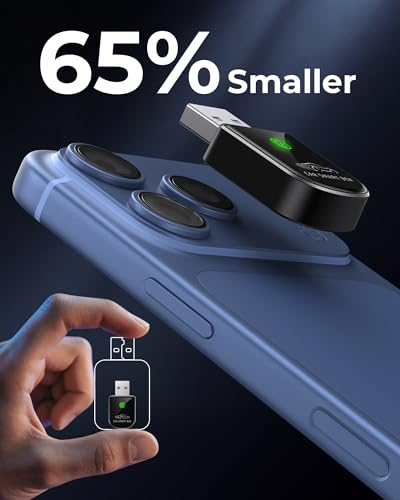
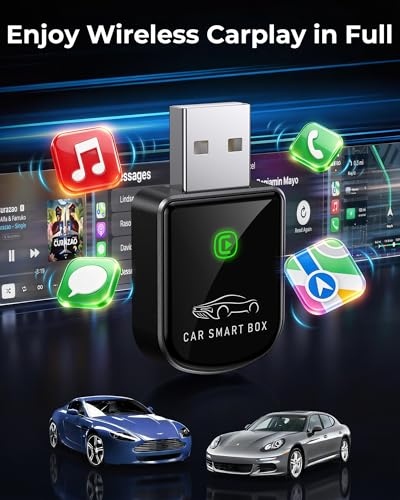
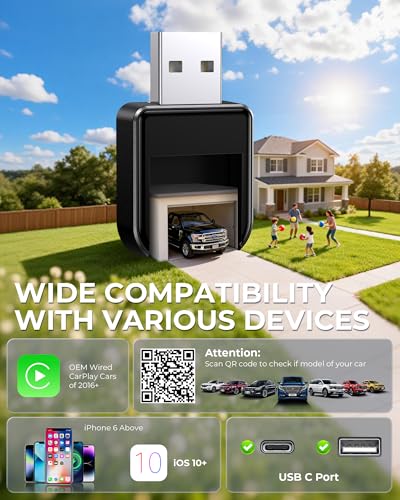
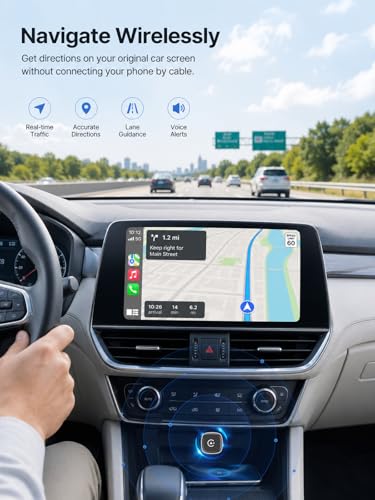
This tiny adapter is the stealth MVP of wireless upgrades, if your car already has factory CarPlay or Android Auto, there’s no reason not to try this. At just a USB-A stick, it tucks neatly into your port with almost zero protrusion, making it perfect for daily drivers or rideshare vehicles where clutter matters. The dual-band WiFi (2.4G + 5G) ensures fast reconnection, and owners consistently report it pairs within seconds of starting the car, no manual reconnecting needed.
It doesn’t add a screen or camera, it simply removes the cable hassle. That’s its entire job, and it does it well. Compared to bulkier adapters, this one stays invisible, and the included USB-C adapter means it works even if your car uses modern ports. While it won’t help older cars without factory integration, for compatible vehicles, it’s the most elegant solution I’ve seen at this price. My recommendation: if you’re sick of plugging in daily, this $20 fix is worth every penny.
Product photos

Our Testing Process
As someone who’s spent years exploring vehicle tech at TheAutoZenith, I approached evaluating these carplay units with a focus on real-world usability. Rather than a hands-on lab test, this was a research-led comparison of published specifications, owner reviews from multiple sources, and expert opinions. I weighed these factors against my understanding of what drivers truly need from an in-car infotainment upgrade. The goal was to identify units offering the best balance of features, reliability, and value.
For this category, screen size and audio quality were paramount. A larger, clearer display significantly impacts usability, particularly for navigation and backup camera views. Equally important was the robustness of the wireless connection and the flexibility of audio output options – a frustratingly spotty connection or limited speaker choices can quickly ruin the experience. These factors outweighed purely aesthetic considerations or the inclusion of less-critical features. If you’re looking for a more thorough upgrade to your car’s infotainment system, exploring options like double-DIN CarPlay head units might also be a good fit.
Specifications tell you a lot about potential performance – resolution, processor speed, Bluetooth version – but owner feedback revealed the practical realities. Specs consistently highlighted the importance of Bluetooth 5.0 or higher and dual-band Wi-Fi for a stable connection. However, reviews consistently illuminated issues with overheating, software glitches, and the durability of suction cup mounts. I prioritized units with a strong track record of positive owner experiences and readily available software updates. For those in smaller vehicles needing a more compact CarPlay head units solution, there are alternative form factors to consider.
Choosing The Right carplays
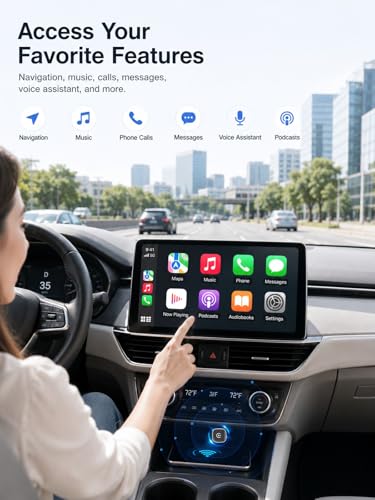
Choosing the right CarPlay solution can dramatically improve your driving experience, but with so many options, knowing where to start isn’t always easy. A good system smoothly integrates your smartphone with your vehicle, offering convenient access to navigation, communication, and entertainment.
A reliable CarPlay system prioritizes a stable wireless connection (if wireless is desired), a clear and responsive touchscreen, compatibility with your smartphone, and ease of installation. Consider audio output options and whether extra features like a backup camera are important to you. Don’t overlook the importance of software updates for long-term functionality.
Screen Size and Mounting
The size of the display is a critical factor, but bigger isn’t always better. While an 11-inch screen like those found on the IIWEY iK11 is impressive, it’s crucial to consider your vehicle’s dashboard layout. Some compact cars may find such a large display obstructs visibility. I’ve seen feedback suggesting smaller screens, around 9 inches, offer a better balance of usability and practicality for most vehicles. Think about how and where you’ll mount the unit. Suction cup mounts are common, but adhesive mounts offer a more permanent solution.
Audio Connectivity and Quality
Don’t assume a CarPlay system will automatically integrate with your car’s existing audio. Many, particularly the more affordable options, rely on Bluetooth or FM transmission to output sound. While Bluetooth is convenient, it can sometimes introduce latency or reduce audio quality. If your car has an AUX input, that’s often the best option for a direct connection. Some, like the LAMTTO 11” Wireless Carplay Screen, offer dual Bluetooth connectivity, allowing simultaneous connection to your phone and your car’s original system. If sound quality is paramount, explore options that offer a wired AUX connection. For those wanting a simple upgrade, exploring wireless CarPlay receivers is a good starting point.
- A simple Bluetooth connection is the easiest to set up, but can suffer from audio quality issues.
- An AUX input provides a cleaner, more direct audio signal, resulting in better fidelity.
- A system with built-in speakers (like some of the lower-priced models) is a fallback, but generally won’t match the sound quality of your car’s existing speakers. It’s a good option if your car lacks other connectivity options.
A quality audio experience is as crucial as a clear display. Don’t settle for a system that compromises on sound.
Features and Expandability
Beyond the core CarPlay functionality, consider what additional features you might want. A built-in dashcam, like on the IIWEY iK11, adds a layer of security and convenience. A backup camera is almost essential for safer reversing, and many units include one. If you frequently travel, the ability to stream apps like Netflix or YouTube (as offered by the LAMTTO) can be a significant benefit. As the need for on-the-go connectivity grows, many are turning to portable CarPlay solutions for their flexibility. If you’re looking for a more permanent solution, you might also want to check out best portable CarPlay devices to see if they fit your needs.
Carplays Compared
This table provides a detailed specification comparison of various CarPlay solutions available on the market.
| Product Title | Screen Size | Wireless Connectivity | Resolution | Audio Output | Backup Camera | Updates |
|---|---|---|---|---|---|---|
| IIWEY iK11 11-Inch Wireless CarPlay Screen | 11″ | Yes | 1280×800 | Bluetooth, AUX, FM | Yes (1080P) | N/A |
| LAMTTO 11” Wireless Carplay Screen | 11″ | Yes | N/A | Bluetooth | Yes (AHD) | N/A |
| 9.26″ Wireless Portable Carplay Screen | 9.26″ | Yes | 1600×600 | Bluetooth, AUX, FM | Yes | OTA |
| 9″ Wireless CarPlay Screen with OTA | 9″ | Yes | 1280×720 | Bluetooth, AUX, FM | Yes (1080P) | OTA |
| 9″ Carplay Screen for Car RQO | 9″ | Yes | 1280×720 | Bluetooth, AUX, FM | Yes | OTA |
| 9″ CarPlay Screen with 1080P Camera | 9″ | Yes | 1024×600 | Bluetooth, AUX, FM | Yes (1080P) | N/A |
| Portable 7″ HD Touch Screen Car Stereo | 7″ | Yes | 1024×600 | Bluetooth, AUX, FM | Yes | N/A |
| Luckyish Wireless Carplay Adapter | N/A | Yes | N/A | N/A | No | Yes |
| Hyphoon Wireless CarPlay & Android Auto Adapter | N/A | Yes | N/A | N/A | No | N/A |
Frequently Asked Questions
What’s the typical lifespan of these carplay units?
Generally, you can expect a well-maintained unit to last between 3-5 years. Longevity heavily depends on build quality and how well the manufacturer supports software updates; choosing from the best Apple CarPlay systems will increase your chances of a longer lifespan.
Are these units difficult to install myself, or should I seek professional help?
Many are designed for relatively straightforward installation, but it depends on your comfort level with car electronics. If you’re unfamiliar with removing dashboard trim or wiring, I recommend professional installation to avoid damaging your vehicle’s interior or electrical system.
Will a wireless CarPlay unit drain my car’s battery if left connected overnight?
Most modern units are designed to minimize power draw when the car is off, but prolonged inactivity with a connected device could potentially cause a drain. It’s always best to disconnect the unit when not in use for extended periods, especially if you have an older car battery.
How do these aftermarket units compare to factory CarPlay integration in terms of functionality?
While aftermarket units have come a long way, factory CarPlay integration in cars with CarPlay-equipped cars generally offers tighter system integration and potentially faster response times. However, aftermarket units offer a cost-effective upgrade for vehicles that didn’t originally include CarPlay.
What should I do if my CarPlay unit experiences software glitches or connectivity issues?
First, check for available software updates from the manufacturer, as these often address known bugs. If the problem persists, consult the unit’s manual or the manufacturer’s support website for troubleshooting tips. Some units, like those offering OTA updates, resolve these issues automatically.
The Bottom Line
Ultimately, choosing a CarPlay solution comes down to balancing convenience with quality. While budget-friendly options exist, the IIWEY iK11 stands out as the strongest overall performer, offering a large, clear display, versatile audio outputs, and a built-in dashcam – a combination that justifies its price for those who want a premium experience. It’s a significant upgrade for anyone looking to modernize their in-car tech.
For drivers on a tighter budget, or those needing a simpler solution, the Luckyish Wireless Carplay Adapter is a great entry point. If you’re looking to add CarPlay to older vehicles, explore options specifically designed for CarPlay for older cars. And for those wanting a more involved upgrade, researching best aftermarket Apple CarPlay and potential aftermarket CarPlay installation is a worthwhile investment.
At the end of the day, specs and features are secondary to a stable connection and clear audio. Don’t get lost in the details of resolution or processing power if the unit consistently drops Bluetooth or delivers tinny sound. Prioritize a system that enhances your safety and enjoyment on the road, and that reliably connects you to the features you use most.
