
8 Best Car Streaming Devices of 2026
This post contains affiliate links. As an Amazon Associate, we earn from qualifying purchases.
The Magic AI Box Wireless CarPlay is our top pick for most drivers, delivering reliable wireless CarPlay and Android Auto with solid app support. If you’re after more flexibility, the MAKASRI AI Box with Play Store opens up a full Android experience, while the LAMTTO Wireless CarPlay with Gemini AI stands out as a smart budget-friendly option with built-in AI assistance.
Every driver knows the frustration of a clunky, wired connection or a system that can’t keep up with modern apps. A good car streaming device should feel invisible, working reliably in the background so you can focus on the road. This guide cuts through the noise, comparing specs and real-world feedback to find the best options based on connectivity, app access, and ease of use.
We focused on devices that pair smoothly with your existing infotainment, support the apps you actually use, and won’t overheat or lag mid-drive. Whether you want simple wireless mirroring or a full entertainment suite for passengers, we’ve got a recommendation that fits.
Top 8 Car Streaming Devices in the Market
The Best Car Streaming Devices, Reviewed
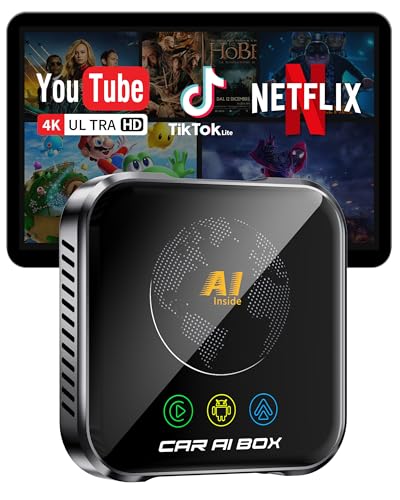
Magic AI Box Wireless CarPlay Adapter
Strengths
- Full Android 10 OS
- WiFi 6 support
- Built-in equalizers
Trade-offs
- Higher price point
- No HDMI input
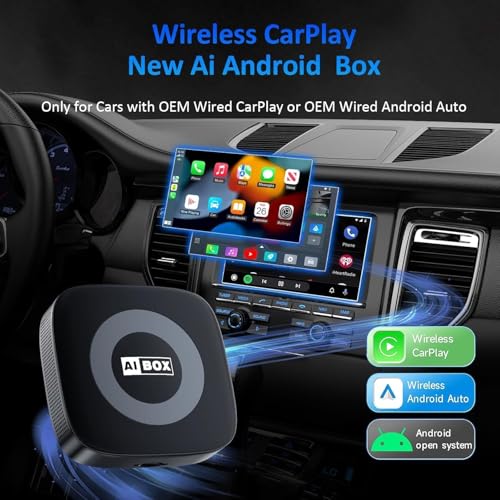
- Limited to wired OEM systems
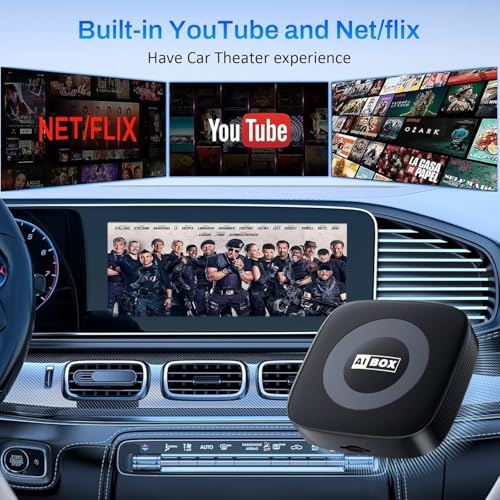
This is the most complete package overall. It combines Wireless CarPlay, Wireless Android Auto, full Android 10 OS, and 32GB storage, all in one device. The inclusion of WiFi 6 means faster streaming and better sync, and owners report near-instant app switching and solid 4K playback on YouTube and Netflix.
It also supports USB and TF cards, so you’re not dependent on a hotspot. The built-in equalizers are a subtle but appreciated touch for audiophiles. While it’s not the cheapest, it’s the only one that genuinely feels like a full upgrade to your infotainment system.
Video review
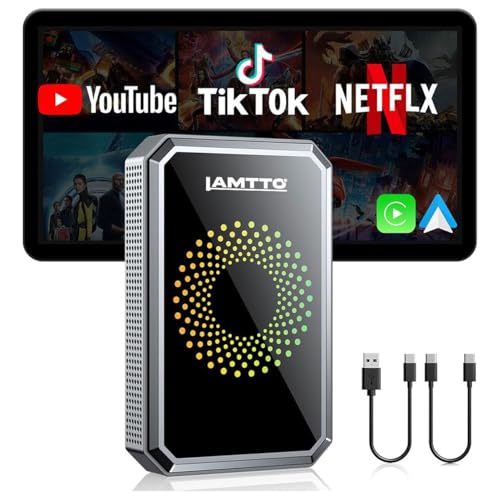
LAMTTO Wireless CarPlay Streaming Adapter
Strengths
- Dual WiFi bands
- HD media port
- USB playback
Trade-offs
- No AI assistant
- Basic interface
- Limited app ecosystem
This model hits the sweet spot of price and functionality for most users. At just over $60, it includes dual WiFi bands, so you can maintain CarPlay while streaming via hotspot, plus USB playback and an HD media port for rear monitors. That last feature is rare at this price.
Owners report reliable auto-reconnect and solid video quality, though the build feels a bit plasticky compared to pricier boxes. It doesn’t have AI or app downloads, but for families wanting to keep kids entertained on long drives, the HDMI output and offline playback make it a practical workhorse.
Video review
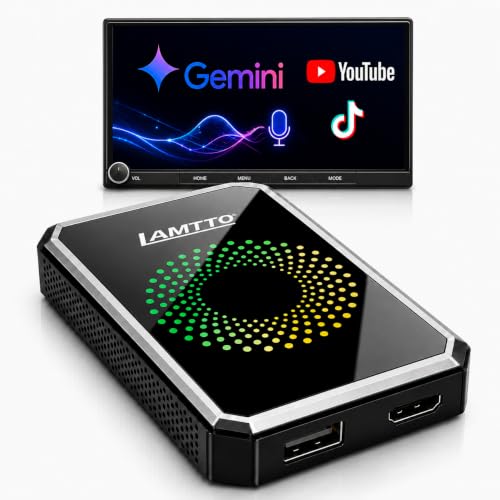
LAMTTO Wireless CarPlay with Gemini AI
Strengths
- Built-in Gemini AI
- Dual-band WiFi
- USB and streaming support
Trade-offs
- Expensive
- Large form factor
- No HDMI output
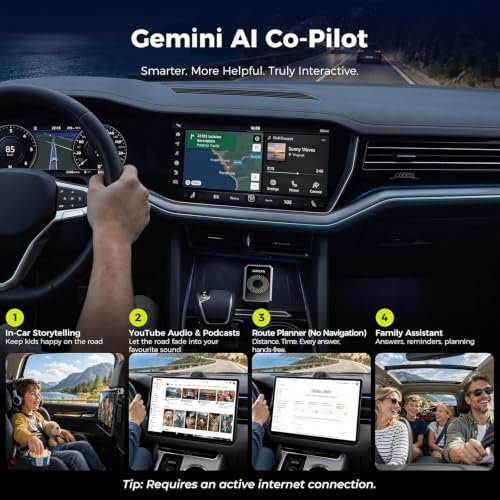
This is the most feature-rich box here, and it shows in the price. The standout is Gemini AI, a built-in voice assistant that does more than just navigation. It tells stories, runs trivia, sets reminders, and keeps passengers engaged. For family trips or solo drives, that’s a real differentiator.
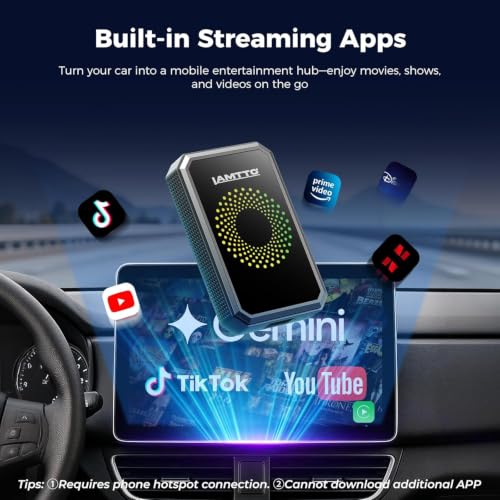
It also handles dual-band WiFi well, letting you run CarPlay and stream Netflix simultaneously without lag. Owners praise the OTA updates and USB playback, but note the high cost. If you want an AI co-pilot and seamless multitasking, this is the closest thing to a smart cockpit add-on.
Product photos

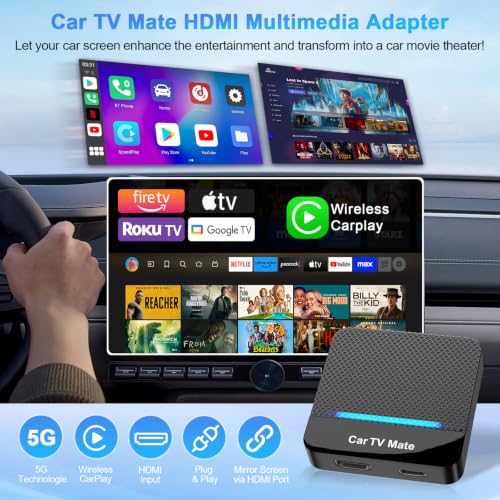
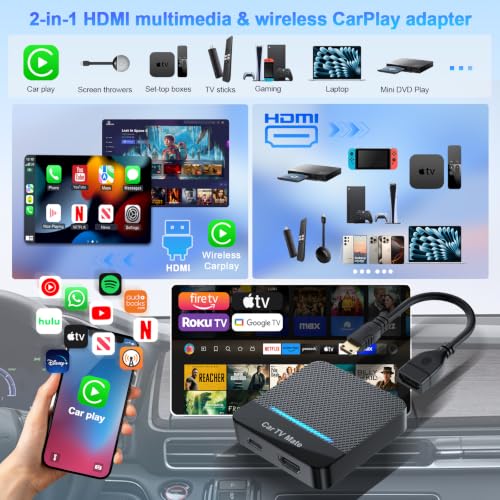
Car TV Mate Pro HDMI Adapter
Strengths
- HDMI input support
- Gaming compatible
- 1080p 60Hz input
Trade-offs
- Bulky design
- Visible cables
- No AI features
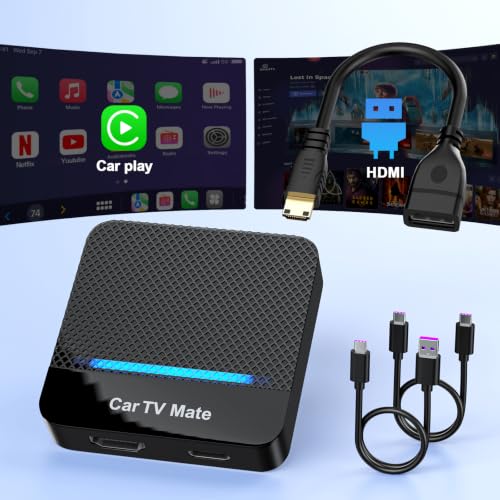
This is the only device here that doubles as an HDMI input adapter, meaning you can plug in a Fire Stick, Switch, or Roku and turn your car into a full gaming or streaming zone. That’s huge for passengers. It’s not just about CarPlay; it’s about turning the car into a mobile theater.
The 1080p input and 60Hz refresh rate handle gaming smoothly, and owners love using it for Switch sessions during road trips. But it’s bulkier than other adapters, and the HDMI passthrough means you’ll have cables visible. If you want gaming or external device support, this is the only real option.
Product photos



AUTOSKY AI Box Lite Flex
Strengths
- App selection flexibility
- Supports CarPlay and AA
- True plug and play
Trade-offs
- Requires touchscreen
- WiFi reconnection needed
- No offline app downloads
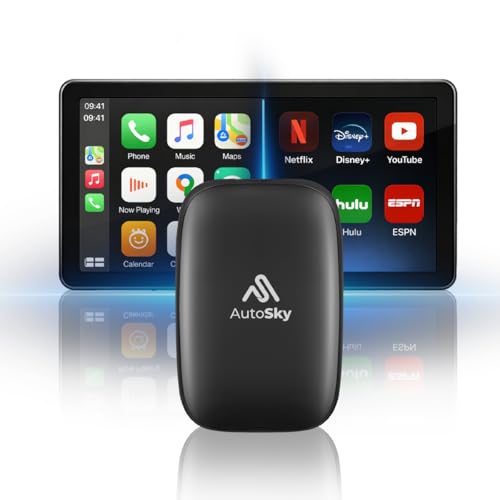
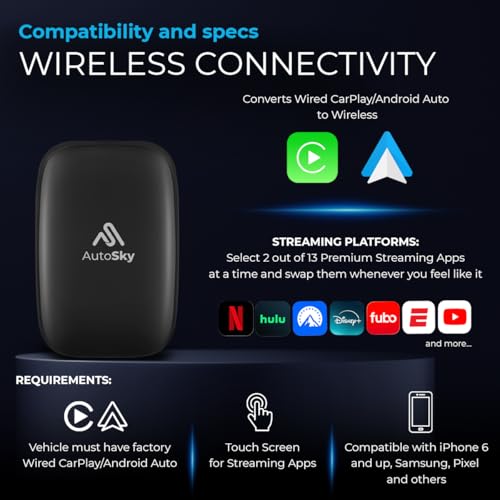
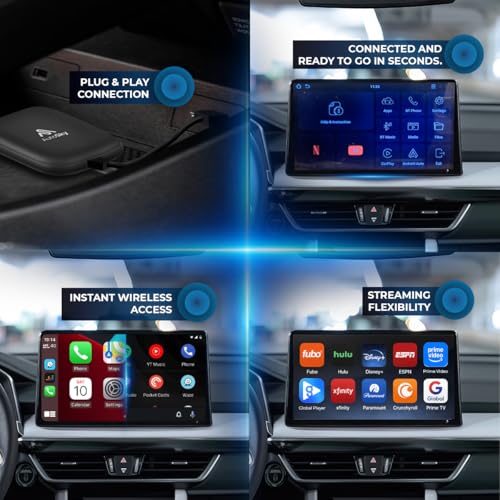
The flexibility here is smart: choose any two of 13 streaming apps, including Netflix, Disney+, and ESPN, and switch them later if your habits change. That’s a thoughtful touch in a market where most boxes lock you into a fixed suite. It’s not a full Android system, but for most people, having control over which two services they run is enough.
It shares the common limitation of single WiFi modules, so you’ll need to reconnect when switching between CarPlay and streaming, but owners say the trade-off is worth it at this price. It’s also one of the few that supports both CarPlay and Android Auto natively, which makes it a solid pick for households with mixed phones.
Product photos

MAKASRI AI Box with Play Store
Strengths
- Full Android system
- Google Play Store access
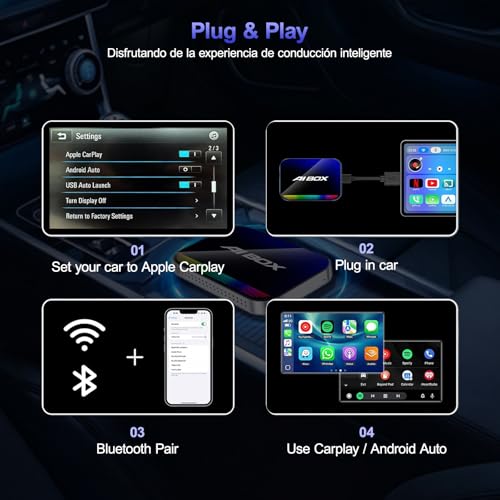
- Plug and play setup
Trade-offs
- No BMW or Tesla support
- Video only when parked
- Single WiFi band switching
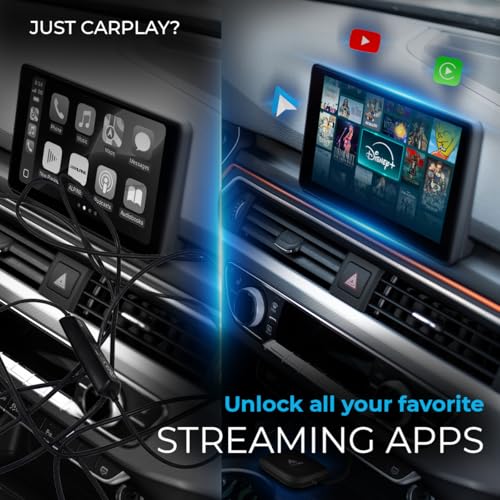
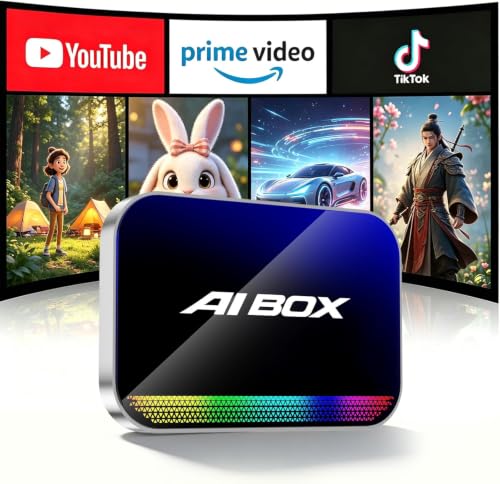
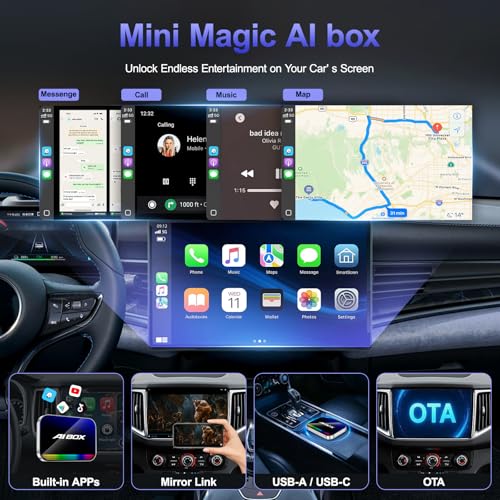
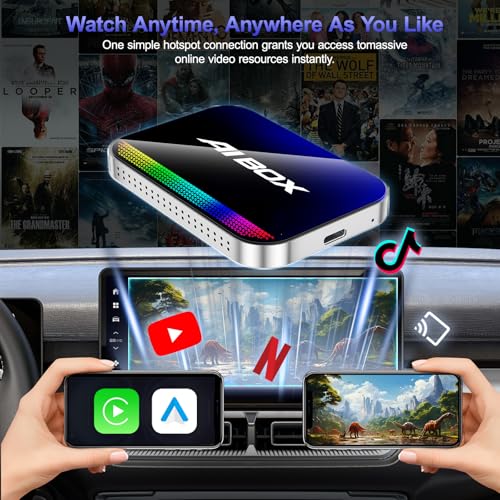
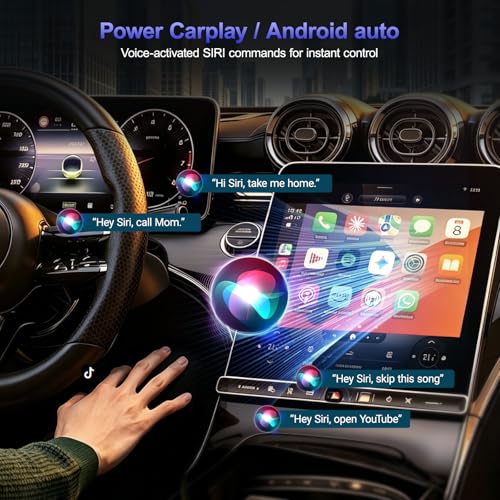
This unit stands out for buyers who want full access to the Google Play Store and the freedom to install any app they want, YouTube, TikTok, Hulu, you name it, directly on the device. That’s rare in this category, where most boxes lock you into preloaded apps. On paper, having a full Android 10 system means real flexibility, and owners consistently report smooth streaming when parked and connected to a hotspot.
Where it stumbles is compatibility: no BMW or Tesla support, and it’s strictly for factory wired CarPlay systems. If your car doesn’t show CarPlay in its native settings, this isn’t the fix. But if you’re in the right ecosystem, the ability to download apps independently is a legit advantage over locked-down competitors.
Product photos

Teeran 2-in-1 Wireless Adapter
Strengths
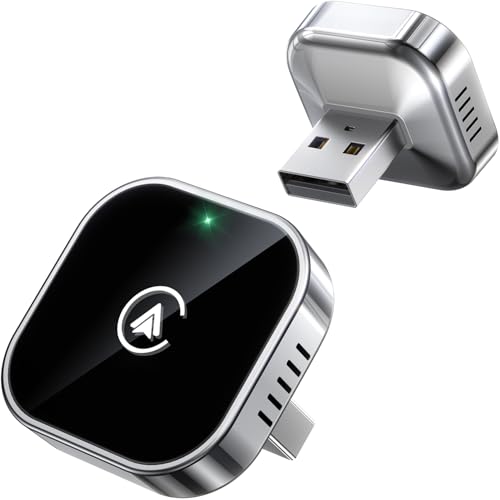
- Ultra-compact size
- Fast auto-reconnect
- Dual OS support
Trade-offs
- No streaming apps
- No AI or video
- No HDMI output
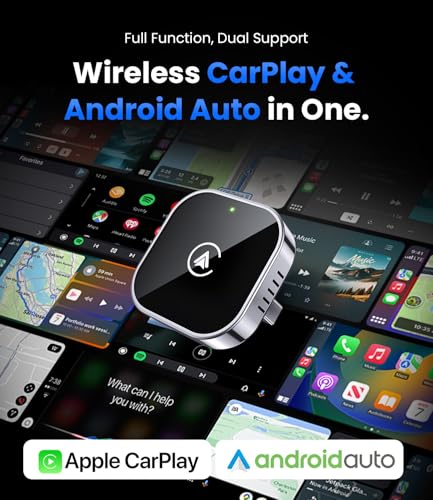
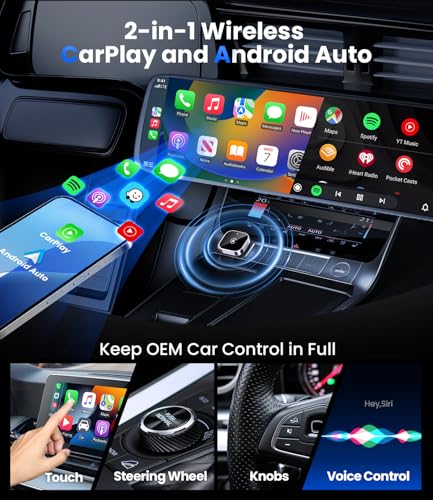
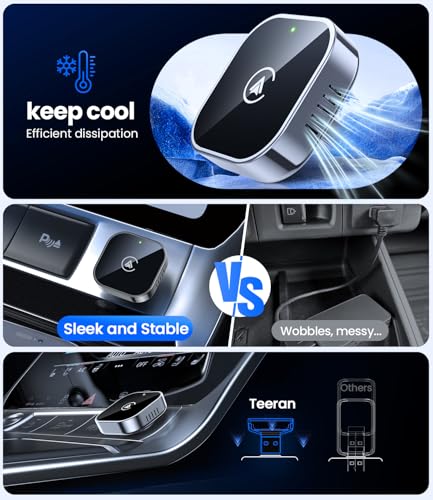
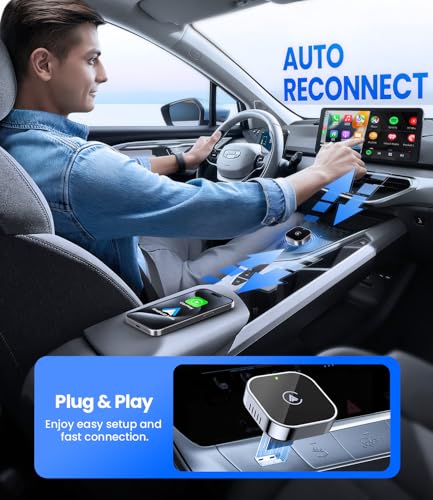
This is the most compact, no-frills adapter on the list, and it works exactly as promised. No apps, no streaming, no gimmicks. Just wireless CarPlay and Android Auto in a tiny, flush-fit design that disappears into your USB port. For purists who want reliability without clutter, this is gold.
Owners rave about the 3-second auto-reconnect and the fact it survives extreme temperatures and rough roads. It doesn’t do video when parked, but if you just want wireless phone integration without distractions, this is the cleanest solution. At $30, it’s also the cheapest.
Product photos
WhyBox Ai Magic Box

Strengths
- Low price point
- TF card support
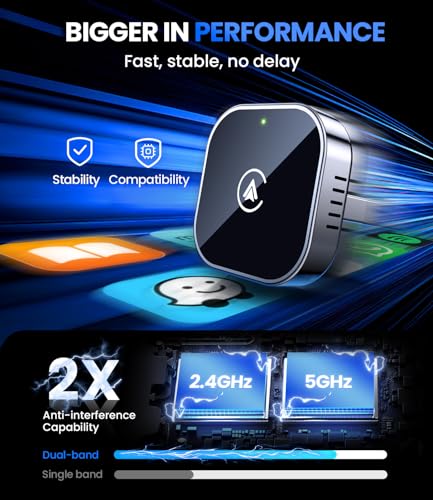
- Stable dual-band WiFi
Trade-offs
- No app downloads
- Limited app selection
- No Android Auto support
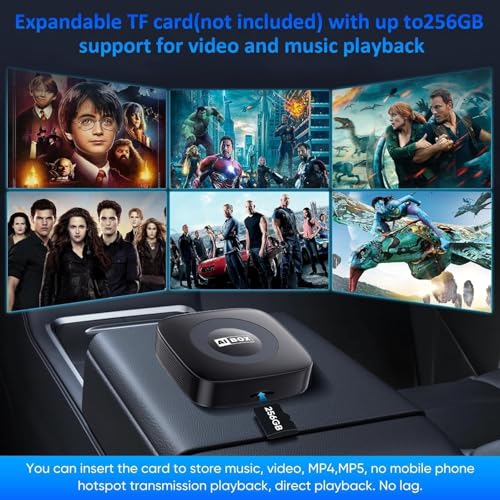
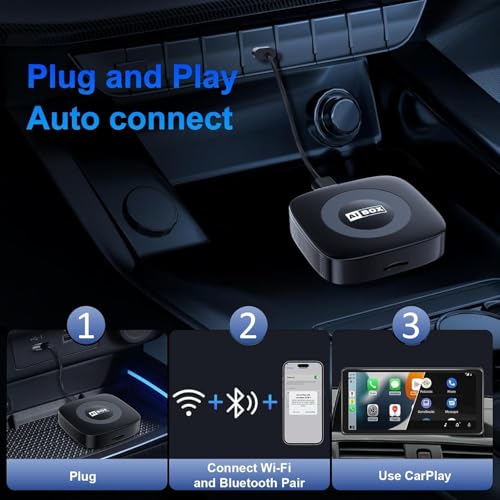
At under $60, this is one of the most aggressive value plays in the AI box space. It delivers core streaming, Netflix, YouTube, TikTok, via hotspot and supports TF cards for offline playback, which is a quiet win for road trips with patchy signal. The plug-and-play setup is consistent with owner feedback: just pair once, and it reconnects fast.
But don’t expect to download new apps. Unlike the MAKASRI model, this runs a closed system. You get what’s preloaded, nothing more. That’s fine if you just want YouTube and Netflix, but limits long-term use. Still, for budget-focused buyers with wired CarPlay and a hotspot, it’s a functional entry point.
Product photos
How We Picked These car streaming devices
As someone who spends a lot of time on the road – and talking about cars – I wanted to find the car streaming devices that truly deliver on their promises. Rather than a hands-on lab test, this was a research-led comparison of published specifications, features, and, crucially, owner feedback. I weighed reports from users and reputable tech reviewers to build a picture of real-world performance, looking beyond marketing claims. This involved analyzing common praise and complaints for each model to understand where they excel and fall short.
For this category, consistent connectivity and app compatibility were the biggest differentiators. A device that drops connection frequently or struggles with popular streaming apps simply isn’t useful. Equally important was ease of use; a complicated setup or clunky interface drastically reduces the value proposition. I prioritized devices that offered a truly plug-and-play experience and seamless integration with existing car systems, alongside a good range of app support. If you’re looking to keep your cabin tidy, check out our guide to the best car phone mounts as well.
Specifications reliably tell you about hardware capabilities – processor speed, Wi-Fi standards, and storage capacity. However, the experience of using those features is what matters most, and that’s where owner reviews became invaluable. Reports of overheating, lag, or compatibility issues were heavily factored into the rankings. Beyond that, I looked at brand reputation and the availability of customer support, as a reliable product should be backed by a company that stands behind it. Keeping your vehicle clean between drives is also important; consider investing in some quality portable car vacuum cleaners.
How To Pick The Right car streaming devices
Picking the right car streaming device can dramatically change your driving experience, transforming a mundane commute into a mobile entertainment hub. But with so many options available, knowing what to look for is crucial.
A good car streaming device reliably upgrades a factory-wired CarPlay or Android Auto system with wireless connectivity. It should offer stable performance, support essential apps (like navigation and music streaming), and ideally, expand functionality with options like video playback or an integrated app store. Prioritize compatibility with your vehicle and phone, alongside ease of use and a durable build.
Wireless Connectivity & Compatibility
The core function of these devices is, of course, wireless connectivity. Don’t assume universal compatibility. While most aim to work with both Apple CarPlay and Android Auto, some are specifically tailored to one or the other. More importantly, these devices require your vehicle to already have factory-installed wired CarPlay or Android Auto. They don’t magically add these features to older cars. Check your vehicle’s specifications before you buy. Beyond the initial connection, look for dual-band WiFi (2.4GHz and 5GHz) as it provides a more stable connection for streaming, preventing frustrating lag when using apps like Netflix or YouTube. If you’re also considering upgrading your overall in-car audio, exploring options like best Bluetooth car adapters could be a valuable addition.
App Ecosystem & Functionality
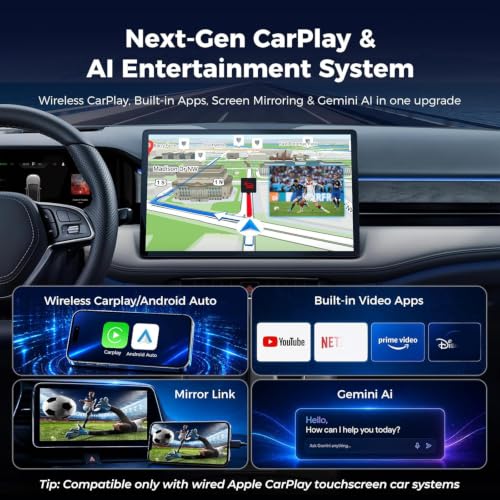
Beyond basic mirroring, consider what apps you want access to. Some devices limit you to CarPlay and Android Auto, while others, like the MAKASRI AI Box, boast a full Android system with access to the Google Play Store. This opens up a world of possibilities, but also introduces potential security considerations. If you’re primarily interested in streaming video, ensure the device supports popular platforms like Netflix, YouTube, and TikTok. A key point: many devices require a mobile hotspot for video streaming, so factor in data usage. It’s also worth noting some devices offer unique features like Gemini AI integration for hands-free assistance, while others prioritize mirroring capabilities for sharing content directly from your phone.
- A simple adapter providing wireless CarPlay/Android Auto is ideal if you mainly use those systems for navigation and music.
- A device with built-in streaming apps (Netflix, YouTube) is great for passengers, especially on long trips, but remember the hotspot requirement.
- An AI-powered box with a full Android system offers the most flexibility, allowing you to download and use a wide range of apps, but may require more technical know-how.
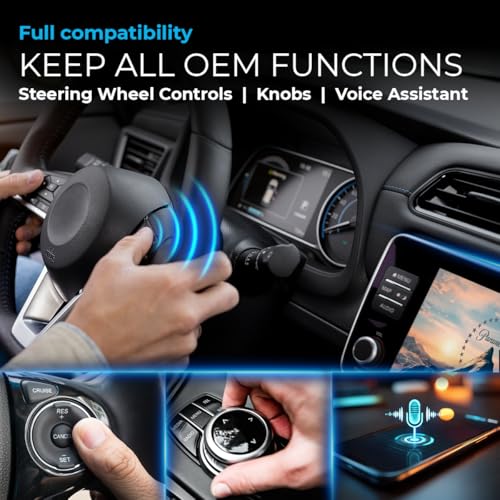
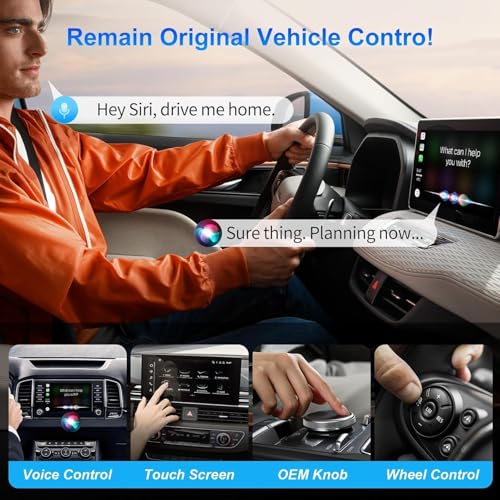
A device that doesn’t play well with your existing car’s interface is a waste of money. Prioritize a seamless experience that integrates with your steering wheel controls, touchscreen, and voice assistant.
Value & Additional Features
Price points vary significantly, from budget-friendly options under $60 to more premium devices exceeding $100. Don’t automatically assume the most expensive is the best. Instead, consider the features that matter most to you. Some devices include HDMI inputs, allowing you to connect external sources like gaming consoles or DVD players. Others offer USB ports for playing local media files. If you frequently travel in areas with poor cell service, the ability to play content from a USB drive is a major advantage. If you’re looking for more advanced in-car tech, you might also want to explore dedicated car navigation or even GPS and smartphone navigation solutions for a more thorough experience.
Car Streaming Devices Compared
Here’s a comparison of key specifications for popular car streaming devices to help you choose the right one.
| Product Name | Wireless CarPlay | Android Auto | Streaming Apps | AI Assistant | HDMI Input | App Store |
|---|---|---|---|---|---|---|
| Magic AI Box Wireless CarPlay | Yes | Yes | Netflix, YouTube | No | No | No |
| LAMTTO Wireless CarPlay Streaming | Yes | Yes | Netflix, YouTube | No | No | No |
| LAMTTO Wireless CarPlay with Gemini AI | Yes | Yes | Netflix, YouTube | Gemini | No | No |
| Car TV Mate Pro HDMI Adapter | Yes | N/A | N/A | No | Yes | No |
| AUTOSKY AI Box Lite Flex | Yes | Yes | Selectable (13) | No | No | No |
| MAKASRI AI Box with Play Store | Yes | Yes | Play Store | No | No | Yes |
| Teeran 2-in-1 Wireless Adapter | Yes | Yes | N/A | No | No | No |
| WhyBox Ai Magic Box | Yes | Yes | Netflix, YouTube | No | No | No |
Frequently Asked Questions
What’s the biggest drawback of using a car streaming device?
A potential downside is data consumption; streaming video through these devices often relies on a mobile hotspot, which can quickly use your data plan if you aren’t careful. Consider your data limits and streaming habits before committing to frequent video playback.
Are these devices difficult to set up?
Most are designed for plug-and-play operation. However, initial pairing and occasional firmware updates might require some basic tech familiarity, and some users report needing to consult online resources for specific vehicle models.
Can I use these devices with an older car that doesn’t have CarPlay or Android Auto?
No, these devices are specifically designed to add wireless functionality to vehicles that already have wired Apple CarPlay or Android Auto. They won’t add those features to a car that doesn’t offer them originally.
What if a device doesn’t support my preferred streaming app?
Compatibility varies. If a device doesn’t natively support an app, you might be able to mirror your phone’s screen, but that can be less stable and drain your phone’s battery faster. Before purchasing, check the device’s specifications to confirm support for the apps you use most.
Beyond entertainment, can these devices help with vehicle security?
While not their primary function, some devices can be paired with best car tracking devices or offer features that enhance security. For example, a device constantly connected to your phone could provide a remote monitoring capability, though dedicated GPS vehicle trackers are still a better choice for robust security.
The Bottom Line
Choosing a car streaming device often comes down to how much control you want versus how much fuss you’re willing to tolerate. If you simply want a reliable wireless connection for Apple CarPlay or Android Auto, the Magic AI Box Wireless CarPlay stands out as a strong all-around performer, offering a smooth experience without unnecessary complexity.
For those seeking more versatility, the MAKASRI AI Box with Play Store unlocks a world of possibilities with its full Android system and access to countless apps. If a budget is a primary concern, the LAMTTO Wireless CarPlay Streaming provides a solid, no-frills experience at a very accessible price point. And if you’re interested in more advanced in-car tech, exploring dedicated best GPS devices for cars might be a good next step.
Ultimately, the best device isn’t about chasing the highest specs or the most features. It’s about finding a reliable solution that enhances your driving experience and keeps you connected safely. A comfortable cabin also makes a road trip more enjoyable, so don’t forget to consider quality car air fresheners to keep things smelling fresh. Prioritize a stable connection, app compatibility, and ease of use – those fundamentals matter far more than any single bell or whistle.
