
8 Best Android Auto Screens for Car 2026
This post contains affiliate links. As an Amazon Associate, we earn from qualifying purchases.
The Krunia 9.26″ Wireless CarPlay Android Auto screen stands out as the overall best pick, thanks to its sharp 1600×600 resolution and solid feature set. For budget-conscious drivers, the 7″ HD CarPlay Android Auto Screen offers strong value without sacrificing core functionality, while the IIWEY iK11 11″ delivers the most versatility with its built-in dashcam and larger display.
If you’re upgrading an older car, a good Android Auto screen can bridge the gap between vintage charm and modern convenience. But with so many models claiming to be the best, it’s easy to get lost in specs that don’t matter and miss the ones that do.
This guide cuts through the noise by focusing on what actually impacts your daily drive, real display clarity, stable wireless connectivity, and features that add genuine value. We compared specs, analyzed owner feedback, and applied years of experience with in-car tech to spotlight the screens that perform best where it counts.
Top 8 Android Auto Screens For Car in the Market
The Best Android Auto Screens For Car, Reviewed
10.26″ 4K Wireless CarPlay Screen

Strengths
- 4K dash cam with 360 rotation
- Split-screen mode
- Strong audio options
Trade-offs
- Slight boot-up lag
- Bulkier design
- FM interference in some vehicles
This Antika unit stands out by packing a 4K dash cam with 360-degree rotation, a rare combo in this category. The 10.26-inch 2.5D IPS screen is vibrant, and owners consistently report smooth performance with both CarPlay and Android Auto. The dash cam doesn’t just record, it can swivel to face inside the cabin, which is a clever touch for ride-sharers or parents.
The split-screen function is another win, letting you run navigation alongside media or camera views. Audio flexibility is strong with Bluetooth 5.0, FM, AUX, and built-in speakers. Some users note minor lag during initial boot, but once connected, the wireless pairing is stable. Compared to the larger IIWEY or Krunia models, it strikes a smarter balance between features and usability.
Video review
7″ Wireless CarPlay Screen Silver
Strengths
- Very affordable
- Rotatable screen
- Simple setup
Trade-offs
- No backup camera
- Low brightness
- Flimsy mount
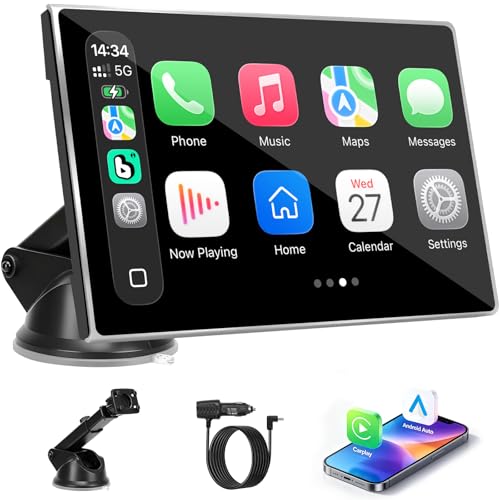
At under $50, this 7-inch model is one of the most affordable ways to get wireless CarPlay and Android Auto. It works, no question. The plug-and-play setup is effortless, and owners confirm it pairs quickly and stays connected. The rotatable screen is a nice touch, letting you switch between portrait and landscape for maps or video.
But it’s a barebones experience. The screen is smaller and less bright than others, and the mount feels flimsy over time. It lacks a backup camera and OTA updates, and audio quality through the built-in speaker is thin. Still, for someone with an older car who just wants smartphone mirroring without fuss, it does the job. I’d see it as a temporary fix or secondary vehicle upgrade.
Video review
9.26″ Wireless CarPlay Android Auto

Strengths
- Highest resolution display
- 5G Wi-Fi for fast response
- OTA firmware updates
Trade-offs
- No built-in dash cam
- Suction mount could be sturdier
- Higher price than basic models
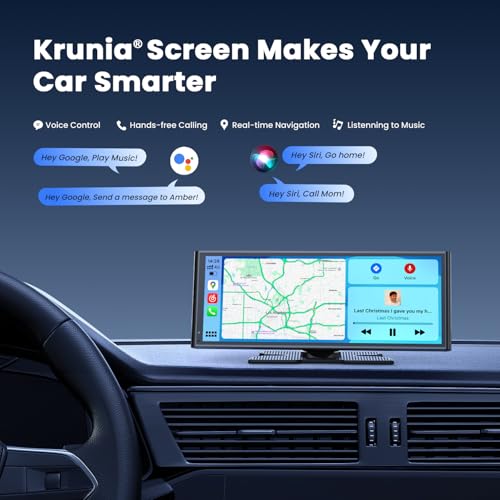
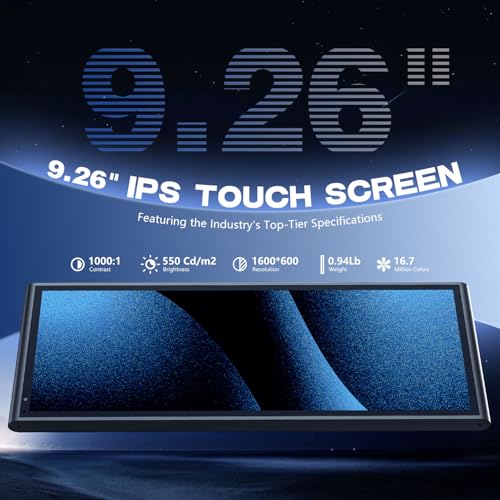
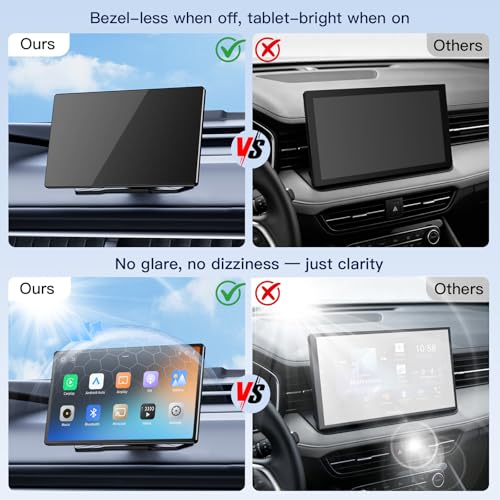
Krunia’s 9.26-inch screen is the one to beat for display quality. With a 1600×600 resolution, 550 cd/m² brightness, and 1000:1 contrast ratio, it delivers the sharpest and most vibrant image in its class. Owners consistently highlight how well it performs in direct sunlight, something many cheaper screens struggle with. The 5G Wi-Fi and Bluetooth 5.0 deliver noticeably faster response times, reducing lag during navigation or app switching.
The OTA update feature is a quiet standout. Unlike models that become obsolete after a phone OS update, this one can adapt over time, which I see as essential for longevity. It’s also one of the few with rigorous temperature testing, making it reliable in extreme climates. Compared to the Antika or IIWEY, it lacks a dash cam, but for pure interface performance, it’s unmatched.
Product photos

11.5″ Largest Wireless CarPlay Screen
Strengths
- Largest display available
- Good for video streaming
- Includes rear camera
Trade-offs
- Can obstruct view in small cars
- Mediocre touch responsiveness
- Plastic build
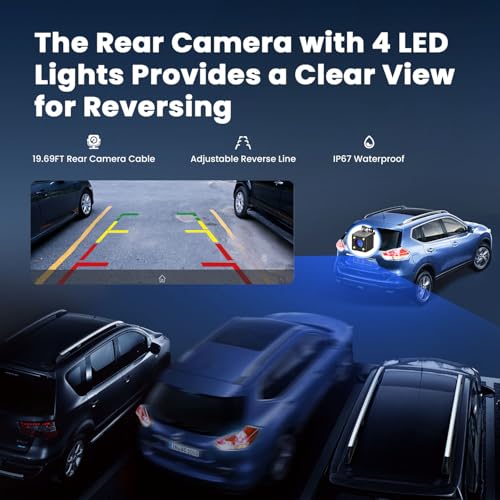
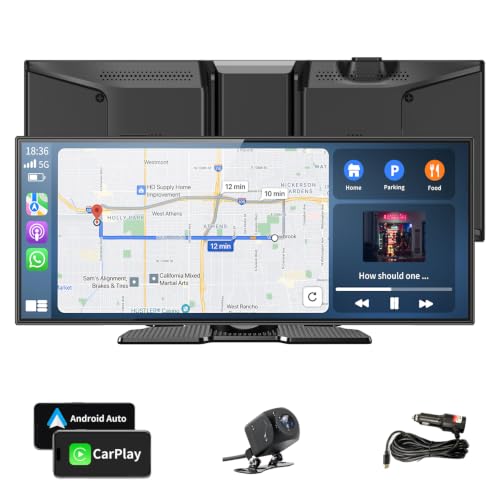
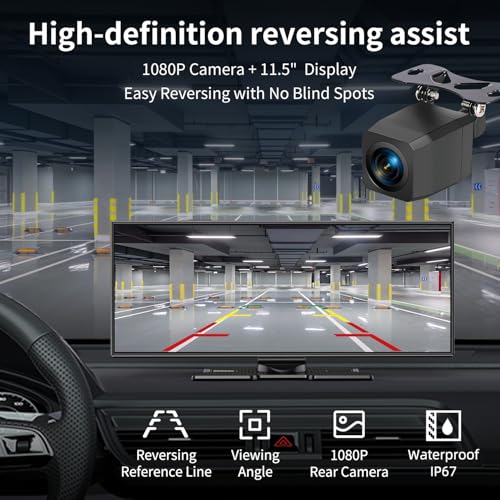
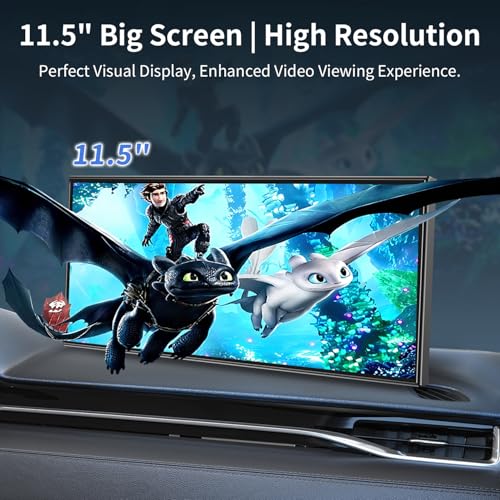
If screen real estate is your priority, this 11.5-inch model is the biggest portable option available. The size makes video streaming and navigation easier to read, and owners praise how immersive it feels, almost like turning your dash into a tablet cockpit. It supports all the essentials: wireless CarPlay and Android Auto, voice control, mirror link, and includes a 1080p backup camera.
But size comes with trade-offs. Some users report it blocks part of the windshield in compact cars, which is a real safety concern. The build feels a bit plasticky compared to others in the $90 range, and the touch response isn’t as snappy as the Krunia or RQO models. Still, for larger vehicles like SUVs or trucks, this screen shines as a media hub.
Product photos

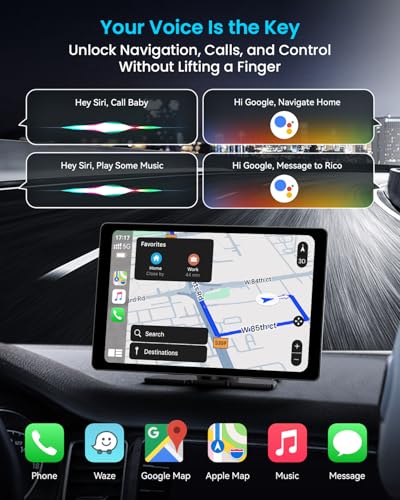
IIWEY iK11 11″ CarPlay Android Auto
Strengths
- 4K dash cam with 64GB card
- Wi-Fi video transfer
- Auto power on/off
Trade-offs
- Large size blocks view
- Interface lags occasionally
- Bluetooth connects through phone
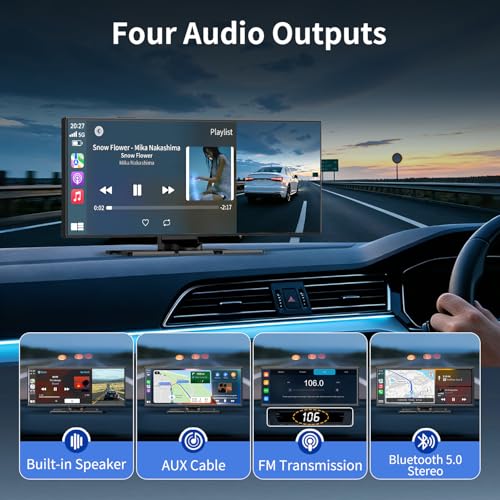
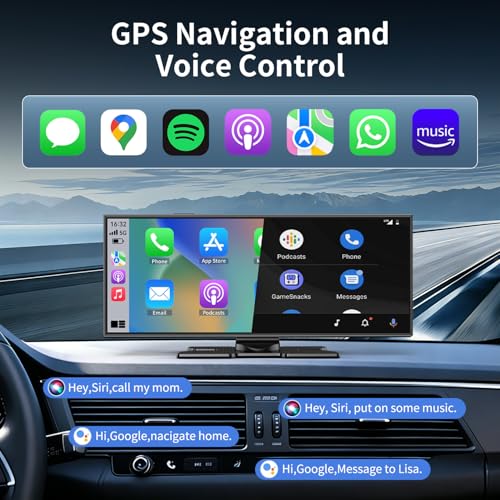
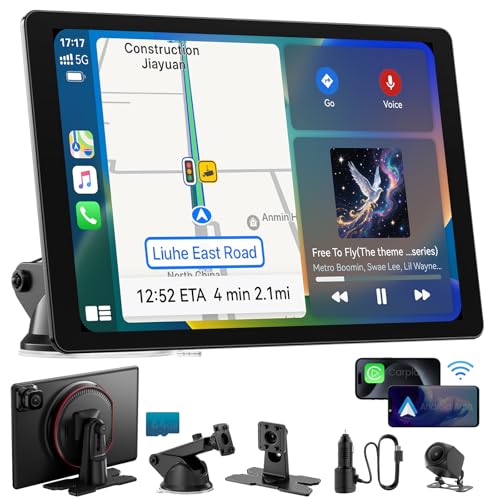
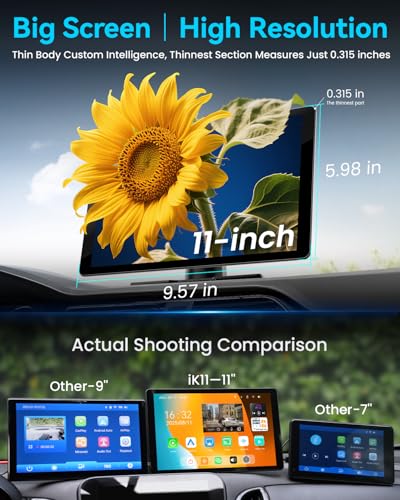
The IIWEY iK11 is the most feature-packed portable screen here, combining an 11-inch display with a 4K front dash cam and 1080p rear camera, all with a pre-installed 64GB card. The dash cam setup is genuinely plug-and-play, and owners love being able to transfer footage via Wi-Fi to their phones. The screen is bright and responsive, and the auto power function (on/off with ignition) works reliably.
But it’s a lot to manage. The 11-inch size can block visibility in smaller cars, and the interface, while functional, isn’t as polished as Krunia’s. Some users report needing firmware updates to fix reverse camera sync. Still, if you want dash cam coverage without extra devices, this integrates it better than any other portable screen.
Product photos

9″ Wireless CarPlay Android Auto

Strengths
- 9-inch display
- Wireless CarPlay/AA
- Plug-and-play
Trade-offs
- No OTA updates
- Basic screen quality
- Mount adhesion issues reported
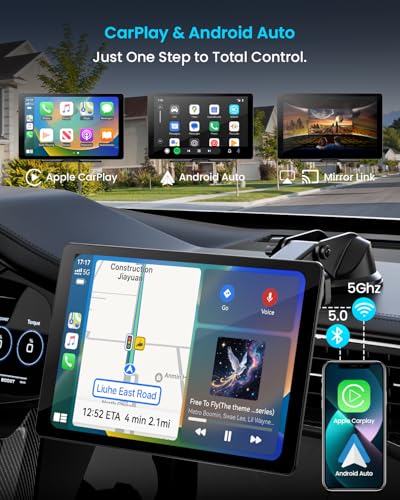
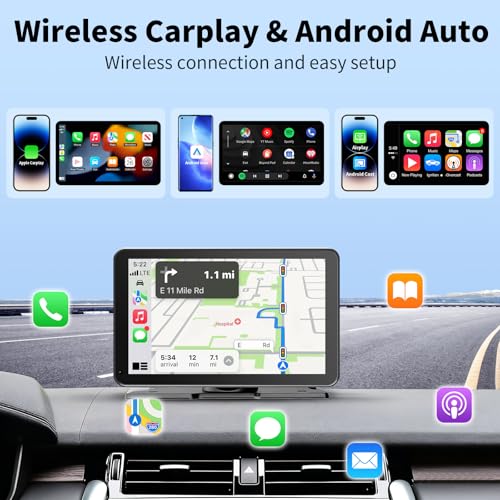
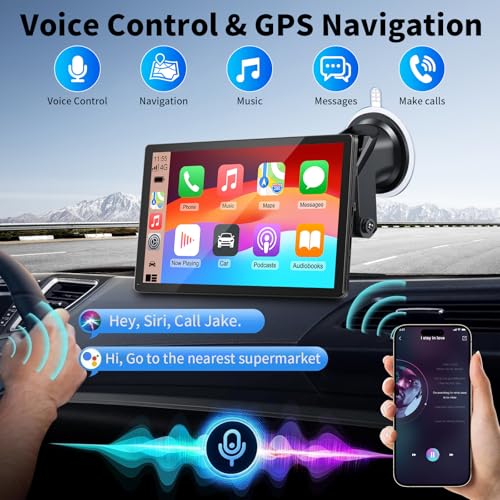
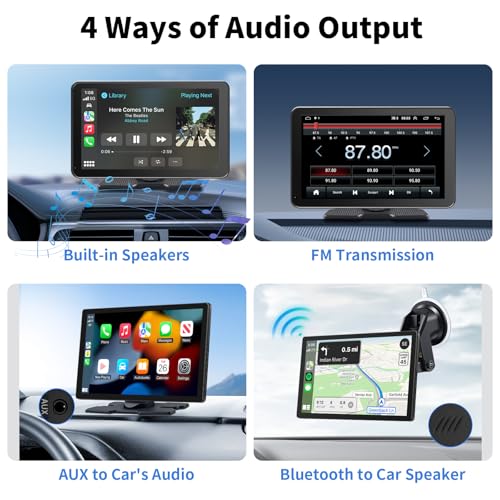
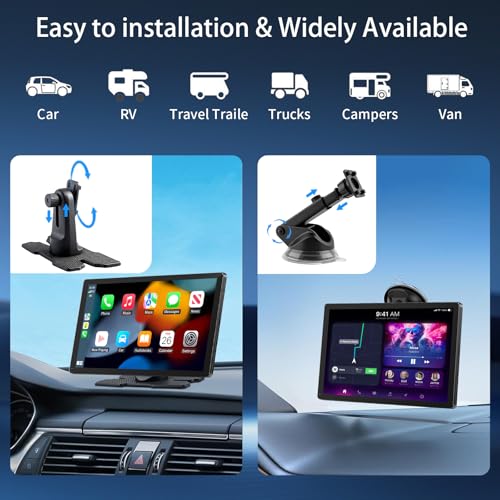
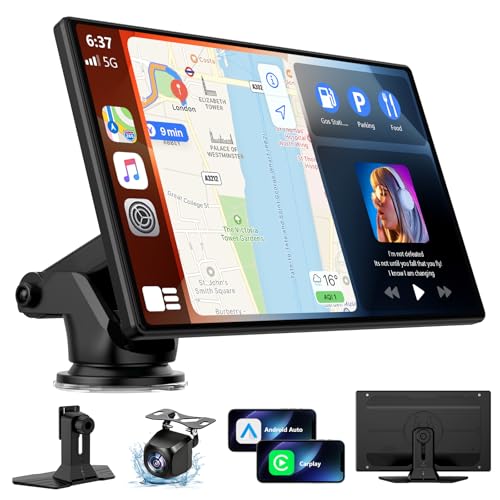
For the price, this 9-inch unit delivers a solid entry into wireless CarPlay and Android Auto without breaking the bank. On paper, it checks the core boxes, wireless connectivity, voice control, GPS navigation, and multiple audio outputs, and owner feedback confirms it works reliably for daily commutes. The plug-and-play design means no cutting wires or modifying your dash, which I appreciate for keeping older cars stock.
Still, it’s clearly built to hit a price point. The screen is decent but not as bright or sharp as higher-end models, and while the suction mount holds well, long-term durability is a question some owners have raised. Compared to pricier options, it lacks OTA updates or advanced features like split-screen or dash cam integration. But for someone wanting a no-fuss upgrade, it’s a functional starting point.
Product photos

7″ HD CarPlay Android Auto Screen
Strengths
- 1080p night vision camera
- IP67 waterproof rating
- Dual mounting options
Trade-offs
- Small screen size
- No OTA updates
- FM transmission can interfere
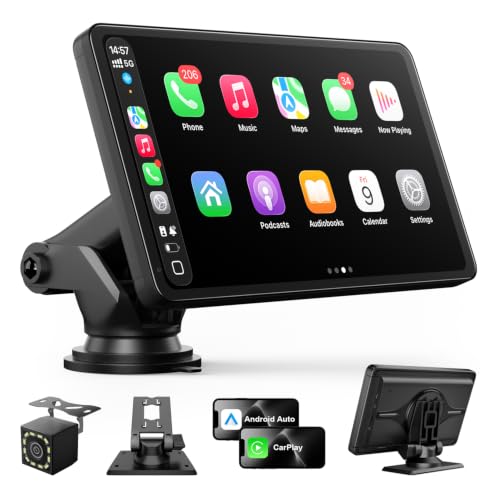
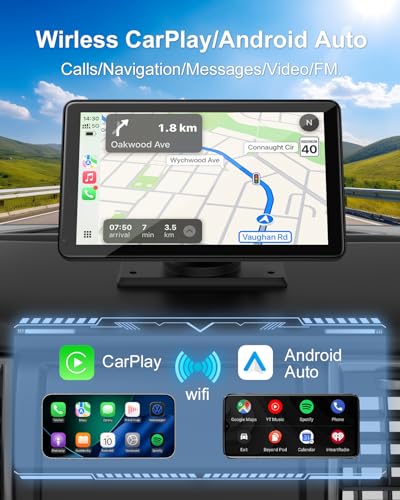
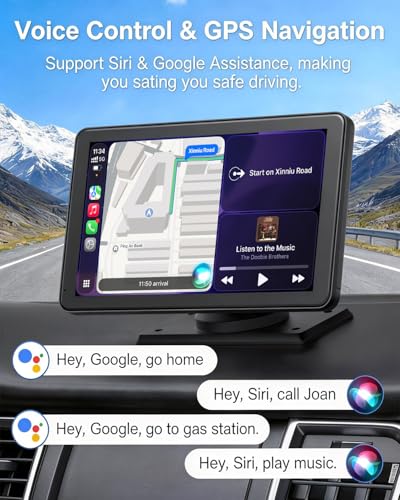
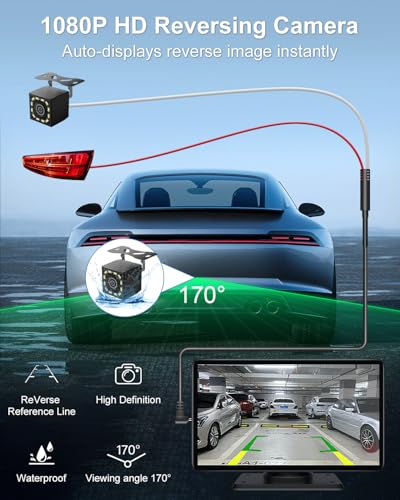
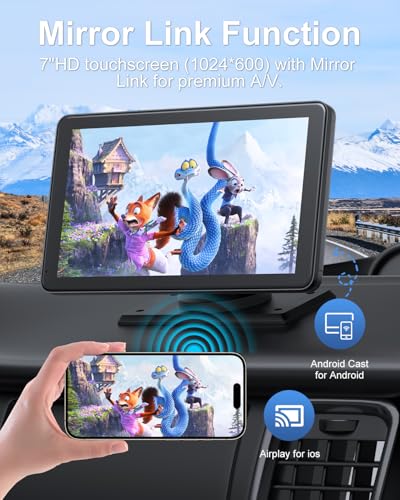
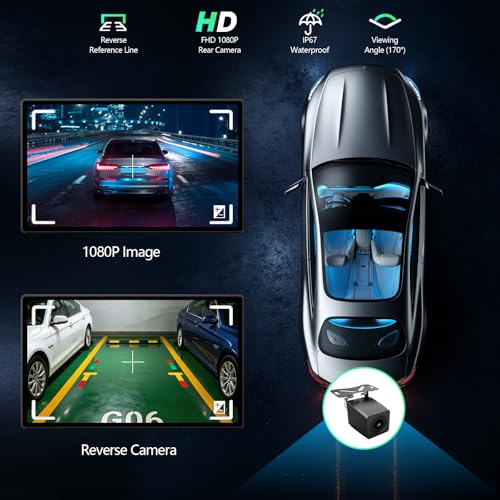
This 7-inch screen earns its spot with a standout 1080p backup camera that includes night vision and IP67 waterproofing, rare at this price. The camera delivers clear, detailed rear views even in low light, and owners consistently praise its reliability for parking and reversing. The screen itself is compact but sharp, with 650 nits brightness helping visibility in sun.
It supports wireless CarPlay and Android Auto over 5GHz Wi-Fi, which helps reduce lag. Audio options are flexible, with Bluetooth, FM, AUX, and a built-in speaker. The dual mounting system (suction and adhesive) adds stability. However, the screen is small for navigation-heavy users, and it lacks OTA updates. Still, as a safety-focused upgrade, it’s one of the most practical.
Product photos
9″ CarPlay Screen with OTA Updates
Strengths
- Easy OTA updates
- Good backup camera
- Dual-DIN speakers
Trade-offs
- 720p resolution
- Average screen brightness
- Mount stability issues
RQO’s 9-inch model stands out for one reason: its OTA update system is unusually detailed and user-friendly. The ability to update firmware via QR code or local IP address without third-party apps is a big win for future-proofing. I’ve seen too many screens fail after a phone OS update, this one aims to prevent that. Owners report stable wireless connections and solid voice command performance.
The included backup camera has an 18-foot cable, making it adaptable to trucks and SUVs, and the dual-DIN speakers offer better sound than most portables. The screen is 720p, not the sharpest, but it’s lag-free and readable in sunlight. Compared to the Krunia, it’s slightly less refined visually, but more practical for long-term ownership.
Product photos

How We Evaluated android auto screens for car
We approached this guide by compiling a detailed comparison of specifications and features available across numerous Android Auto screens. This wasn’t about long-term personal use; rather than a hands-on lab test, this is a research-led comparison of specs and owner feedback. We weighed published specs against owner reviews from major retailers and reputable automotive tech sites, applying our experience with in-car entertainment systems to identify key differentiators. Our ranking is based on a combination of these factors, prioritizing those most impactful for the average driver.
For this category, screen resolution and audio quality were heavily weighted. A clear, high-resolution display is critical for safe navigation and ease of use, while strong audio performance enhances the overall driving experience. Equally important was the inclusion of features like wireless connectivity and a reliable backup camera, as these add significant convenience and functionality. We also considered long-term value, focusing on build quality and features like over-the-air updates. If you’re looking for a more complete overhaul of your car’s system, you might also want to consider best Android head units.
Specifications reliably indicate the potential for visual clarity (resolution, brightness) and connectivity (Bluetooth version, Wi-Fi standards). However, we found owner feedback crucial for assessing real-world performance, specifically, the stability of the wireless connection and the accuracy of the touch screen. Reputation also played a role; brands consistently praised for reliability and customer support received a boost in our rankings. Beyond the screens themselves, exploring car audio touch screen displays can give you a broader perspective on in-car tech options.
What To Look For In android auto screens for car
Choosing the right Android Auto screen can dramatically improve your driving experience, turning an older vehicle into a connected hub. But with so many options available, knowing what to prioritize is key.
A good Android Auto screen balances display quality with reliable connectivity and ease of use. Look for high resolution (at least 720p), Bluetooth 5.0 or higher for a stable wireless connection, and a user interface that doesn’t lag or freeze. Consider audio output options to match your car’s existing system and ensure compatibility with your smartphone.
Display Size and Resolution
While a larger screen is tempting, don’t sacrifice clarity for sheer size. A 9-inch screen with a low resolution will look worse than a well-defined 7-inch display. I generally recommend aiming for at least 1280×720 resolution; some models, like the Krunia 9.26″ offer even higher resolutions (1600×600) for truly crisp visuals. Think about how you’ll primarily use the screen – if detailed map views or video streaming are priorities, a higher resolution is worth the investment.
Connectivity and Audio Options
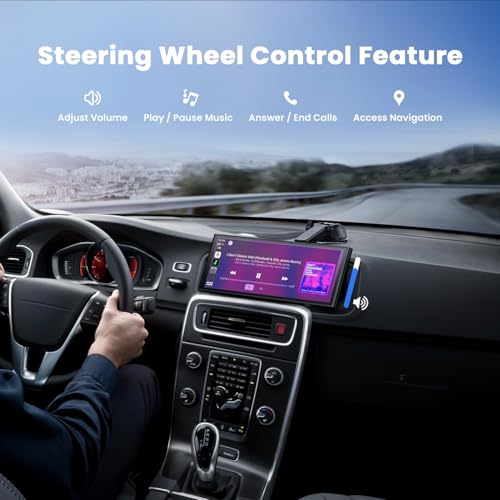
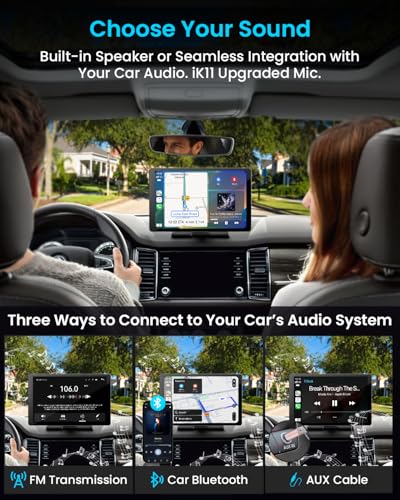
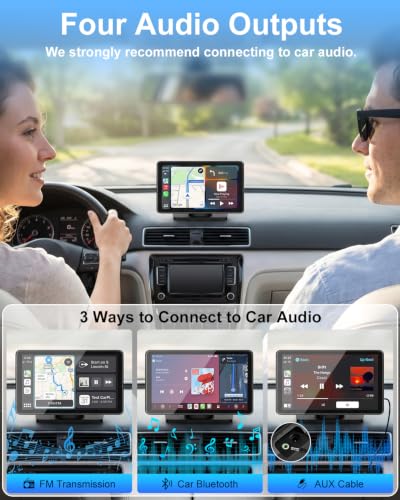
A stable connection is paramount. Bluetooth 5.0 is a must for minimizing dropouts, and dual-band Wi-Fi (2.4GHz and 5GHz) can further enhance stability. Beyond that, consider how the screen will integrate with your car’s audio system. Many offer Bluetooth, AUX, and FM transmitter options, but some, like the IIWEY iK11, also include built-in speakers. If you’re already running a sophisticated system, it’s worth checking if the screen supports steering wheel control integration for a more integrated feel. If you’re looking to explore other upgrades to your car’s infotainment system, consider looking into the latest Android car stereos for a more thorough solution.
Features and Installation
Don’t overlook practical features. A built-in dashcam, like the one found on the IIWEY iK11, adds a layer of security, and a backup camera with night vision is invaluable for safe parking. Installation should be straightforward – most models boast a “plug-and-play” design, but read reviews to confirm ease of setup. Here’s what I look for in a user-friendly setup:
- A clear power cable length.
- Multiple mounting options (suction cup and adhesive).
- Detailed instructions or online video tutorials.
A rule of thumb: don’t assume a larger screen always means a better experience. Prioritize resolution, connectivity, and a user interface that feels responsive.
Finally, if you’re still unsure about the best approach for upgrading your car’s audio and connectivity, exploring stereos for Android phones might provide a broader perspective.
Android Auto Screens for Car Compared
Here’s a comparison of key specifications for various Android Auto screens to help you choose the right one for your vehicle.
| Product Name | Screen Size | Resolution | Wireless CarPlay | Android Auto | Backup Camera | Audio Output Options |
|---|---|---|---|---|---|---|
| 10.26″ 4K Wireless CarPlay Screen | 10.26″ | 4K | Yes | Yes | Yes (1080P) | Bluetooth, FM, AUX, Built-in |
| 7″ Wireless CarPlay Screen Silver | 7″ | N/A | Yes | Yes | N/A | Bluetooth, AUX, FM, Built-in |
| 9.26″ Wireless CarPlay Android Auto | 9.26″ | 1600×600 | Yes | Yes | Yes (1080P) | Bluetooth, AUX, FM |
| 11.5″ Largest Wireless CarPlay Screen | 11.5″ | N/A | Yes | Yes | Yes (1080P) | Speakers, CarPlay/Auto, FM, AUX |
| IIWEY iK11 11″ CarPlay Android Auto | 11″ | 1280×800 | Yes | Yes | Yes (1080P) | Bluetooth, AUX, FM, Built-in |
| 9″ Wireless CarPlay Android Auto | 9″ | N/A | Yes | Yes | N/A | Bluetooth, AUX, FM, Built-in |
| 7″ HD CarPlay Android Auto Screen | 7″ | 1024×600 | Yes | Yes | Yes (1080P) | Bluetooth, AUX, FM, Built-in |
| 9″ CarPlay Screen with OTA Updates | 9″ | 1280×720 | Yes | Yes | Yes | Bluetooth, AUX, FM, Built-in |
Frequently Asked Questions
Will an Android Auto screen work with my existing car stereo?
Yes, most Android Auto screens connect via Bluetooth or AUX, allowing them to work alongside your factory stereo. However, for optimal sound quality and full integration, consider exploring Android car radios which replace your existing unit.
What screen resolution should I prioritize?
Aim for at least 1280×720 resolution for a clear, detailed display. While higher resolutions like 1600×600 are available, they’re most beneficial if you frequently stream video or rely heavily on map navigation.
Is wireless Android Auto reliable enough for daily use?
Wireless Android Auto’s reliability hinges on Bluetooth 5.0 or higher and dual-band Wi-Fi. Owner feedback indicates that stability is generally good, but occasional dropouts can occur depending on your phone and car’s environment.
Can I use a dashcam simultaneously with an Android Auto screen?
Some screens, like the IIWEY iK11, have a built-in dashcam. Otherwise, you can usually connect an external dashcam via USB, but compatibility varies, so checking user reviews is crucial. You might also want to check out auto car accessories for compatible options.
What if I’m not comfortable installing the screen myself?
Installation is generally straightforward for most models, but professional installation is recommended if you’re unsure. Many retailers offer installation services, or you can find a local car audio specialist to handle it for you, and they may also sell compatible essential vehicle accessories.
The Bottom Line
Ultimately, choosing an Android Auto screen comes down to balancing how much you want to spend against how much fuss you’re willing to tolerate with installation and potential compatibility issues. For the best overall experience, combining a sharp display with reliable wireless performance, the 10.26″ 4K Wireless CarPlay Screen stands out. It offers a lot of features for the money and consistently receives positive feedback regarding its responsiveness and picture quality.
If you’re on a tighter budget, the 7″ Wireless CarPlay Screen Silver is a surprisingly capable option. For those prioritizing versatility and a feature-rich experience, including a built-in dashcam, the IIWEY iK11 11″ CarPlay Android Auto is an excellent choice, and offers a good balance between price and functionality. Don’t forget to consider best car screens if you’re looking for more options.
More than resolution or screen size, a smooth and reliable connection to your phone is what will make or break your experience. Focus on models with Bluetooth 5.0, reliable wireless connectivity, and positive reviews regarding stability. A well-integrated system, even with slightly lower specs, will always be more enjoyable than a flashy screen that constantly drops the connection or lags. Finally, exploring upgraded Android car audio can further refine your in-car experience.
