
8 Best Apple CarPlay Systems for Older Cars 2026
This post contains affiliate links. As an Amazon Associate, we earn from qualifying purchases.
The IIWEY iK11 11-Inch is the best Apple CarPlay solution for older cars, offering strong performance, a sharp display, and a built-in 4K dashcam. For those on a budget, the PASLDA 7″ Wireless CarPlay Screen delivers solid core features without breaking the bank. If you want maximum versatility, the Antika 10.26″ stands out with its rotating 4K dashcam and rugged rear camera.
Adding Apple CarPlay to an older car shouldn’t mean wrestling with glitchy screens or unreliable connections. Most drivers just want a clean, safe way to use their phone without tearing apart their dashboard.
After researching the field and weighing specs against real owner experiences, I focused on units that balance display quality, stable wireless CarPlay, and flexible audio output. This guide cuts through the noise to highlight the ones that actually work well in real-world driving conditions.
Top 8 Apple Carplays For Older Cars in the Market
The Best Apple Carplays For Older Cars, Reviewed
IIWEY iK11 11-Inch CarPlay Screen
Strengths
- 4K front dash cam with 64GB storage
- Auto power on/off
- Wi-Fi video transfer
Trade-offs
- Very large for small cars
- Higher price point
- Suction mount may need reinforcement
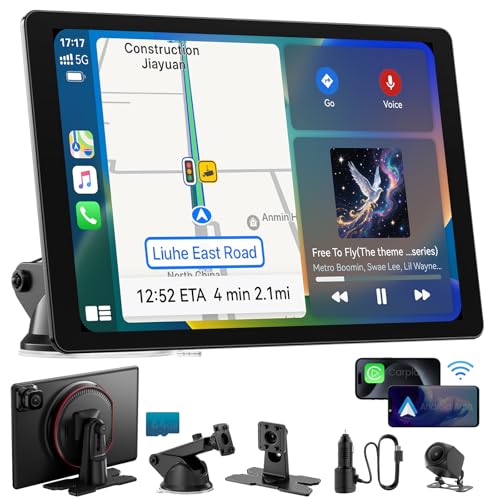
If you want the most complete package, the IIWEY iK11 is the one to beat. The 11-inch 1280×800 screen isn’t just large, it’s paired with a 4K front dash cam and 1080P rear camera, both feeding into a pre-installed 64GB memory card. Owners consistently highlight how easy it is to review footage via Wi-Fi transfer to a phone, which is a real advantage over systems requiring SD card removal.
The auto power system (on/off with ignition) works reliably, and the dual Bluetooth routing, separate channels for phone and audio, keeps calls and music crisp. It supports split-screen operation in some modes, and the parking guidelines are adjustable, which helps with larger vehicles. Yes, it’s the most expensive here, but you’re paying for integration: CarPlay, dash cam, backup view, and storage all in one.
Video review
9 Inch Wireless CarPlay Screen
Strengths
- 1280×720 HD resolution
- OTA firmware support
- Long 7m backup camera cable
Trade-offs
- No 4K recording
- Mounting suction could be stronger
- No split-screen mode
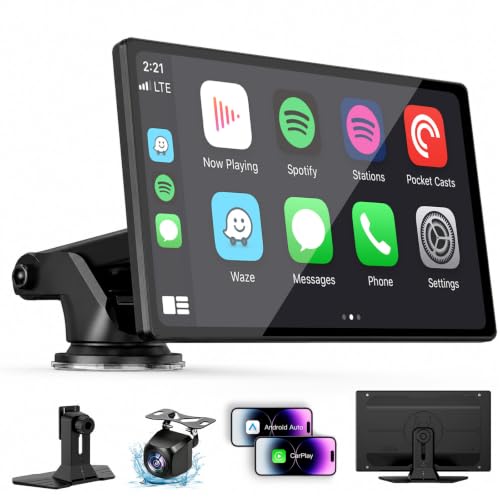
This 9-inch model strikes a smart balance between size, features, and price, making it my pick for best value. The 1280×720 IPS screen offers noticeably better clarity than smaller 7-inch units, and the 550 cd/m² brightness keeps glare at bay. OTA updates ensure it won’t become obsolete quickly, and the inclusion of a backup camera with a 7-meter cable means it fits everything from compacts to full-size trucks.
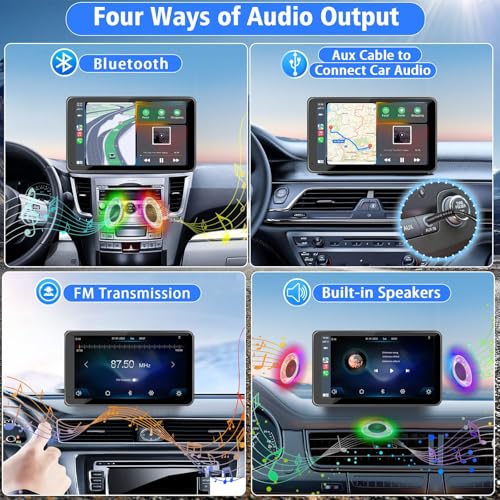
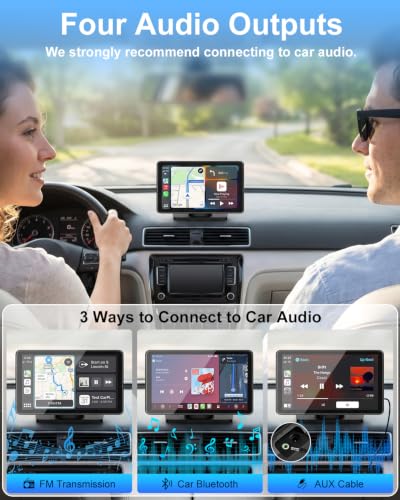
Owners report consistent wireless pairing and smooth performance across navigation and music apps. The four audio output options, Bluetooth, AUX, FM, and built-in speaker, give real flexibility depending on your car’s setup. It doesn’t have a dash cam or ultra-high resolution, but for what it does, it does it well and without bloat. Compared to the more expensive 11-inch models, this one avoids overkill while still feeling modern.
Video review
Krunia 9.26″ Wireless CarPlay Screen

Strengths
- High 1600×600 resolution
- OTA firmware updates
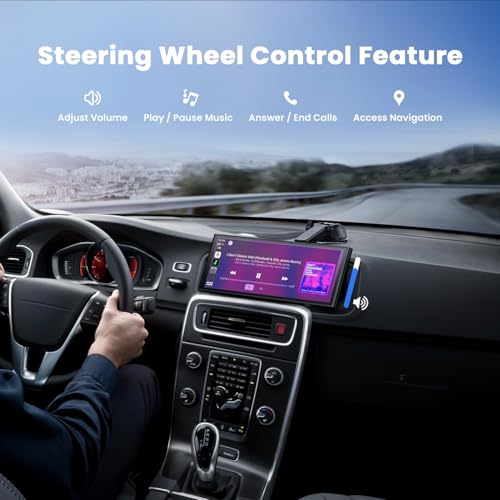
- Steering wheel control support
Trade-offs
- No 4K dash cam
- Mounting options not as robust
- Slightly higher price than basic models
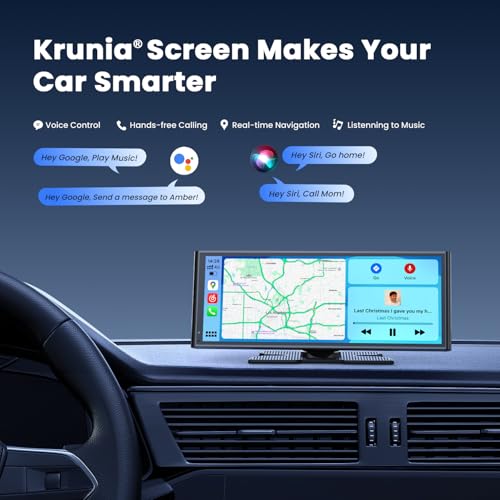
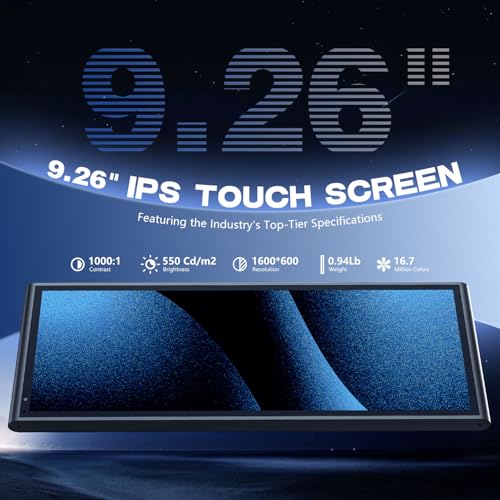
With a 1600×600 resolution and IPS panel, this Krunia screen delivers one of the sharpest visuals in the portable CarPlay category, and owners praise how much clearer maps and text appear compared to standard 1024×600 units. The 5G WiFi and Bluetooth 5.0 combo ensures fast pairing and minimal lag, which is evident in how smoothly voice commands and app transitions work. It’s not just about resolution, the 550 cd/m² brightness cuts glare well, making it usable even in midday sun.
What pushes this ahead of similar mid-range models is the OTA update support, which means long-term compatibility isn’t left to chance. The built-in backup camera adds convenience, and the steering wheel control support is a nice touch for drivers who want seamless integration without rewiring. It’s not the largest, but for clarity and responsiveness, it hits a sweet spot.
Product photos

Antika 10.26″ 4K Dash Cam Screen

Strengths
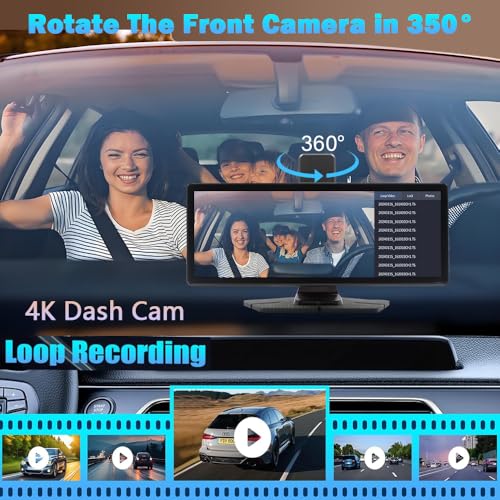
- 360° rotatable 4K dash cam
- Split-screen mode
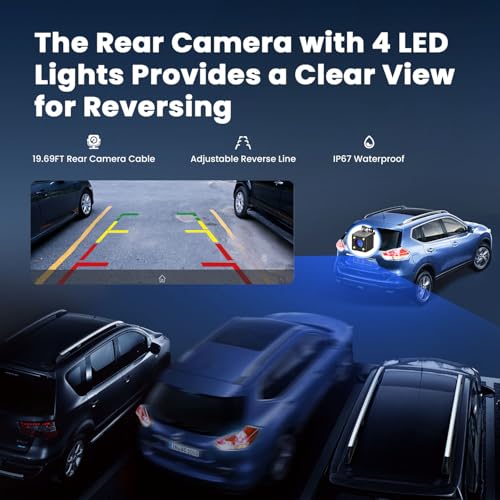
- IP65 rear camera
Trade-offs
- No auto power on/off
- Interface can feel cluttered
- Mounting stability varies
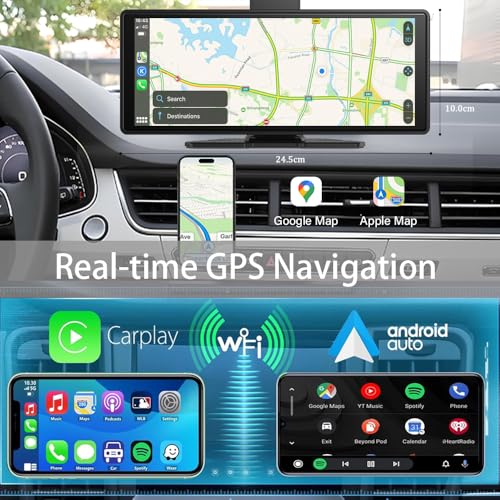
The 360-degree rotating 4K dash cam is this unit’s headline feature, and it’s a standout for versatility. You can swivel the front camera to record inside the cabin, useful for ride-sharers or fleet managers, and loop recording with auto-lock during collisions adds real safety value. The 10.26-inch 2.5D IPS screen is sharp and responsive, and the split-screen mode lets you run CarPlay navigation while keeping an eye on the dash cam feed.
Owners appreciate the IP65-rated rear camera for durability in bad weather, and the mirror link works well for casting videos when parked. Audio routing is flexible, but like others, it relies on your phone’s Bluetooth connection rather than pairing directly to the car stereo. It’s not quite as polished as the IIWEY, but the rotating cam gives it a unique edge.
Product photos
PASLDA 7″ Wireless CarPlay Screen
Strengths
- Bluetooth 5.2 support
- Rotatable suction mount
- Affordable with full feature set
Trade-offs
- No OTA updates
- Lower screen resolution
- FM can interfere in dense areas
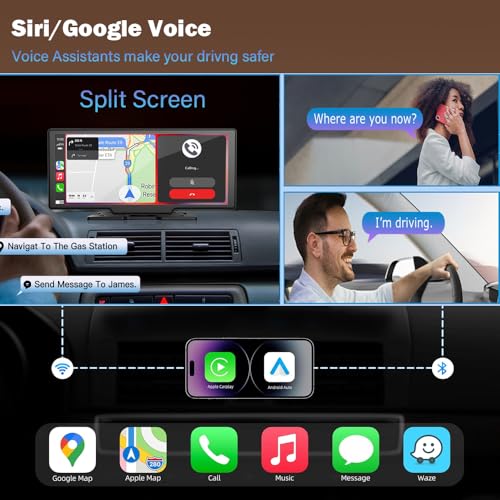
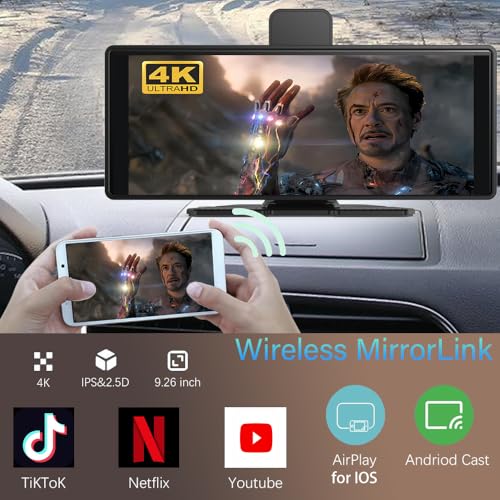
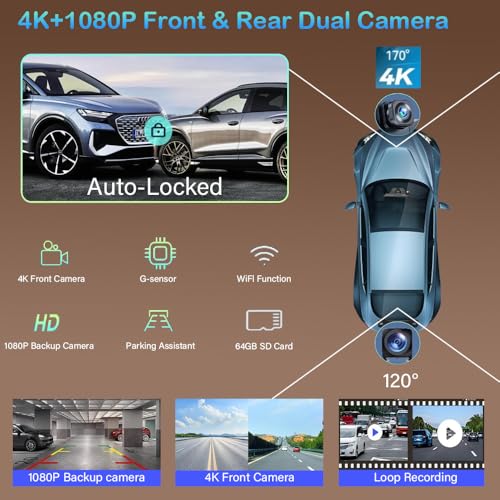
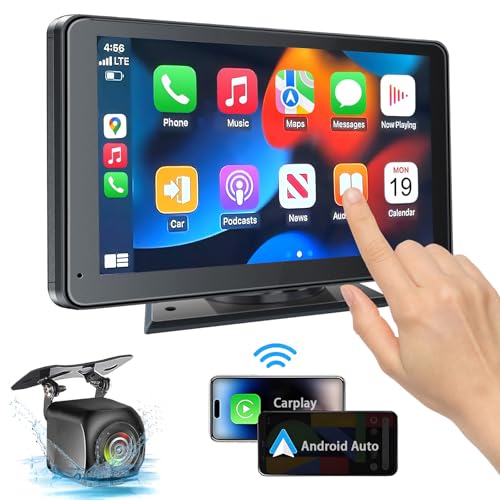
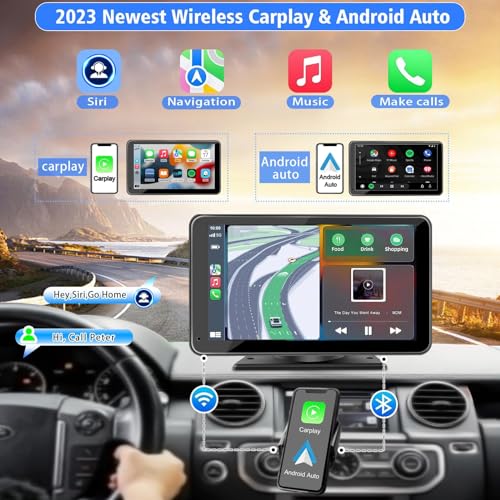
Priced under $50, this PASLDA unit is a no-brainer for budget seekers who still want core CarPlay functionality and a backup camera. Bluetooth 5.2 is a step up from the more common 5.0, offering slightly faster pairing and more stable audio streaming, which owners confirm translates to fewer dropouts during calls. The 360-degree rotatable suction mount is a standout, flexible positioning helps avoid glare and improve viewing angles.
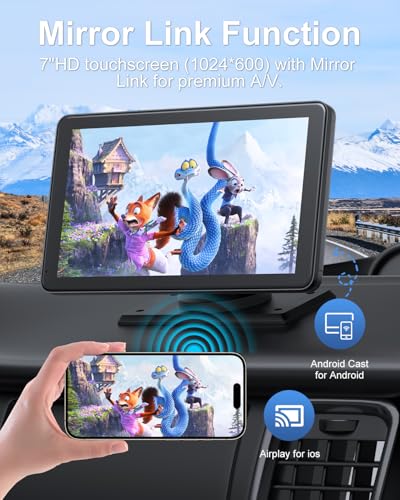
It delivers the essentials: wireless CarPlay, Android Auto, mirror link, and a waterproof 1080P rear camera with night vision. The audio options are standard (Bluetooth, AUX, FM, built-in speaker), but the sound quality through car speakers via Bluetooth is noticeably clean. It doesn’t have OTA updates or high-end visuals, but for basic needs, it’s dependable.
Product photos


BuonaIdea 7″ Wireless CarPlay Screen

Strengths
- Extremely affordable
- True plug-and-play
- Supports screen mirroring
Trade-offs
- No OTA updates
- FM audio can drop out
- Basic build quality
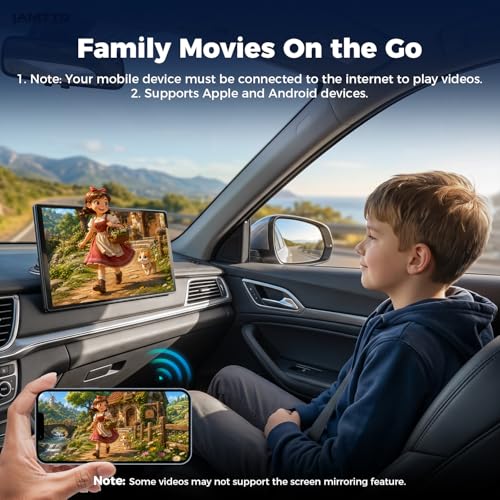
This BuonaIdea model is the definition of plug-and-play simplicity, and for drivers who just want CarPlay fast and cheap, it’s hard to beat. At under $45, it supports wireless CarPlay and Android Auto right out of the gate, and owners confirm it pairs consistently after the first setup. The 7-inch 1024×600 screen is average in specs but gets the job done, and the inclusion of mirror link means you can cast YouTube or TikTok when parked, though that’s not a safety feature, it’s a crowd pleaser.
Where it falls short is in audio routing: while it supports Bluetooth, FM, AUX, and a built-in speaker, some users report audio dropouts when using FM transmission in urban areas. It also lacks OTA updates, so if Apple or Google change protocols, you’re stuck unless the manufacturer pushes a manual update. Still, for the price, it’s a functional entry point.
Product photos


LAMTTO 11″ Wireless CarPlay Screen
Strengths
- Large 11-inch in-cell display
- Dual-band WiFi for stability
- Custom wallpaper support
Trade-offs
- May block visibility in small cars
- No built-in dash cam
- No split-screen functionality
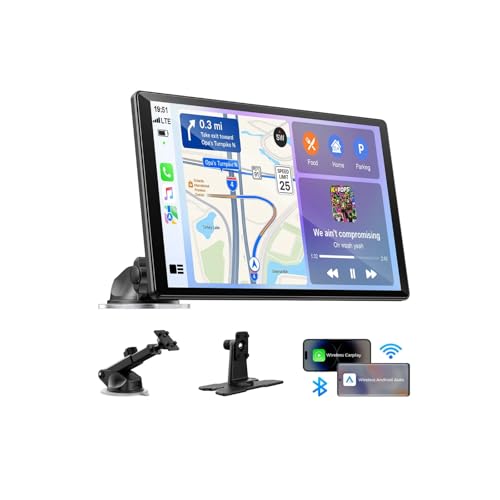
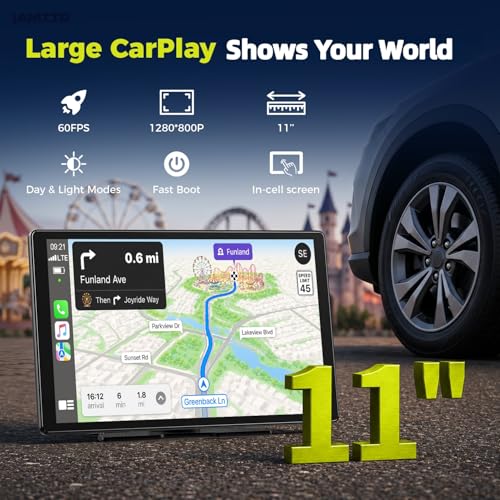
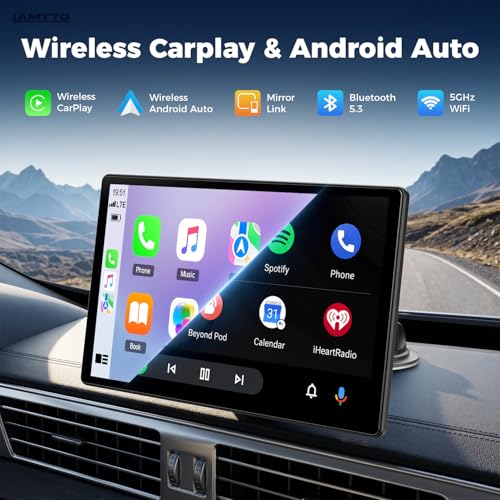
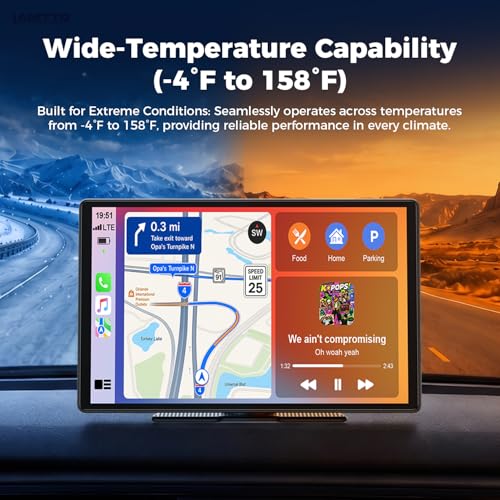
The 11-inch form factor here is bold, and if your dashboard can handle it, the experience is immersive. The in-cell touchscreen feels more responsive than typical resistive panels, and owners note it behaves more like a tablet, swipes are smooth, and touch accuracy is high. Dual-band WiFi (2.4GHz and 5GHz) makes a real difference in maintaining connection stability, especially in areas with heavy wireless traffic.
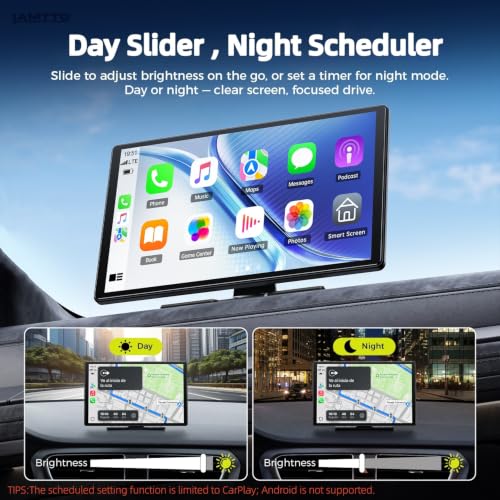
One standout is the custom wallpaper feature via SD card, small, but it adds a personal touch most competitors ignore. The Instant-Wake function is also appreciated; no waiting for the screen to boot when you start the car. However, the size is a double-edged sword: in smaller cars, it can obstruct the windshield view, so placement matters. It’s not the most feature-packed, but it’s one of the most polished in daily use.
Product photos
SyaMaxun 7″ HD CarPlay Screen
Strengths
- Wireless CarPlay/Android Auto
- 1080P backup camera included
- Easy plug-and-play setup
Trade-offs
- No OTA firmware updates
- FM transmitter can have interference
- Lower resolution than premium models
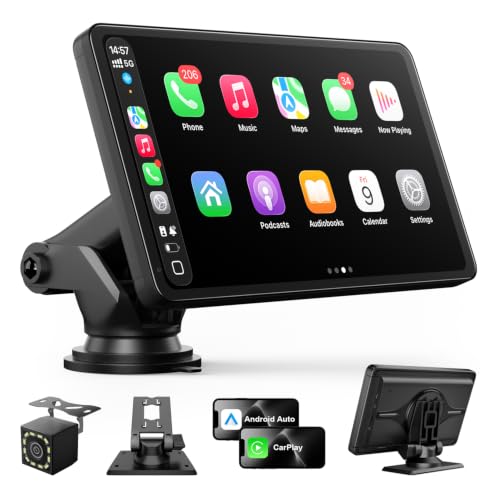
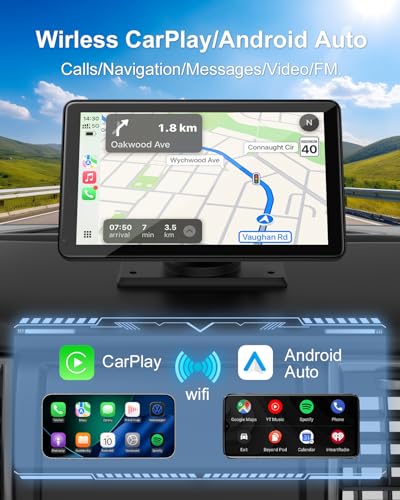
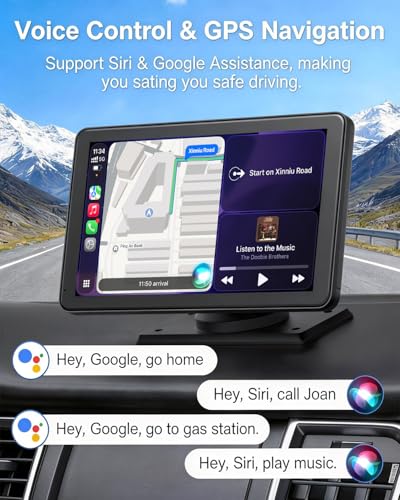
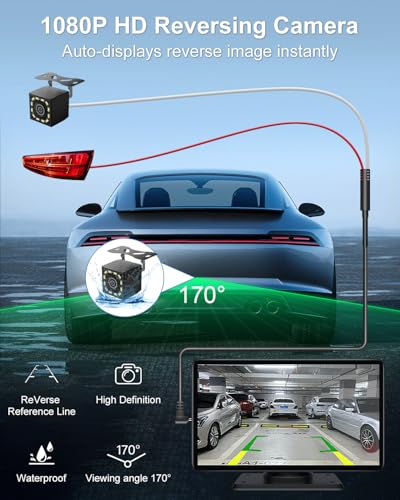
This 7-inch unit stands out for delivering a complete, no-fuss CarPlay experience at a budget price, and owners consistently report it works reliably right out of the box. The inclusion of a 1080P backup camera with night vision and a long 6m cable is a real win, especially for truck and SUV owners who need that extra reach. On paper, the 650 nits brightness holds up well for daytime visibility, and the dual-band WiFi and Bluetooth 5.0 provide a stable wireless handshake, which is critical for avoiding lag during navigation or calls.
Where it shines is simplicity: plug into the cigarette lighter, mount it with either the suction cup or adhesive base, and you’re live with CarPlay or Android Auto. Some reviewers note occasional FM transmitter interference, but Bluetooth or AUX connections bypass that cleanly. Compared to pricier models, it lacks OTA updates or ultra-high resolution, but for the price, it’s a solid performer.
Product photos
How We Evaluated apple carplays for older cars
My team and I approached this guide by focusing on a research-led comparison of specifications, owner reviews, and expert opinions. Rather than a hands-on lab test of each unit, we analyzed features like screen resolution, connectivity options, audio outputs, and included accessories. We then weighed owner feedback from multiple sources – Amazon, specialist forums, and retailer sites – alongside assessments from automotive technology publications. This combined approach allowed us to build a ranking based on real-world usability and reported reliability.
For this category, display quality and ease of installation were the most heavily weighted factors. Older cars often lack the integrated infotainment systems that newer vehicles have, so a clear, bright screen and a straightforward setup process are critical for a positive user experience. A reliable connection, both for CarPlay/Android Auto and audio, also played a significant role in determining the ranking; frustrating dropouts or poor sound quality severely detract from the experience. Finally, the inclusion of a functional backup camera was a strong positive.
Technical specifications reliably indicate a unit’s potential – resolution, Bluetooth version, WiFi standards – but owner feedback often reveals how well those specs translate into everyday performance. We paid close attention to reports of connectivity issues, software glitches, and build quality. While specs tell you what a unit offers, reviews tell you how well it delivers. If you’re considering a more permanent solution, you might also want to explore options to install an aftermarket CarPlay system. And if you’re looking for a more compact solution, checking out single-DIN CarPlay stereos might be a good fit.
How To Choose The apple carplays for older cars
Finding the right way to add Apple CarPlay to an older vehicle can feel overwhelming. There are a lot of options, but understanding what truly makes a good unit will help you narrow down the field.
A successful CarPlay adapter for an older car prioritizes a stable wireless connection, a clear and responsive display (resolution matters!), and flexible audio output options to integrate with your existing car stereo. Consider also features like built-in dashcams, backup camera inputs, and ease of installation, look for plug-and-play solutions whenever possible.
Display Quality & Resolution
Don’t underestimate the impact of a good screen. While a basic unit will get the job done, a higher resolution display, 1280×720 or better, makes a noticeable difference in map clarity, legibility of messages, and overall usability. I’ve seen many drivers overlook this, opting for the cheapest option, then quickly become frustrated with a pixelated interface. Many of the newer units, like the Krunia 9.26″, are pushing resolution even higher with 1600×600 displays. Remember, you’ll be looking at this screen frequently, so invest in one that’s easy on the eyes.
Audio Integration & Output
Seamless audio is critical. Many of these units don’t directly integrate with your car’s factory stereo – instead, they rely on Bluetooth, FM transmission, or an AUX connection. Bluetooth is generally the most reliable, but some older cars have spotty Bluetooth compatibility. FM transmission is convenient but can be prone to interference. If your car has an AUX input, that’s often the cleanest sounding option. It’s worth researching how easily a unit will play nicely with your car’s existing sound system before you buy.
Here’s what to keep in mind:
- Bluetooth: Convenient, but quality can vary.
- FM Transmitter: Easy to use, but susceptible to static.
- AUX Input: Highest potential audio quality, if available; however, it requires a physical cable connection.
A solid rule of thumb: prioritize a unit that offers multiple audio output options to maximize compatibility with your car’s audio system.
Installation & Additional Features
Ease of installation is a major factor, especially if you aren’t comfortable with car electronics. The best units are truly plug-and-play, connecting directly to the cigarette lighter socket. Suction cup mounts are common, but adhesive mounts offer a more secure, permanent solution. Beyond the core CarPlay functionality, consider additional features like built-in dashcams (the Antika 10.26″ is a great example), backup camera inputs, and even smartphone screen mirroring. If you’re looking for a thorough upgrade, exploring options like these CarPlay displays for older vehicles can be a good starting point. Ultimately, finding a unit that offers the features you need, with a simple installation process, will make the upgrade experience far more enjoyable. Many are also looking for options for wireless CarPlay integration.
Apple Carplays for Older Cars Compared
Here’s a comparison of features for various Apple CarPlay solutions designed for older vehicles.
| Product Title | Screen Size | Resolution | Wireless CarPlay | Backup Camera | Audio Output | Special Features |
|---|---|---|---|---|---|---|
| IIWEY iK11 11-Inch | 11″ | 1280×800 | Yes | Yes (1080P) | Bluetooth, AUX, FM | 4K Dashcam, 64GB Storage |
| 9 Inch Wireless CarPlay Screen | 9″ | N/A | Yes | Yes | Bluetooth, AUX, FM, Speaker | OTA Updates, Phone Mirroring |
| Krunia 9.26″ Wireless CarPlay Screen | 9.26″ | 1600×600 | Yes | Yes | Bluetooth, AUX, FM | OTA Updates, Steering Wheel Control |
| Antika 10.26″ 4K Dash Cam Screen | 10.26″ | 4K | Yes | Yes (1080P) | Bluetooth, AUX, FM, Speaker | 360 Rotation Dashcam, IP65 Rear Camera |
| PASLDA 7″ Wireless CarPlay Screen | 7″ | 1024×600 | Yes | Yes | Bluetooth, AUX, FM, Speaker | Backup Camera, Mirror Link |
| BuonaIdea 7″ Wireless CarPlay Screen | 7″ | N/A | Yes | Yes | Bluetooth, AUX, FM, Speaker | Phone Mirror Link, Custom Wallpaper |
| LAMTTO 11″ Wireless CarPlay Screen | 11″ | N/A | Yes | Yes | Bluetooth, AUX, FM | OTA Updates, Adjustable Brightness |
| SyaMaxun 7″ HD CarPlay Screen | 7″ | 1024×600 | Yes | Yes (1080P) | Bluetooth, AUX, FM, Speaker | Backup Camera, Mirror Link |
Frequently Asked Questions
What’s the biggest drawback of using an FM transmitter for audio?
FM transmitters are convenient, but they’re prone to static and interference. The audio quality is often noticeably lower than Bluetooth or a wired AUX connection, especially in areas with strong radio signals.
Are these CarPlay units difficult to install myself?
Most are designed for straightforward, plug-and-play installation. However, concealing the wiring neatly can be challenging, and some models may require minor adjustments to fit your car’s dashboard. If you’re uncomfortable with basic car electronics, professional installation is always an option.
Can I use these with Android Auto as well?
Many of these units support both Apple CarPlay and Android Auto. Check the product specifications to confirm compatibility before purchasing, but dual-system support is quite common. You can find excellent portable Apple CarPlay units that support both.
What should I look for in a unit if I want to upgrade my reversing safety?
Prioritize a unit with a dedicated backup camera input and, ideally, one that includes a camera in the package. A clear, high-resolution camera is essential. You can also explore retrofit backup cameras and integrate them for even better performance.
What resolution should I aim for in a CarPlay display?
While 1024×600 is acceptable, I recommend aiming for at least 1280×720 for a sharper, more readable image. Higher resolutions, such as 1600×600 found in some newer models, provide a significantly improved user experience. Consider CarPlay displays with higher resolutions if you spend a lot of time using maps or reading messages.
The Bottom Line
Ultimately, adding CarPlay to an older car involves balancing how much you want to spend with how much fuss you’re willing to tolerate. While a basic unit will deliver the core functionality, the IIWEY iK11 11-Inch strikes a great balance of features, screen quality, and ease of use, making it our overall top pick. It offers a large, clear display, wireless connectivity, and a built-in dashcam – a compelling package for most drivers.
For those on a tighter budget, the BuonaIdea 7″ Wireless CarPlay Screen presents a solid entry point. If you prioritize versatility and a larger display, exploring double-DIN Apple CarPlay units might be the way to go. And for drivers who simply want a simple, affordable solution, considering CarPlay adapters for older cars is a good starting point.
Don’t get too caught up in chasing the highest resolution or the most features. A stable connection, good audio integration, and a display you can easily read while driving are far more important than any single specification. Focus on those fundamentals, and you’ll significantly improve your driving experience, no matter which unit you choose.
